dsh-ivory
Run the following command in DeepSeek Harness:
dsh plugin install ZJUZhiyuCai/dsh-ivory
Paste the following prompt into your AI chat to install this plugin:
To install this plugin in DeepSeek Harness, run the installation command. Source: https://github.com/ZJUZhiyuCai/dsh-ivory
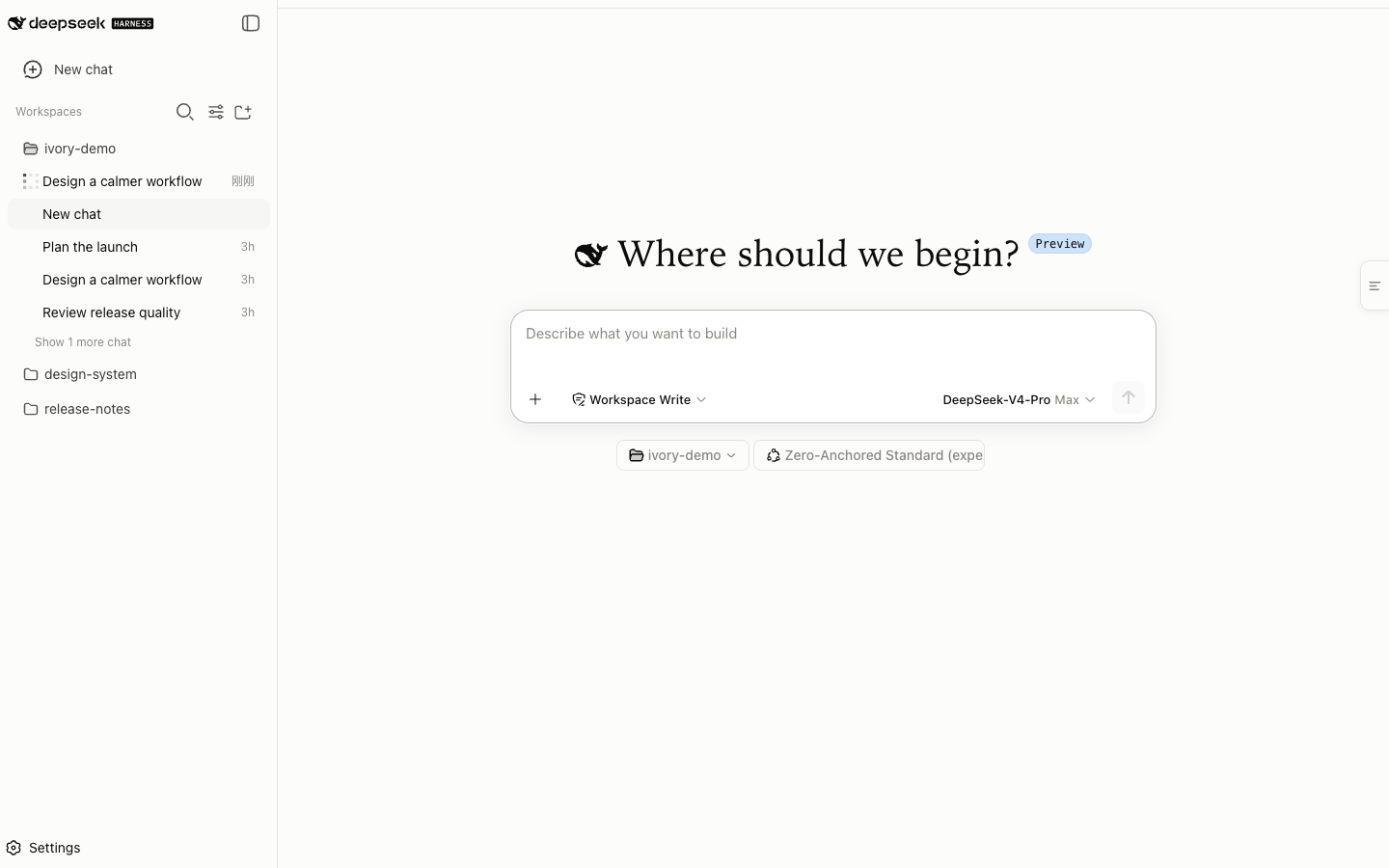
About this plugin
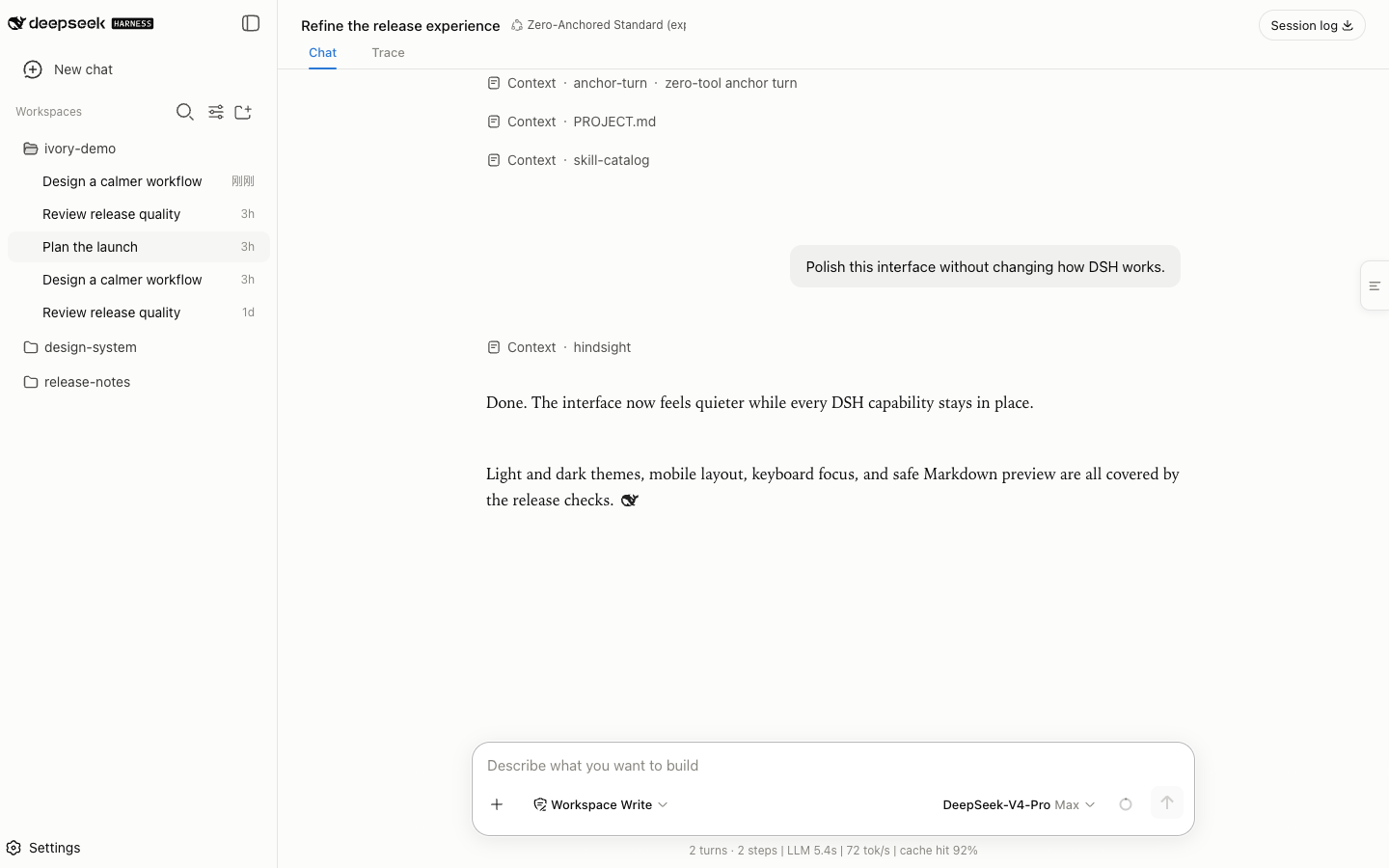
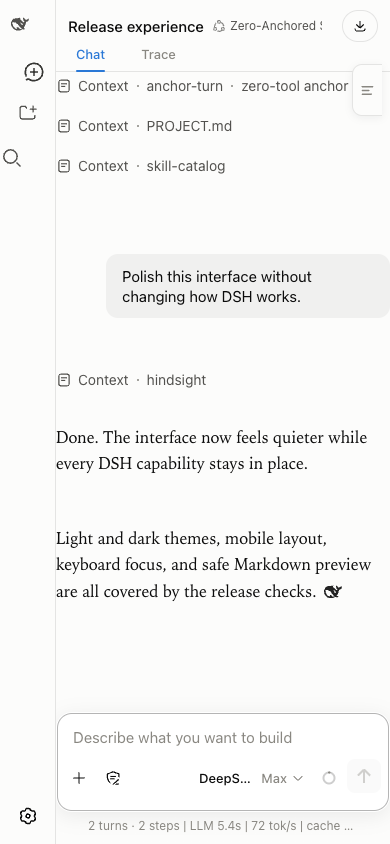
The default DeepSeek Harness interface can feel cold and visually taxing when reading long conversations. Ivory aims to bring a sense of warmth and tranquility to this experience. This plugin replaces traditional cold grays with warm neutrals and employs editorial typography to enhance readability. It offers independent controls for prose and code blocks, supports light and dark modes, and features a fully responsive layout with robust accessibility standards. Whether you are quickly checking details on a narrow mobile window or deeply reading on a wide desktop monitor, Ivory maintains a smooth and comfortable conversation flow. As a purely browser-based plugin, it guarantees zero telemetry and zero network requests, making it perfect for developers and users who prioritize reading comfort and privacy.
Screenshots
Use Cases
- Reading long texts late at night
- Switching between phone and desktop for viewing
- Pursuing a clean, ad-free reading interface
Best For
- AI users seeking comfortable reading experience
- Privacy-focused developers who don't want plugins connecting to the network
- Browser users who prefer warm interface tones
Related Plugins

whale-girl is a desktop pet in the DSH Web GUI (bottom-right for instant companionship) — draggable, feedable, playable; completed tasks, sessions and companionship time accrue into seniority levels, titles, and memories.

A WebGPU ocean skin for DeepSeek Harness with five-wave Gerstner waves, translucent theme, day/night cycle, and quick controls, installable as plugin or extension.

A Galgame-style conversation view and visual scene editor for DSH web sessions, with a real-time editing mode.

A native skinning plugin for DeepSeek Harness: 8 designer themes, wallpapers, accent colors, and shareable theme packs, built purely on design tokens.