claude2dsh
Run the following command in DeepSeek Harness:
dsh plugin install kirkchinese/claude2dsh
Paste the following prompt into your AI chat to install this plugin:
Run the installation command in DeepSeek Harness to get the plugin, source code is at https://github.com/kirkchinese/claude2dsh.
About this plugin
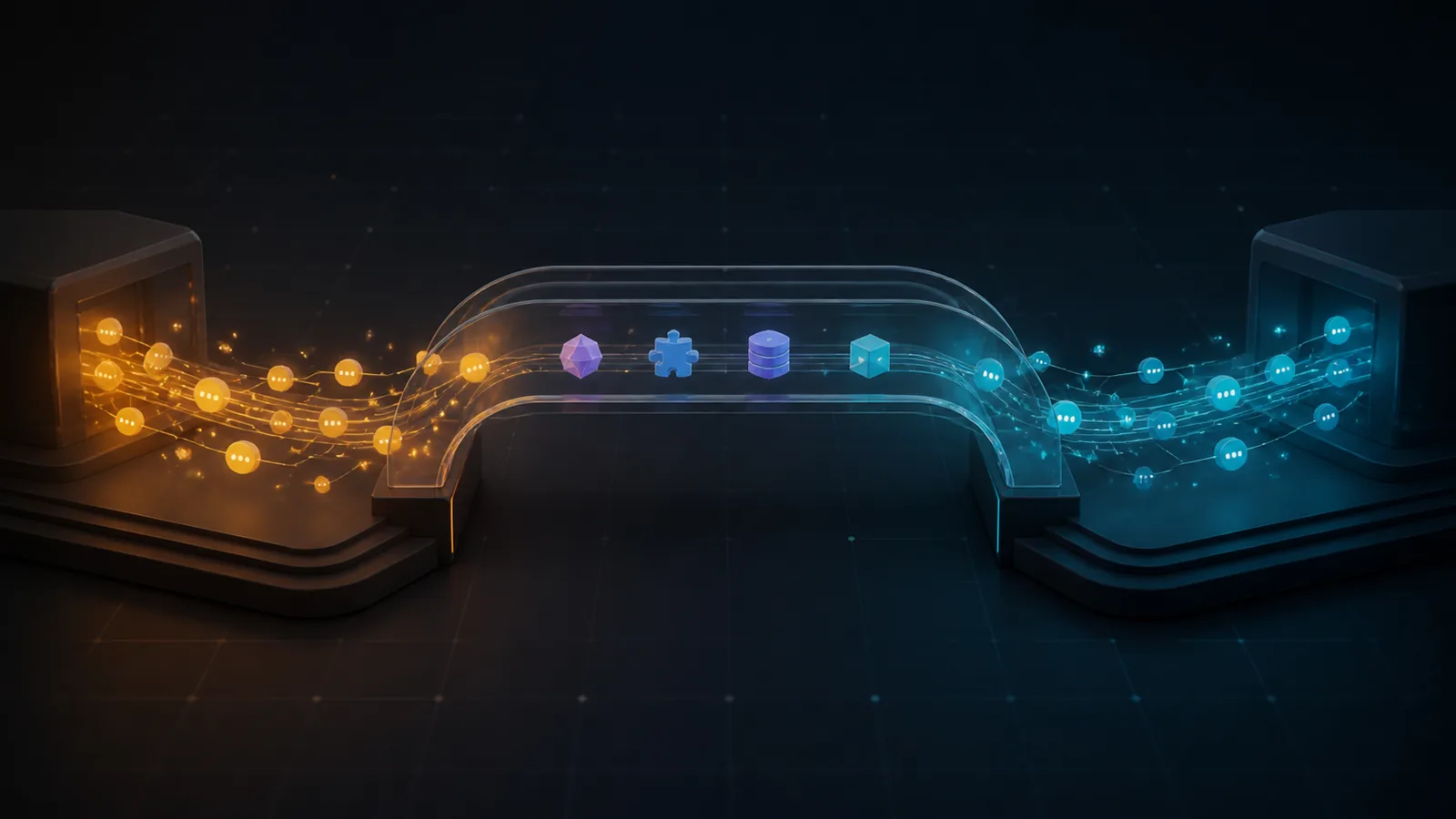
Claude2DSH bridges the gap between Claude Code and DeepSeek Harness by preserving critical assets such as conversation history, skills, project memory, and tool outputs during migration. It transforms Claude sessions into DSH-native events, ensuring that your workflow context remains intact and recoverable. Designed for developers and power users seeking a zero-configuration transition, the plugin prioritizes safety with a read-only source default and a preview mode, allowing you to inspect and verify the migration plan before committing any data to DSH.
Screenshots
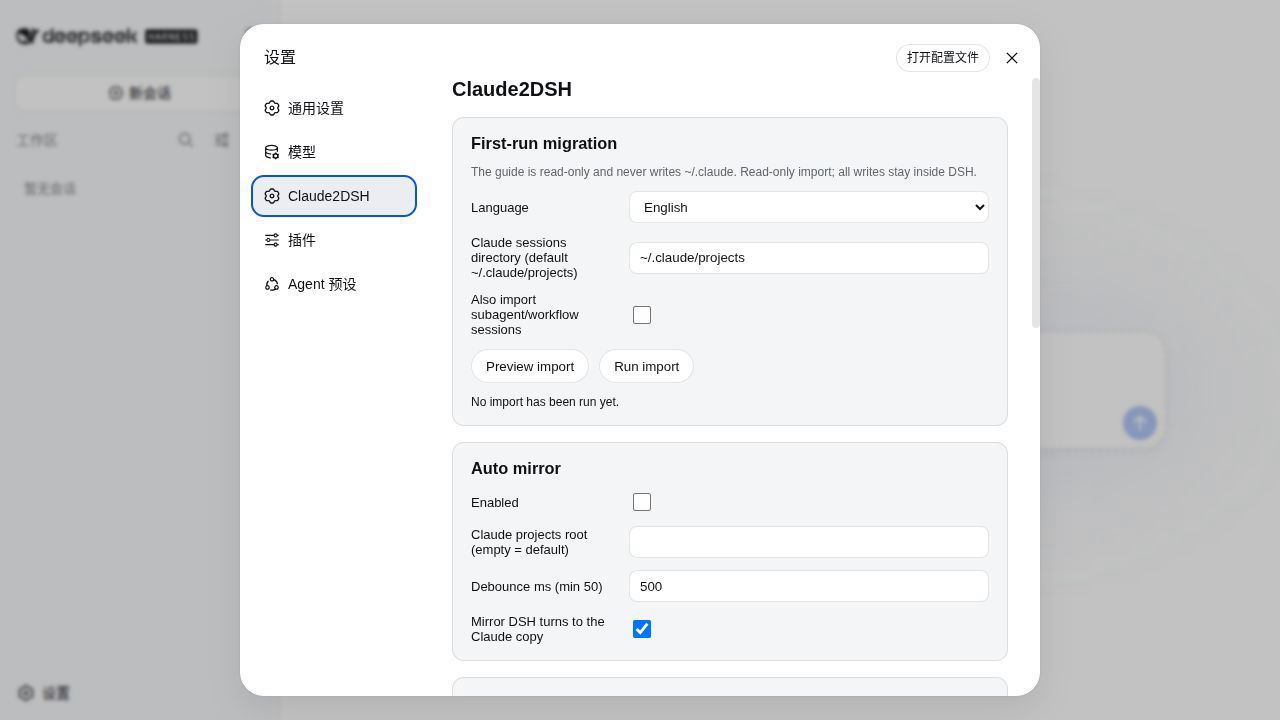
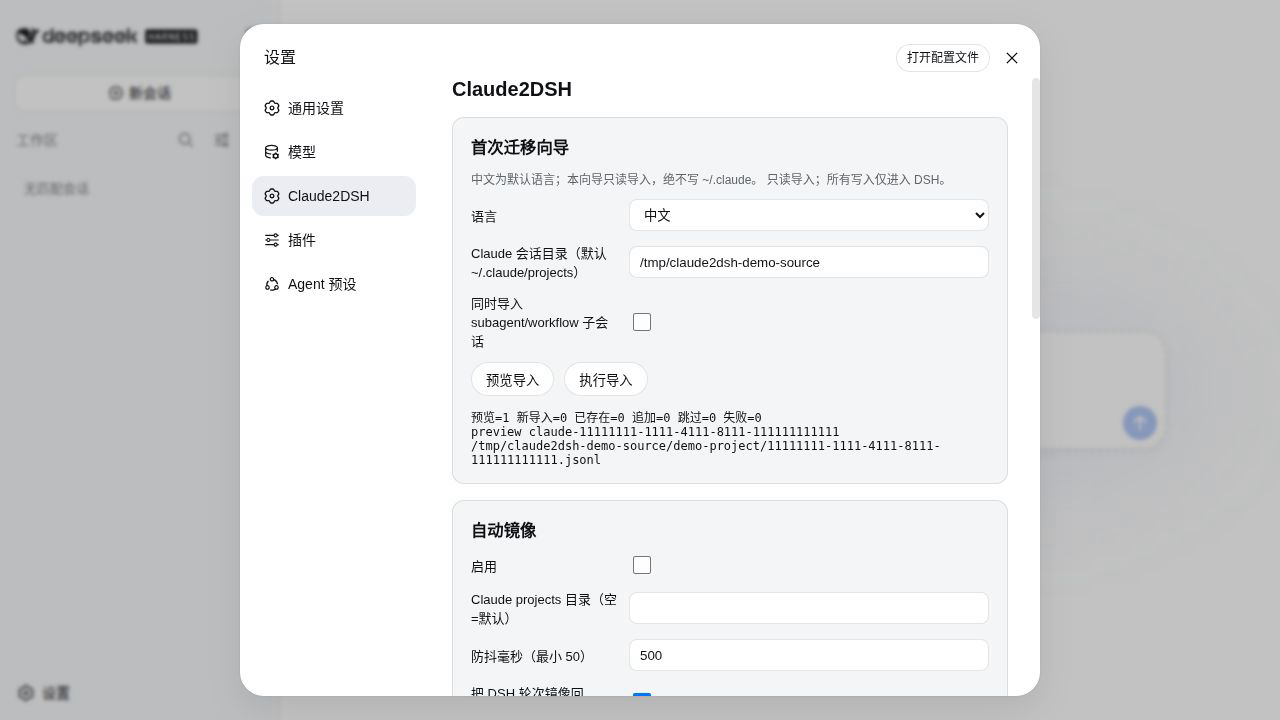
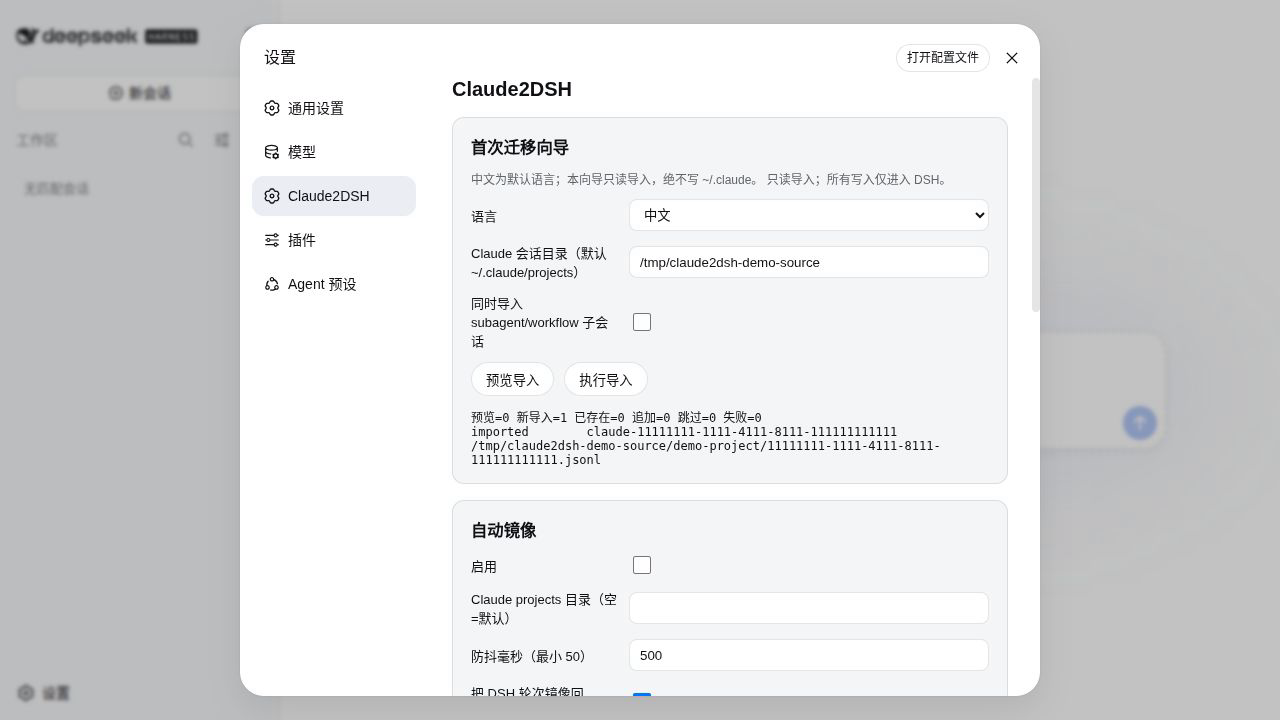
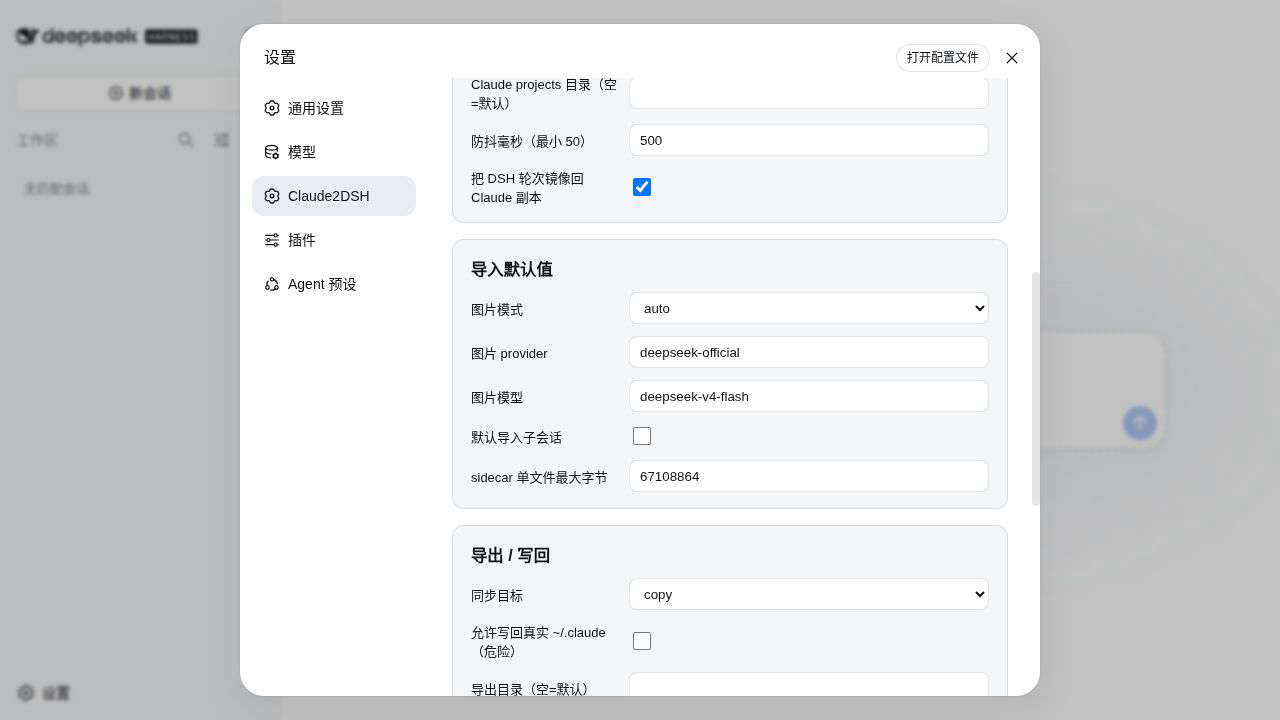
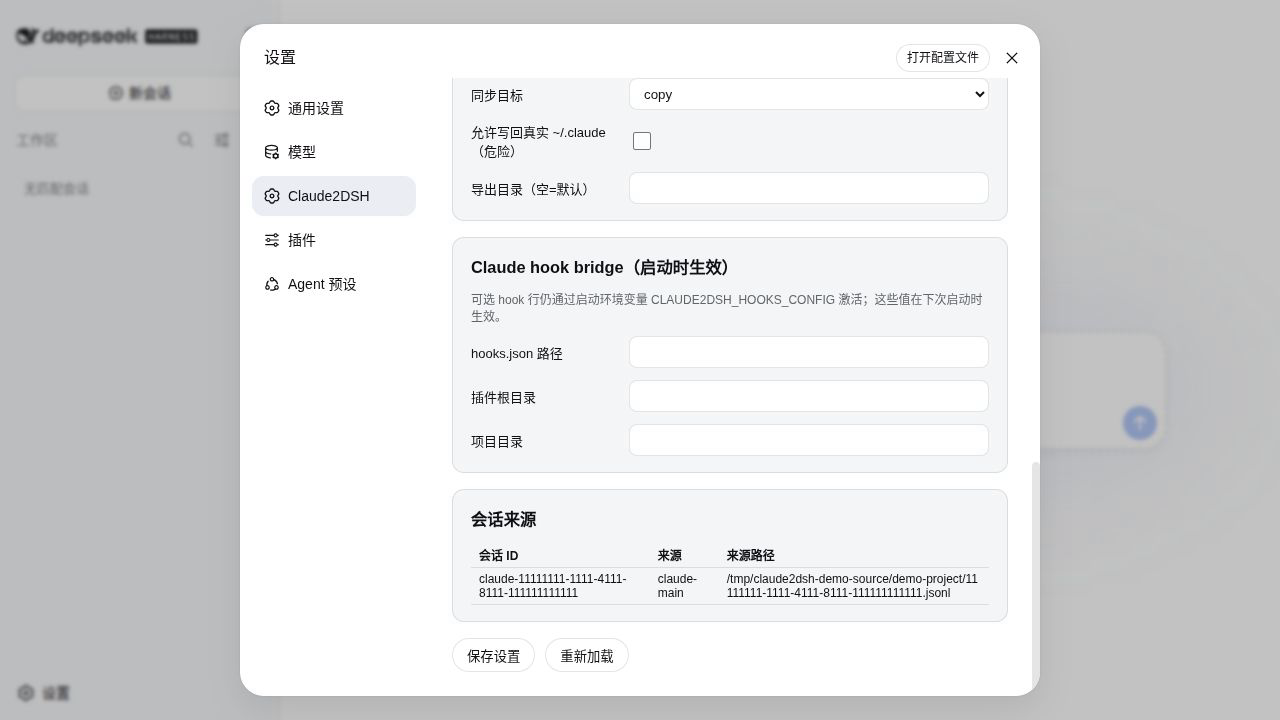
Use Cases
- Import Claude Code conversation history into DeepSeek Harness.
- Sync conversation progress between two AI tools.
- Export DeepSeek Harness sessions to continue work in Claude Code.
Best For
- Developers using DeepSeek Harness.
- Multi-tool users migrating workflows from Claude Code.
- Users needing to manage conversation context and memory.
Related Plugins
A service-oriented sidebar framework for DSH, offering a full workbench with file explorer, embedded browser, real terminal, Git panel, and extensible plugin services.

A beautiful, practical Claude Code-style TUI plugin with pixel whale top bar, flowing glow title, real-time status line, streaming thought expansion, time rewind, context progress bar and TPS gauge — zero core changes.

The plugin market for DeepSeek Harness: browse/search/one-click install community plugins and themes, with updates, backup/restore, hot disable, diagnostics, and AI fix.

A persistent whale widget on the DSH web UI that shows DeepSeek balance, today's usage, and per-turn cost, with drag-and-snap and sound effects.