dsh-focus-overlay
Run the following command in DeepSeek Harness:
dsh plugin install boogoo619/dsh-focus-overlay
Paste the following prompt into your AI chat to install this plugin:
To install this plugin in DeepSeek Harness, run dsh plugin install boogoo619/dsh-focus-overlay. The source code is at https://github.com/boogoo619/dsh-focus-overlay.
About this plugin
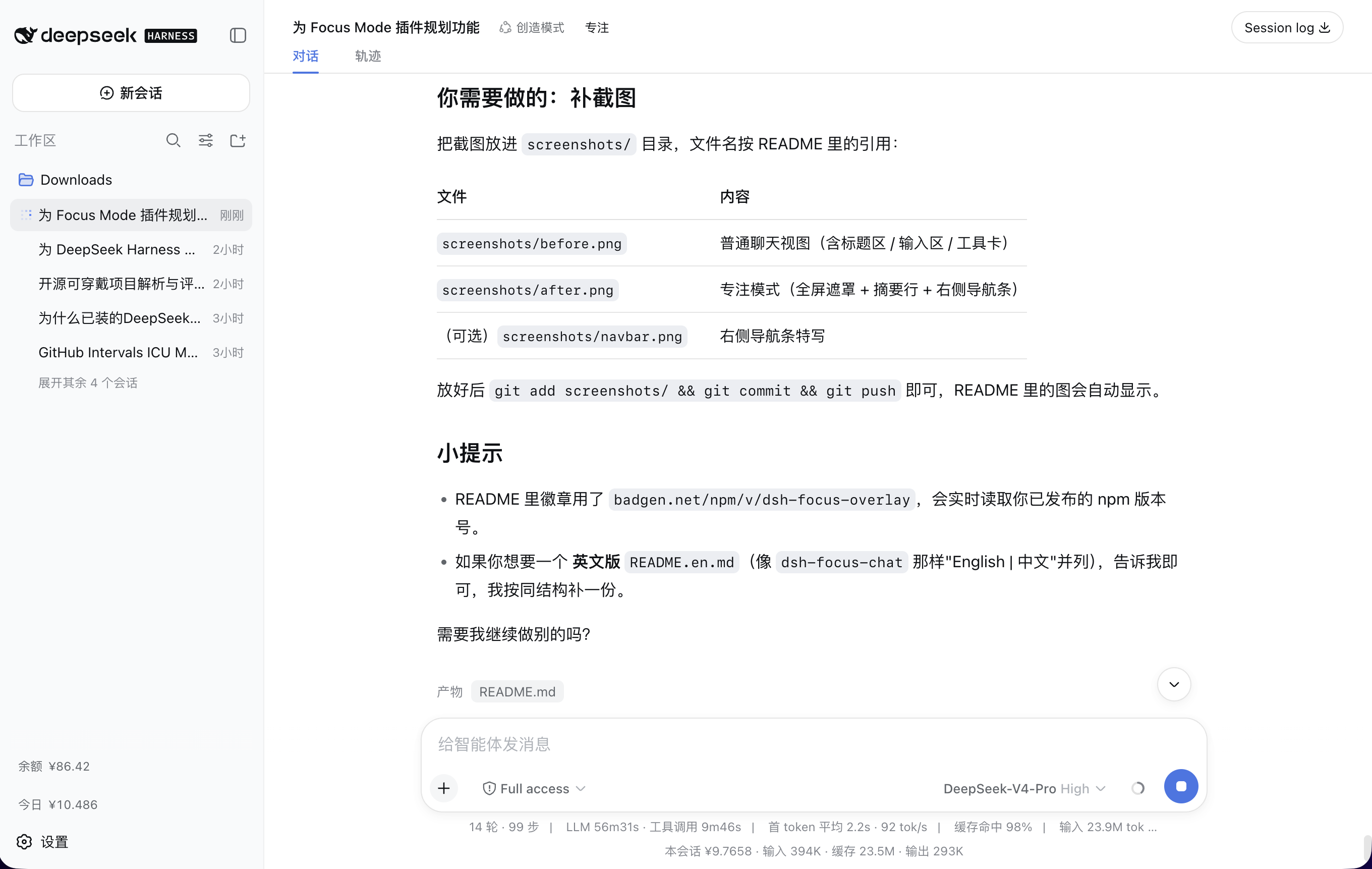
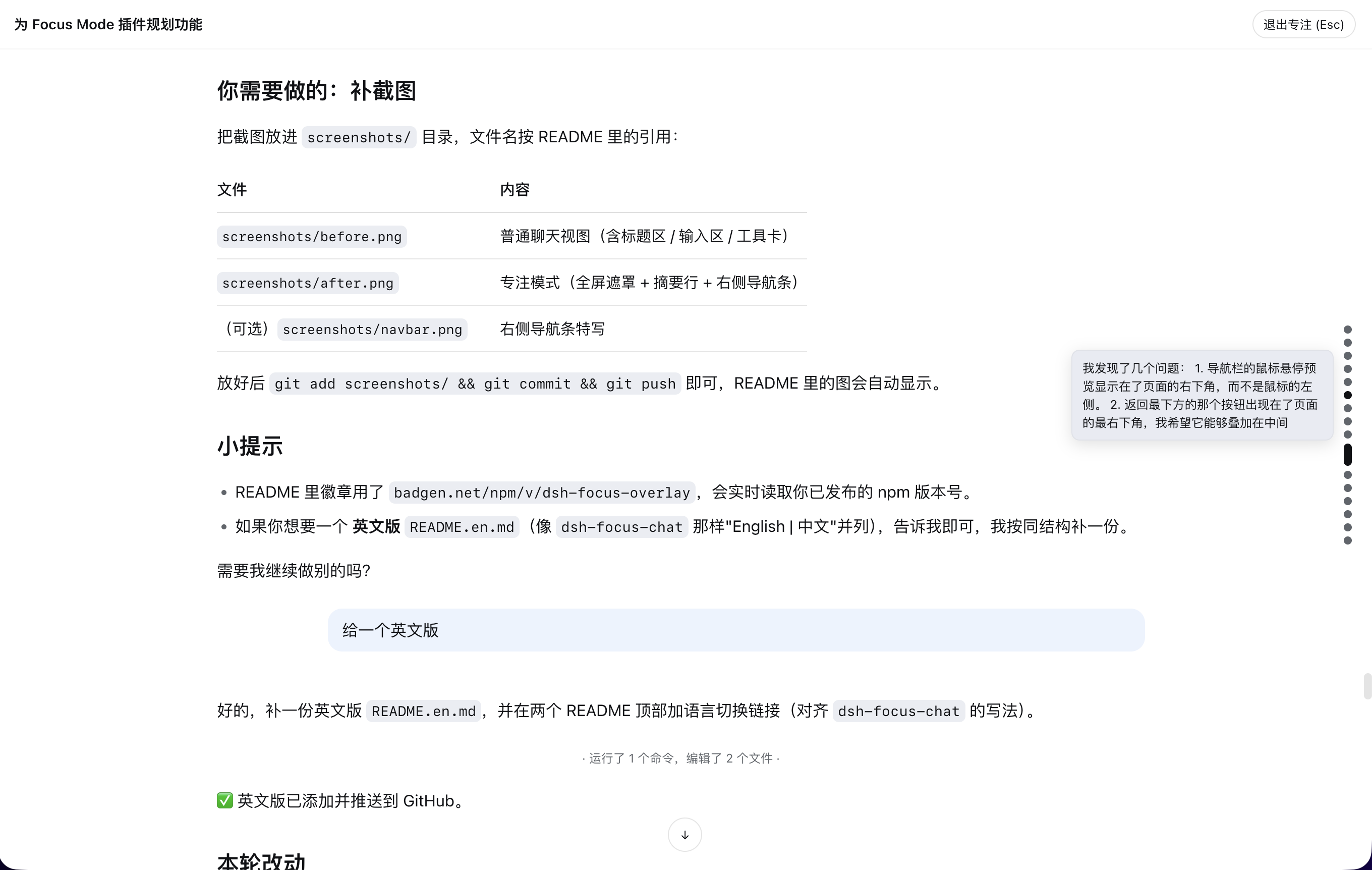
When using DeepSeek Harness for complex tasks, chat interfaces often get cluttered with tool calls, persistent input bars, and header areas, which easily interrupt reading flow and make it hard to stay immersed in the conversation with AI. dsh-focus-overlay is designed to solve this by transforming the interface into an immersive full-screen focus mode with a single click.
The plugin's core capability lies in "minimalism" and "preservation." It automatically hides the header and input areas, leaving only a narrow top navigation, and folds long tool calls (such as code execution, file editing) into a single-line summary, thereby maximizing vertical space for the conversation itself. Meanwhile, it strictly reuses official rendering primitives, ensuring that text and images display exactly 1:1 with the standard chat view, making it both beautiful and highly compatible.
This plugin is ideal for users who need to read long replies, perform code reviews, or handle multi-turn conversations. Whether you want more display space on a mobile screen or want to enter deep flow on a desktop, it offers a smooth experience. Paired with automatic positioning, the right-side navigation bar, and the F-key shortcut, you can control your reading pace anytime and anywhere, truly achieving "seeing only the conversation, ignoring the rest."
Screenshots
Use Cases
- Remove distractions during long code reviews
- Maximize content display on small screens
- Deep read long AI-generated replies
Best For
- Users needing extended focus time
- Developers working on small screens or mobile devices
- People seeking to simplify their chat interface
Related Plugins
A service-oriented sidebar framework for DSH, offering a full workbench with file explorer, embedded browser, real terminal, Git panel, and extensible plugin services.

A beautiful, practical Claude Code-style TUI plugin with pixel whale top bar, flowing glow title, real-time status line, streaming thought expansion, time rewind, context progress bar and TPS gauge — zero core changes.

The plugin market for DeepSeek Harness: browse/search/one-click install community plugins and themes, with updates, backup/restore, hot disable, diagnostics, and AI fix.

A persistent whale widget on the DSH web UI that shows DeepSeek balance, today's usage, and per-turn cost, with drag-and-snap and sound effects.