
dsh-mobile-web-remote
Run the following command in DeepSeek Harness:
dsh plugin install SnowfallC/dsh-mobile-web-remote
Paste the following prompt into your AI chat to install this plugin:
To install this plugin in DeepSeek Harness, please visit https://github.com/SnowfallC/dsh-mobile-web-remote.
About this plugin
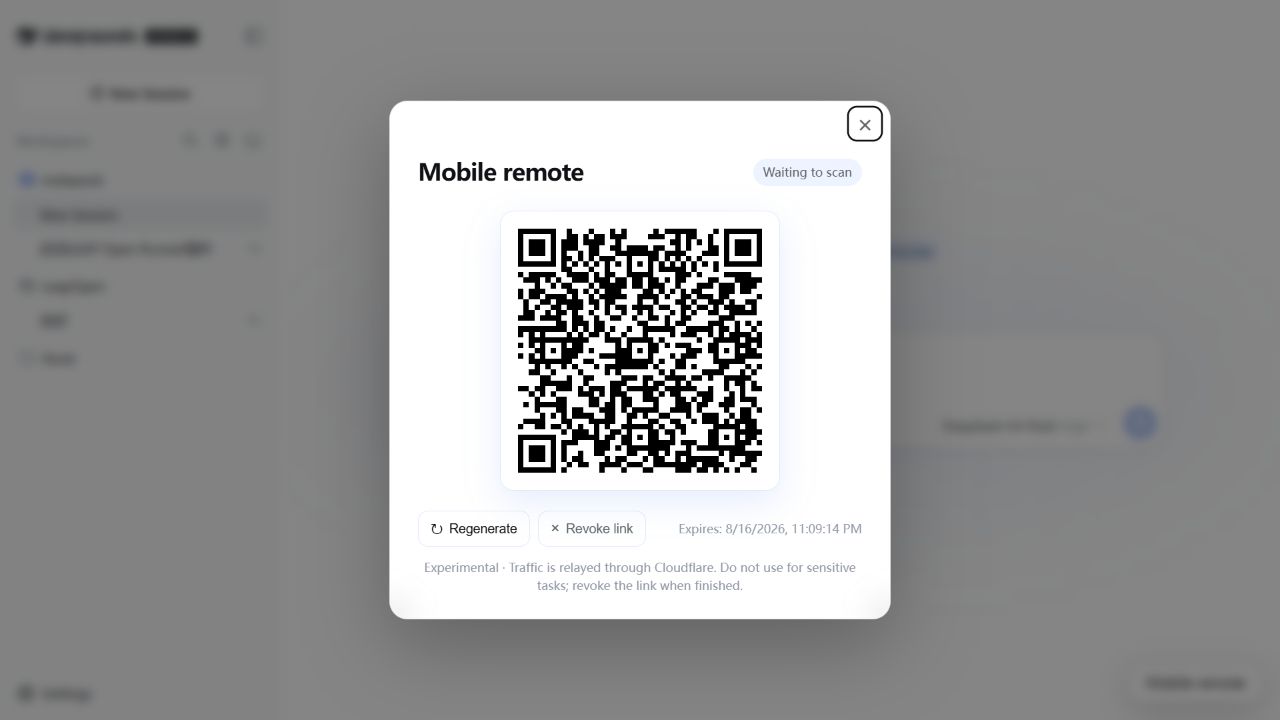
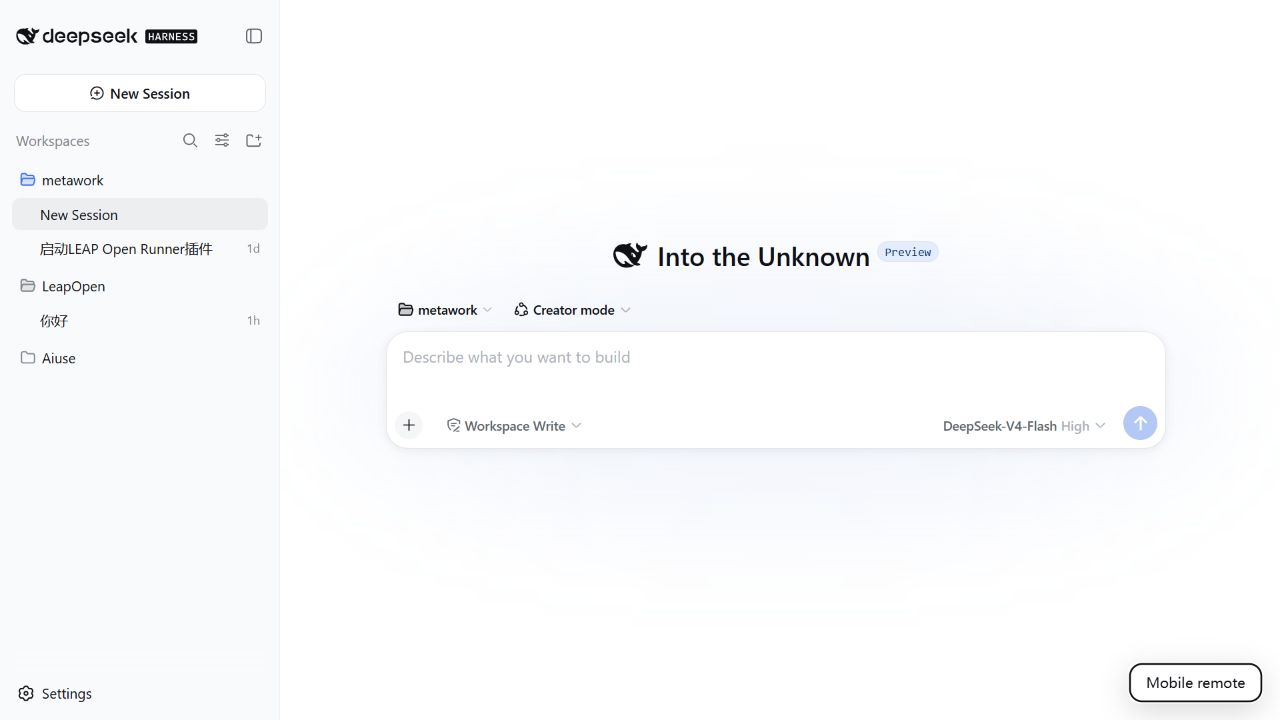
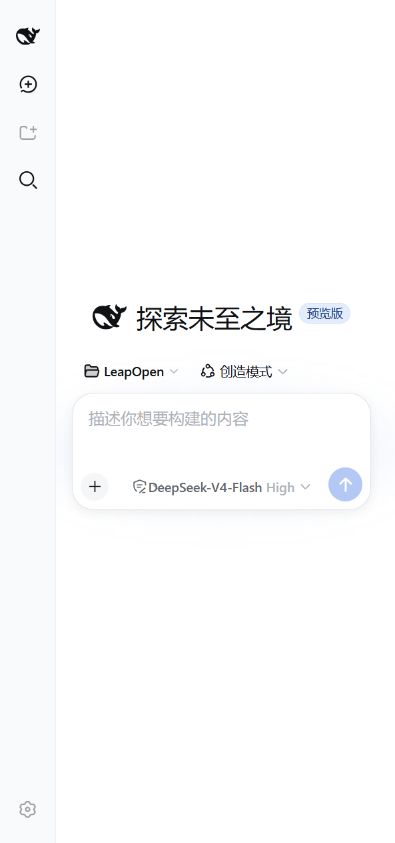
When using the DeepSeek Harness (DSH) Web interface and wanting to continue sessions on mobile without installing a native app or setting up complex server environments, DSH Mobile Web Remote offers an elegant solution. It seamlessly bridges your local setup with Cloudflare Quick Tunnel, allowing you to access the full DSH native interface on your phone simply by scanning a QR code from your computer—no public IP or domain setup required.
A core strength of this plugin is its ability to replicate the official DSH Web experience directly in your mobile browser. Instead of creating a separate mobile client, it delivers the existing application through a protected authentication boundary. This ensures you get a consistent experience across devices, including theme and language synchronization, while maintaining security through one-time pairing tokens and HttpOnly cookies.
It is ideal for users who need quick, on-the-go access to their workspaces without the overhead of server management. However, please note that this is an experimental feature; due to Cloudflare's relay and temporary domain nature, it is not suitable for handling sensitive data like API keys. It serves best as a convenient tool for temporary sessions that can be safely revoked immediately after use.
Screenshots
Use Cases
- Check DeepSeek session status on mobile without installing extra apps.
- Quickly view workspace execution results before leaving the desk.
- Preview the Web interface on mobile during demos or debugging.
Best For
- Web programmers who need remote access to DeepSeek Harness.
- Users accustomed to desktop usage who need to temporarily switch to mobile.
- Geeks who don't want to configure public IPs or VPSs.
Related Plugins
A service-oriented sidebar framework for DSH, offering a full workbench with file explorer, embedded browser, real terminal, Git panel, and extensible plugin services.

A beautiful, practical Claude Code-style TUI plugin with pixel whale top bar, flowing glow title, real-time status line, streaming thought expansion, time rewind, context progress bar and TPS gauge — zero core changes.

The plugin market for DeepSeek Harness: browse/search/one-click install community plugins and themes, with updates, backup/restore, hot disable, diagnostics, and AI fix.

A persistent whale widget on the DSH web UI that shows DeepSeek balance, today's usage, and per-turn cost, with drag-and-snap and sound effects.