dsh_center-column-shift
Run the following command in DeepSeek Harness:
dsh plugin install xiaozhengdeng/dsh_center-column-shift
Paste the following prompt into your AI chat to install this plugin:
To install the Center Column Shift plugin in DeepSeek Harness, run the command dsh plugin install xiaozhengdeng/dsh_center-column-shift; the plugin source code is located at https://github.com/xiaozhengdeng/dsh_center-column-shift.
About this plugin
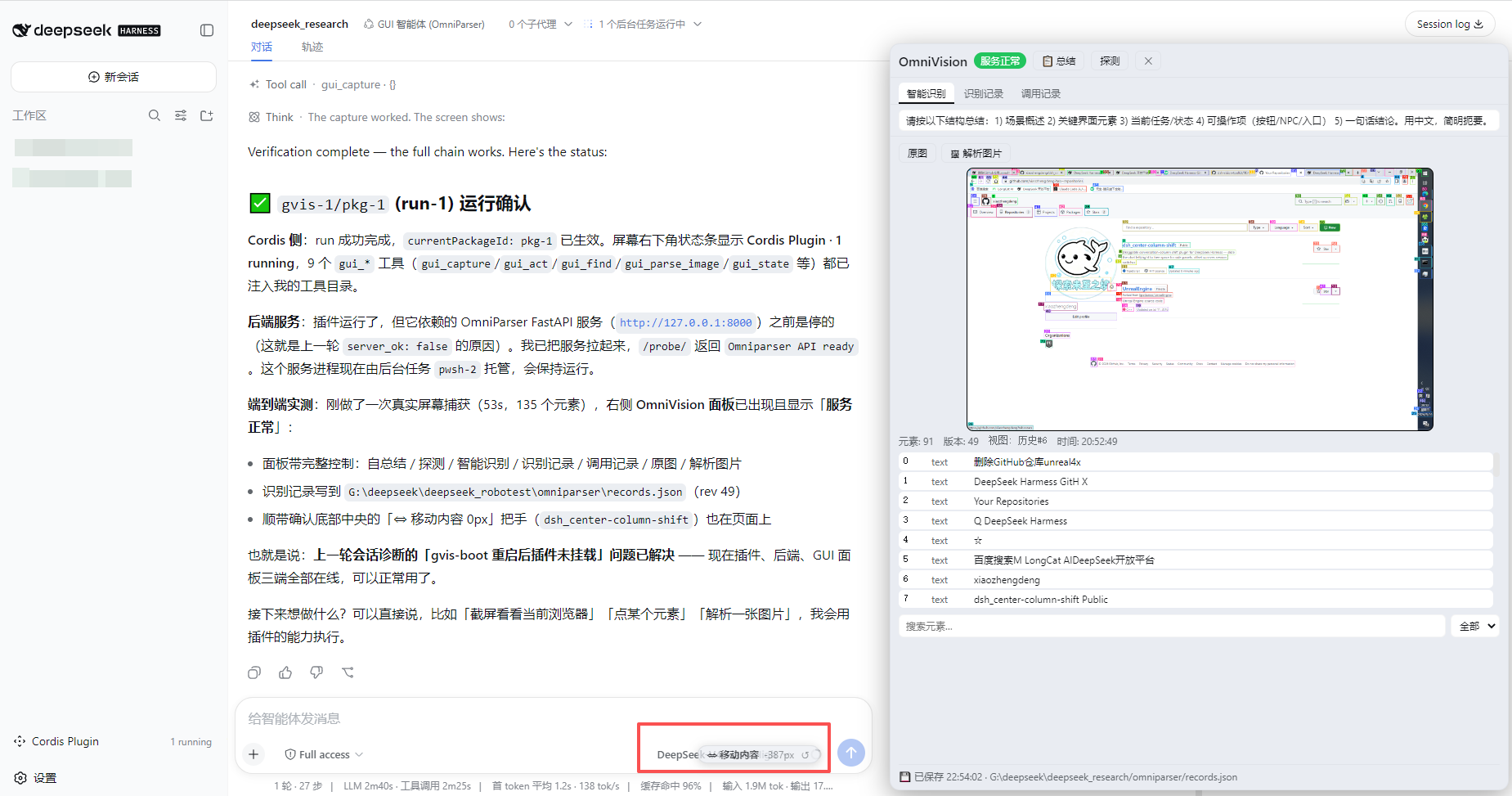
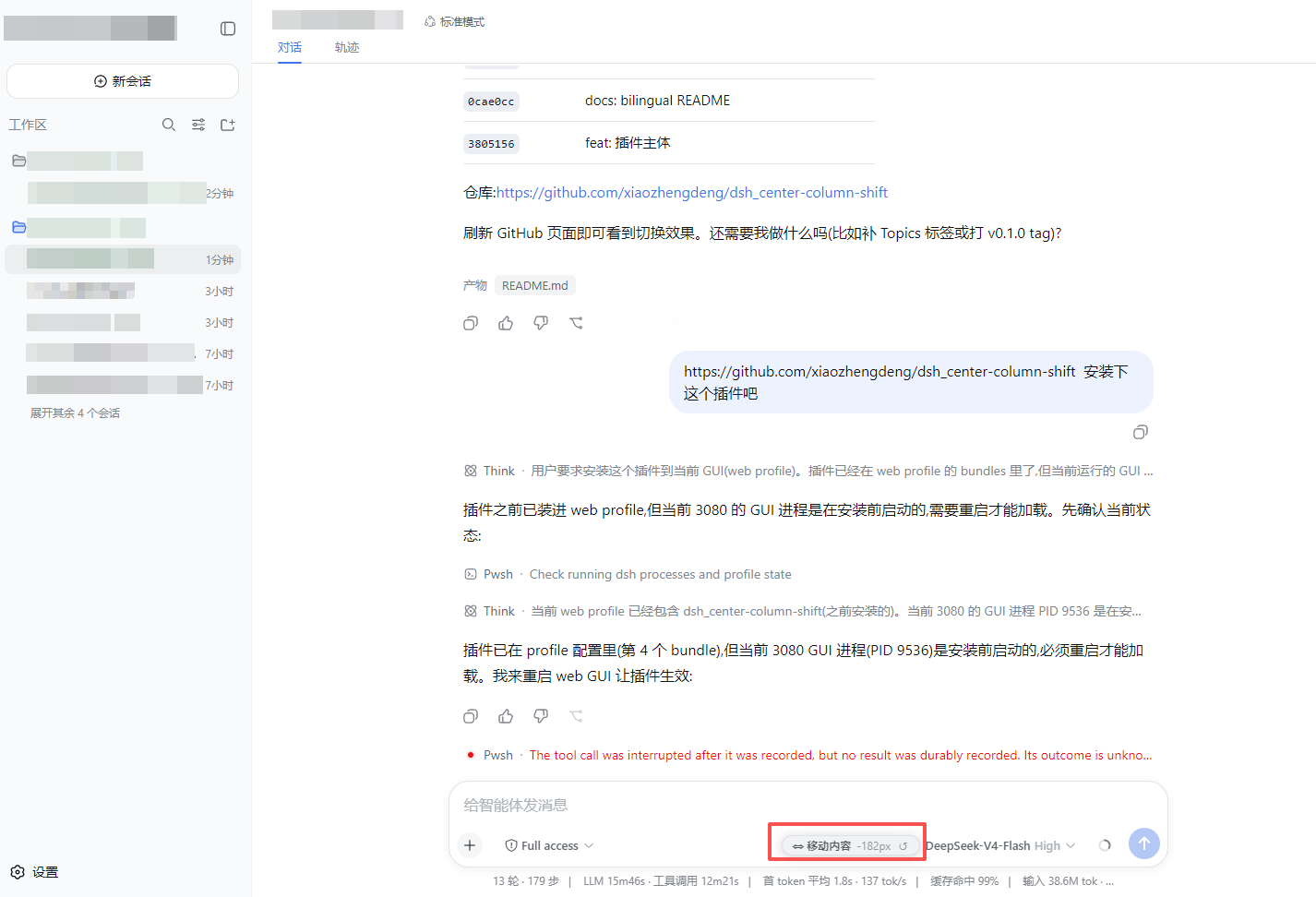
DeepSeek Harness's three-column layout, while structurally clear, often leaves right-side plugin content feeling cramped. When using plugins like AgentTeams or OmniParser, they are forced to share width with the chat column, causing panels to be squeezed or even partially hidden, preventing the display of complete information.
Screenshots
Use Cases
- Need to view both chat history and right-side plugin details simultaneously.
- Right-side plugin panels are squeezed, causing incomplete display.
- Customizing the DeepSeek Harness layout to improve work efficiency.
Best For
- DeepSeek users frequently using right-side tool panels.
- Professionals needing fine control over the interface layout for their workflow.
- Developers wanting to maximize plugin display space.
Related Plugins
A service-oriented sidebar framework for DSH, offering a full workbench with file explorer, embedded browser, real terminal, Git panel, and extensible plugin services.

A beautiful, practical Claude Code-style TUI plugin with pixel whale top bar, flowing glow title, real-time status line, streaming thought expansion, time rewind, context progress bar and TPS gauge — zero core changes.

The plugin market for DeepSeek Harness: browse/search/one-click install community plugins and themes, with updates, backup/restore, hot disable, diagnostics, and AI fix.

A persistent whale widget on the DSH web UI that shows DeepSeek balance, today's usage, and per-turn cost, with drag-and-snap and sound effects.