dsh-better-markdown
Run the following command in DeepSeek Harness:
dsh plugin install zerob13/dsh-better-markdown
Paste the following prompt into your AI chat to install this plugin:
Install the dsh-better-markdown plugin in DeepSeek Harness from the source repository at https://github.com/zerob13/dsh-better-markdown.
About this plugin
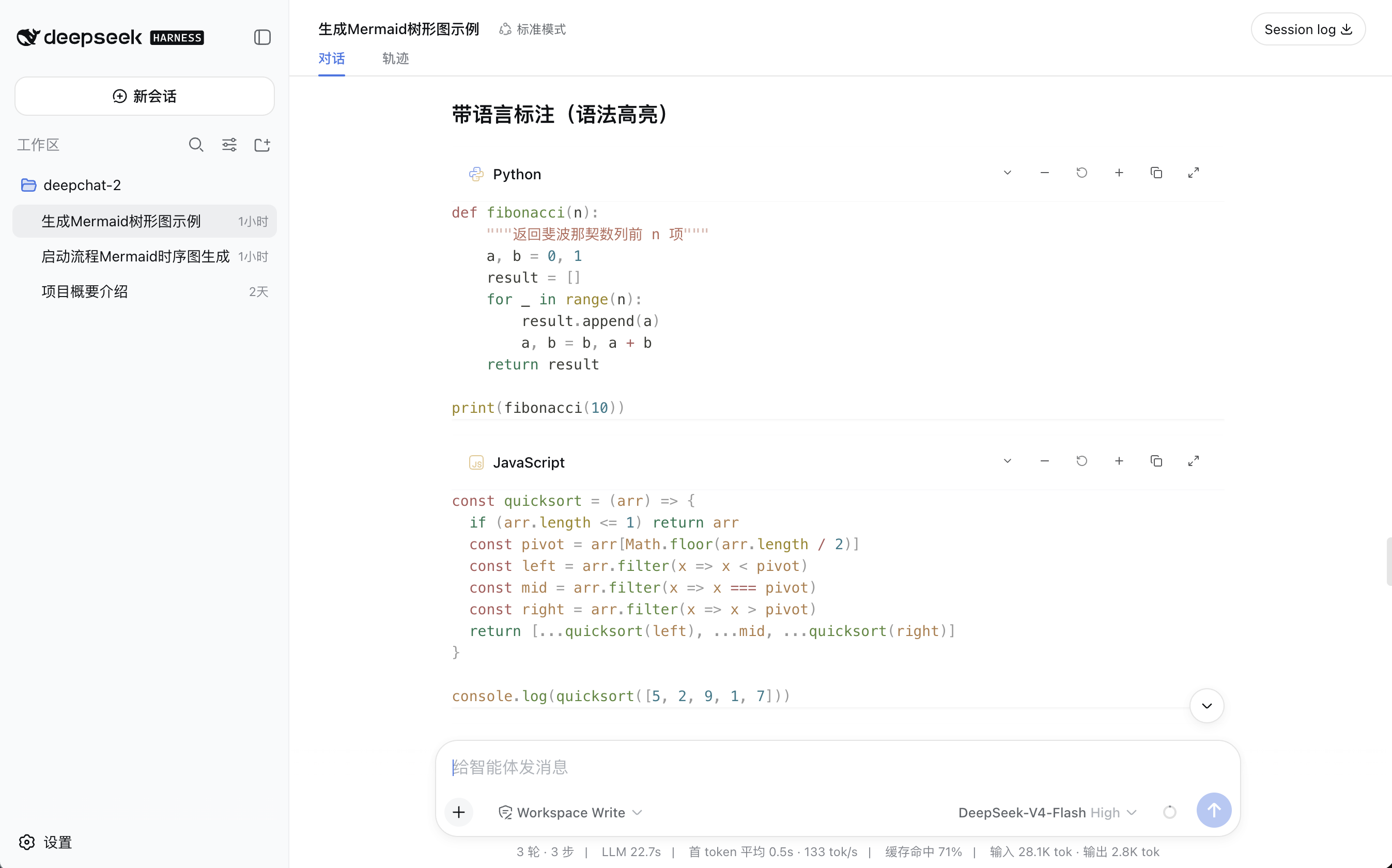
dsh-better-markdown addresses the inconsistent Markdown experience in DeepSeek Harness Web when assistant replies are streamed. It hands streaming assistant Markdown over to markstream-react, so partially unclosed bold text, code fences, lists, tables, and math can continue to be parsed progressively, and the same renderer remains in use after the message settles.
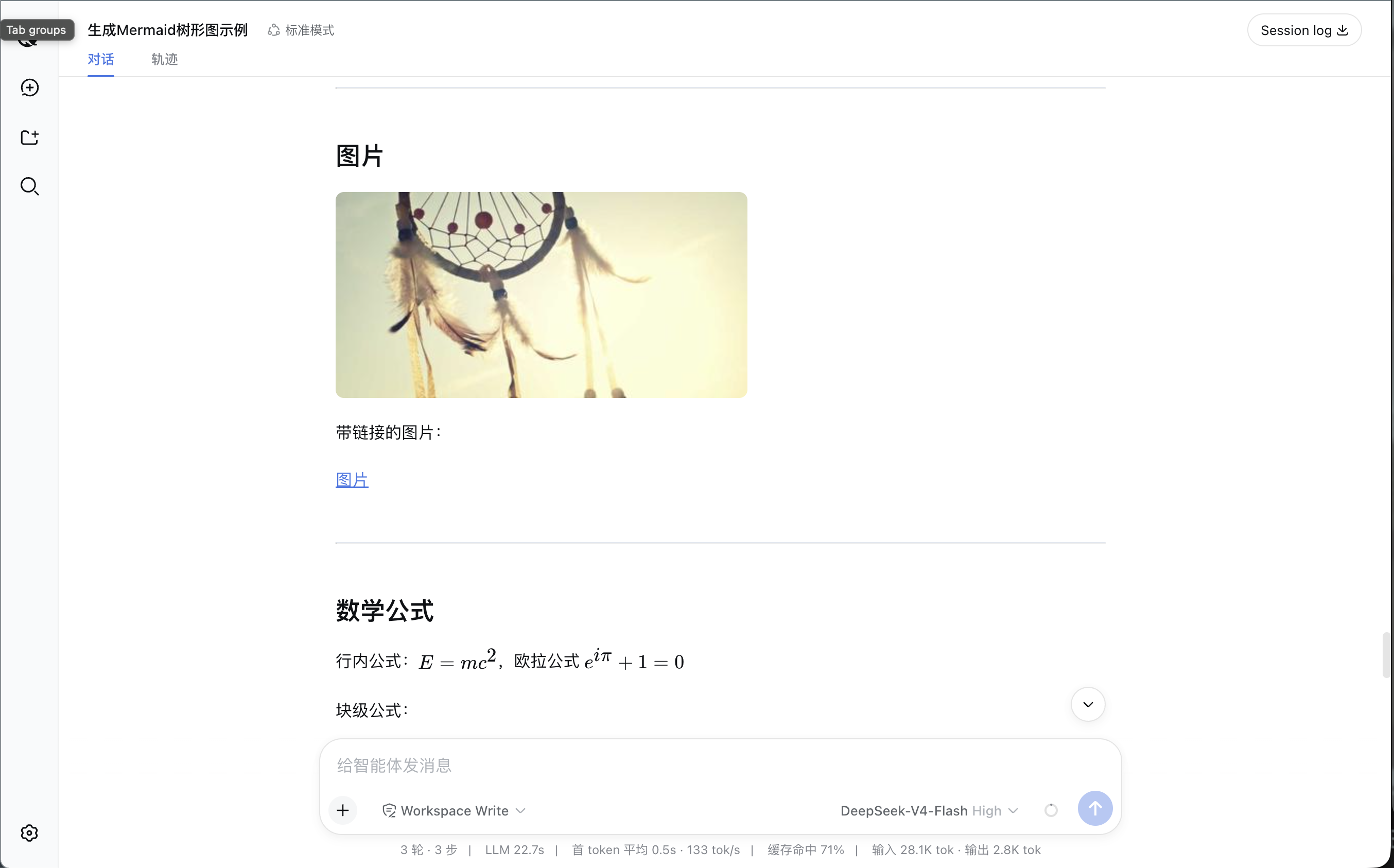
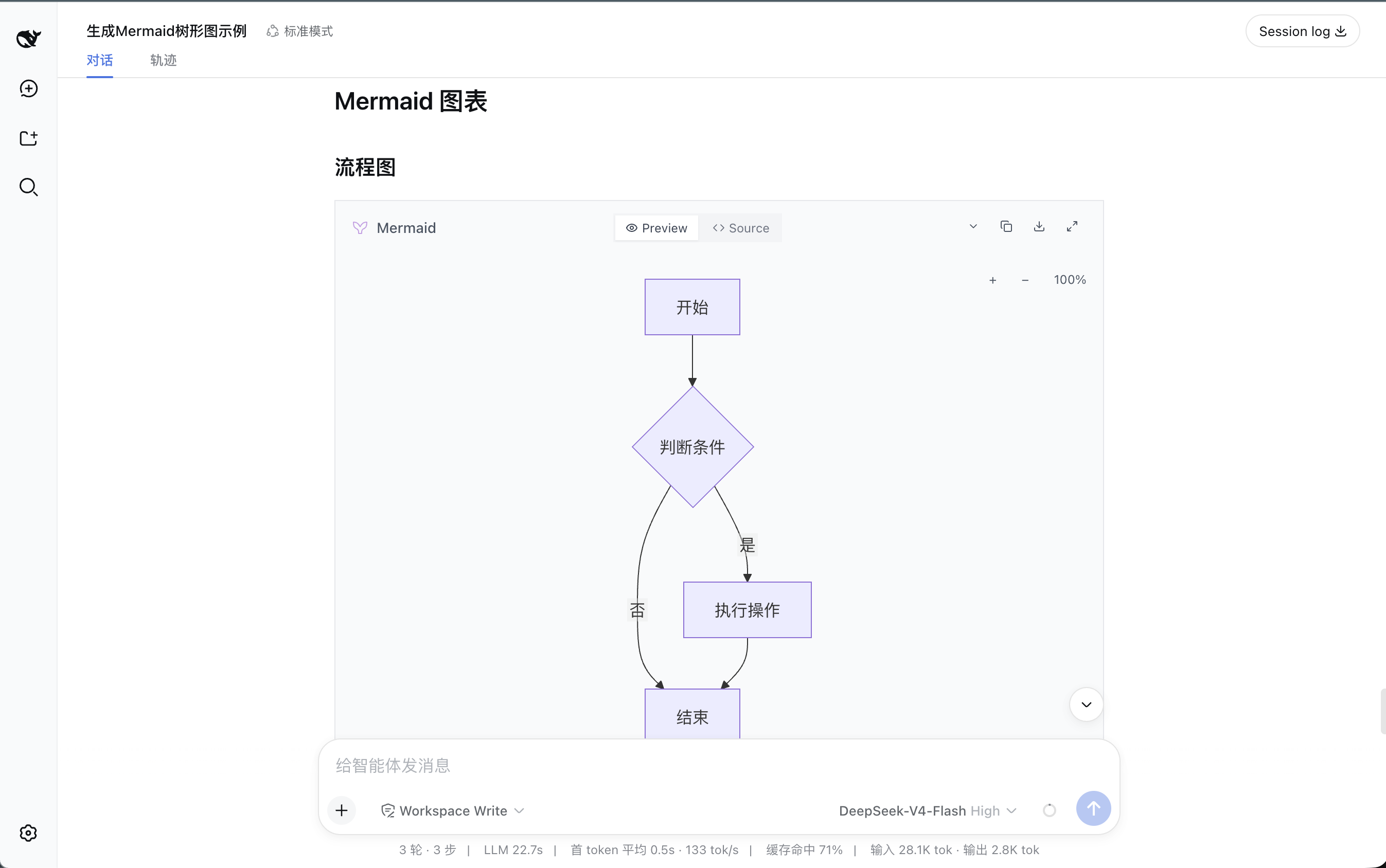
The plugin supports common Markdown, tables, task lists, KaTeX math, Mermaid diagrams, and streaming code blocks with Shiki highlighting, while preserving Harness safety policies for raw HTML, links, and images. It works through Harness public client modules and slot shadowing without modifying Harness source code, and the built-in renderer can take over if the plugin renderer fails.
This plugin is a good fit for DeepSeek Harness Web users who frequently read long answers, code snippets, formulas, or diagrams and want a more consistent experience from streaming output to final rendering.
Screenshots
Use Cases
- Viewing streaming assistant replies in Web conversations
- Reading Markdown messages with tables, task lists, or blockquotes
- Viewing replies with code blocks, KaTeX math, or Mermaid diagrams
Best For
- Users who chat daily through DeepSeek Harness Web
- Users who read code blocks, math, or diagrams in replies
- Users who want more consistent streaming Markdown rendering
Related Plugins
A service-oriented sidebar framework for DSH, offering a full workbench with file explorer, embedded browser, real terminal, Git panel, and extensible plugin services.

A beautiful, practical Claude Code-style TUI plugin with pixel whale top bar, flowing glow title, real-time status line, streaming thought expansion, time rewind, context progress bar and TPS gauge — zero core changes.

The plugin market for DeepSeek Harness: browse/search/one-click install community plugins and themes, with updates, backup/restore, hot disable, diagnostics, and AI fix.

A persistent whale widget on the DSH web UI that shows DeepSeek balance, today's usage, and per-turn cost, with drag-and-snap and sound effects.