dsh-archived-sessions
Run the following command in DeepSeek Harness:
dsh plugin install lwklbb/dsh-archived-sessions
Paste the following prompt into your AI chat to install this plugin:
To install this plugin in DeepSeek Harness, run dsh plugin install lwklbb/dsh-archived-sessions in the terminal; the source code is available at https://github.com/lwklbb/dsh-archived-sessions.
About this plugin
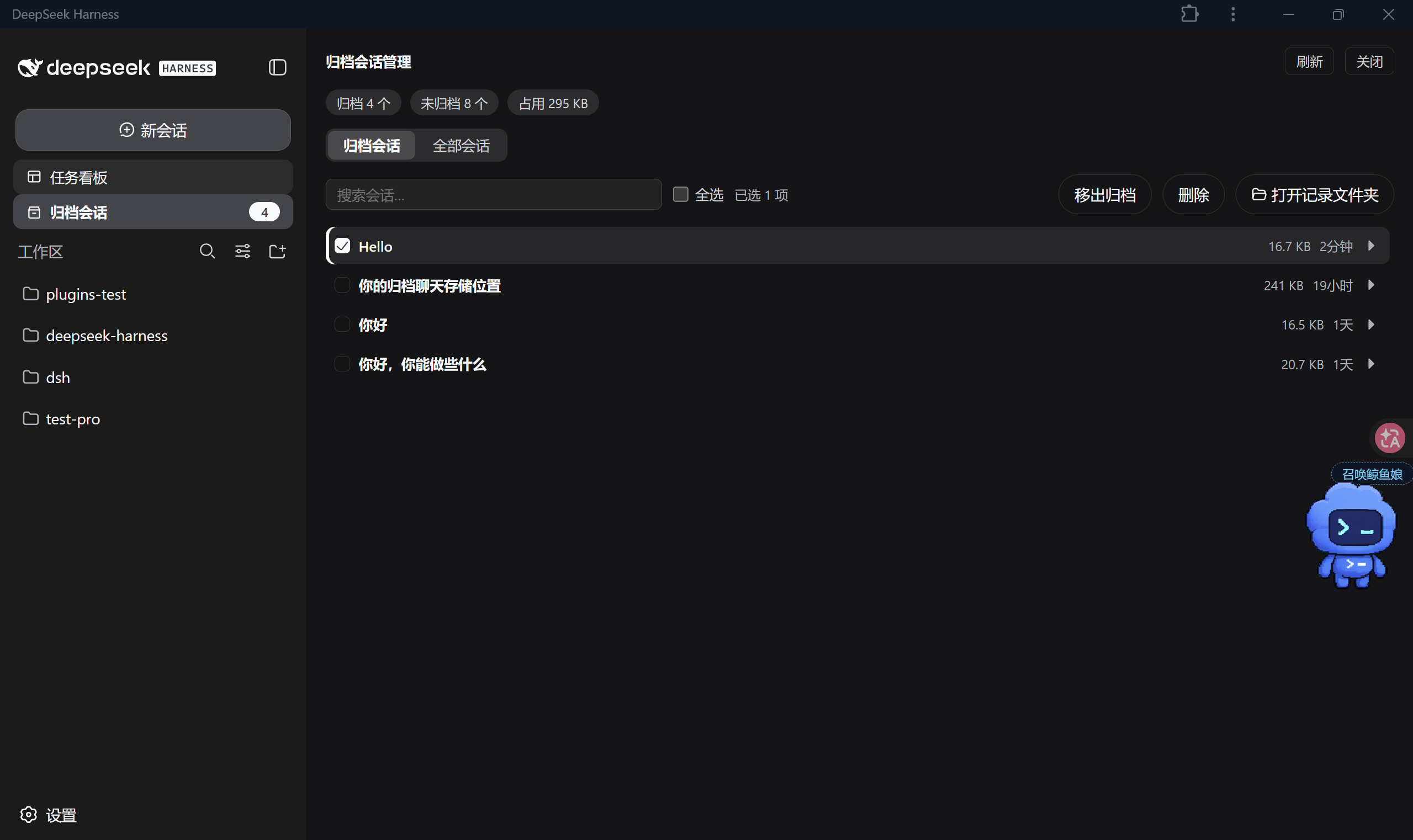
When using DSH Web for extended sessions, local logs can quickly accumulate, making management chaotic and difficult to find. dsh-archived-sessions solves this by providing a dedicated "Archived Sessions" entry, helping you separate active work from historical records.
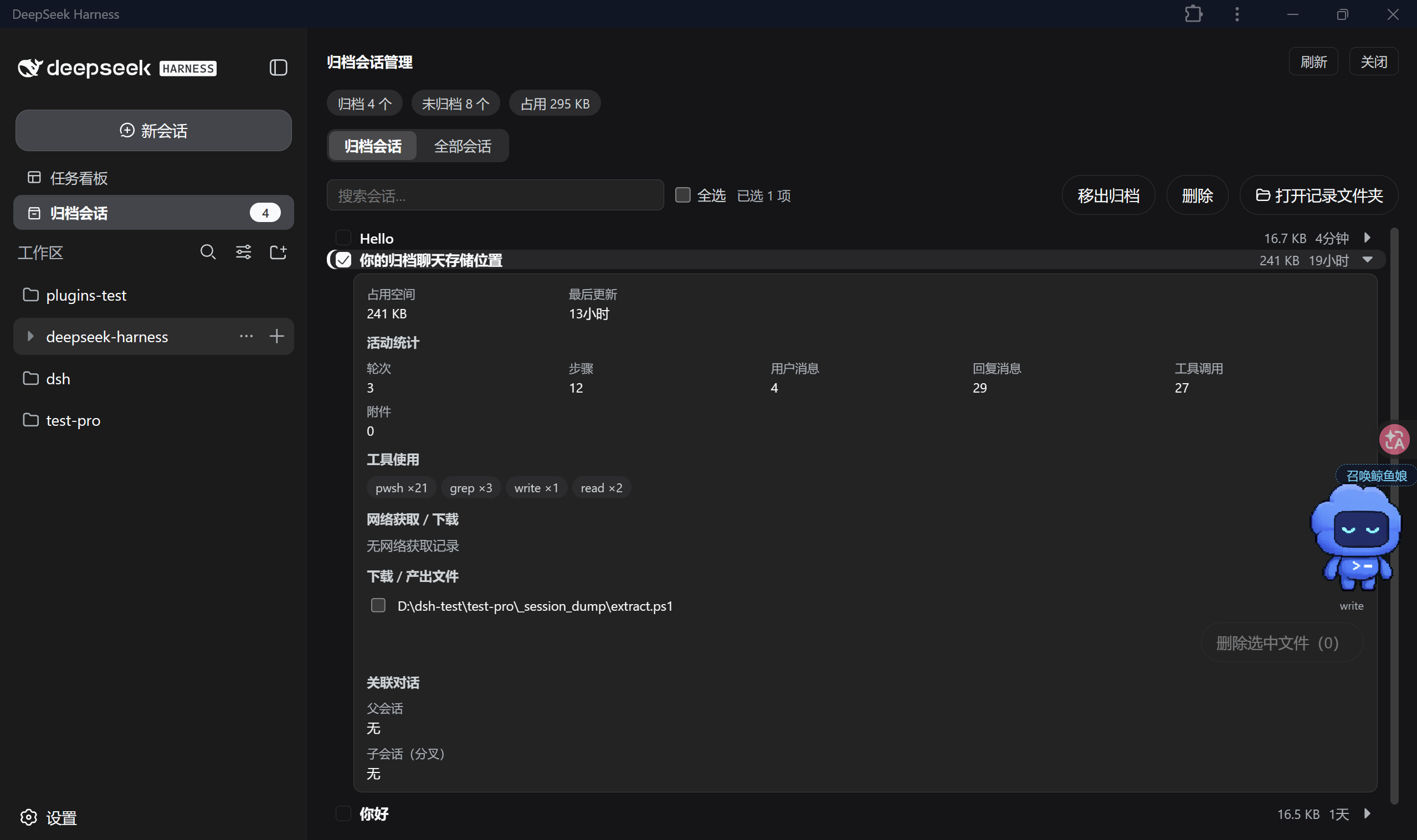
The plugin offers robust lifecycle management. It allows you to switch between archived and active tabs, view real-time statistics, and perform batch operations like archiving or restoring sessions. The detail panel integrates tool calls, output files, and lineage, giving you full control over your interaction history.
This is essential for users who need to maintain long-term project logs or want to keep their workspace clean. By handling all operations locally and securely, it ensures your data remains private while significantly boosting your productivity in managing session history.
Screenshots
Use Cases
- Organize sidebar by hiding old sessions
- View detailed tool usage logs for archived sessions
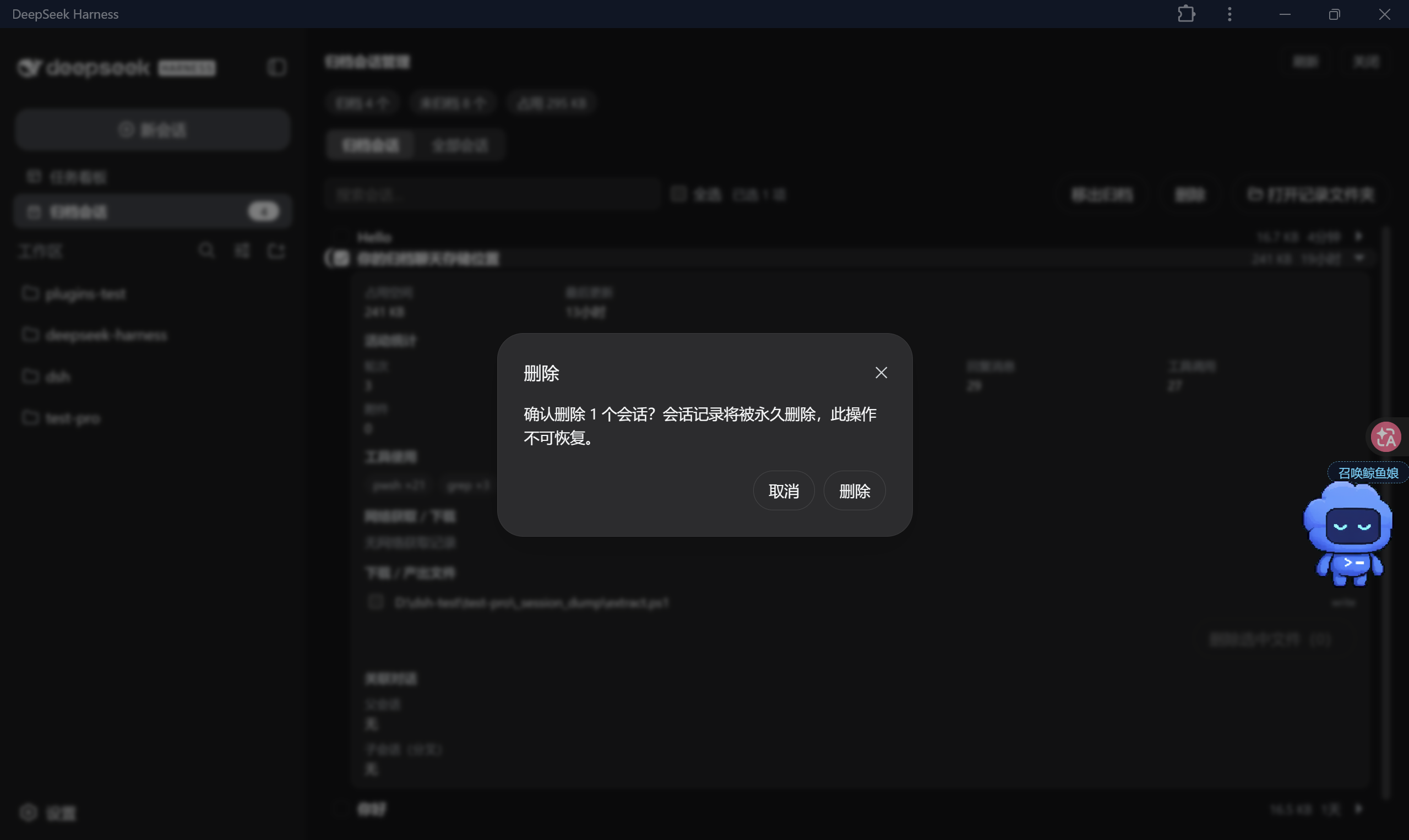
- Batch archive or delete unnecessary sessions to free up space
Best For
- DSH Web power users
- Users managing long-term project logs
- Users focused on local data privacy and management
Related Plugins
A service-oriented sidebar framework for DSH, offering a full workbench with file explorer, embedded browser, real terminal, Git panel, and extensible plugin services.

A beautiful, practical Claude Code-style TUI plugin with pixel whale top bar, flowing glow title, real-time status line, streaming thought expansion, time rewind, context progress bar and TPS gauge — zero core changes.

The plugin market for DeepSeek Harness: browse/search/one-click install community plugins and themes, with updates, backup/restore, hot disable, diagnostics, and AI fix.

A persistent whale widget on the DSH web UI that shows DeepSeek balance, today's usage, and per-turn cost, with drag-and-snap and sound effects.