dsh-sidechat
Run the following command in DeepSeek Harness:
dsh plugin install kittsai/dsh-sidechat
Paste the following prompt into your AI chat to install this plugin:
To install this plugin in DeepSeek Harness, run dsh plugin install kittsai/dsh-sidechat from the command line, using the full open-source repository URL at https://github.com/kittsai/dsh-sidechat.
About this plugin
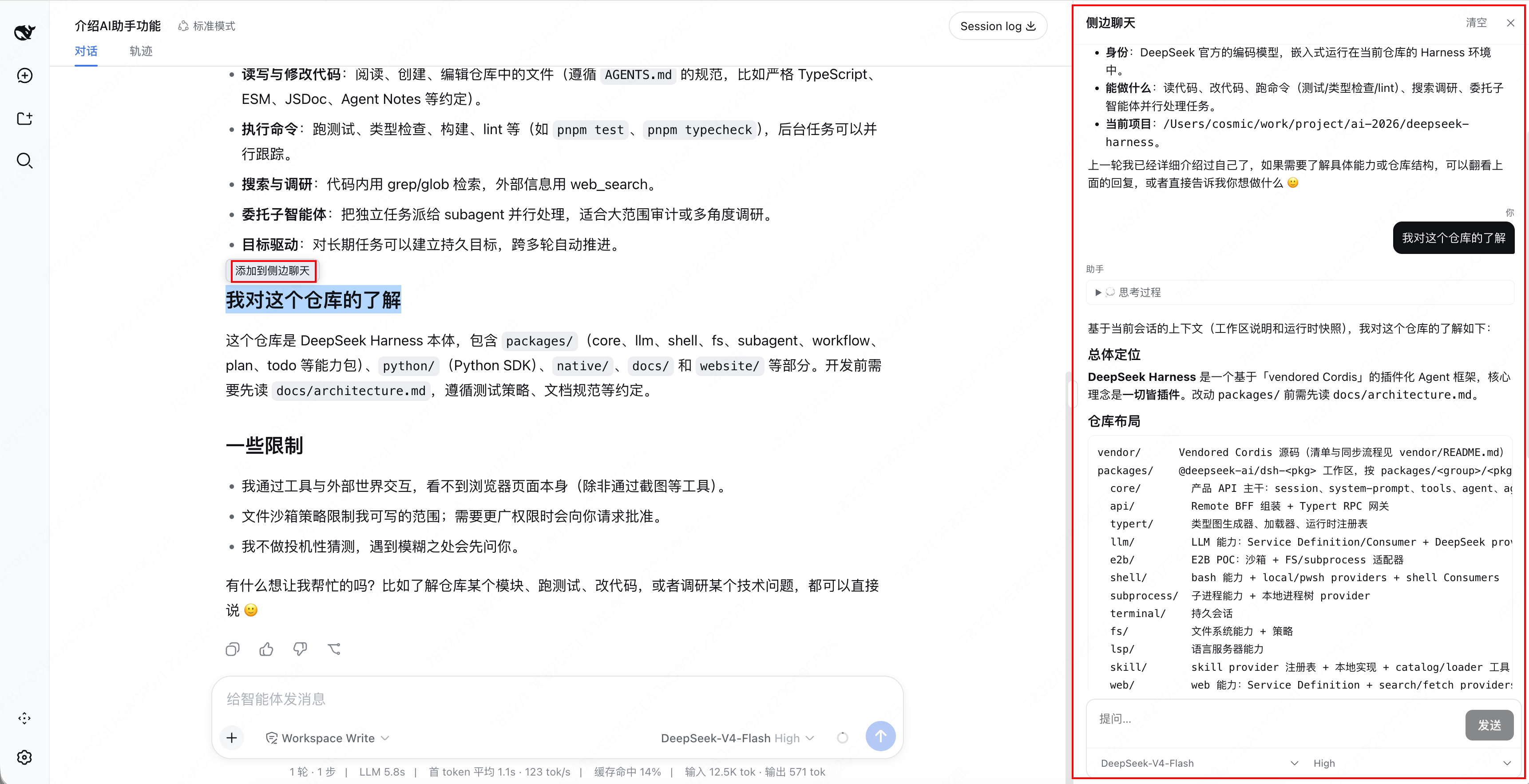
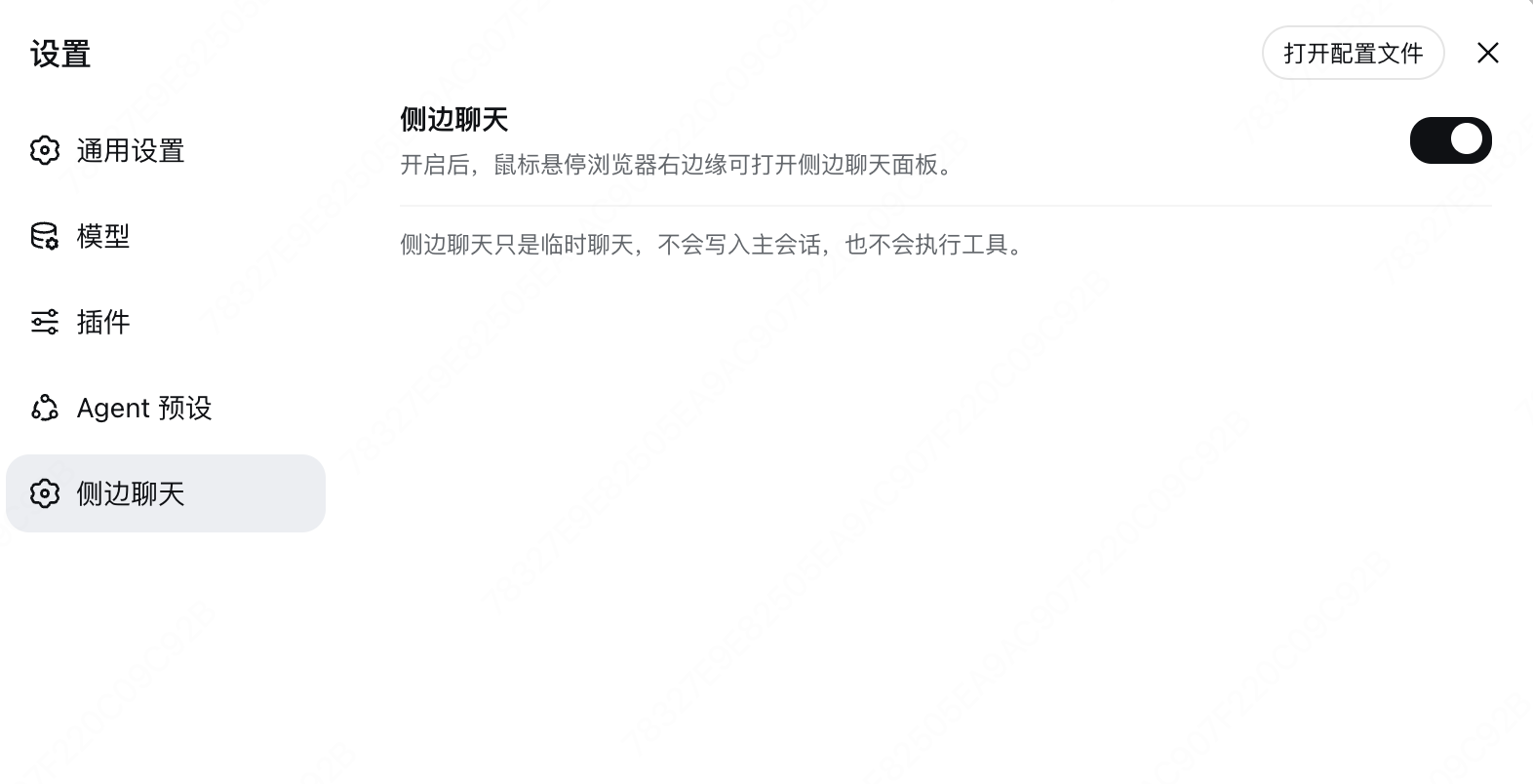
While coding or designing, brainstorming within the main chat window often interferes with current flow, leading to cluttered context. dsh-sidechat introduces a novel interaction experience, offering a floating side chat panel for DeepSeek Harness designed to serve as an independent "second brain" for your exploratory thinking. The core strength of this plugin lies in its powerful context awareness and independence. It not only automatically injects project root directory and Git branch information but also seamlessly syncs with the main conversation's recent context, ensuring you maintain a global perspective while asking questions. Supported by streaming output, collapsible "thinking process" blocks, and Markdown rendering, it makes reasoning clear and efficient. Whether you need to quickly verify logic, brainstorm new features, or simply clarify thoughts through questioning, this plugin is your ideal assistant. It completely isolates auxiliary conversations from core workflows, allowing you to leverage DeepSeek AI's capabilities while keeping your main interface clean and focused.
Screenshots
Use Cases
- Quickly brainstorming improvement plans during code review
- Organizing complex logic without interrupting the main conversation
- Conducting in-depth technical discussions on specific modules
Best For
- Developers who need frequent AI interaction for solution validation
- Engineers who want to keep their main interface clean and focus on core code
- Architects who need AI assistance for architectural design
Related Plugins
A service-oriented sidebar framework for DSH, offering a full workbench with file explorer, embedded browser, real terminal, Git panel, and extensible plugin services.

A beautiful, practical Claude Code-style TUI plugin with pixel whale top bar, flowing glow title, real-time status line, streaming thought expansion, time rewind, context progress bar and TPS gauge — zero core changes.

The plugin market for DeepSeek Harness: browse/search/one-click install community plugins and themes, with updates, backup/restore, hot disable, diagnostics, and AI fix.

A persistent whale widget on the DSH web UI that shows DeepSeek balance, today's usage, and per-turn cost, with drag-and-snap and sound effects.