
dsh-music-player
Run the following command in DeepSeek Harness:
dsh plugin install kendu76/dsh-music-player
Paste the following prompt into your AI chat to install this plugin:
To install dsh-music-player, run `dsh plugin install kendu76/dsh-music-player` in the DeepSeek Harness terminal. The source code is located at https://github.com/kendu76/dsh-music-player.
About this plugin
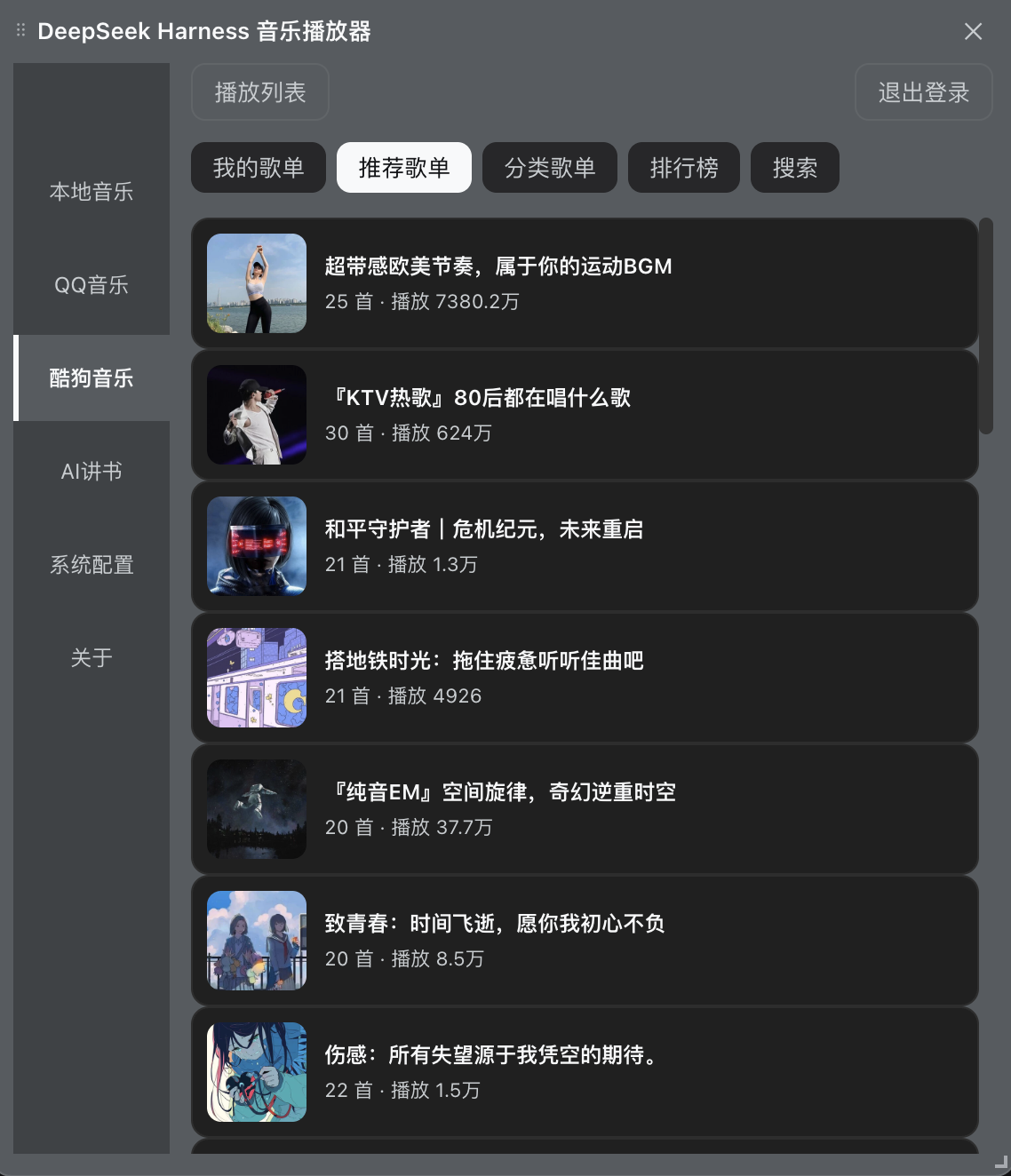
Tired of coding and wanting to slack off without switching windows? dsh-music-player solves this exact problem. It seamlessly integrates a full-fledged audio experience directly into the DeepSeek Harness chat interface, allowing you to immerse yourself in music or stories while benefiting from AI assistance, eliminating the hassle of multitasking.
More than just a player, it is a versatile audio hub. It supports streaming local music, features built-in online sources like QQ Music, Kugou, and NetEase Cloud Music, and integrates global radio stations. Whether listening to music, audiobooks, or news, everything is handled through a unified interface with real-time spectrum visualization and synchronized lyrics for an immersive experience.
Its powerful AI integration capabilities are particularly impressive. The plugin supports AI narration, converting local novels or ebooks into voice playback with multiple character voices. Additionally, it leverages the Agent's web search to automatically collect and broadcast daily news, and via tools like music_play, you can control playback, switch playlists, or start narration simply by typing commands in the chat, truly taking your downtime to the next level.
Screenshots
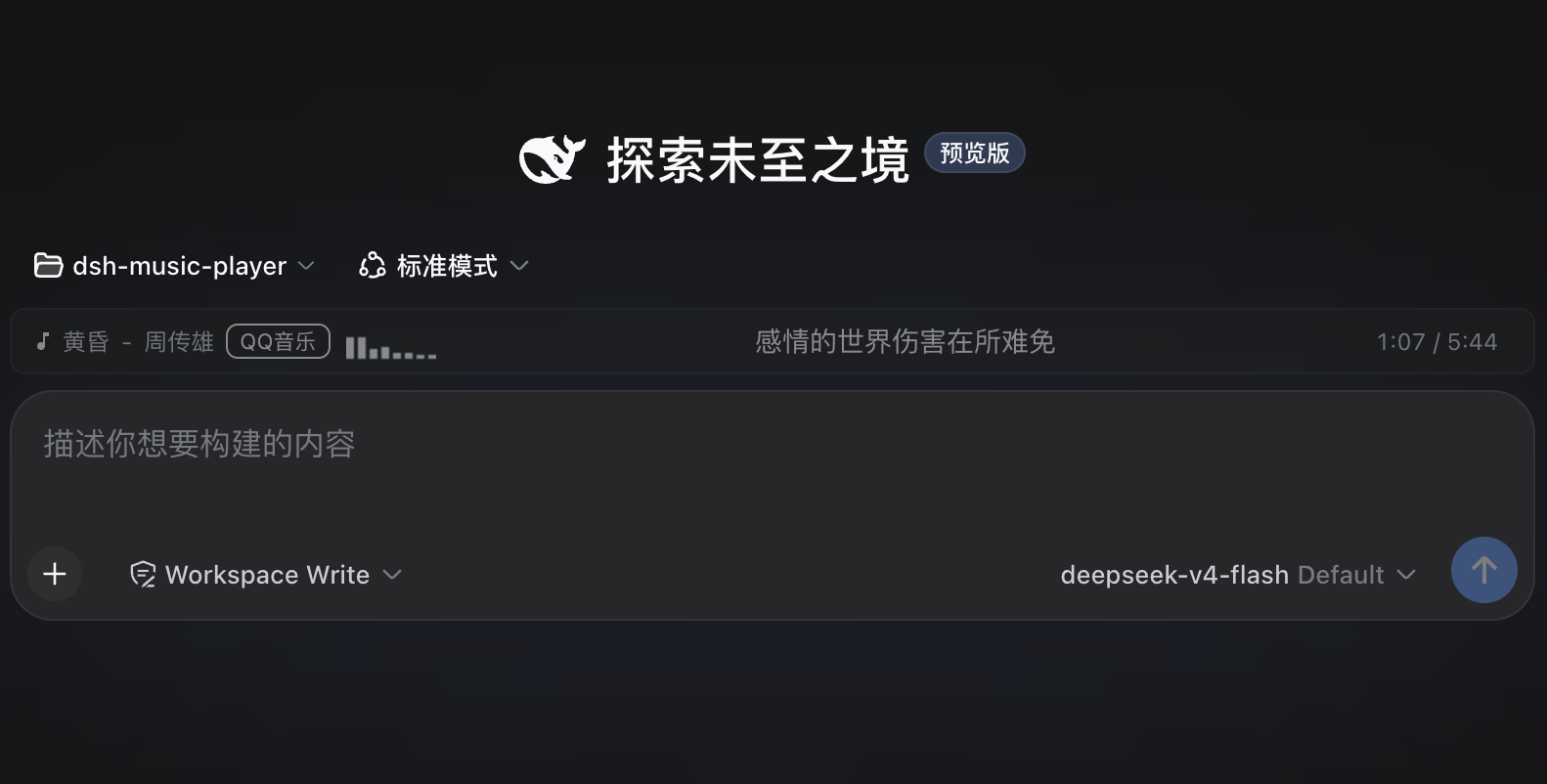
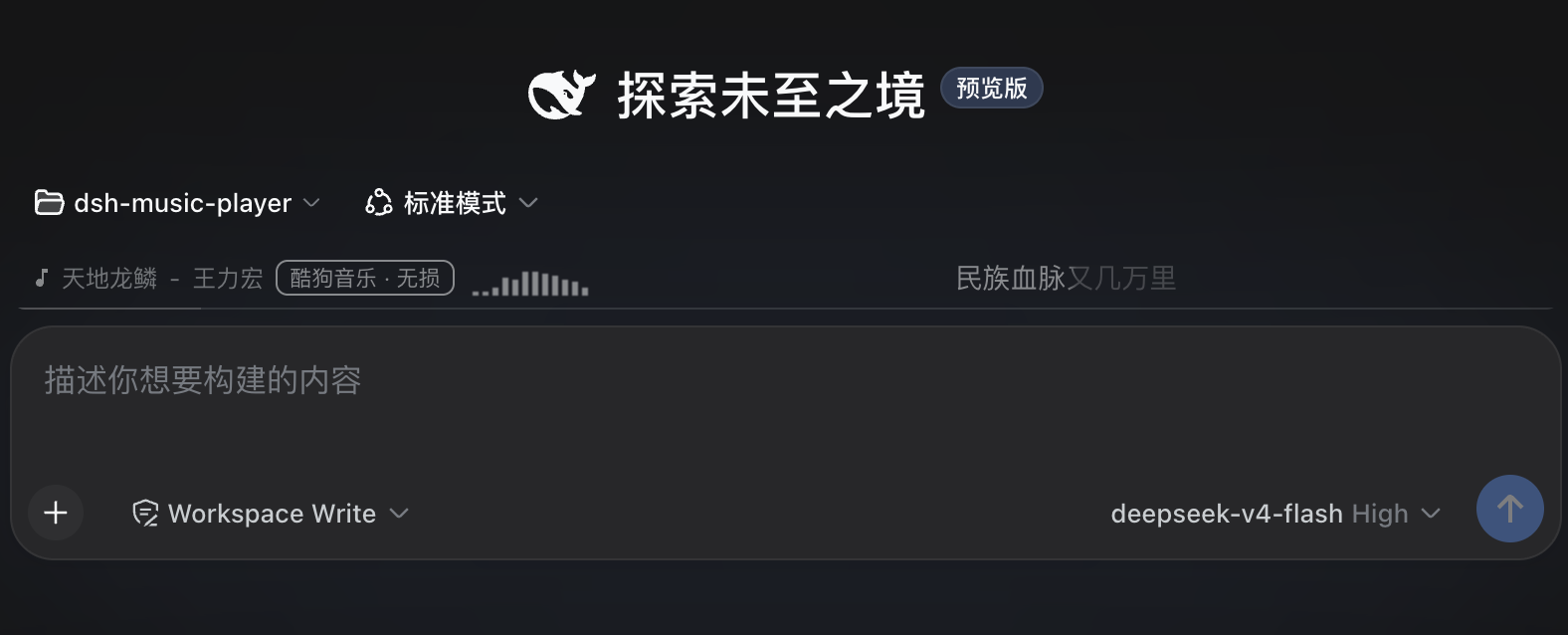
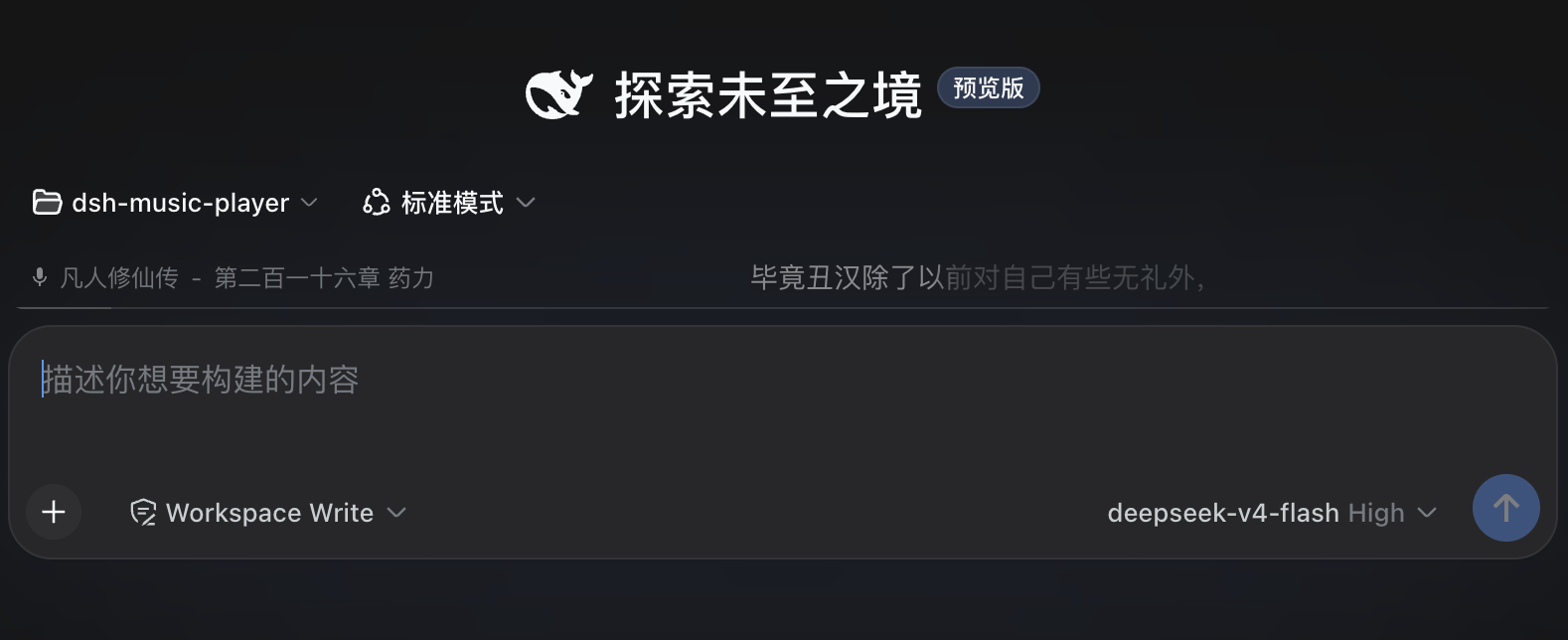
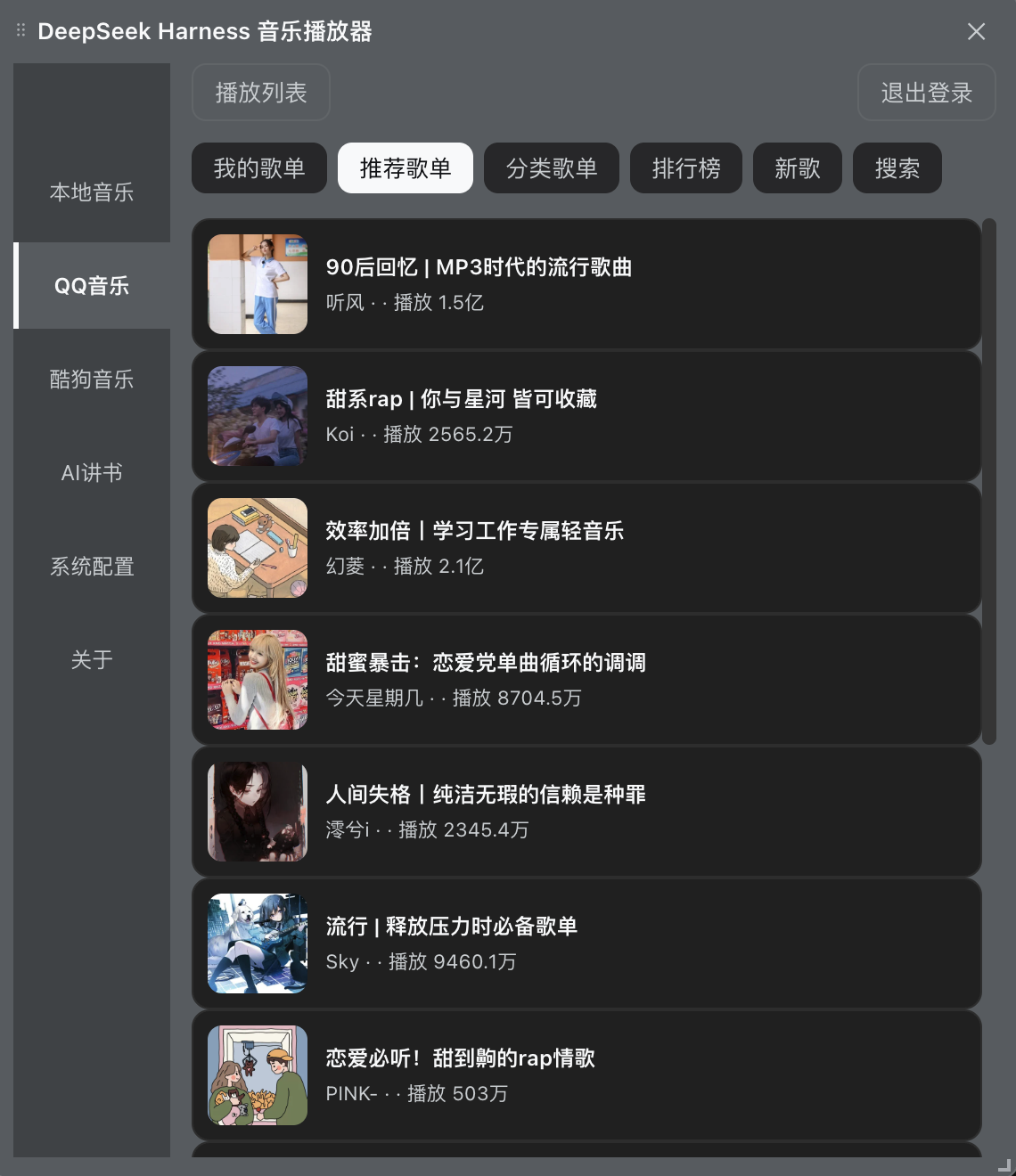
Use Cases
- Listen to music to relax while coding
- Have AI narrate novels directly in the chat
- Broadcast daily news automatically at scheduled times
Best For
- Programmers who want to slack off inside DeepSeek
- Users who enjoy listening to novels and radio
- Developers needing background audio playback
Related Plugins
A service-oriented sidebar framework for DSH, offering a full workbench with file explorer, embedded browser, real terminal, Git panel, and extensible plugin services.

A beautiful, practical Claude Code-style TUI plugin with pixel whale top bar, flowing glow title, real-time status line, streaming thought expansion, time rewind, context progress bar and TPS gauge — zero core changes.

The plugin market for DeepSeek Harness: browse/search/one-click install community plugins and themes, with updates, backup/restore, hot disable, diagnostics, and AI fix.

A persistent whale widget on the DSH web UI that shows DeepSeek balance, today's usage, and per-turn cost, with drag-and-snap and sound effects.