
dsh-catppuccin-theme
Run the following command in DeepSeek Harness:
dsh plugin install NoNameLeGo/dsh-catppuccin-theme
Paste the following prompt into your AI chat to install this plugin:
Install the dsh-catppuccin-theme plugin in DeepSeek Harness from the source repository at https://github.com/NoNameLeGo/dsh-catppuccin-theme.
About this plugin
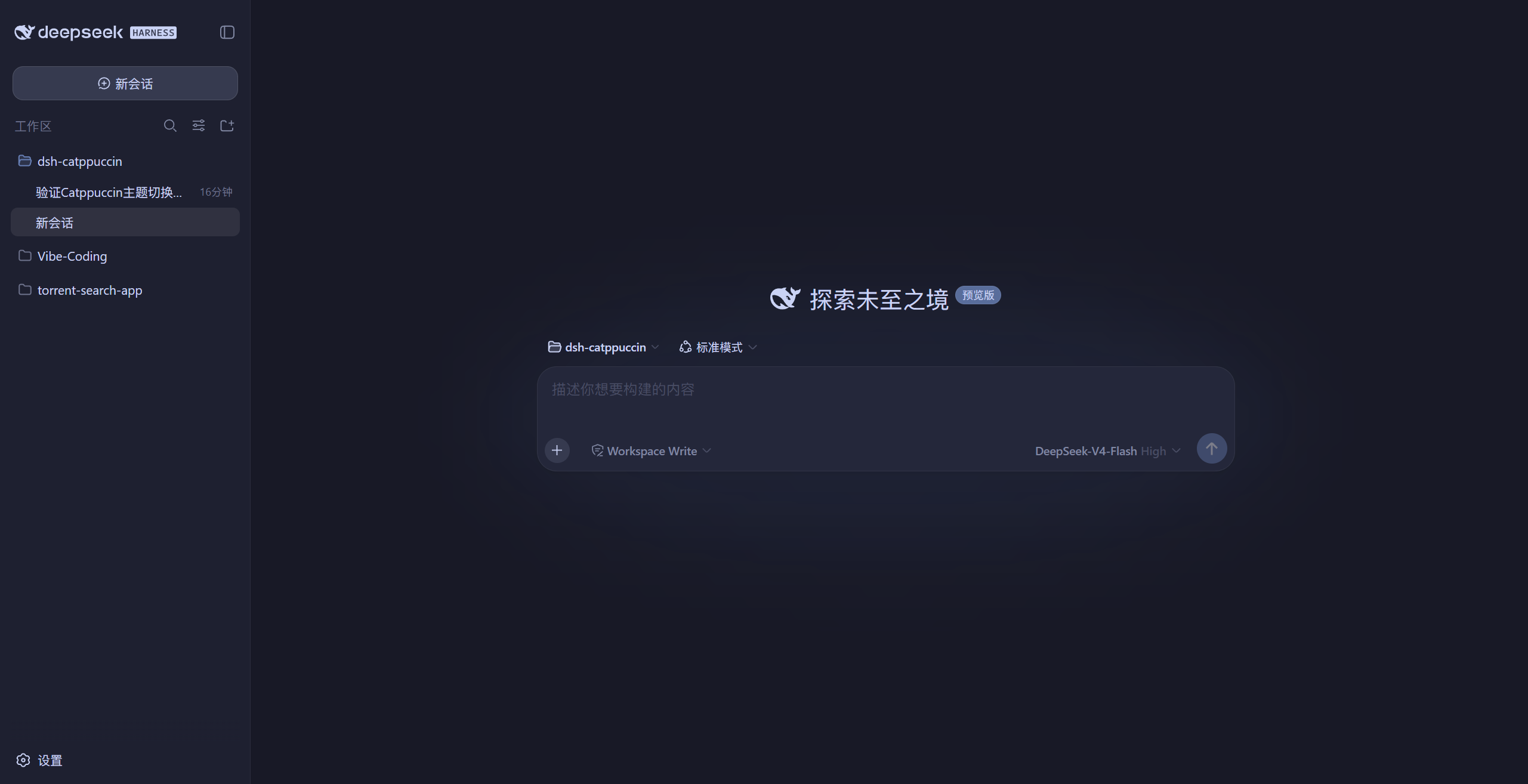
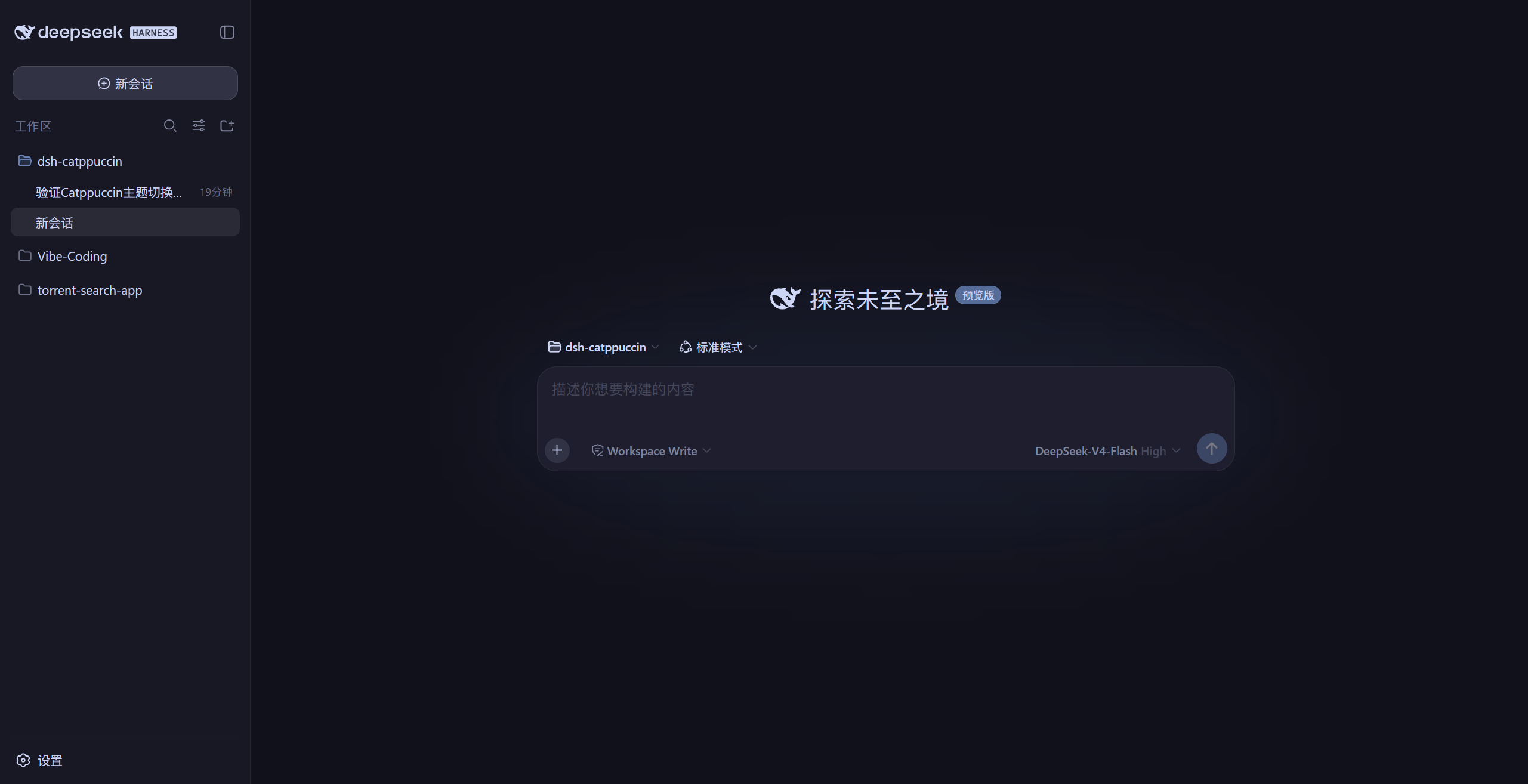
dsh-catppuccin-theme gives DeepSeek Harness a complete Catppuccin look across Web GUI, DSH Desktop, and dsh-TUI. It offers Latte, Frappé, Macchiato, and Mocha themes, with quick switching in settings and automatic persistence across restarts.
Beyond full-interface recoloring, it includes an optional glassmorphism skin that turns the top bar, sidebar, input box, statistics row, trace view, chat bubbles, and new-session button into frosted-glass surfaces. Blur, frosted intensity, and background brightness can be adjusted, while the glass tint follows the active Catppuccin theme.
It is a good fit for users who want a consistent Catppuccin aesthetic across web, desktop, and terminal, or anyone who prefers a softer, more layered interface. The TUI theme sync also reduces manual palette maintenance for command-line users.
Screenshots

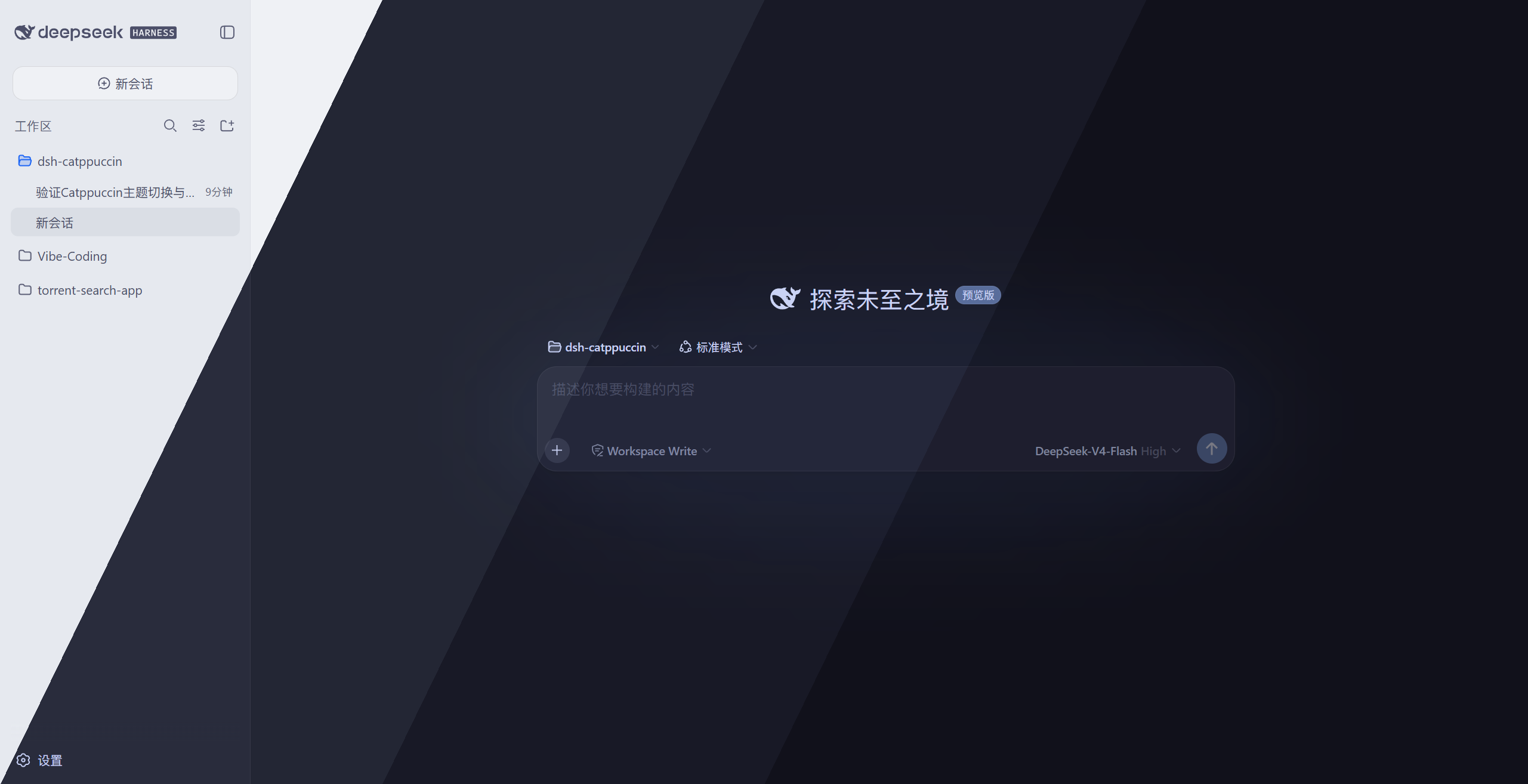
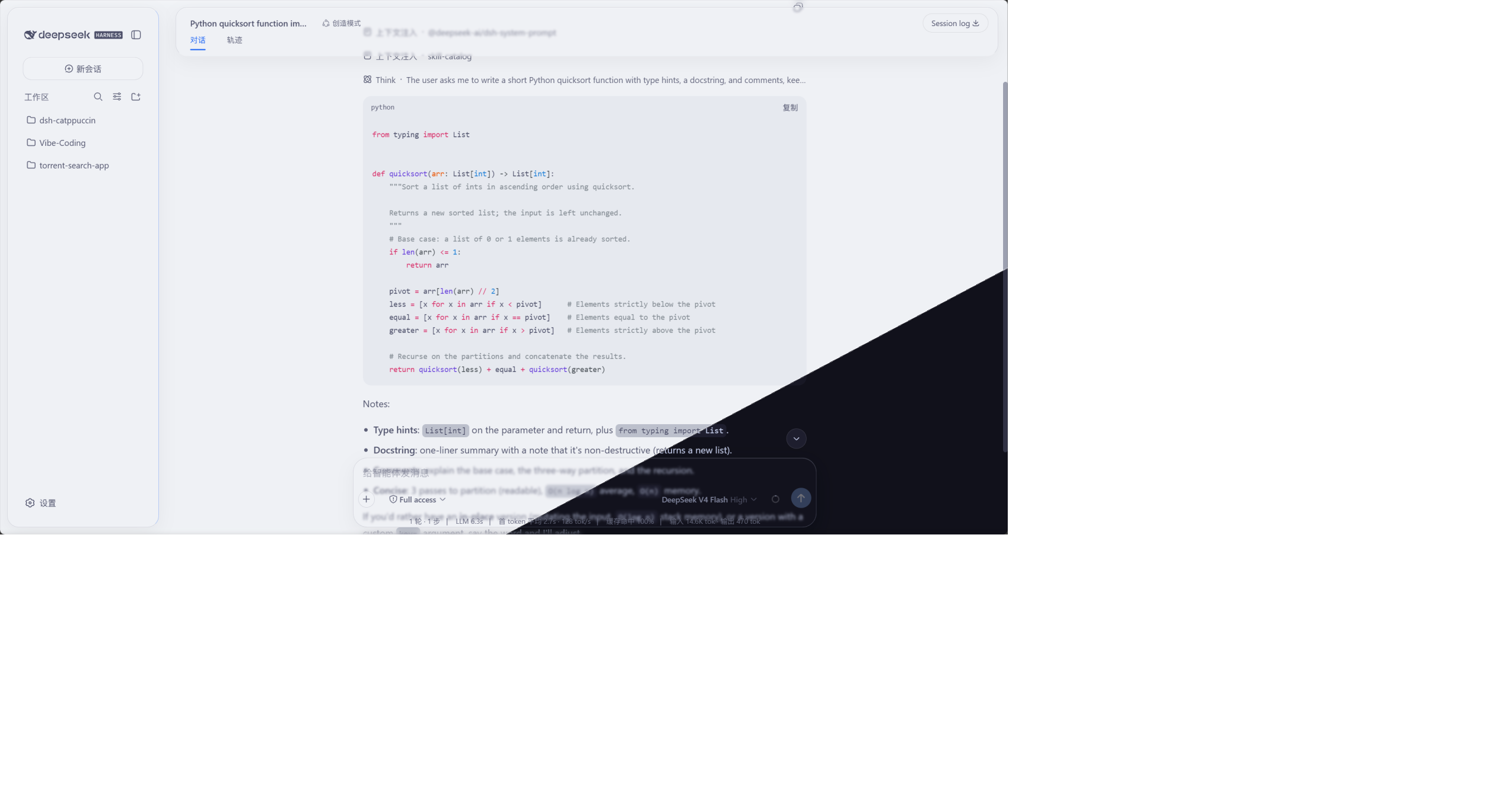
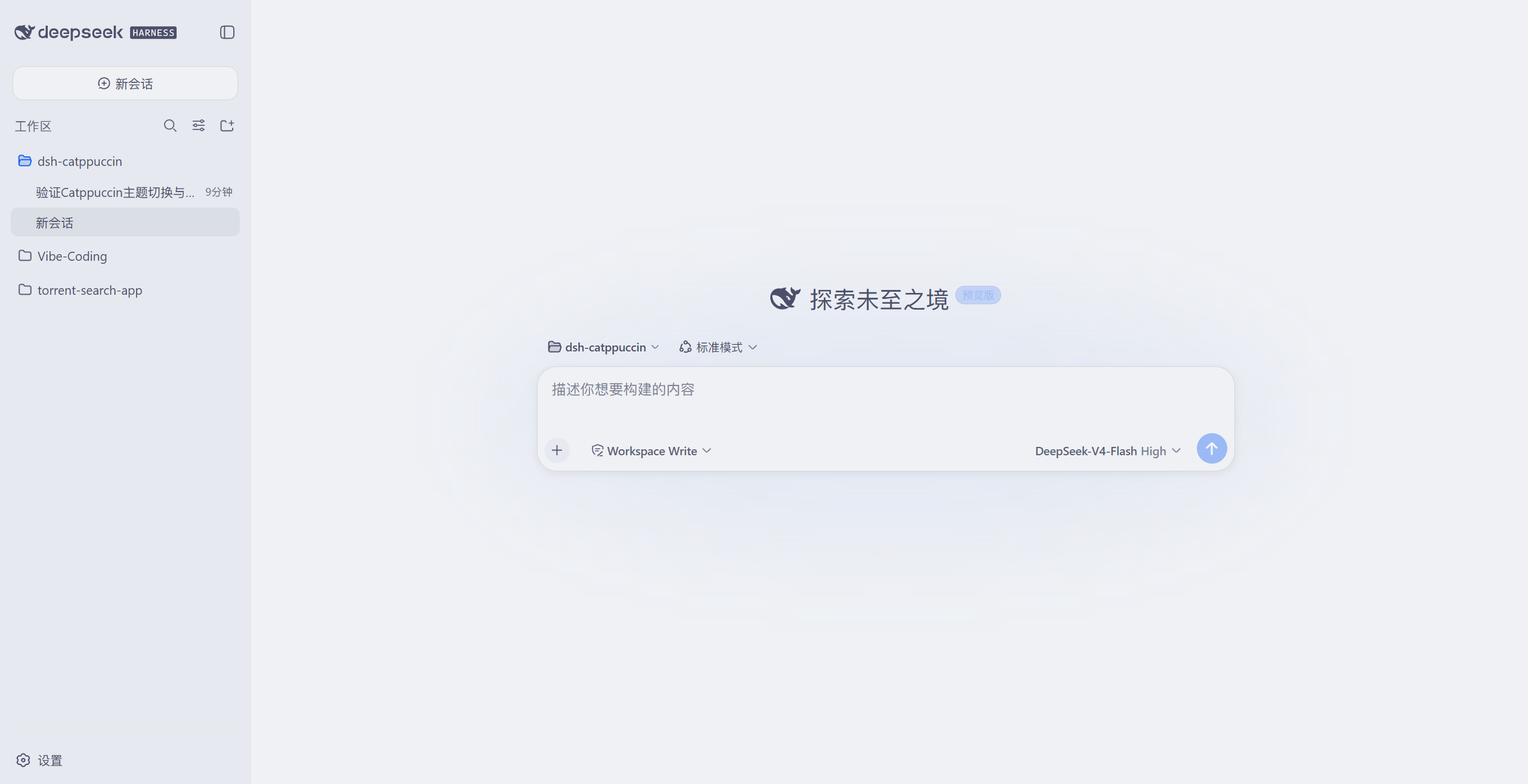
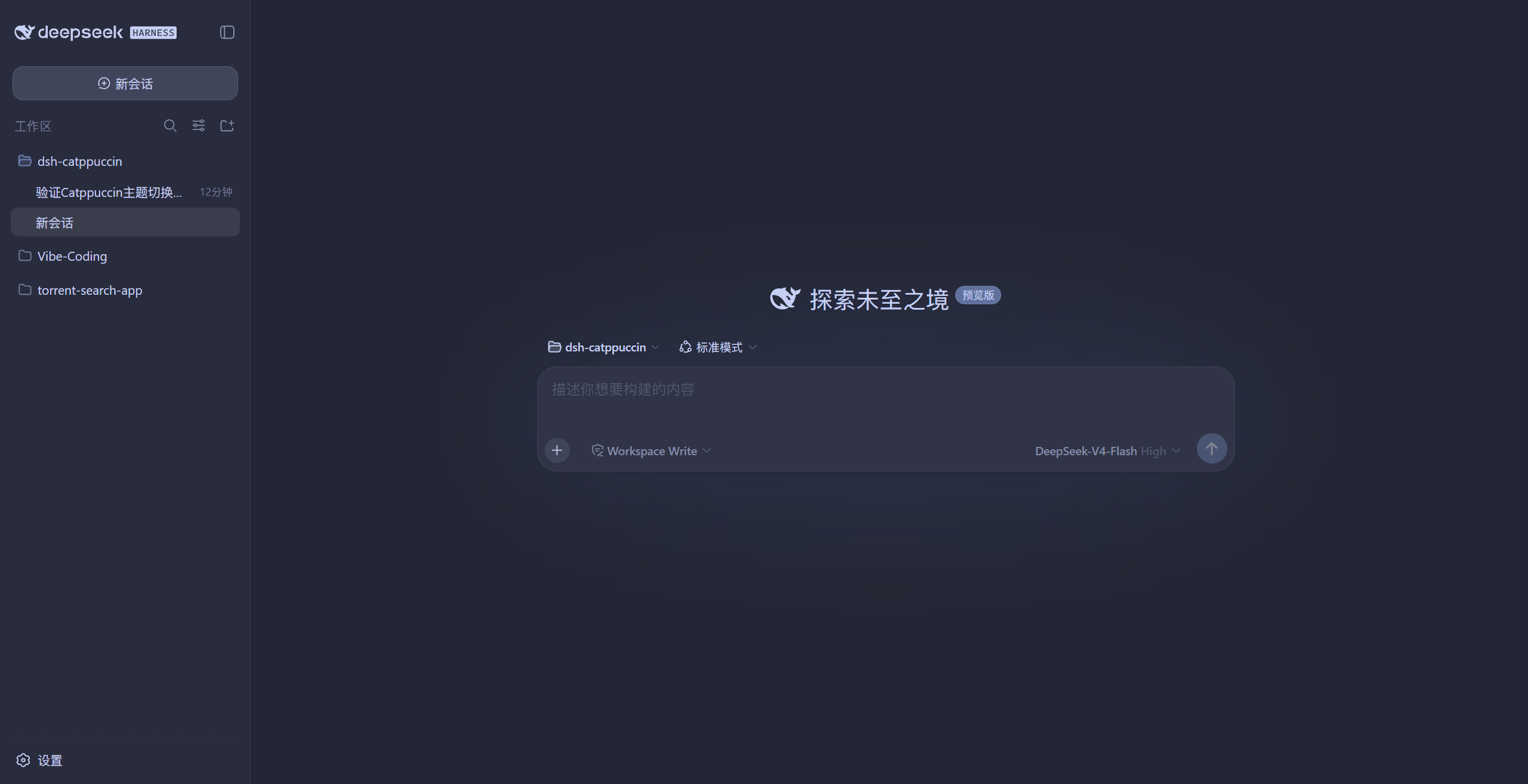
Use Cases
- Switch DeepSeek Harness between four Catppuccin color themes.
- Keep a consistent look across Web, Desktop, and TUI.
- Enable adjustable frosted-glass styling for the chat interface.
Best For
- Users who like the Catppuccin color scheme.
- Users who want a consistent visual style across endpoints.
- Users who enjoy customizing the DeepSeek Harness interface.
Related Plugins

whale-girl is a desktop pet in the DSH Web GUI (bottom-right for instant companionship) — draggable, feedable, playable; completed tasks, sessions and companionship time accrue into seniority levels, titles, and memories.

Renders your local Wallpaper Engine wallpapers as the DSH web background, supporting video, web, and scene wallpapers with a liquid-glass effect and rich customization.

A WebGPU ocean skin for DeepSeek Harness with five-wave Gerstner waves, translucent theme, day/night cycle, and quick controls, installable as plugin or extension.

A Galgame-style conversation view and visual scene editor for DSH web sessions, with a real-time editing mode.