dsh-explorer-plugin
Run the following command in DeepSeek Harness:
dsh plugin install dgadelha1/dsh-explorer-plugin
Paste the following prompt into your AI chat to install this plugin:
To install this plugin, run the command `dsh plugin install dgadelha1/dsh-explorer-plugin`, where the source code is located at https://github.com/dgadelha1/dsh-explorer-plugin.
About this plugin
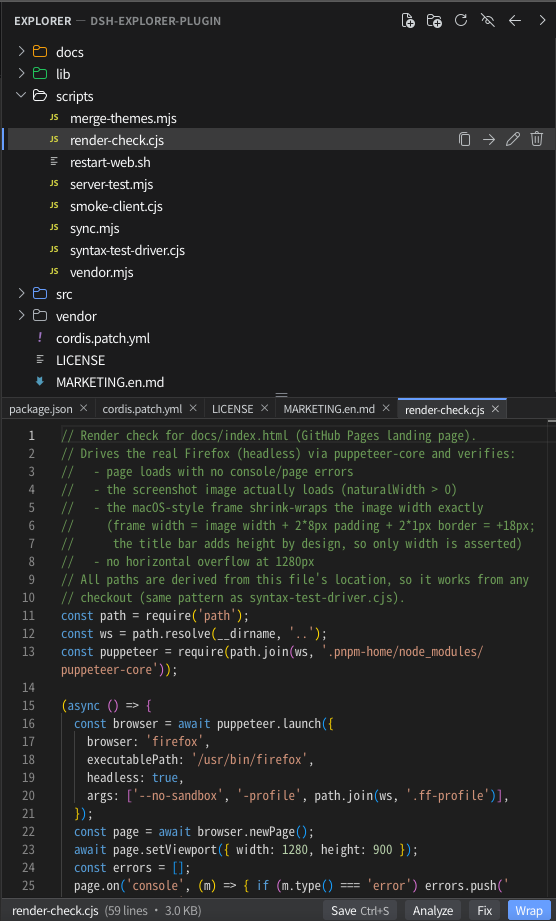
In the DeepSeek Harness web interface, managing files and writing code can often feel disjointed. This plugin bridges that gap by bringing a professional development environment directly into the GUI, eliminating the need to switch between external tools. At its core, it offers a comprehensive file explorer supporting full CRUD operations, synchronized via SSE to reflect AI agent changes instantly. The integrated Monaco editor provides real VS Code TextMate syntax highlighting for 28 languages and Dark/Light themes. Notably, it features AI integration buttons like "Analyze" and "Correct," which prompt for user confirmation before making changes to ensure safety and control. This tool is ideal for developers working with DSH who require a sandboxed, localized coding experience. Whether for debugging, prototyping, or reviewing agent-generated code, it enhances productivity by keeping everything in a single, collapsible, and resizable view.
Screenshots
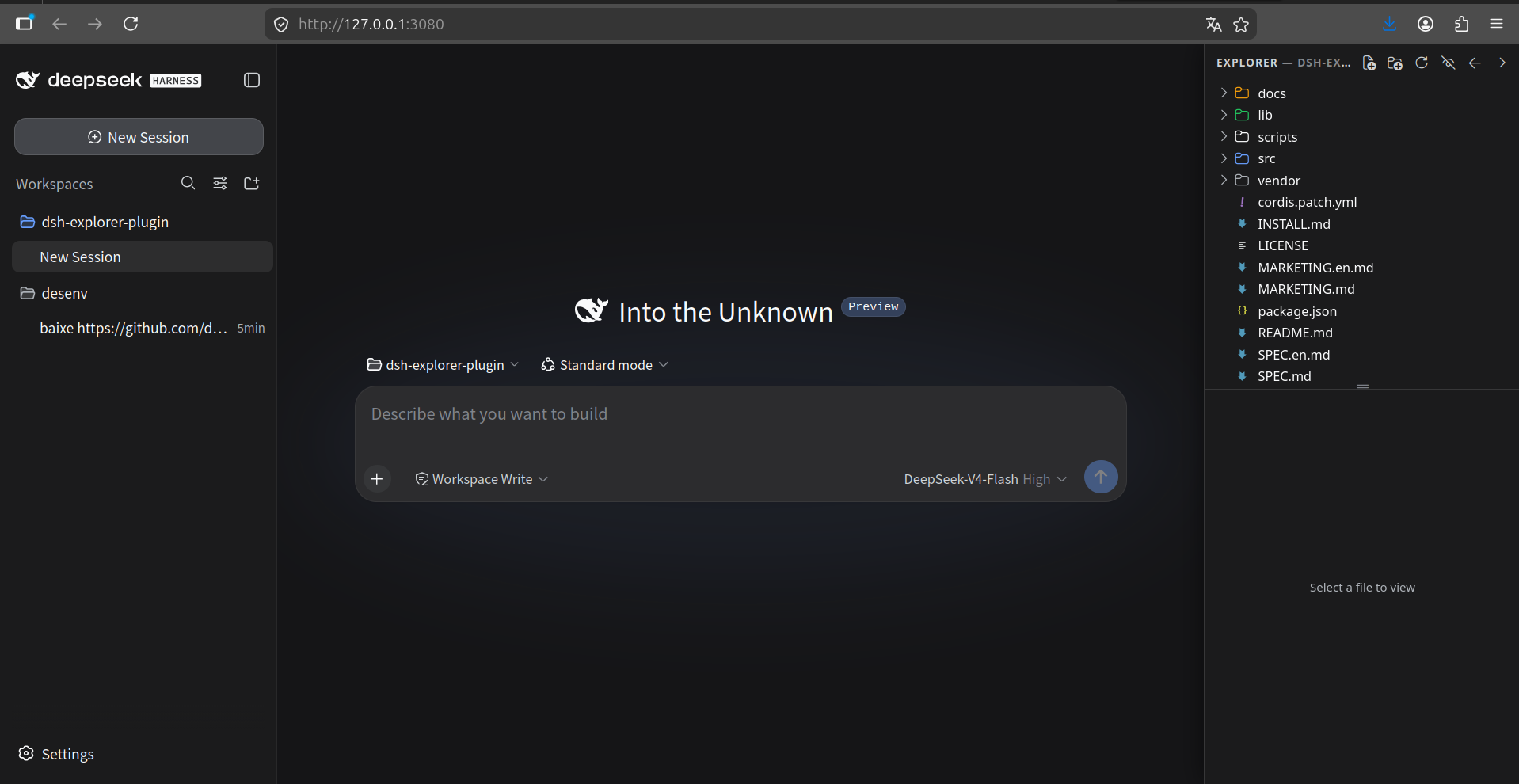
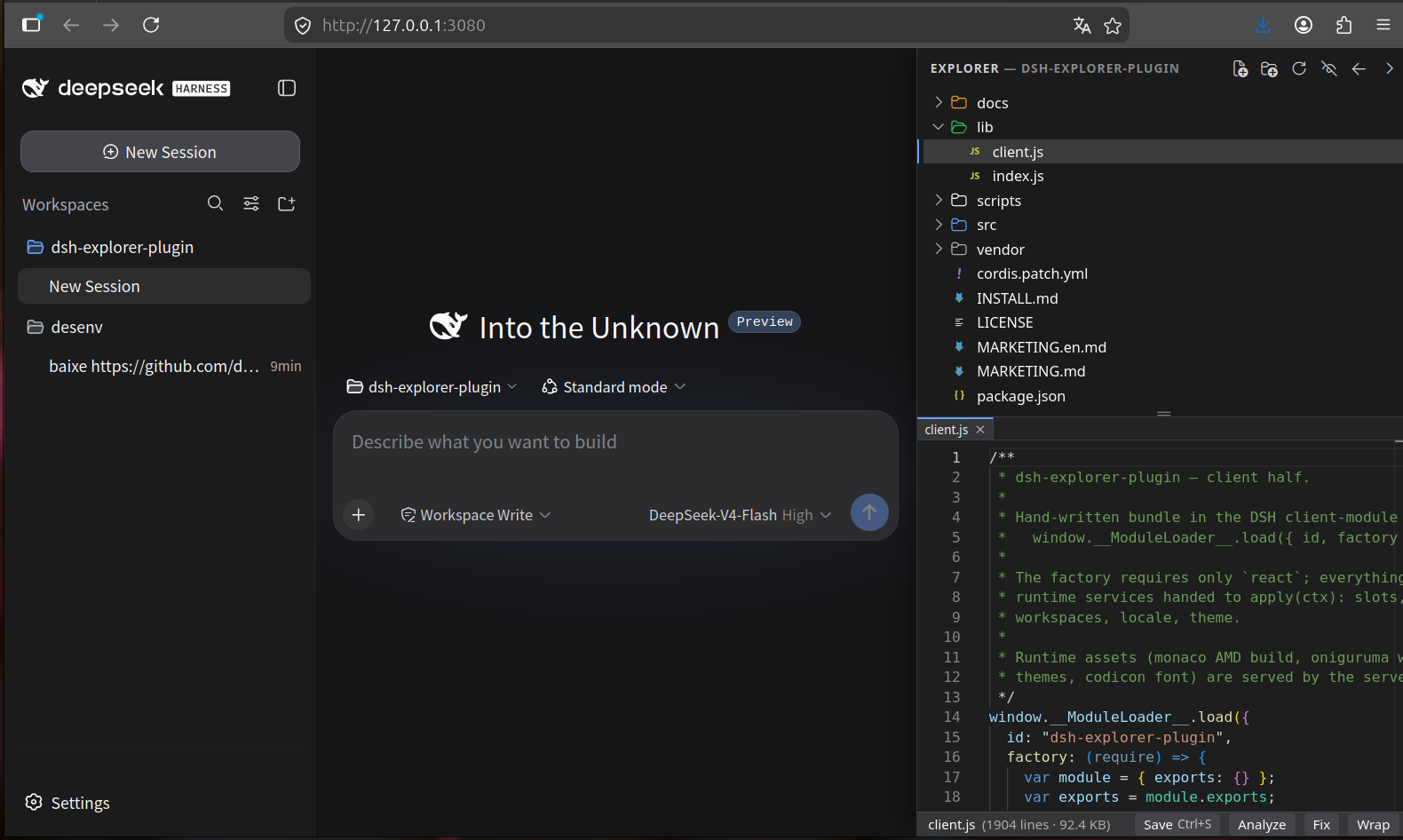
Use Cases
- Debugging code generated by AI
- Managing project files in DeepSeek Harness
- Monitoring file changes in real-time
Best For
- DeepSeek Harness developers
- Engineers needing IDE features
- Users focused on AI coding workflows
Related Plugins
A service-oriented sidebar framework for DSH, offering a full workbench with file explorer, embedded browser, real terminal, Git panel, and extensible plugin services.

A beautiful, practical Claude Code-style TUI plugin with pixel whale top bar, flowing glow title, real-time status line, streaming thought expansion, time rewind, context progress bar and TPS gauge — zero core changes.

The plugin market for DeepSeek Harness: browse/search/one-click install community plugins and themes, with updates, backup/restore, hot disable, diagnostics, and AI fix.

A persistent whale widget on the DSH web UI that shows DeepSeek balance, today's usage, and per-turn cost, with drag-and-snap and sound effects.