dsh-session-context-menu
Run the following command in DeepSeek Harness:
dsh plugin install baihejiangnan/dsh-session-context-menu
Paste the following prompt into your AI chat to install this plugin:
Install this plugin in DeepSeek Harness from the source URL https://github.com/baihejiangnan/dsh-session-context-menu.
About this plugin
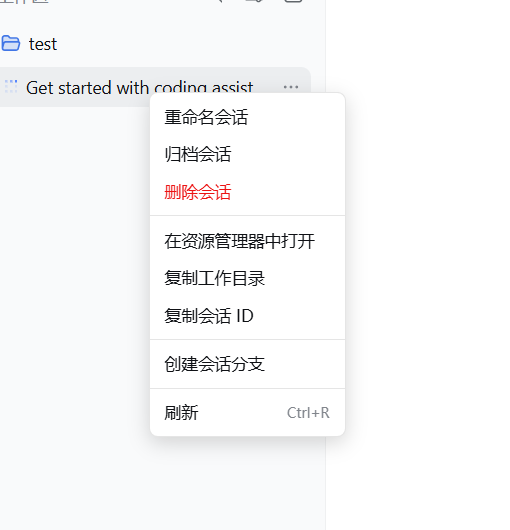
In desktop shells that host the DeepSeek Harness Web UI, such as Tauri, Electron, WebView2, CEF, or Qt WebEngine, the browser's default context menu can feel incomplete and break the native-app experience. This plugin restores a more natural right-click workflow across sessions, workspaces, settings pages, conversation content, links, and input fields, with menu labels that automatically follow the host UI language.
It keeps the official session actions where they already exist, while adding a carefully protected permanent-delete option for sessions, including confirmation, path restrictions, and cleanup of related session data. It is especially useful for users who run DeepSeek Harness inside desktop wrappers and want a more polished, native-like context menu without modifying official components.
Screenshots
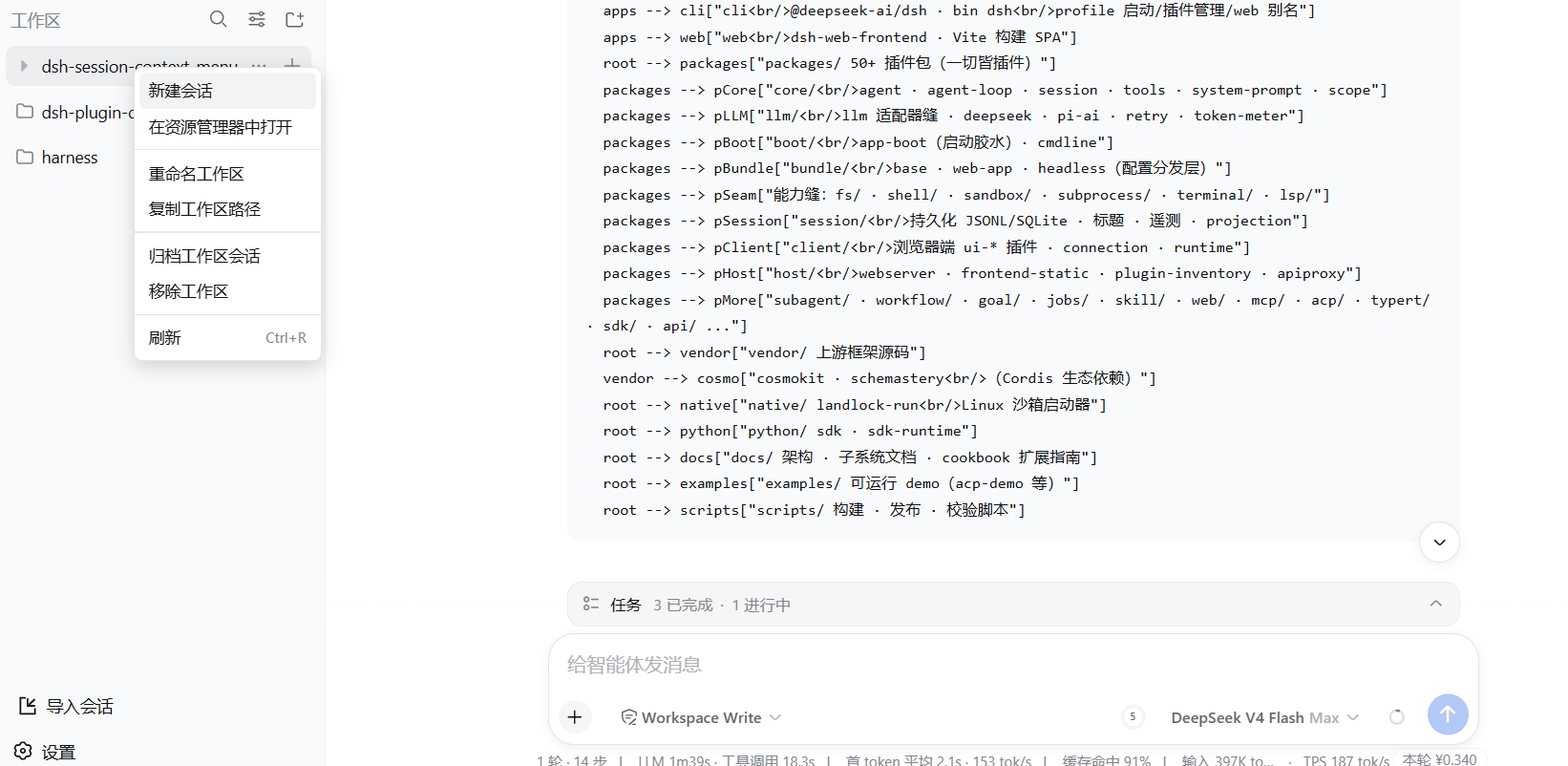
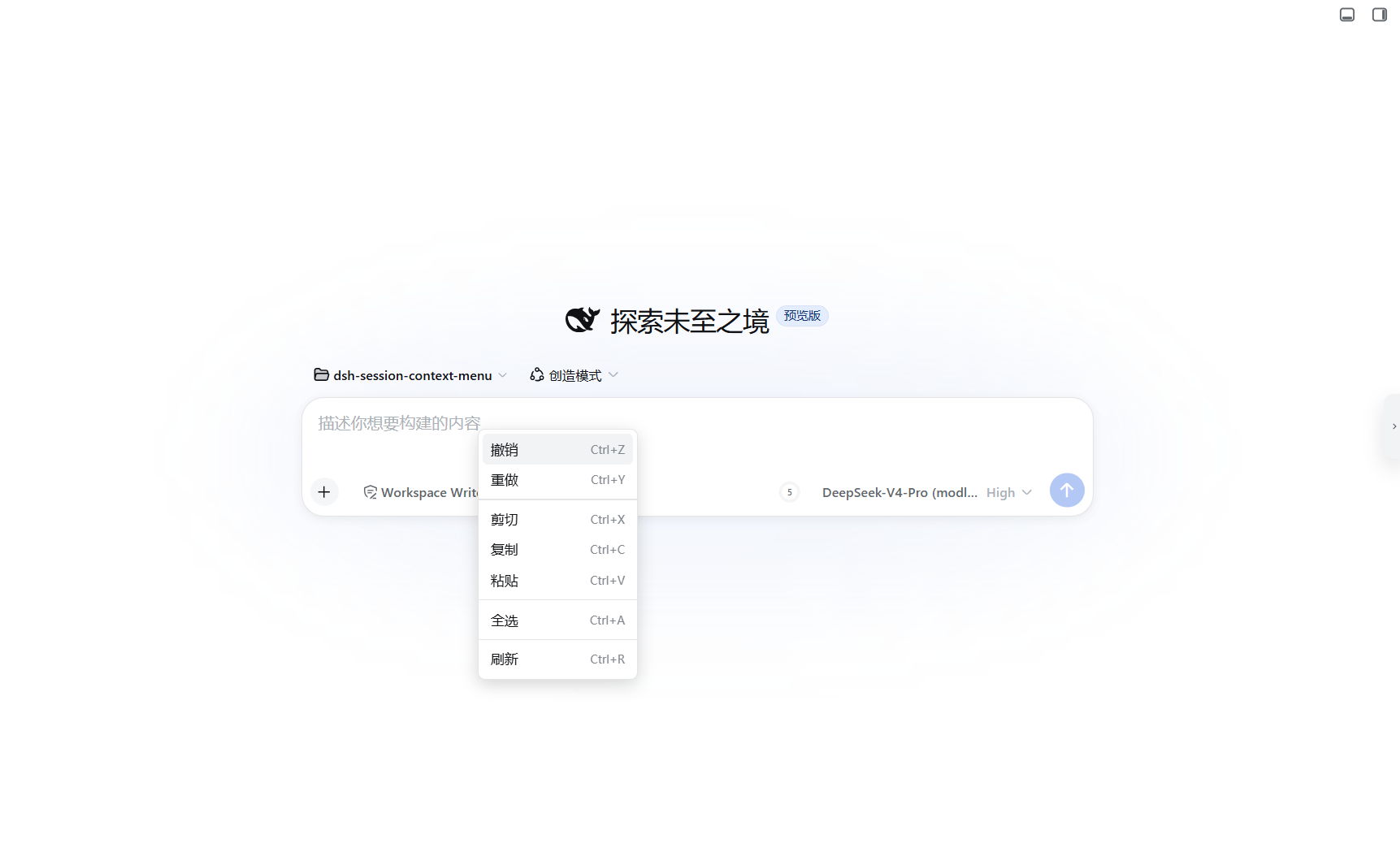
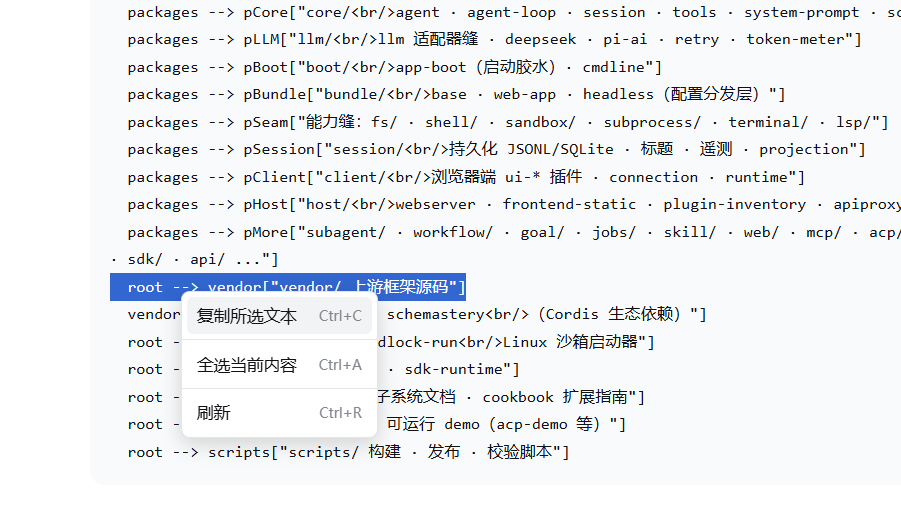
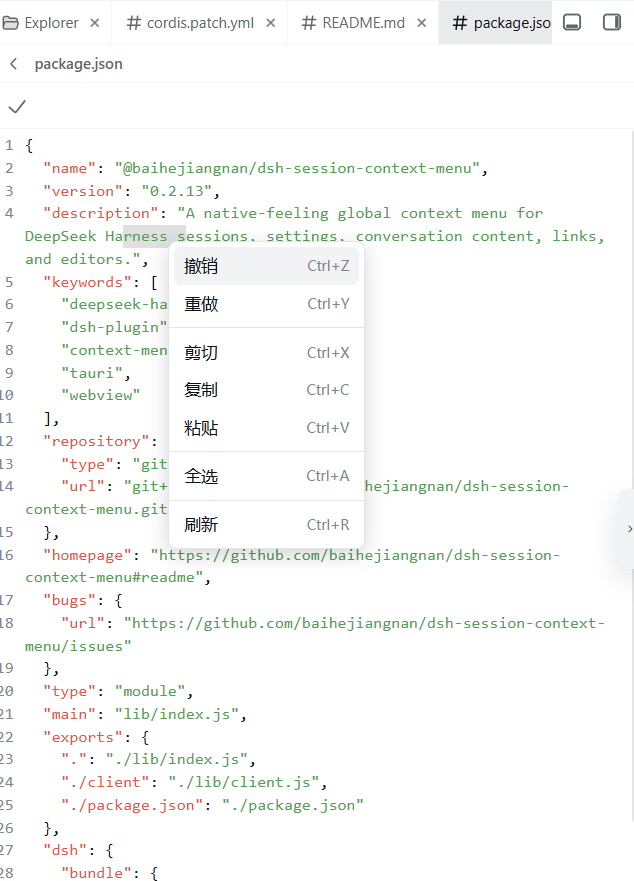
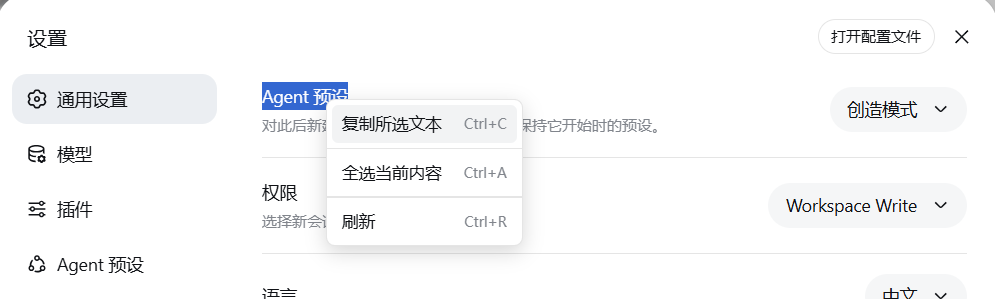
Use Cases
- Use a more complete context menu in Tauri or Electron shells.
- Quickly open or copy session and workspace directories.
- Permanently delete unwanted sessions with confirmation.
Best For
- Users running DeepSeek Harness in desktop shells.
- Users who want a more native right-click experience.
- Users who need to clean up sessions and workspace directories carefully.
Related Plugins
A service-oriented sidebar framework for DSH, offering a full workbench with file explorer, embedded browser, real terminal, Git panel, and extensible plugin services.

A beautiful, practical Claude Code-style TUI plugin with pixel whale top bar, flowing glow title, real-time status line, streaming thought expansion, time rewind, context progress bar and TPS gauge — zero core changes.

The plugin market for DeepSeek Harness: browse/search/one-click install community plugins and themes, with updates, backup/restore, hot disable, diagnostics, and AI fix.

A persistent whale widget on the DSH web UI that shows DeepSeek balance, today's usage, and per-turn cost, with drag-and-snap and sound effects.