dsh-theme-plugin
Run the following command in DeepSeek Harness:
dsh plugin install nevertoday/dsh-theme-plugin
Paste the following prompt into your AI chat to install this plugin:
Install the dsh-theme-plugin in DeepSeek Harness from its source repository at https://github.com/nevertoday/dsh-theme-plugin.
About this plugin
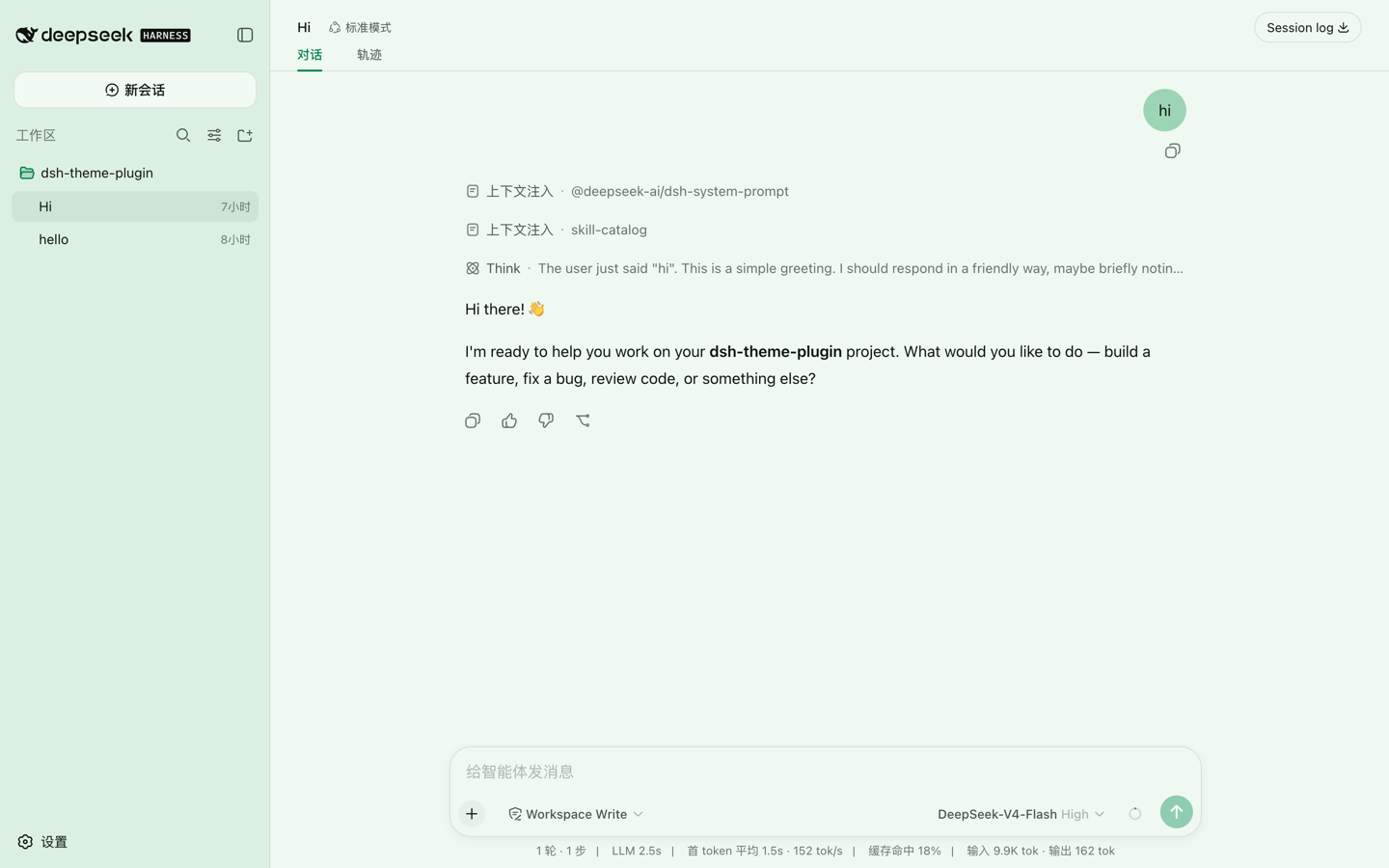
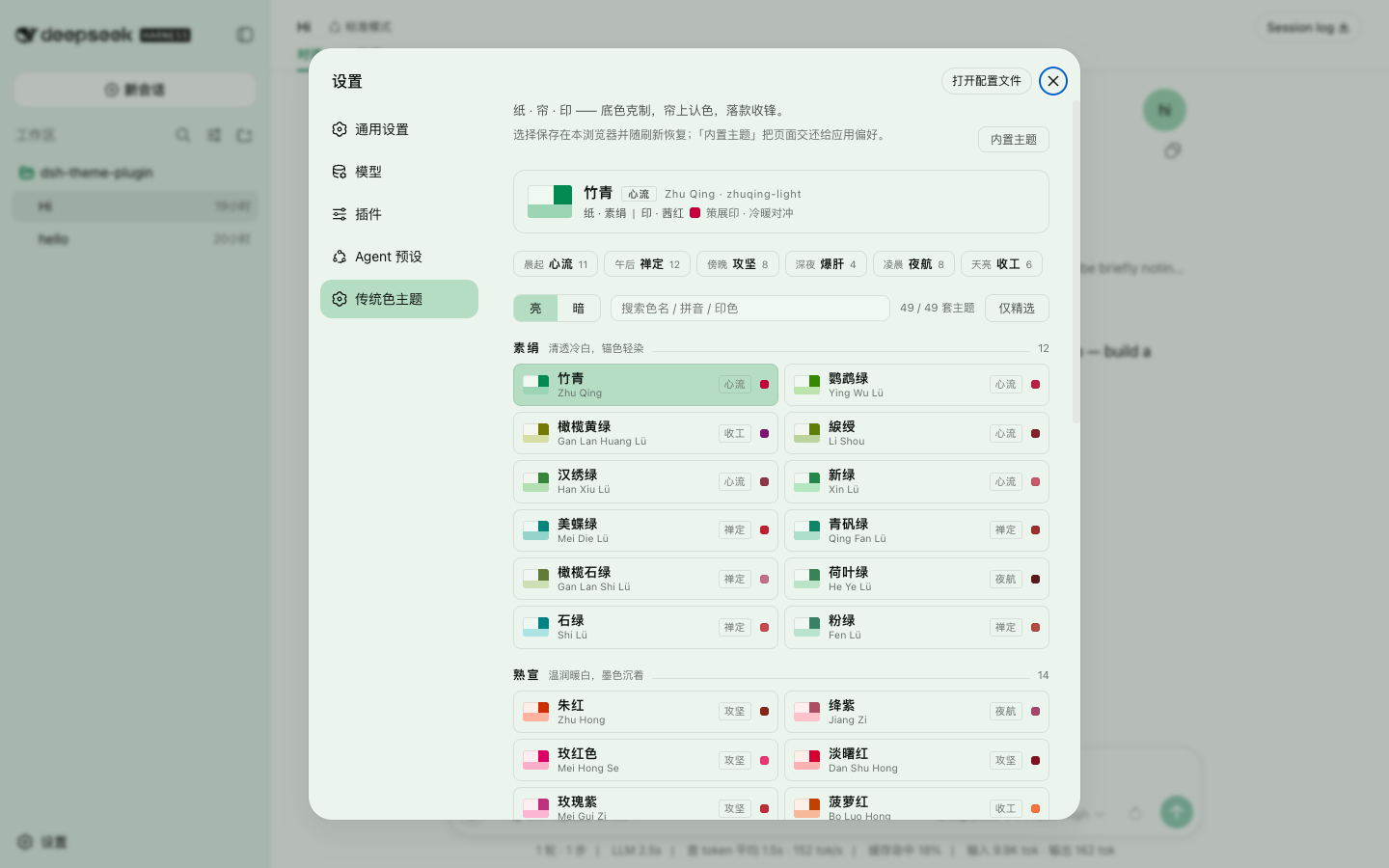
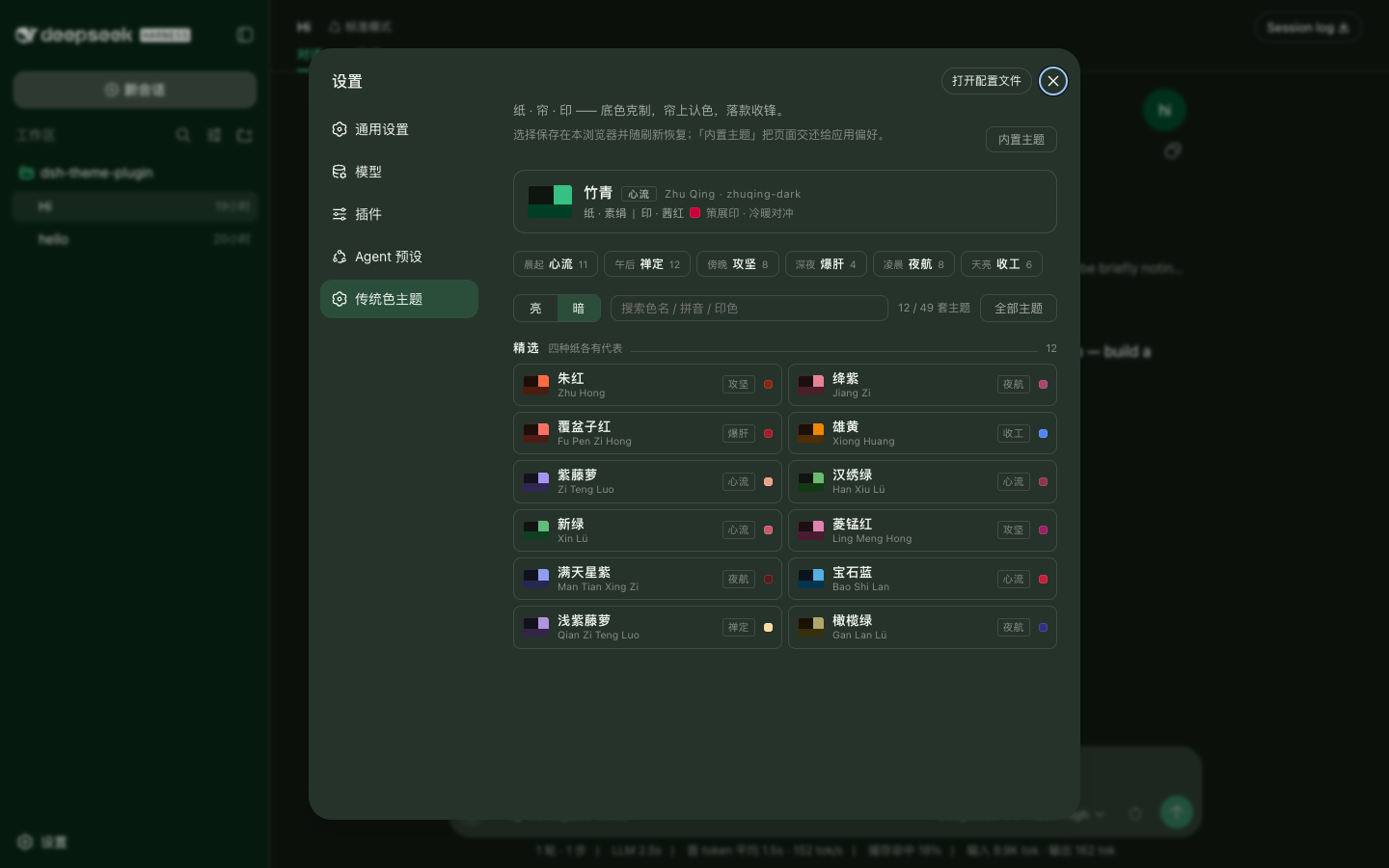
dsh-theme-plugin addresses the problem of bland interface palettes by bringing traditional Chinese colors into DeepSeek Harness as a complete theme pack. Its 49 anchor colors are expanded into 98 light and dark themes, covering page backgrounds, panels and bubbles, focus actions, and syntax highlighting while preserving a readable, everyday working surface.
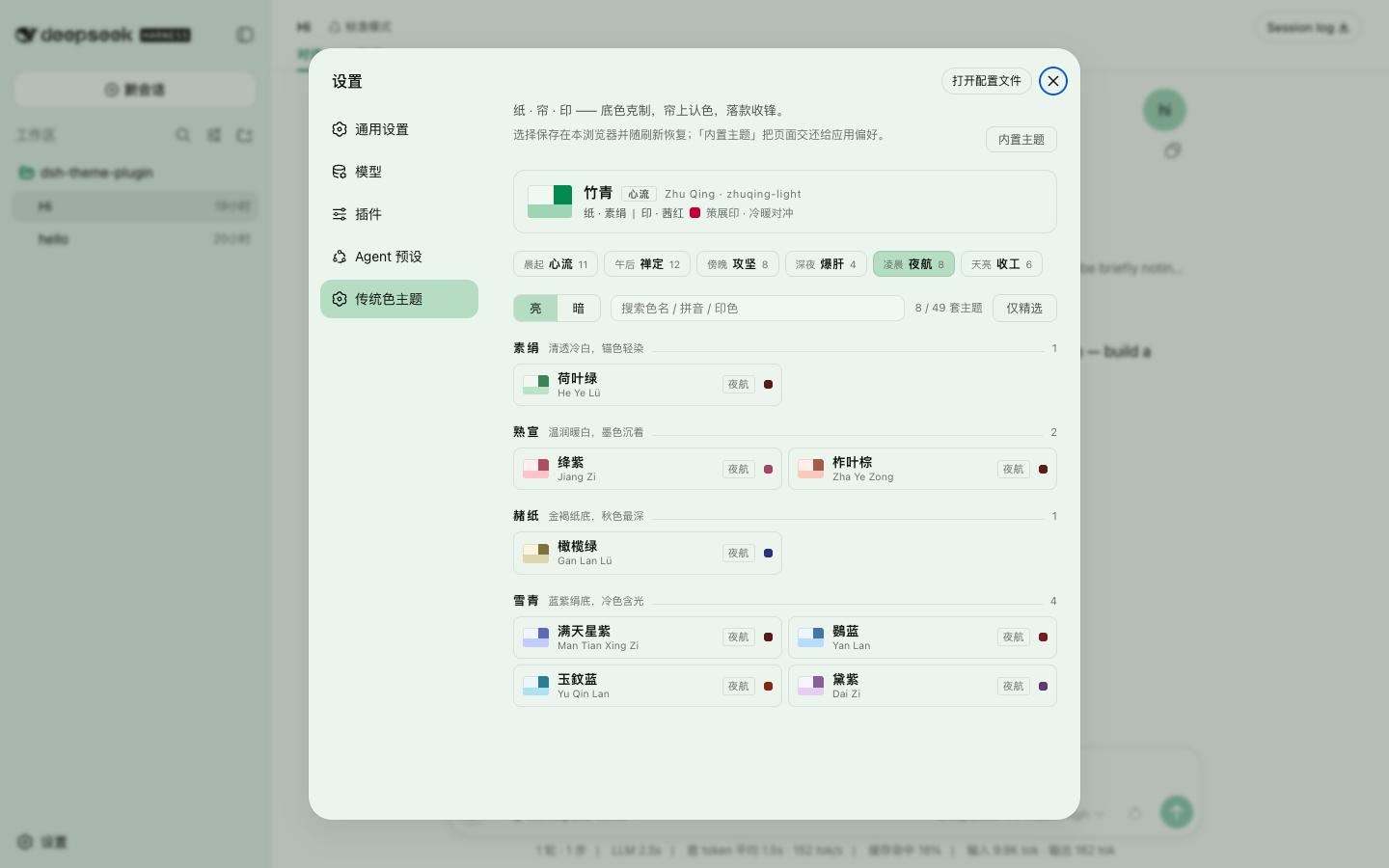
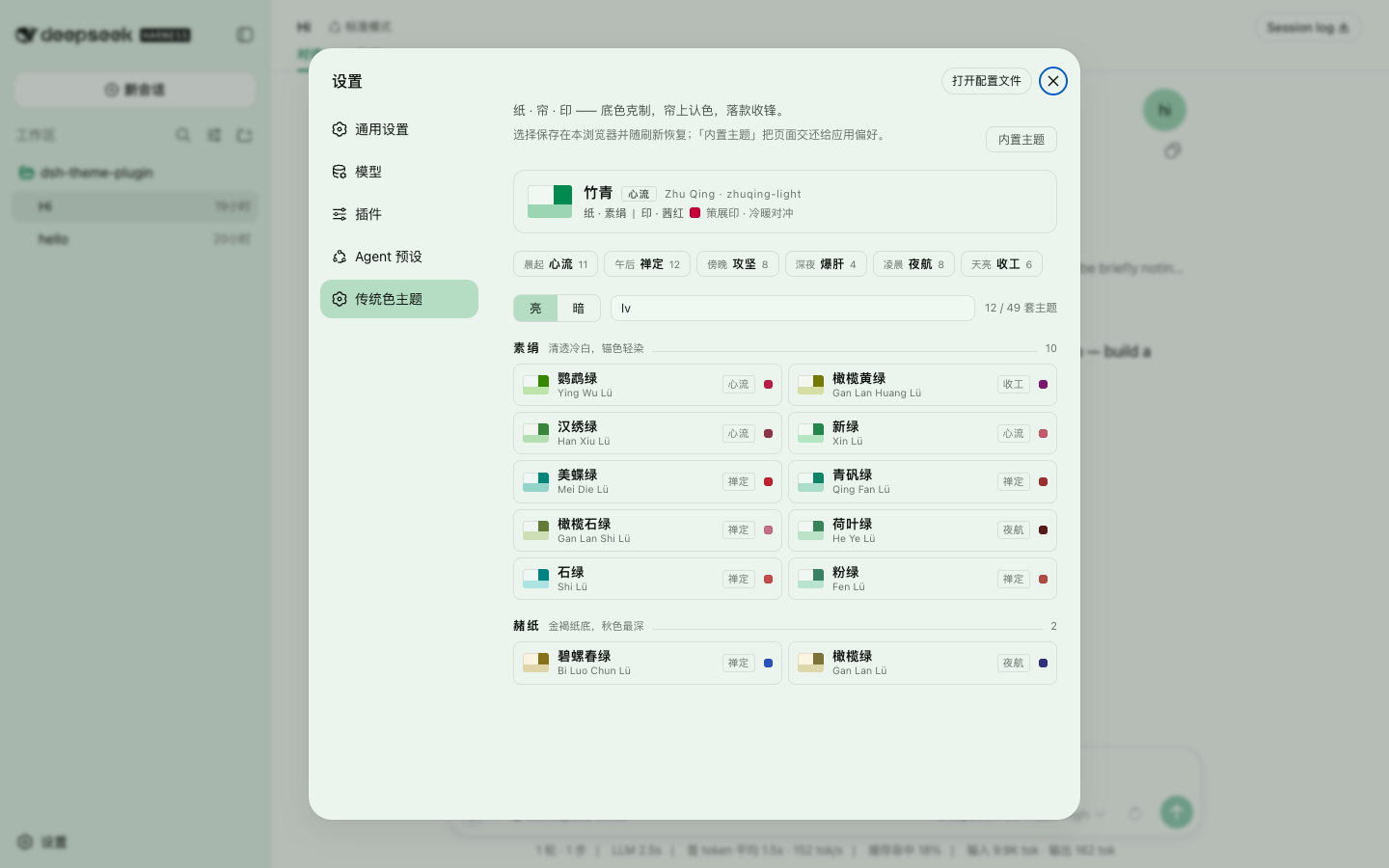
Rather than applying a single tint, the plugin writes a full token set for each theme and validates contrast and color relationships. A built-in picker lets you browse by paper family, filter by working mood, search by Chinese name or pinyin, or start from a curated shortlist, and themes can also be opened through deep links.
It is a good fit for users who enjoy traditional Chinese colors, want a personalized workspace, or care about accessible light and dark themes with consistent code highlighting.
Screenshots
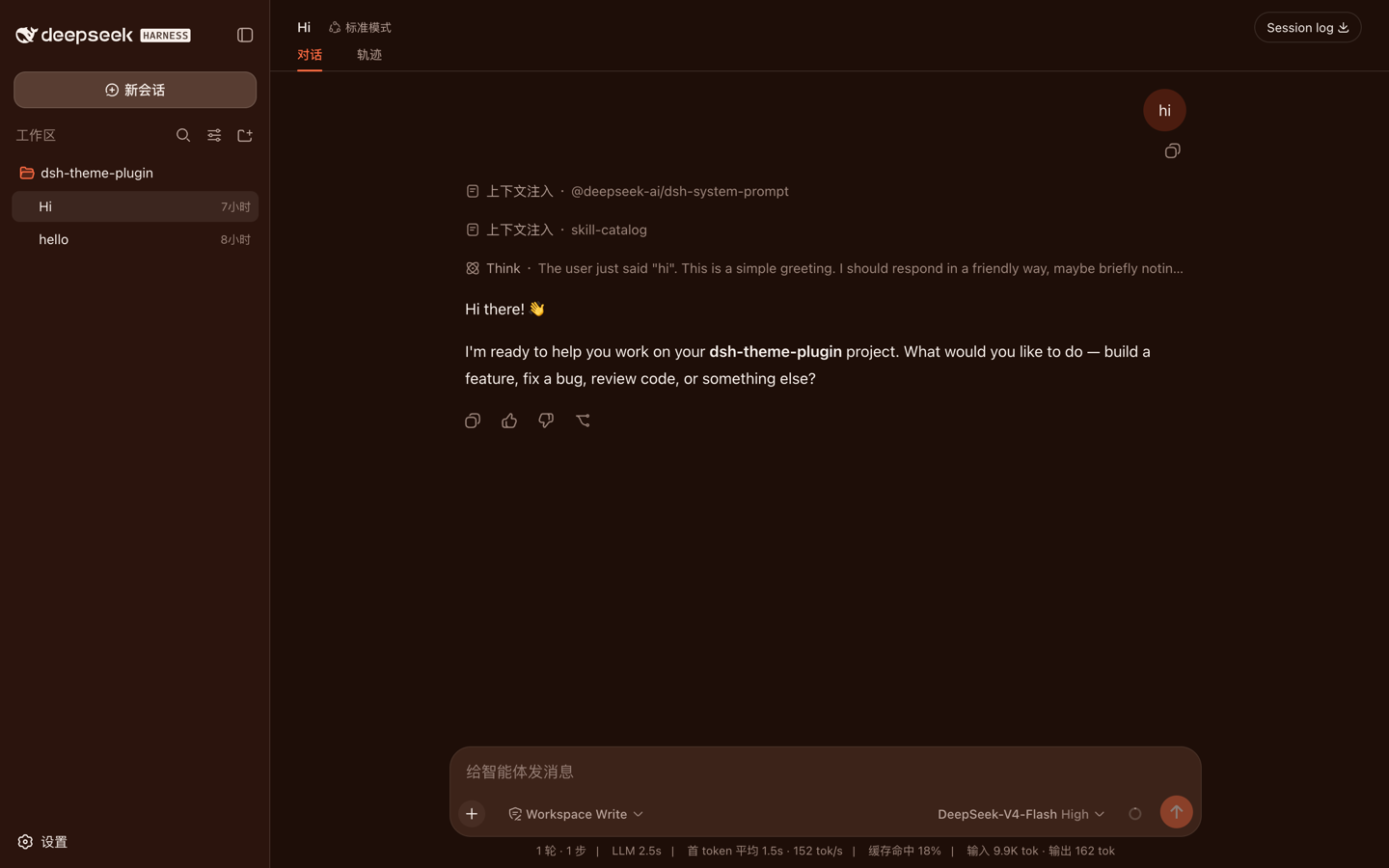
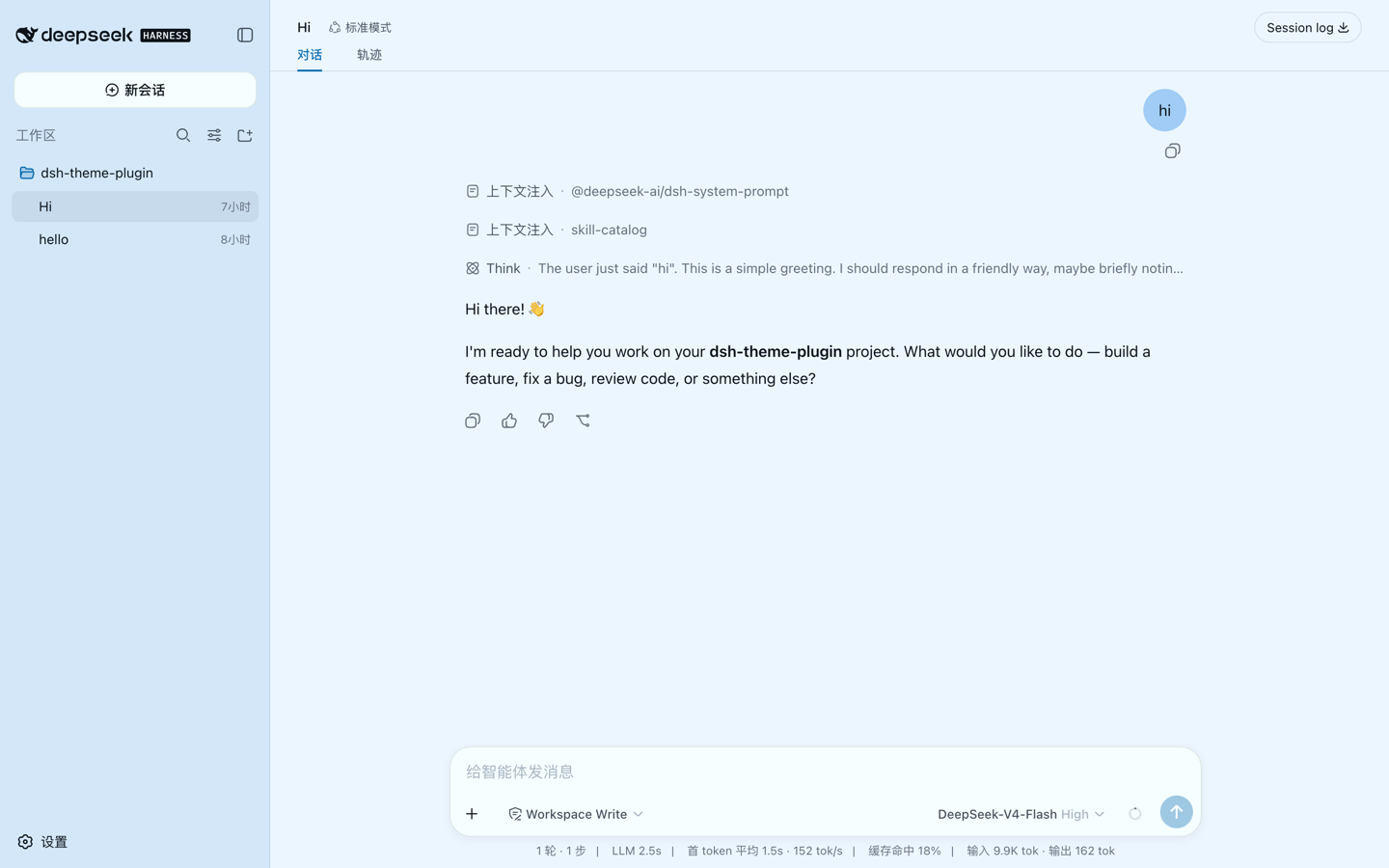
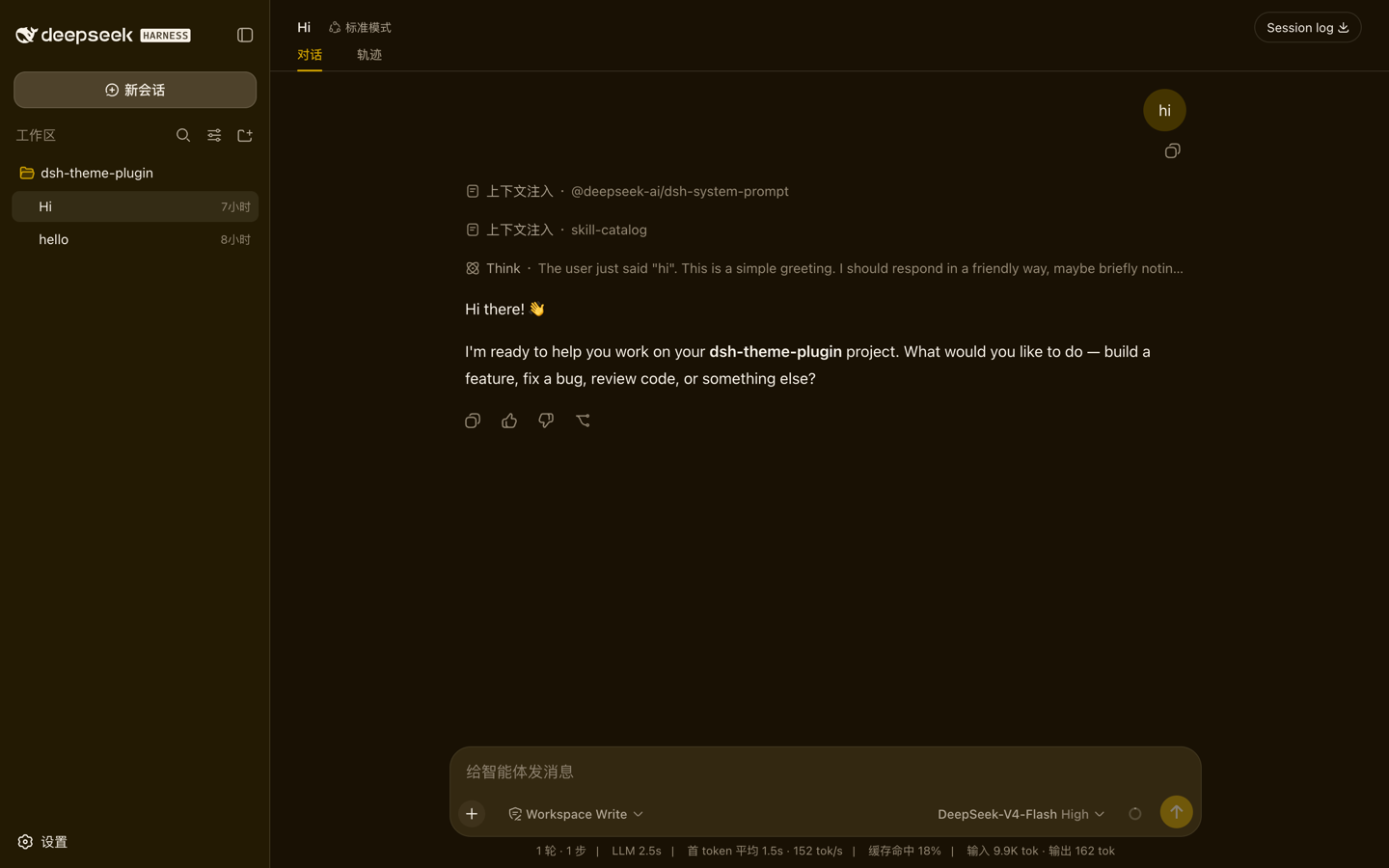
Use Cases
- Give DeepSeek Harness a traditional Chinese color palette.
- Switch between light and dark themes for different working moods.
- Find a theme quickly by browsing, searching, or mood filters.
Best For
- Users who enjoy traditional Chinese colors and personalized interfaces.
- Developers who care about readable, contrast-checked themes.
- People who want syntax highlighting that matches the overall palette.
Related Plugins

whale-girl is a desktop pet in the DSH Web GUI (bottom-right for instant companionship) — draggable, feedable, playable; completed tasks, sessions and companionship time accrue into seniority levels, titles, and memories.

Renders your local Wallpaper Engine wallpapers as the DSH web background, supporting video, web, and scene wallpapers with a liquid-glass effect and rich customization.

A WebGPU ocean skin for DeepSeek Harness with five-wave Gerstner waves, translucent theme, day/night cycle, and quick controls, installable as plugin or extension.

A Galgame-style conversation view and visual scene editor for DSH web sessions, with a real-time editing mode.