dsh-settings-organizer
Run the following command in DeepSeek Harness:
dsh plugin install baihejiangnan/dsh-settings-organizer
Paste the following prompt into your AI chat to install this plugin:
Please execute the installation command in DeepSeek Harness to add this plugin: dsh plugin install baihejiangnan/dsh-settings-organizer, with source code located at https://github.com/baihejiangnan/dsh-settings-organizer.
About this plugin
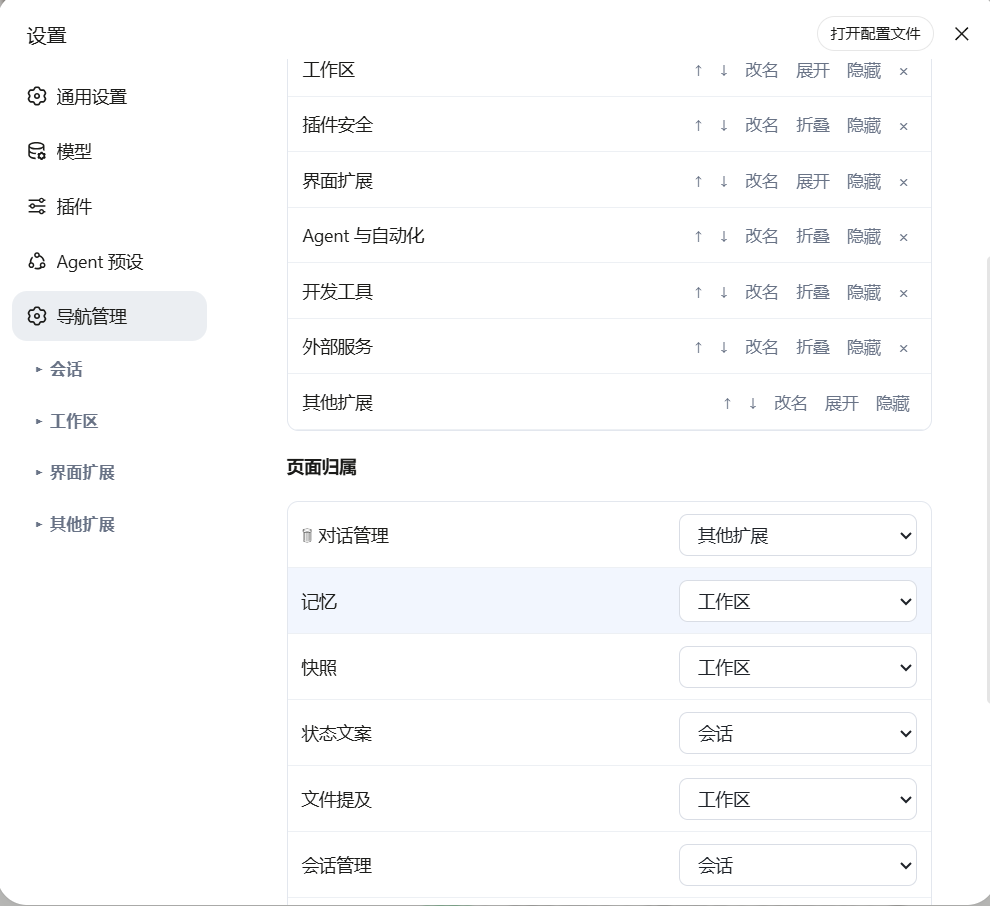
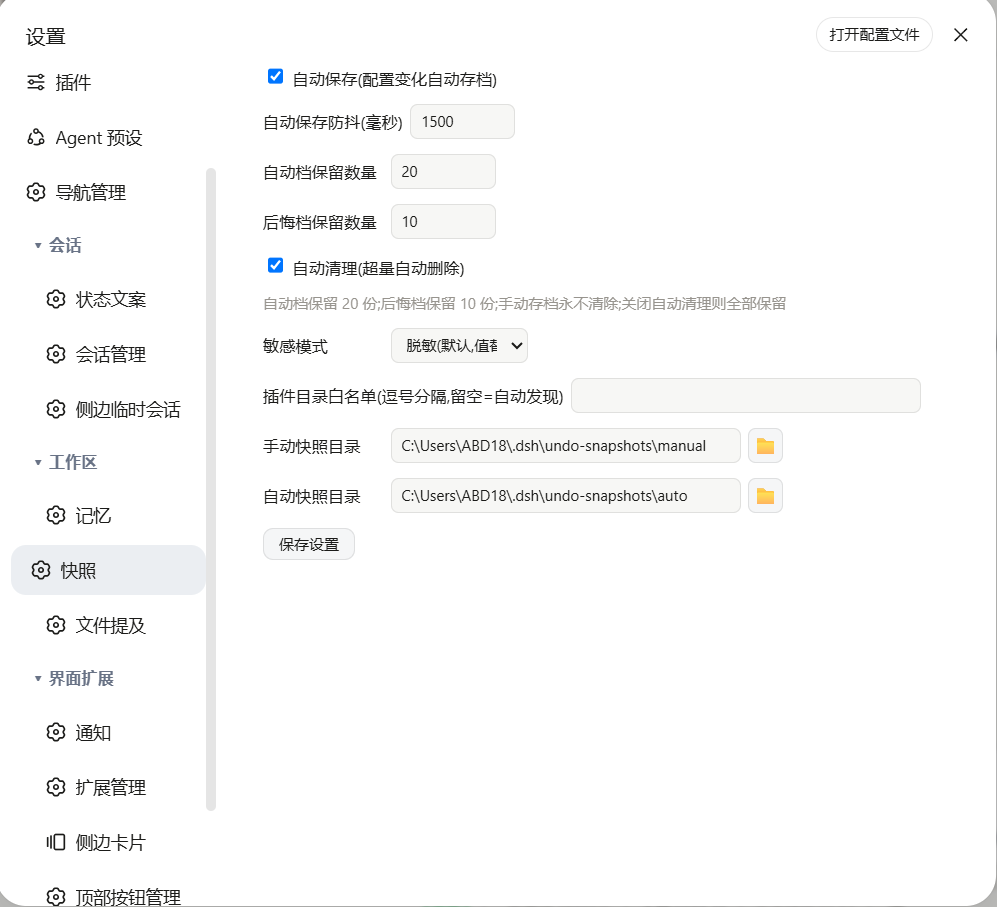
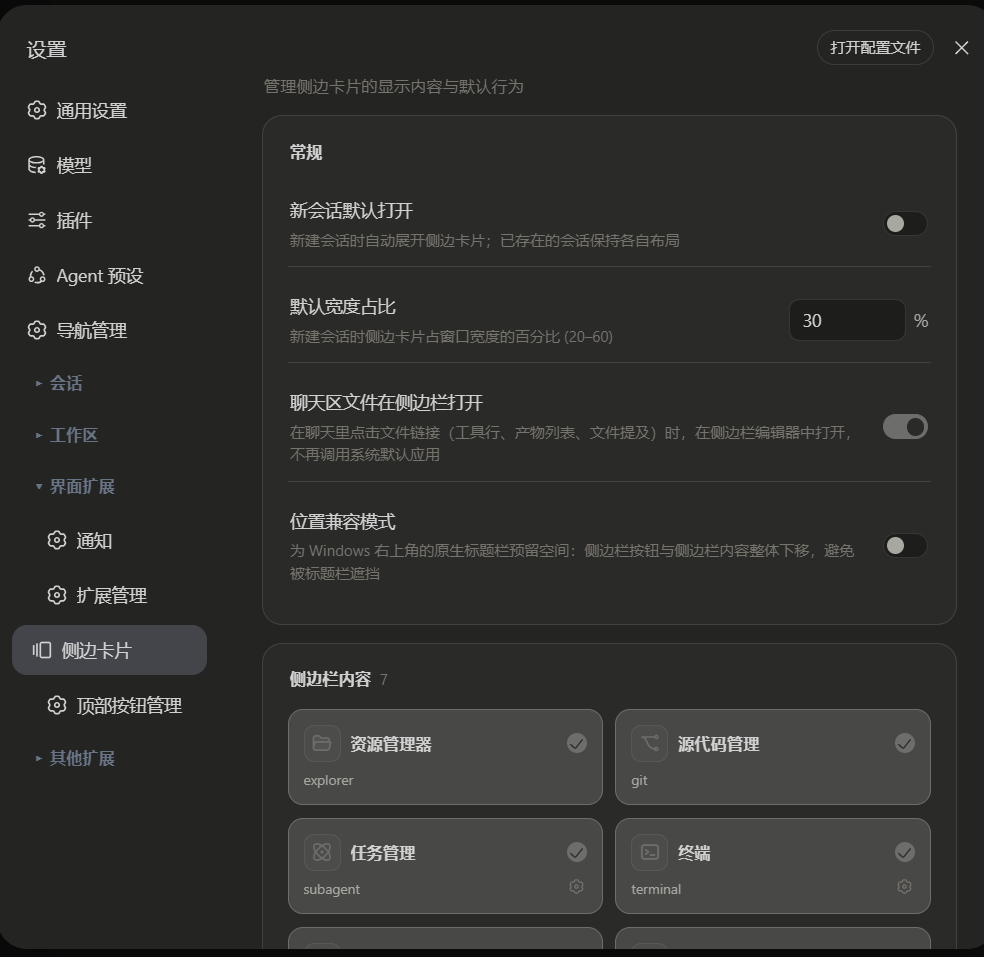
Struggling with a cluttered DSH Web settings sidebar? dsh-settings-organizer is here to help. This independent client-side plugin offers a clean way to reorganize your navigation, ensuring that essential settings remain easily accessible without altering the core system. Its core capabilities include managing top-level groups, collapsible navigation, and dark mode support. The plugin automatically detects existing settings pages and allows you to reassign them to logical groups. With features like configuration import/export and a "Safety Mode" to restore the original layout, you have full control over your interface. This tool is perfect for power users who want to customize their DSH experience. Whether you need to organize workspaces, plugin security, or interface extensions, it helps you declutter your settings and create a workflow that fits your needs.
Screenshots
Use Cases
- When the settings sidebar becomes cluttered with too many pages
- When you need to quickly collapse top-level groups to focus on core functions
- When switching between different workspaces and maintaining a consistent navigation structure
Best For
- DSH power users seeking efficient interface management
- Developers or geeks who need to deeply customize the settings layout
- Web users who frequently install new plugins causing menu bloat
Related Plugins
A service-oriented sidebar framework for DSH, offering a full workbench with file explorer, embedded browser, real terminal, Git panel, and extensible plugin services.

A beautiful, practical Claude Code-style TUI plugin with pixel whale top bar, flowing glow title, real-time status line, streaming thought expansion, time rewind, context progress bar and TPS gauge — zero core changes.

The plugin market for DeepSeek Harness: browse/search/one-click install community plugins and themes, with updates, backup/restore, hot disable, diagnostics, and AI fix.

A persistent whale widget on the DSH web UI that shows DeepSeek balance, today's usage, and per-turn cost, with drag-and-snap and sound effects.