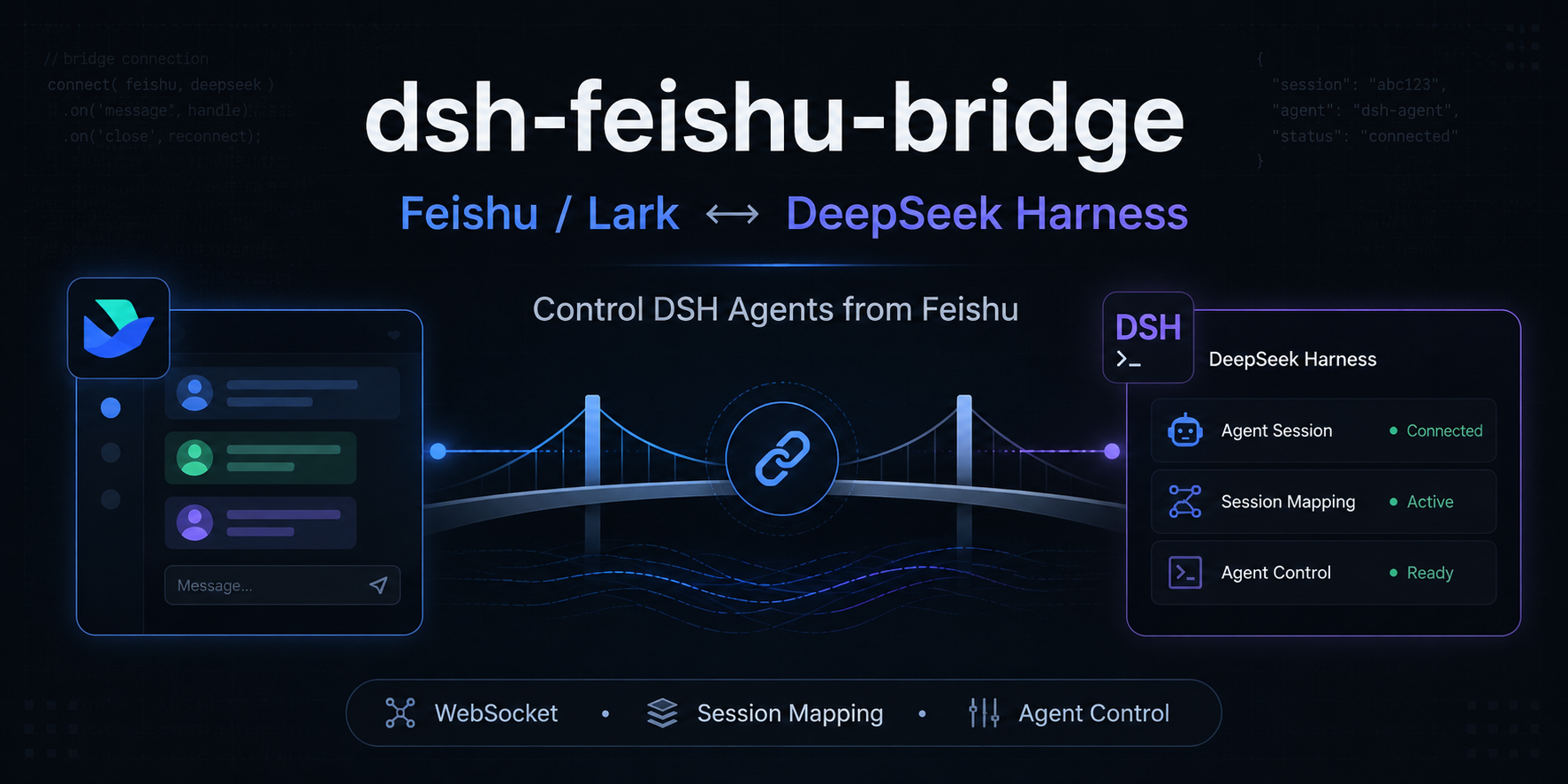
dsh-feishu-bridge
Run the following command in DeepSeek Harness:
dsh plugin install ailoushu666/dsh-feishu-bridge
Paste the following prompt into your AI chat to install this plugin:
Execute the command dsh plugin install ailoushu666/dsh-feishu-bridge in DeepSeek Harness to install this plugin, with source code hosted at https://github.com/ailoushu666/dsh-feishu-bridge.
About this plugin
dsh-feishu-bridge addresses the disconnect between local AI workflows and instant messaging tools. By establishing a WebSocket long connection, it bridges Feishu directly with the locally running DeepSeek Harness, eliminating the need for public IPs or complex tunneling setups. This allows you to interact with AI entirely within the familiar Feishu interface without constantly switching between your browser or terminal, significantly enhancing workflow continuity.
Regarding its core capabilities, the plugin not only maintains context for multi-turn conversations but also provides real-time visibility into the Agent's "thinking process." Seeing 🔧 Tool Calls or 💬 Intermediate Replies means the AI is actively utilizing tools to solve problems rather than just generating a final answer. Additionally, built-in Feishu-side commands allow you to switch models, adjust reasoning effort, or manually stop tasks on the fly, making complex local Agent debugging accessible and intuitive.
This plugin is ideal for developers and technical researchers who need deep debugging capabilities and local deployment, as well as teams looking to integrate powerful local Large Language Models into their daily work. Whether for code review, data analysis, or executing complex automation tasks, it provides a human-like interactive experience while strictly ensuring data privacy and local control.
Screenshots
Use Cases
- Control local DeepSeek Agent via Feishu
- Debug tool calls in real-time within group chats
- Switch models and reasoning effort using Feishu commands
Best For
- Developers needing local AI debugging within Feishu
- Researchers prioritizing data privacy and local LLM execution
- Teams seeking to seamlessly embed powerful AI into daily collaboration
Related Plugins
A service-oriented sidebar framework for DSH, offering a full workbench with file explorer, embedded browser, real terminal, Git panel, and extensible plugin services.

A beautiful, practical Claude Code-style TUI plugin with pixel whale top bar, flowing glow title, real-time status line, streaming thought expansion, time rewind, context progress bar and TPS gauge — zero core changes.

The plugin market for DeepSeek Harness: browse/search/one-click install community plugins and themes, with updates, backup/restore, hot disable, diagnostics, and AI fix.

A persistent whale widget on the DSH web UI that shows DeepSeek balance, today's usage, and per-turn cost, with drag-and-snap and sound effects.