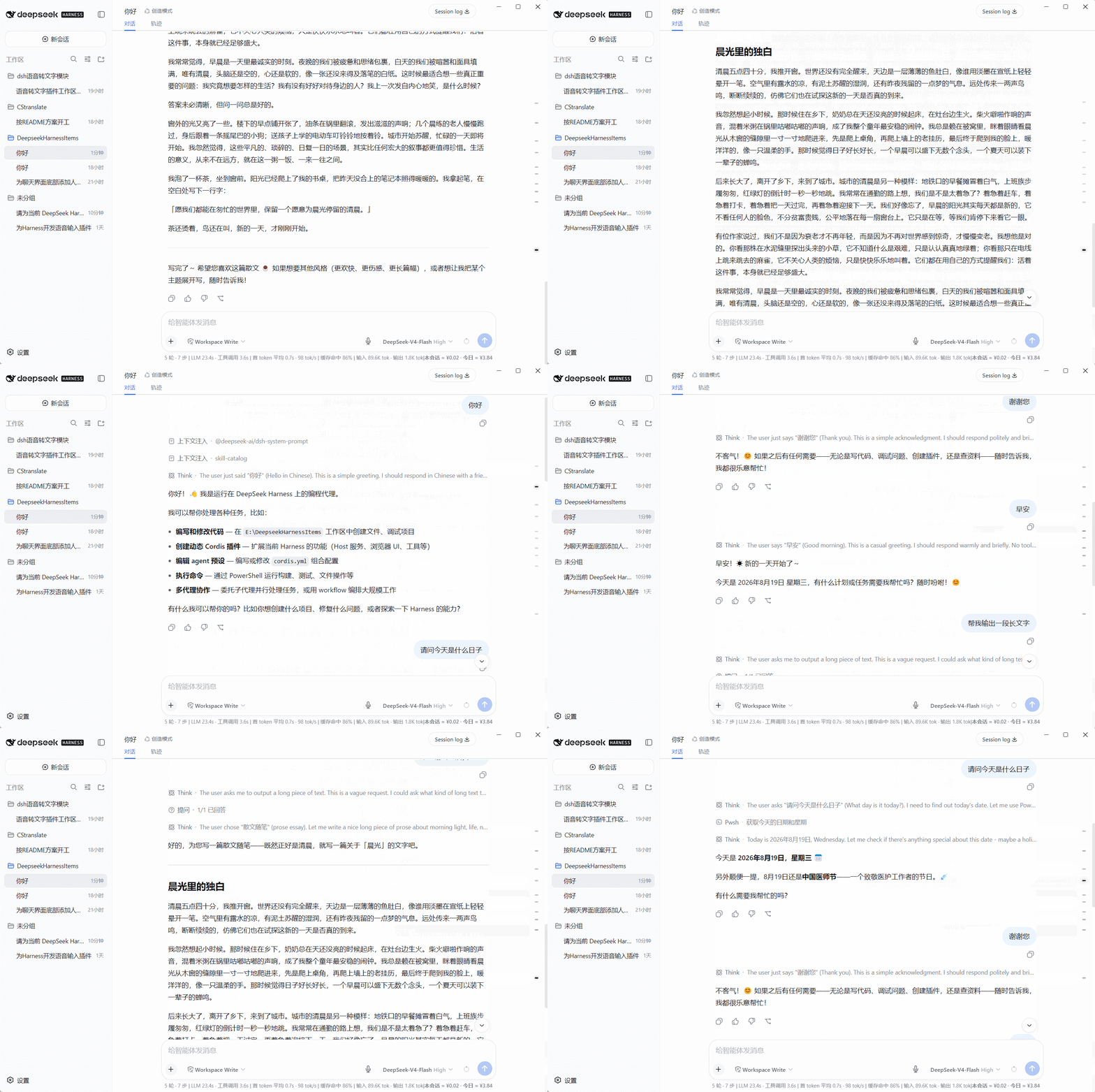
dsh-conversation-density-map
Run the following command in DeepSeek Harness:
dsh plugin install weien666/dsh-conversation-density-map
Paste the following prompt into your AI chat to install this plugin:
To install this plugin in DeepSeek Harness, run the command dsh plugin install weien666/dsh-conversation-density-map, or add the GitHub repository URL https://github.com/weien666/dsh-conversation-density-map to your profile configuration.
About this plugin
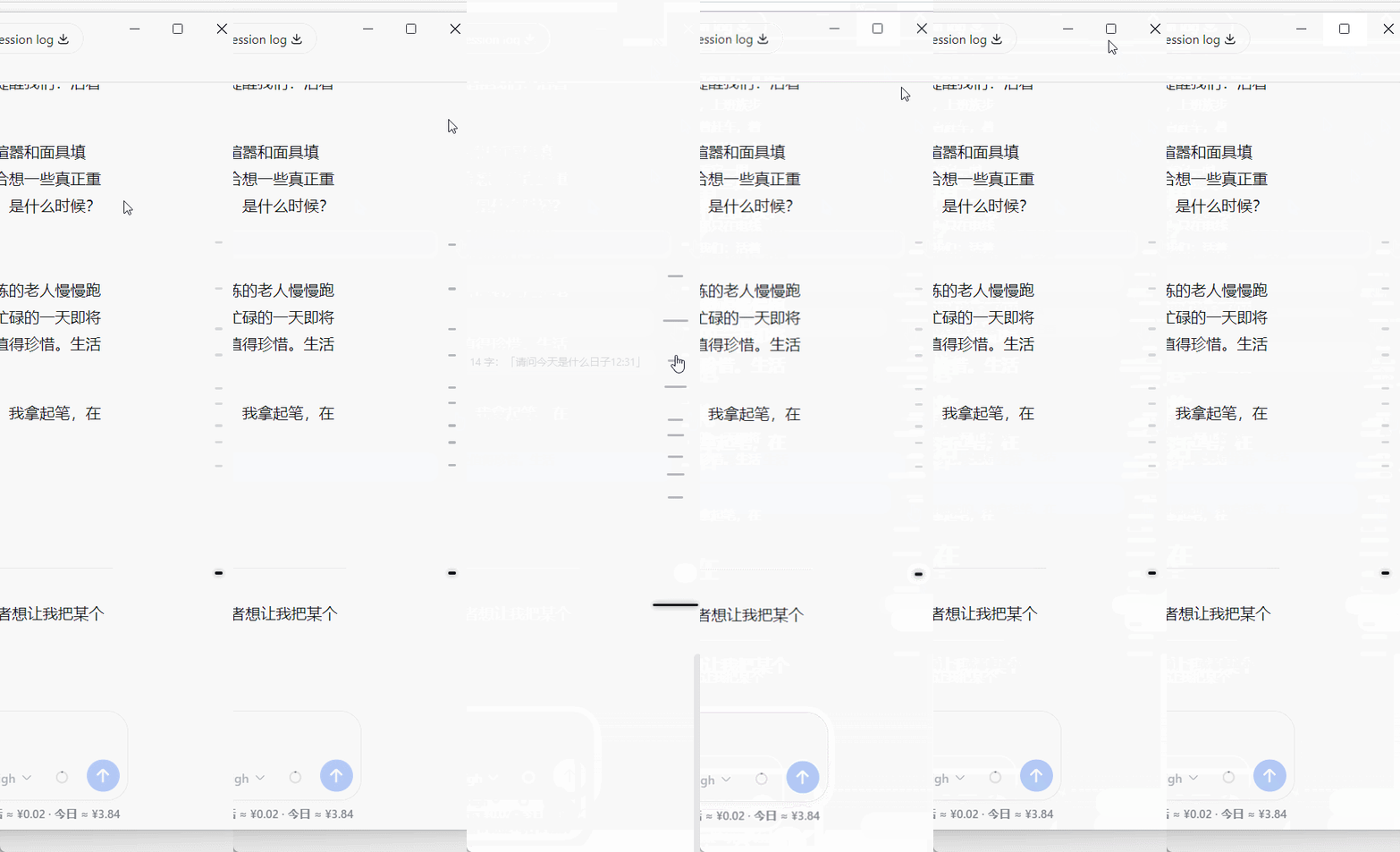
During long conversations, users often struggle to quickly locate specific information or intuitively perceive the distribution of the dialogue. dsh-conversation-density-map elegantly solves this problem by creating a visual "Conversation Density Map" on the right side of the chat window. Using intuitive scale markers, it displays the distribution and length of the conversation, allowing you to instantly see which sections contain more content and which are brief, helping you grasp the big picture quickly in long texts.
Screenshots


Use Cases
- Quickly locate key information points in long conversations.
- Intuitively evaluate the distribution density and length of conversation content.
- One-click smooth jump to any historical conversation paragraph.
Best For
- DeepSeek users who frequently engage in long deep conversations.
- Researchers or creators who need to organize conversation threads.
- Users seeking efficient browsing and fast navigation experiences.
Related Plugins
A service-oriented sidebar framework for DSH, offering a full workbench with file explorer, embedded browser, real terminal, Git panel, and extensible plugin services.

A beautiful, practical Claude Code-style TUI plugin with pixel whale top bar, flowing glow title, real-time status line, streaming thought expansion, time rewind, context progress bar and TPS gauge — zero core changes.

The plugin market for DeepSeek Harness: browse/search/one-click install community plugins and themes, with updates, backup/restore, hot disable, diagnostics, and AI fix.

A persistent whale widget on the DSH web UI that shows DeepSeek balance, today's usage, and per-turn cost, with drag-and-snap and sound effects.