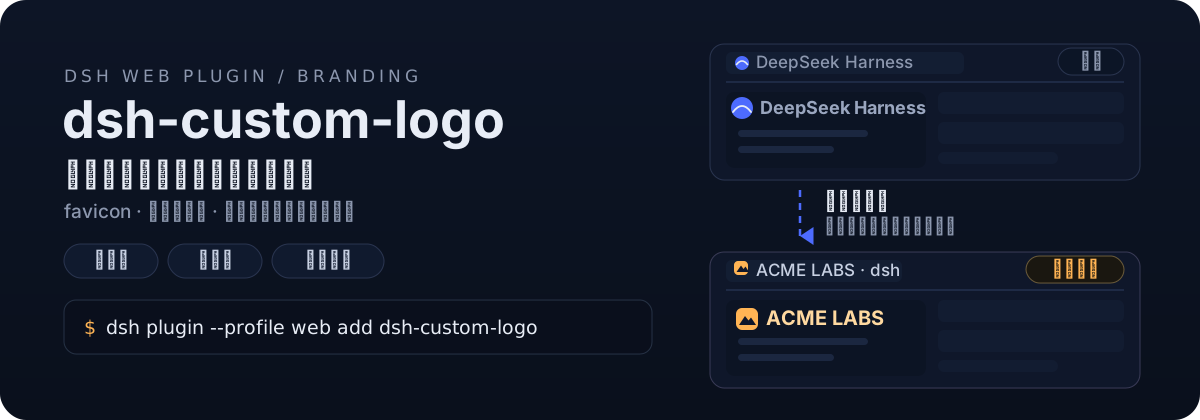
dsh-custom-logo
Run the following command in DeepSeek Harness:
dsh plugin install dawsondx/dsh-custom-logo
Paste the following prompt into your AI chat to install this plugin:
To install the dsh-custom-logo plugin in DeepSeek Harness, please run dsh plugin install dawsondx/dsh-custom-logo, with source code available at https://github.com/dawsondx/dsh-custom-logo.
About this plugin
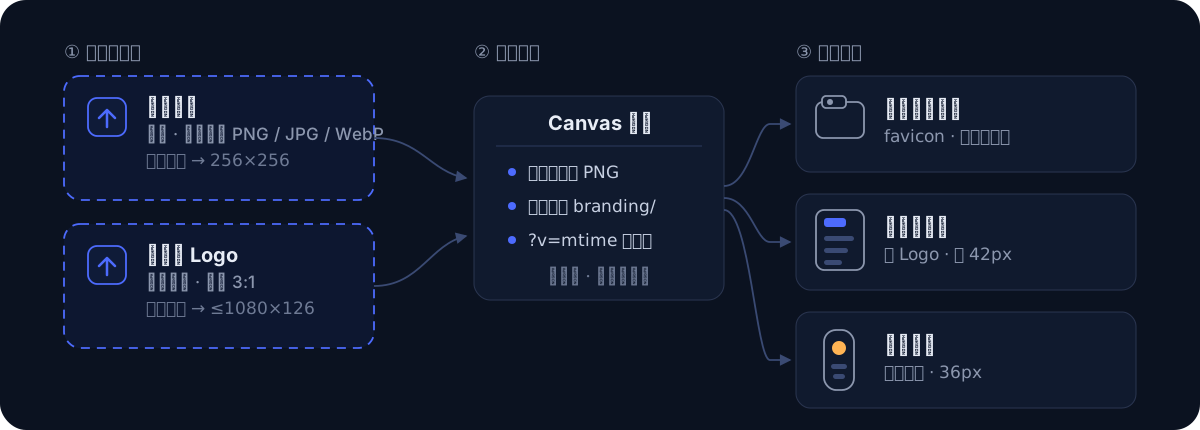
While DeepSeek Harness comes with a clean default branding, it often lacks the personalization needed for demos or enterprise deployments. The dsh-custom-logo plugin solves this by allowing users to replace visual elements with their own identity, making the tool feel more tailored and professional. Its core strength lies in "no cropping required" and "zero configuration." Simply upload a square and a wide image, and the plugin handles the complex resizing and cropping automatically in the browser to generate favicons and sidebar logos. Changes take effect instantly without restarting, and your custom branding persists even after tool upgrades. This plugin is ideal for developers and operations professionals who require visual consistency for presentations or internal tooling. Whether to align with corporate design systems or simply to add a unique touch to team workflows, this lightweight tool delivers professional branding customization with minimal effort.
Screenshots
Use Cases
- Presenting a unified corporate visual style to external users
- Standardizing visual identity across internal tools
- Adding a personalized touch to your development workspace
Best For
- Engineers who need to present the tool frequently
- DevOps professionals responsible for internal system customization
- Developers looking to enhance tool recognition
Related Plugins

whale-girl is a desktop pet in the DSH Web GUI (bottom-right for instant companionship) — draggable, feedable, playable; completed tasks, sessions and companionship time accrue into seniority levels, titles, and memories.

A WebGPU ocean skin for DeepSeek Harness with five-wave Gerstner waves, translucent theme, day/night cycle, and quick controls, installable as plugin or extension.

A Galgame-style conversation view and visual scene editor for DSH web sessions, with a real-time editing mode.

A native skinning plugin for DeepSeek Harness: 8 designer themes, wallpapers, accent colors, and shareable theme packs, built purely on design tokens.