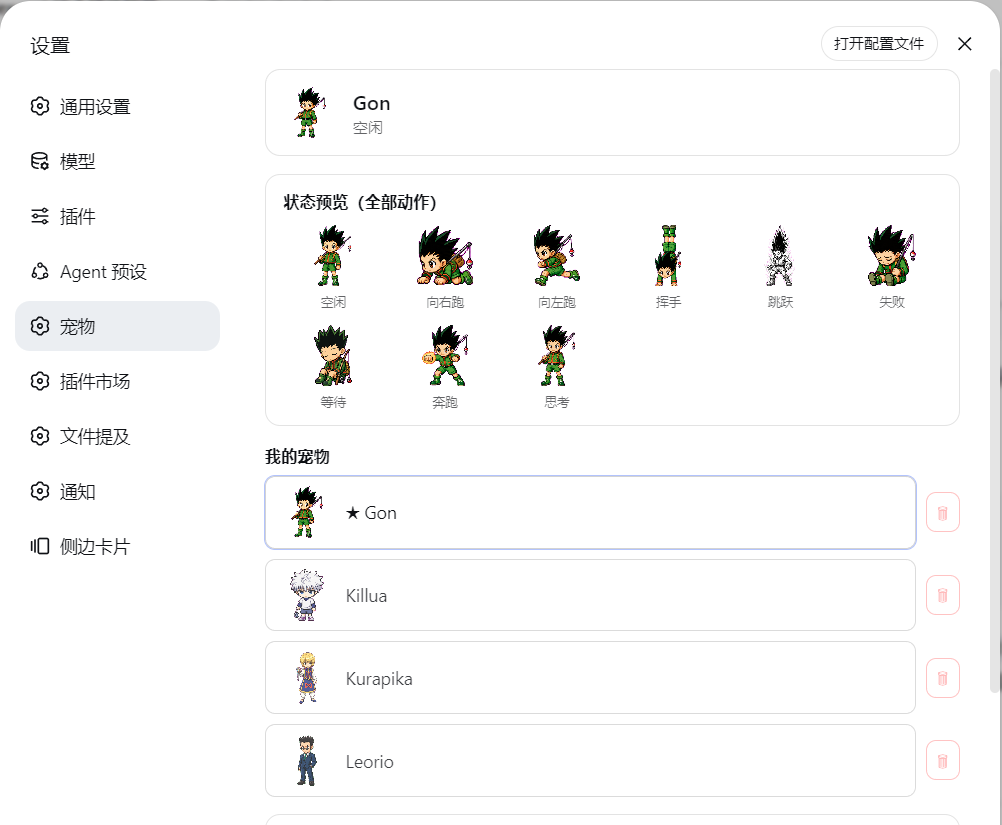
dsh-petdex-pet
Run the following command in DeepSeek Harness:
dsh plugin install zenglihunter/dsh-petdex-pet
Paste the following prompt into your AI chat to install this plugin:
Install this plugin by running `dsh plugin install zenglihunter/dsh-petdex-pet`, where the source is available at https://github.com/zenglihunter/dsh-petdex-pet.
About this plugin
Tired of the dry waiting experience on a standard web interface? This plugin seamlessly brings the fun and companionship of Petdex desktop pets into the DeepSeek Harness web environment. It allows you to enjoy a lively virtual pet experience directly in your browser without needing to install the heavy desktop application.
Featuring rich interactive capabilities, the plugin renders a draggable floating pet in the bottom right corner that syncs perfectly with your AI agent's status. With 9 distinct sprite animations—including idle, running, jumping, and waving—it automatically reacts to your task execution, making your workflow feel more alive and responsive.
Perfect for DSH users who want to add a touch of personality to their workflow, this tool is ideal for anyone seeking a more engaging AI interaction. It comes pre-loaded with four Hunter protagonist pets and supports installing from the gallery, ensuring your web profile feels just as lively as your desktop setup.
Screenshots
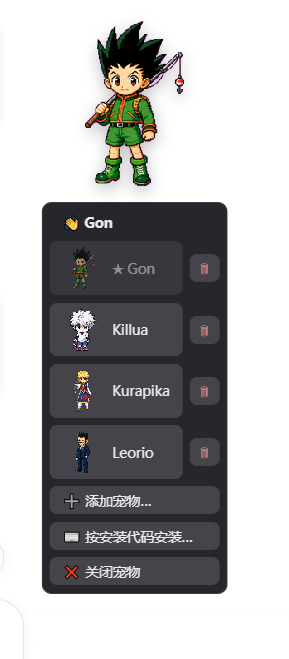
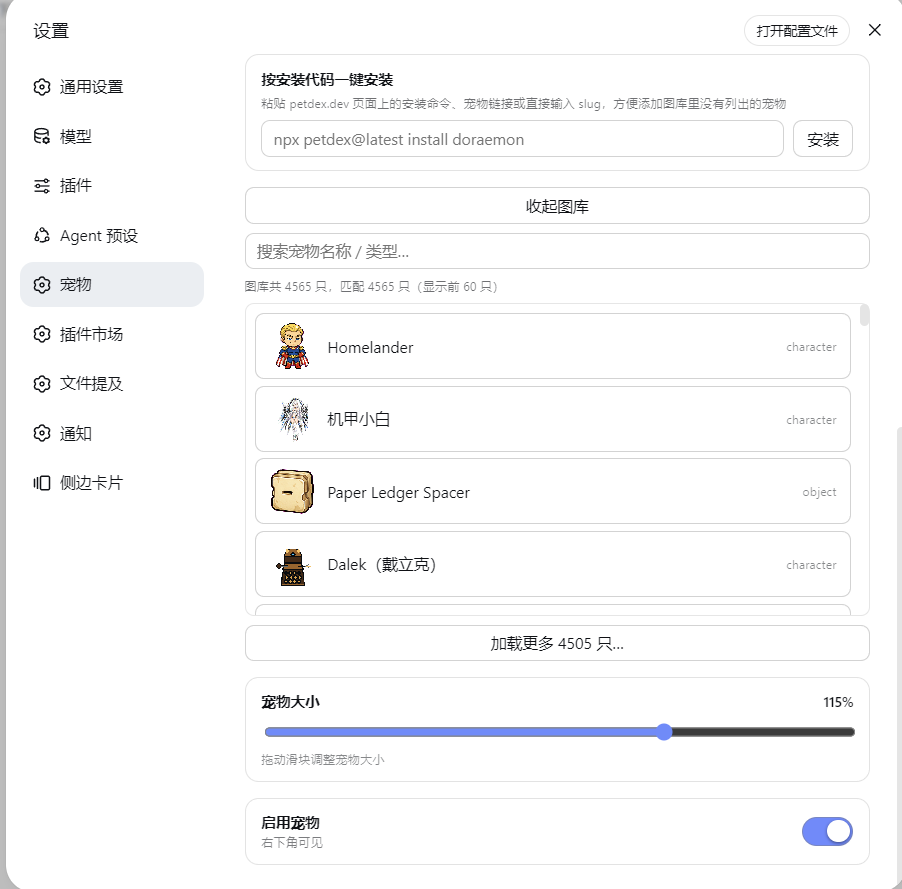
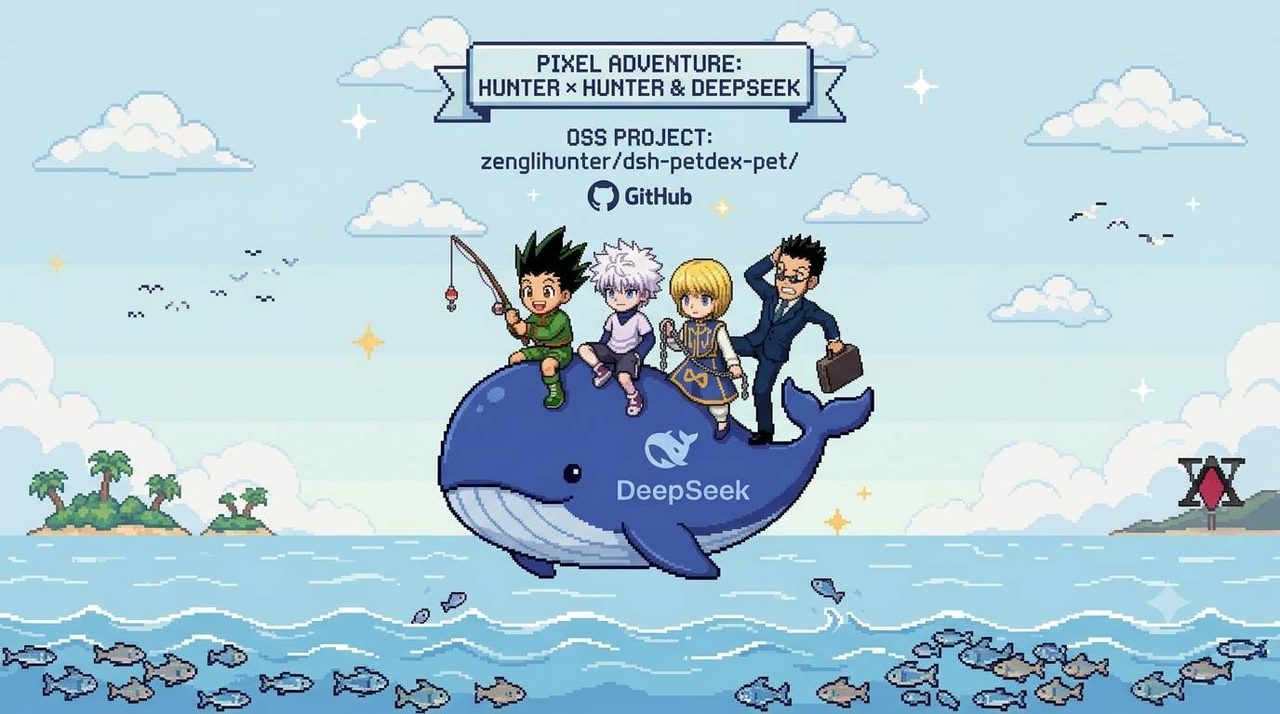
Use Cases
- Make long-running tasks feel alive
- Visualize AI status in the web interface
- Add personal flair to the development environment
Best For
- Web interface users of DeepSeek Harness
- Developers seeking visual feedback
- Users wishing to bring Petdex experience to the browser
Related Plugins
A service-oriented sidebar framework for DSH, offering a full workbench with file explorer, embedded browser, real terminal, Git panel, and extensible plugin services.

A beautiful, practical Claude Code-style TUI plugin with pixel whale top bar, flowing glow title, real-time status line, streaming thought expansion, time rewind, context progress bar and TPS gauge — zero core changes.

The plugin market for DeepSeek Harness: browse/search/one-click install community plugins and themes, with updates, backup/restore, hot disable, diagnostics, and AI fix.

A persistent whale widget on the DSH web UI that shows DeepSeek balance, today's usage, and per-turn cost, with drag-and-snap and sound effects.