oh-dsh
Run the following command in DeepSeek Harness:
dsh plugin install hust-open-atom-club/oh-dsh
Paste the following prompt into your AI chat to install this plugin:
Run dsh plugin install hust-open-atom-club/oh-dsh in DeepSeek Harness, or visit the full source repository at https://github.com/hust-open-atom-club/oh-dsh for installation instructions.
About this plugin
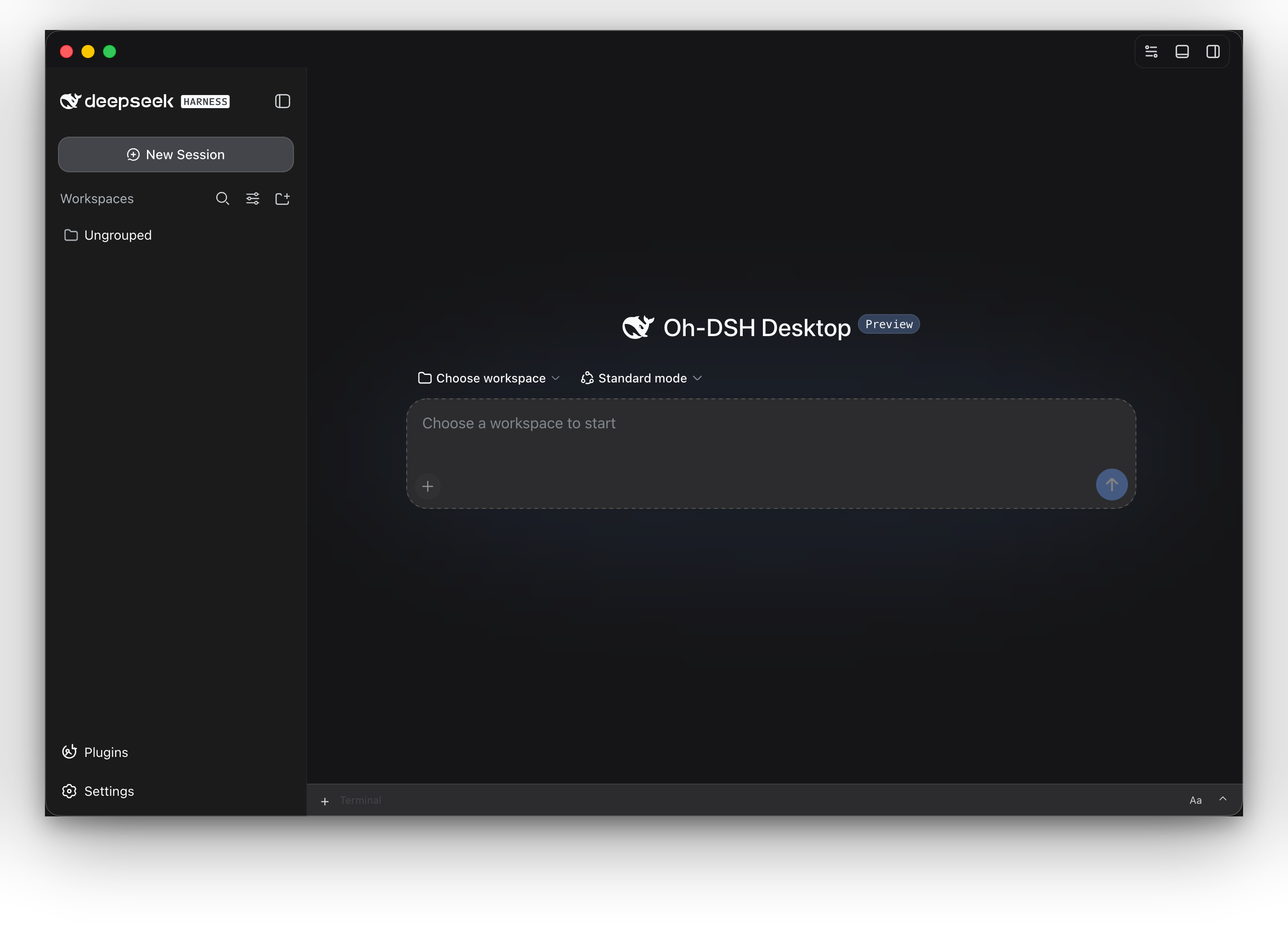
In the DeepSeek Harness ecosystem, choosing an interface is often a pain: terminal lovers want a lightweight TUI, browser users want an accessible Web UI, and desktop developers want a full workbench. Even worse, AI Agent capabilities and local development tools like terminal, files, Git, and browser are usually fragmented, with sessions, credentials, and plugin state scattered across different environments. Oh-DSH is built to solve exactly this interface dilemma and environment fragmentation.
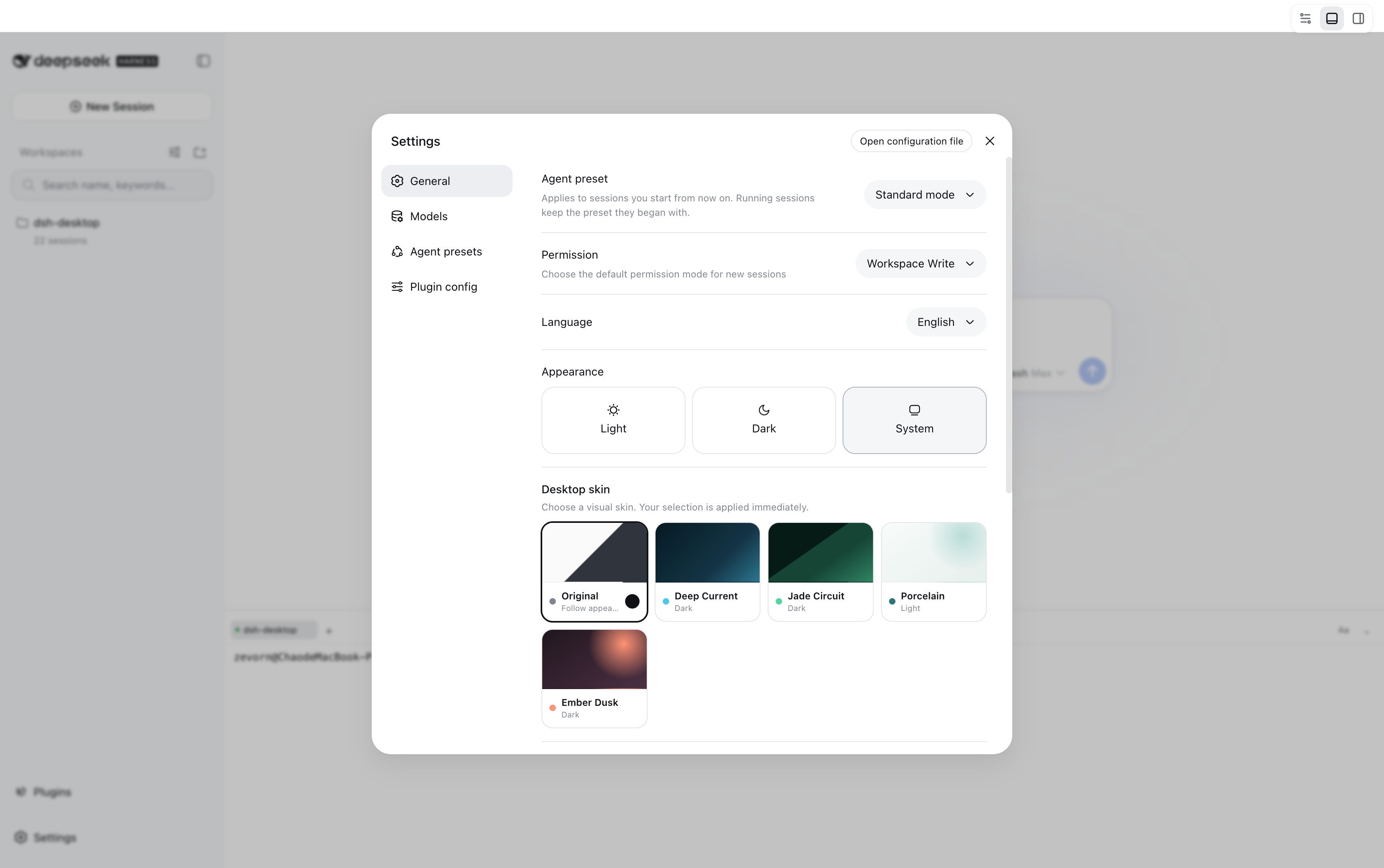
It provides Desktop, Web, and TUI experiences from a single ohdsh command, sharing sessions, credentials, skins, and plugin cache across all three surfaces while keeping separate profiles. The built-in local development workbench organizes Workspace, PTY terminal, browser, file browser, Side chat, and Trajectory in one place. Git Review lets you comment directly on diff lines and handle branch checkout, commit, and push from the same sidebar. A cross-surface plugin marketplace lets you search, preview, and install plugins consistently across Desktop, Web, and TUI, while clearly indicating which interfaces each plugin actually works on—so you never assume an install is effective everywhere.
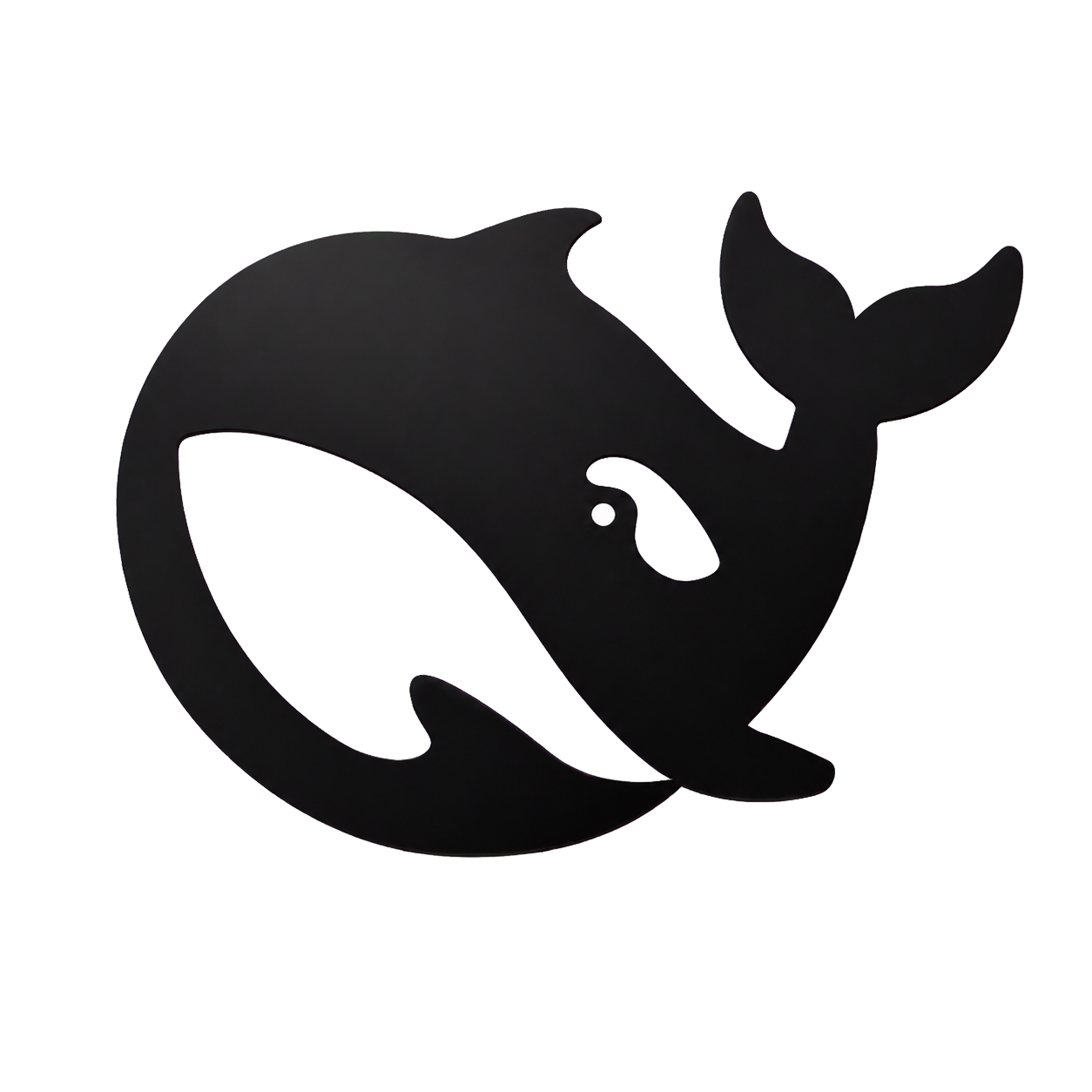
Oh-DSH also respects different deployment needs: full, Web-only, and TUI-only distributions are available on demand, each bundling a fixed version of DSH and Node runtime without requiring a separate environment. @oh-dsh/skins provides a unified theme for all three surfaces, adapted to each layout and readability. The built-in @oh-dsh/vision gives Desktop, Web, and TUI the same view_image tool for OCR, image understanding, and UI diagnosis on local images, HTTP(S) images, or image data URLs in the Workspace, with credentials and vision backend configurable in native settings.
If you live in SSH or pure terminal environments, TUI-only is a natural fit; if you prefer a browser or lightweight server deployment, Web-only keeps things minimal; and if you want a desktop workbench that brings AI Agent and local development tools together, the full build is ready to go. Unified configuration and data live under ~/.ohdsh, and you can switch the whole directory via OH_DSH_HOME—making it suitable for everything from personal experimentation to team standardization.
Screenshots
Use Cases
- Switch between terminal, browser, and desktop while keeping one DSH Agent environment
- Handle terminal tasks, file browsing, Git Review, and AI chat in a single local workbench
- Deploy lightweight Web-only or TUI-only builds on demand to reduce environment overhead
Best For
- Developers and tech enthusiasts who use DeepSeek Harness daily
- Users who need AI Agent in SSH or pure terminal environments
- Teams that want to integrate AI capabilities with local dev tools in a desktop workbench
Related Plugins
A service-oriented sidebar framework for DSH, offering a full workbench with file explorer, embedded browser, real terminal, Git panel, and extensible plugin services.

A beautiful, practical Claude Code-style TUI plugin with pixel whale top bar, flowing glow title, real-time status line, streaming thought expansion, time rewind, context progress bar and TPS gauge — zero core changes.

The plugin market for DeepSeek Harness: browse/search/one-click install community plugins and themes, with updates, backup/restore, hot disable, diagnostics, and AI fix.

A persistent whale widget on the DSH web UI that shows DeepSeek balance, today's usage, and per-turn cost, with drag-and-snap and sound effects.