dsh-theme-mineradio
Run the following command in DeepSeek Harness:
dsh plugin install dhicoc/dsh-theme-mineradio
Paste the following prompt into your AI chat to install this plugin:
To install this plugin in DeepSeek Harness, run dsh plugin install dhicoc/dsh-theme-mineradio, or visit https://github.com/dhicoc/dsh-theme-mineradio to view the full source code.
About this plugin
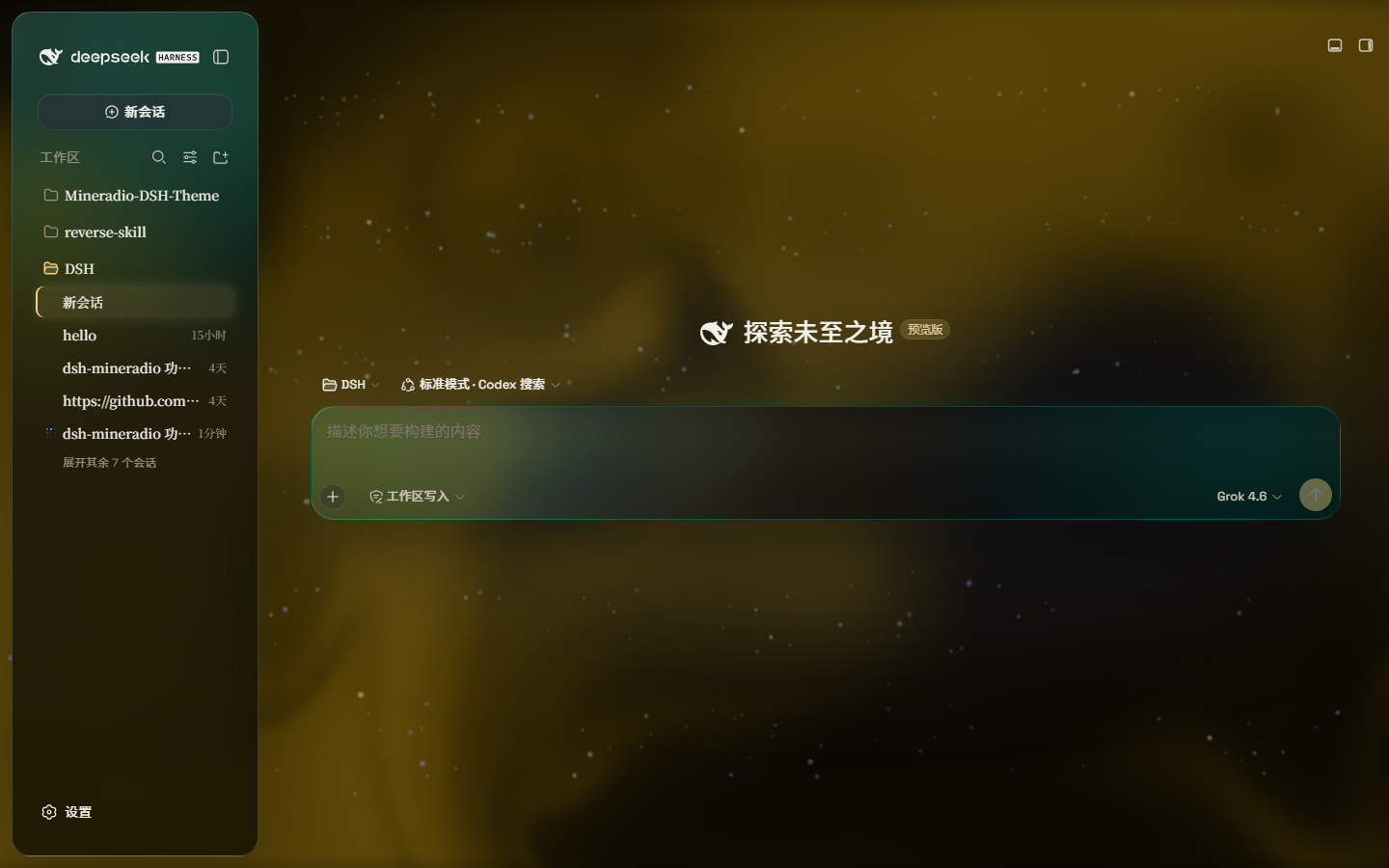
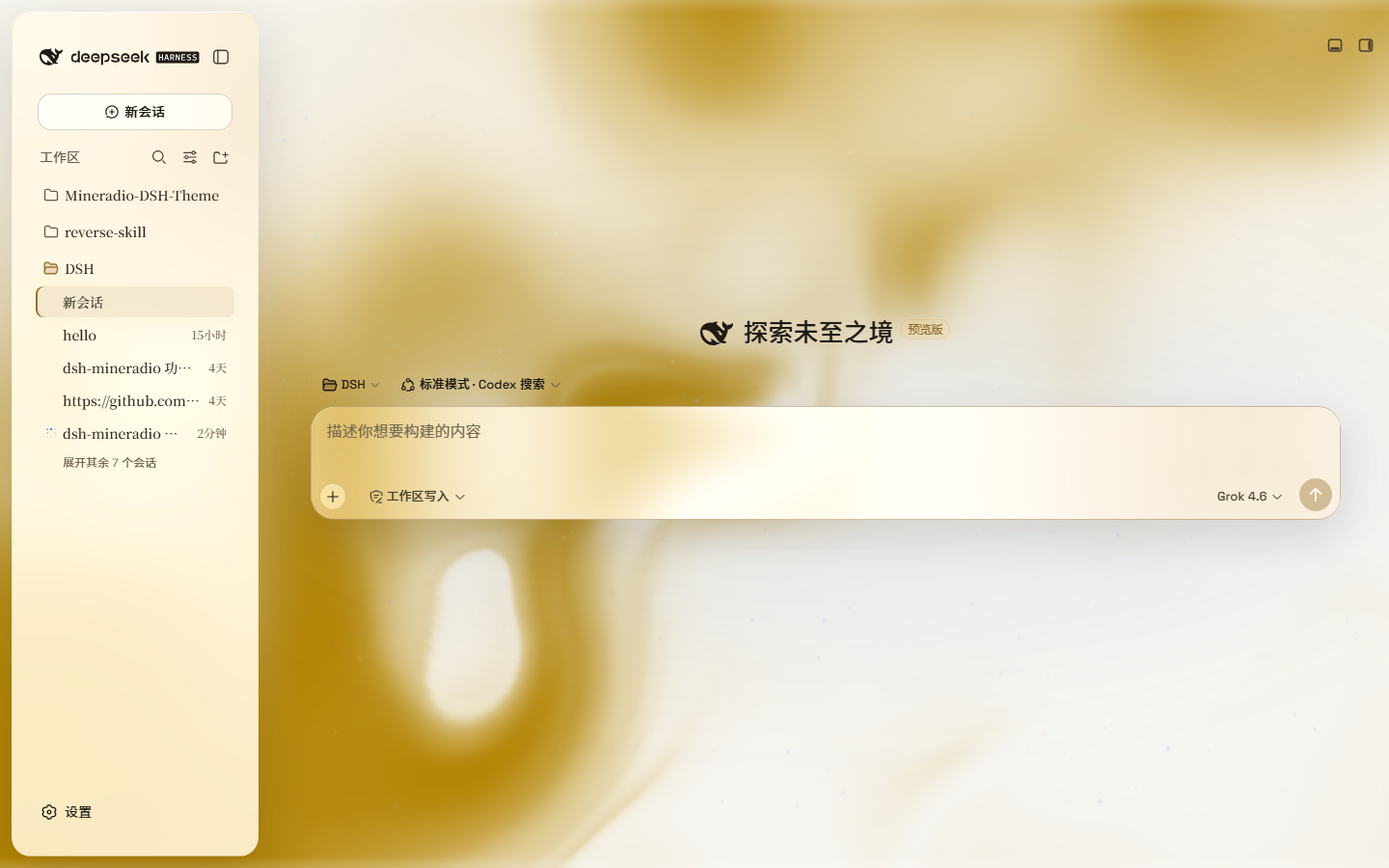
The default interface of DeepSeek Harness often feels rigid and lacks immersion. dsh-theme-mineradio is designed to solve this, instantly transforming your workspace into a cinematic "private visual radio." By introducing the signature Champagne Gold color palette and high-end glassmorphism, it redefines the interaction between the interface and the background, making every operation feel like it unfolds within flowing light and shadow.
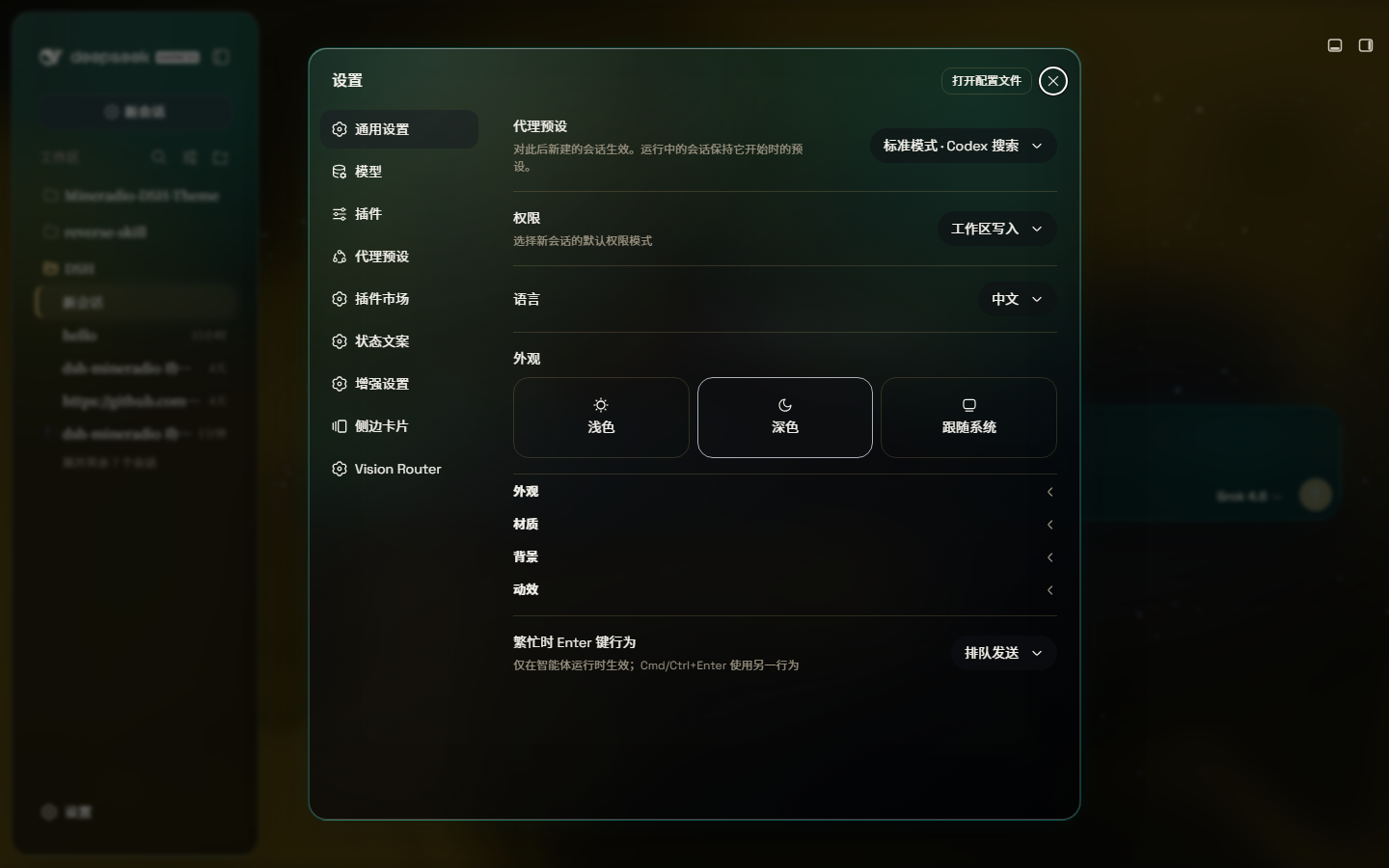
The core capability of this plugin lies in its high degree of customization and visual depth. It not only offers a "Mica" mode with floating glass card designs but also retains a "Compatibility Mode," ensuring the original layout logic remains intact while only swapping the interface material. You can freely switch between a dynamic fluid background or upload your own wallpaper, combined with mouse-tracking glow effects and interactive particle animations, to create a personalized interface that is both beautiful and tactile.
Whether you are a designer seeking the ultimate visual experience or a tech enthusiast tired of monotonous interfaces, this plugin is the ideal choice. It is particularly suitable for users who want to give DeepSeek a unique personality and artistic atmosphere while maintaining its efficient functionality. With just one switch, you can transform a serious coding tool into a delightful visual artwork.
Screenshots
Use Cases
- Want to refresh the DeepSeek Harness interface, rejecting generic default styles.
- Enjoy a warm and cinematic visual experience during long AI conversations.
- Add dynamic fluid backgrounds or custom wallpapers to the chat interface for a personalized workspace.
Best For
- UI/UX designers seeking ultimate visual experience.
- Tech-savvy developers who love tweaking plugins and interfaces.
- Visual enthusiasts tired of cold, generic tool interfaces.
Related Plugins

whale-girl is a desktop pet in the DSH Web GUI (bottom-right for instant companionship) — draggable, feedable, playable; completed tasks, sessions and companionship time accrue into seniority levels, titles, and memories.

A WebGPU ocean skin for DeepSeek Harness with five-wave Gerstner waves, translucent theme, day/night cycle, and quick controls, installable as plugin or extension.

A Galgame-style conversation view and visual scene editor for DSH web sessions, with a real-time editing mode.

A native skinning plugin for DeepSeek Harness: 8 designer themes, wallpapers, accent colors, and shareable theme packs, built purely on design tokens.