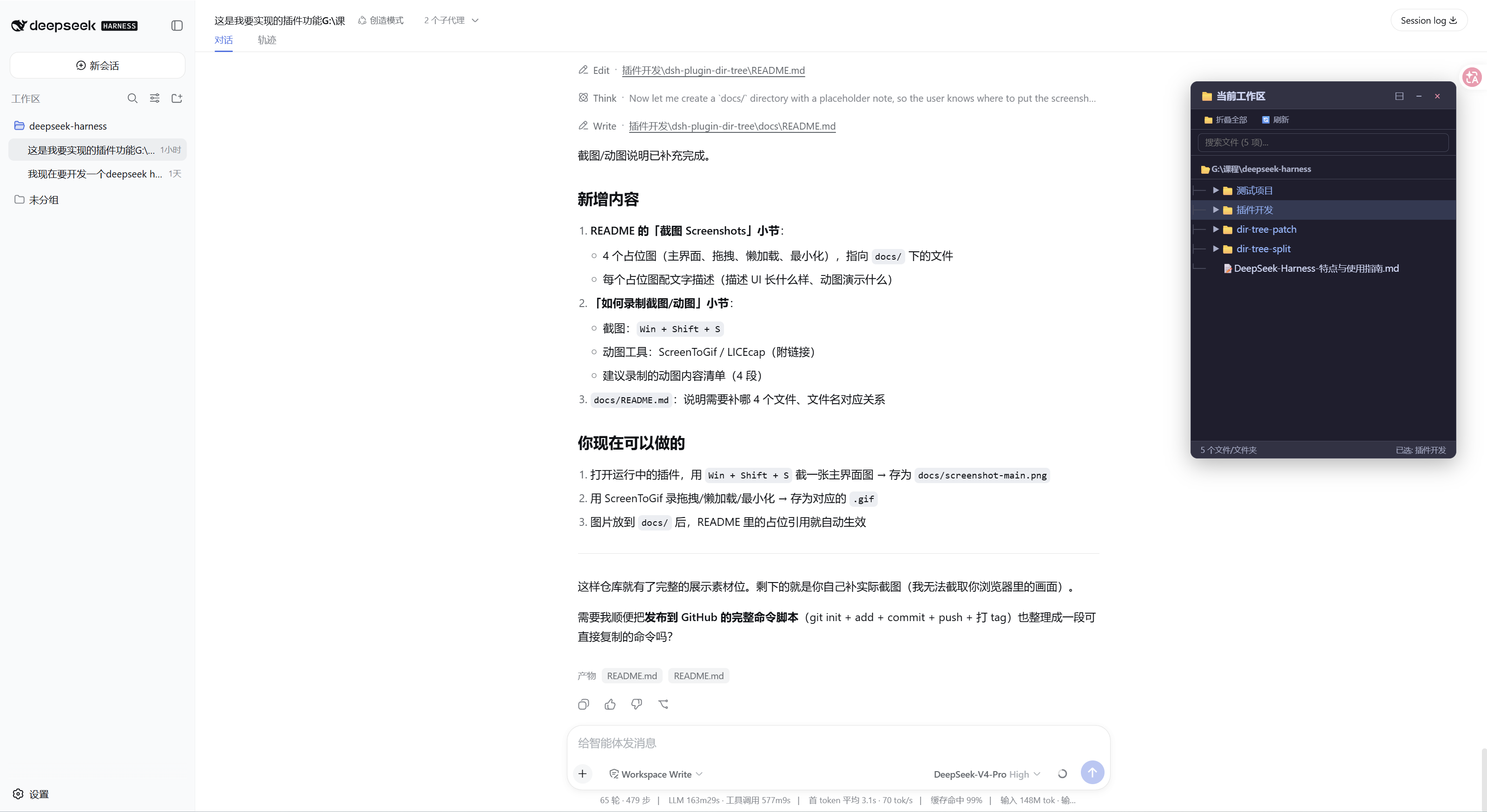
dsh-dir-tree
Run the following command in DeepSeek Harness:
dsh plugin install bentong-chain/dsh-dir-tree
Paste the following prompt into your AI chat to install this plugin:
Please install the dsh-dir-tree plugin in DeepSeek Harness using the command dsh plugin install bentong-chain/dsh-dir-tree, with source code at https://github.com/bentong-chain/dsh-dir-tree.
About this plugin
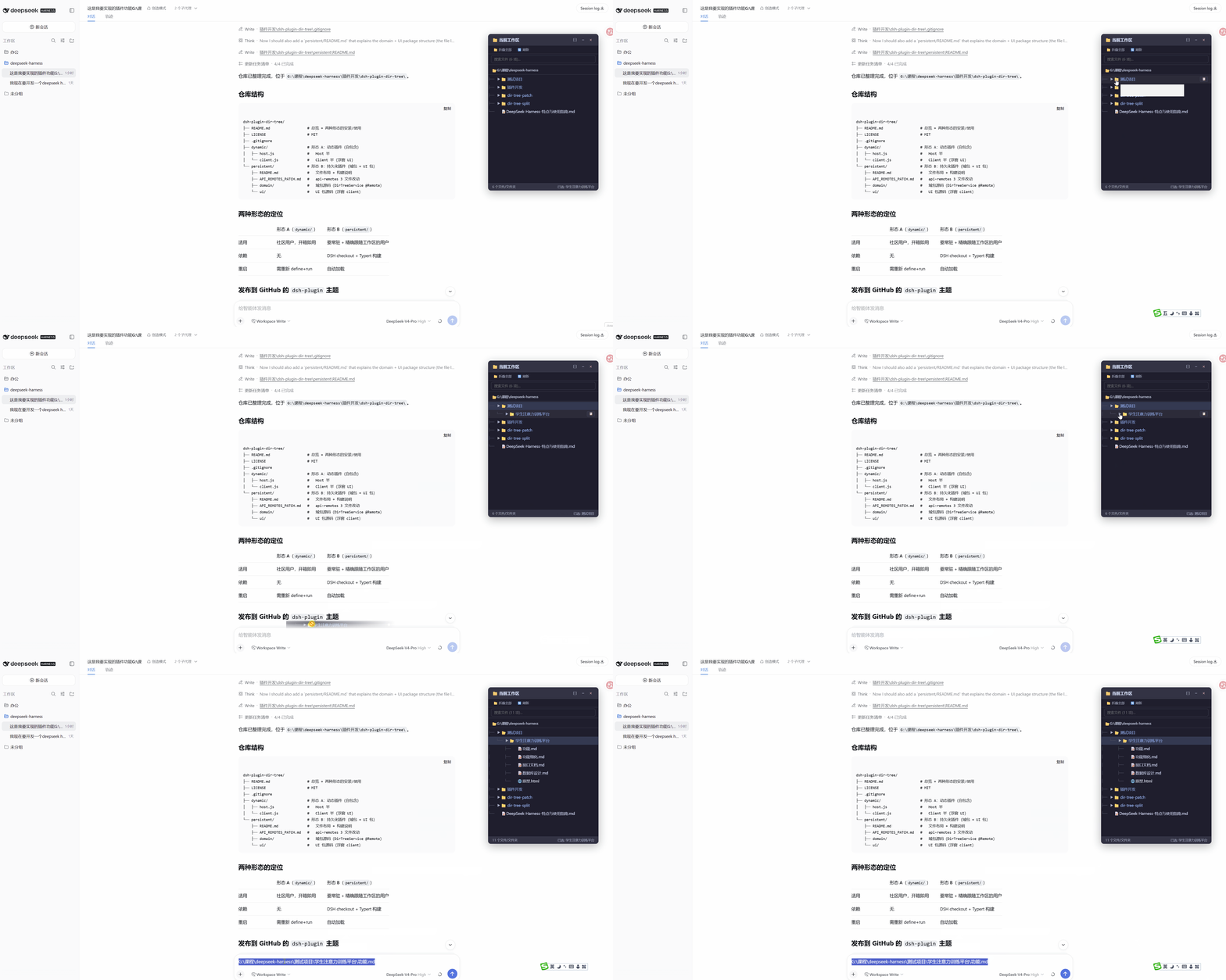
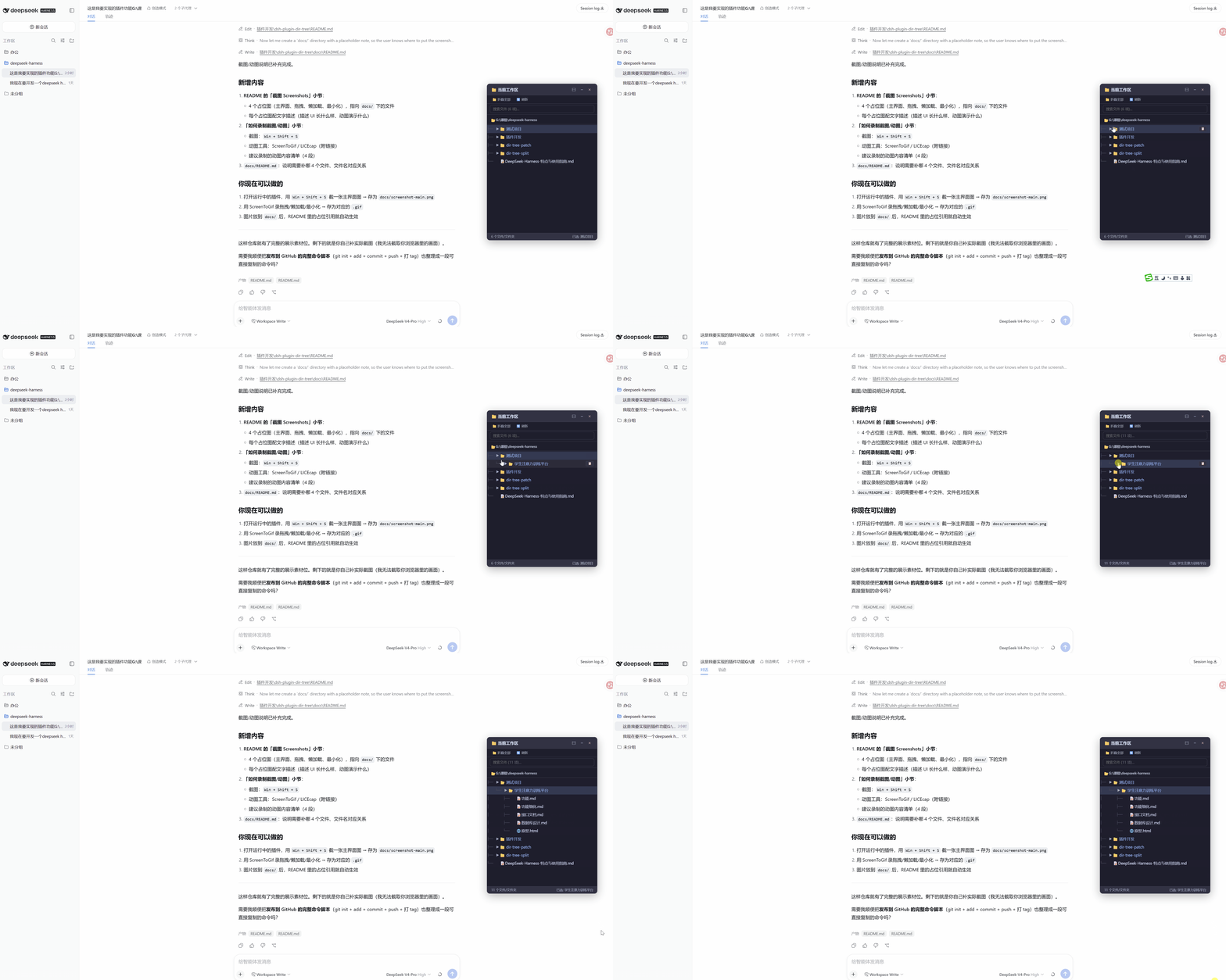
In daily usage of DeepSeek for coding or document processing, frequently copying file paths or manually navigating the file system can interrupt your workflow. dsh-dir-tree solves this by integrating a floating directory tree directly into the chat interface, solving the problem of tedious file path input. It not only visualizes the current workspace structure intuitively but also makes file references accessible through drag-and-drop interactions, significantly improving operational fluidity.
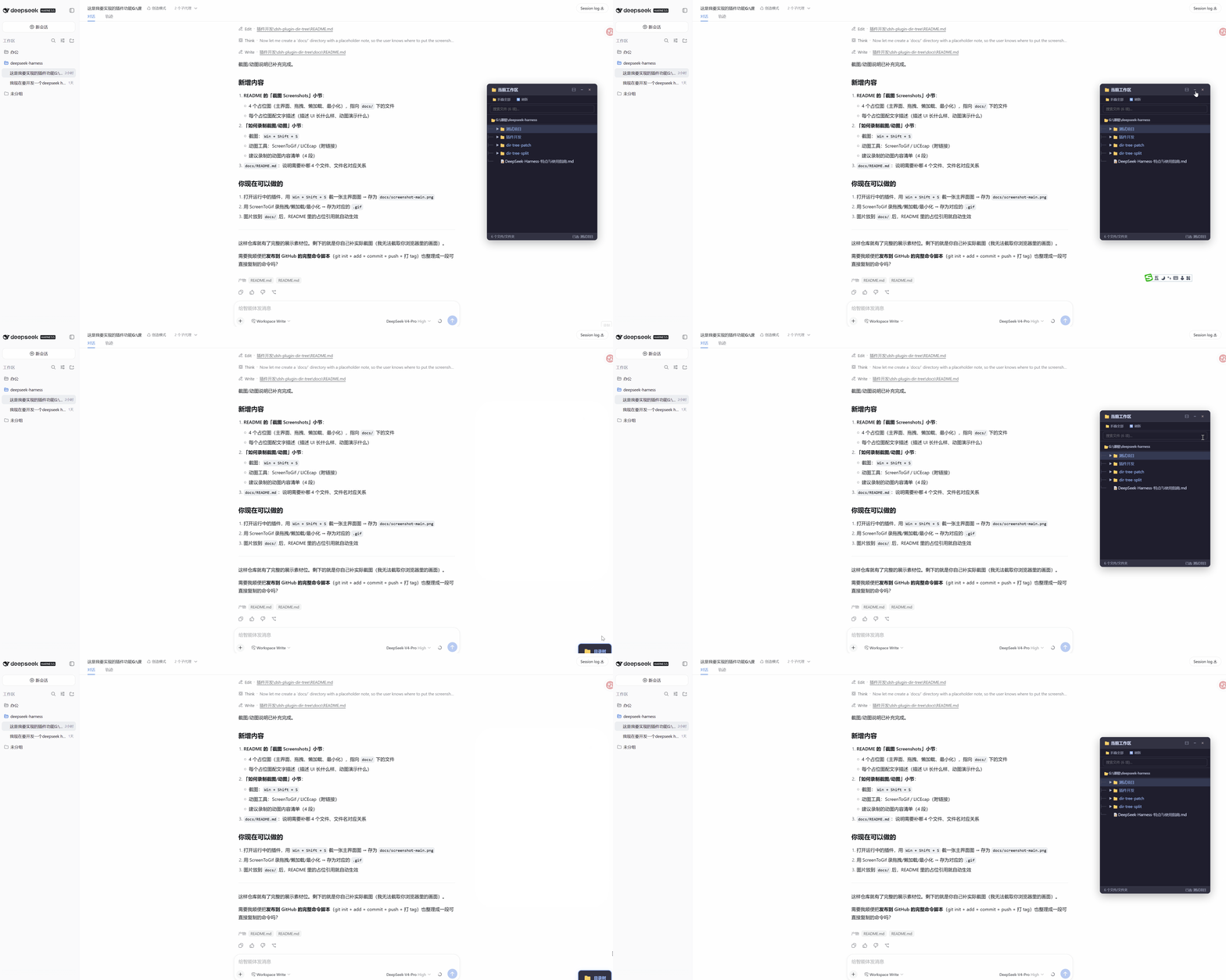
Its core capabilities lie in efficient lazy loading and intelligent session tracking. When dealing with large projects, the plugin only loads currently expanded directories to ensure smooth performance; it also supports search filtering, double-click path copying, and file type icon recognition. More importantly, the directory tree automatically updates when switching workspaces or sessions, eliminating the need for manual refreshes and making context management more automated.
This plugin is ideally suited for developers, researchers, and users who frequently interact with AI to process file content. Whether you need to quickly drag project files into the dialogue box or manage complex file structures within a single window, dsh-dir-tree serves as a powerful tool to boost your efficiency, allowing you to focus on thinking rather than tedious file operations.
Screenshots
Use Cases
- Drag project files to the dialogue box to let AI read code content quickly.
- Quickly locate and reference specific files in large codebases.
- Keep the file structure visible while developing without frequent window switching.
Best For
- Developers who frequently collaborate with AI to process files.
- Researchers handling complex project structures who want to simplify file referencing.
- DSH power users seeking a fluid interactive experience.
Related Plugins
A service-oriented sidebar framework for DSH, offering a full workbench with file explorer, embedded browser, real terminal, Git panel, and extensible plugin services.

A beautiful, practical Claude Code-style TUI plugin with pixel whale top bar, flowing glow title, real-time status line, streaming thought expansion, time rewind, context progress bar and TPS gauge — zero core changes.

The plugin market for DeepSeek Harness: browse/search/one-click install community plugins and themes, with updates, backup/restore, hot disable, diagnostics, and AI fix.

A persistent whale widget on the DSH web UI that shows DeepSeek balance, today's usage, and per-turn cost, with drag-and-snap and sound effects.