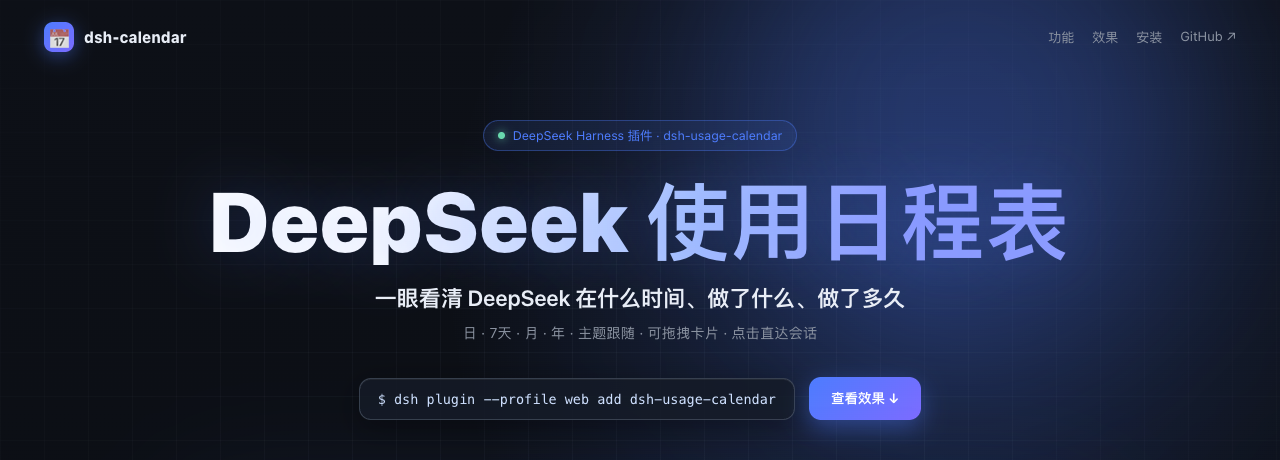
dsh-calendar
Run the following command in DeepSeek Harness:
dsh plugin install YLifeOnlyOnce/dsh-calendar
Paste the following prompt into your AI chat to install this plugin:
Please install this plugin in DeepSeek Harness using the full GitHub source code address https://github.com/YLifeOnlyOnce/dsh-calendar.
About this plugin
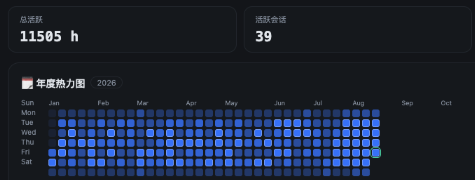
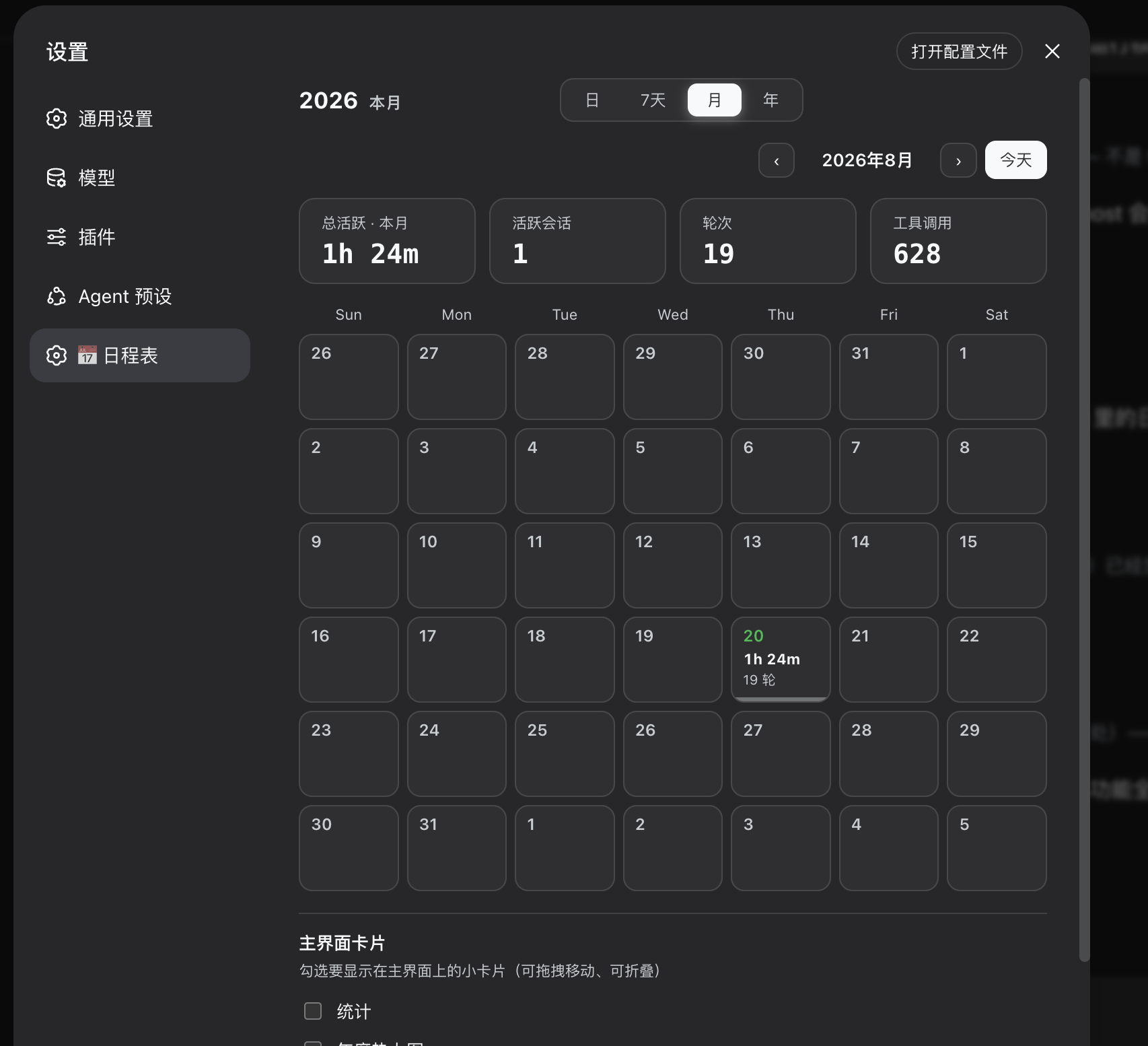
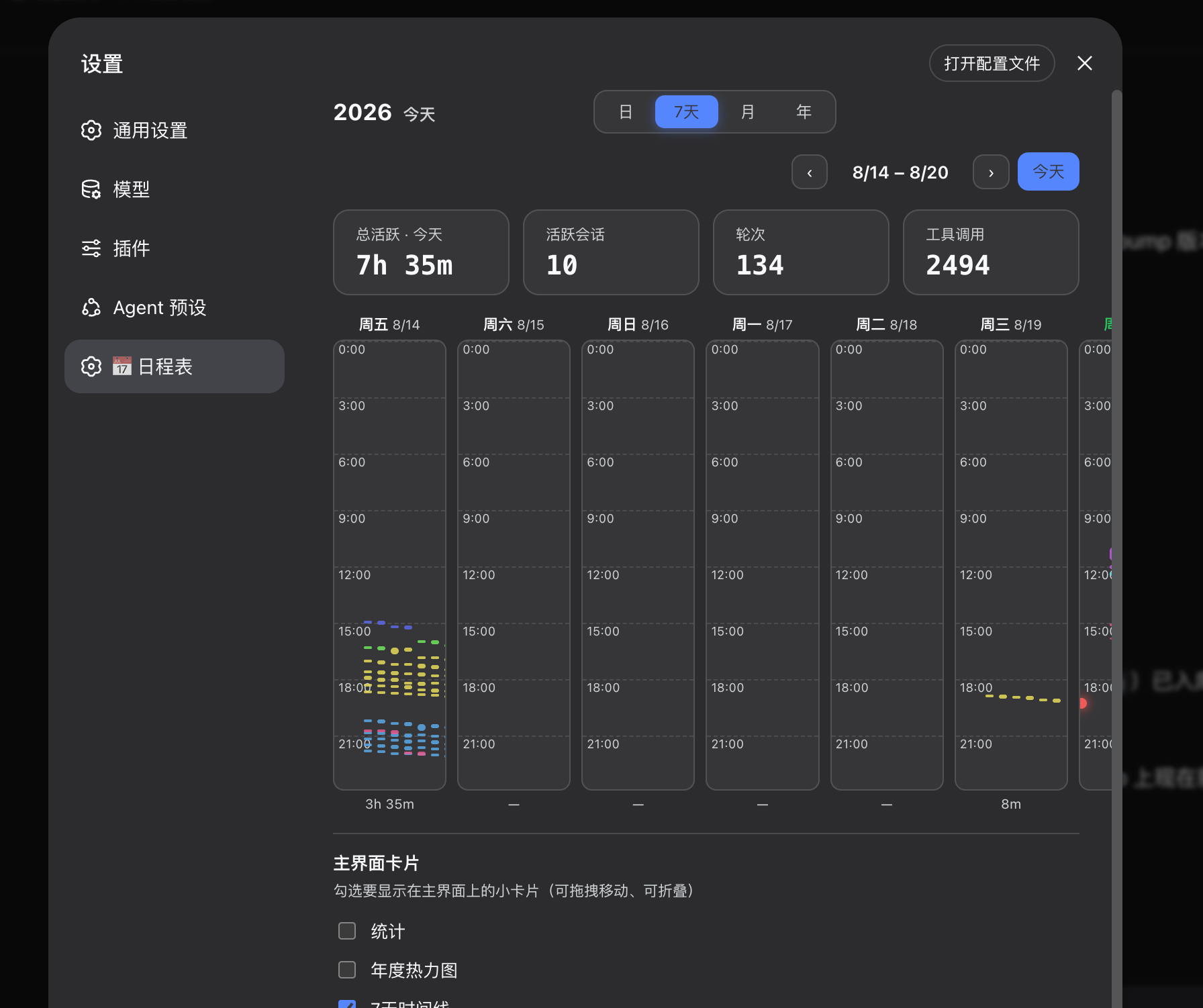
You use DeepSeek Harness every day for complex tasks and sessions, often focusing only on the current conversation and overlooking past accumulation. Do you want to know exactly how long a project ran? Or visualize the frequency and active hours of your DeepSeek usage? This "invisible" workflow makes efficiency tracking difficult. dsh-calendar is designed to solve this problem. It converts all your usage history into a beautiful, visualized calendar without any extra configuration. Whether it's a GitHub-style annual heatmap or a detailed hourly timeline, it allows you to grasp the execution time and task details of every project at a glance. It is perfect for developers, product managers, and heavy users who need refined management and workflow review. By clicking on color blocks in the timeline, you can jump directly to specific conversation records and even check token usage and tool call statistics. It is not just a calendar, but a perfect record of your DeepSeek usage habits.
Screenshots
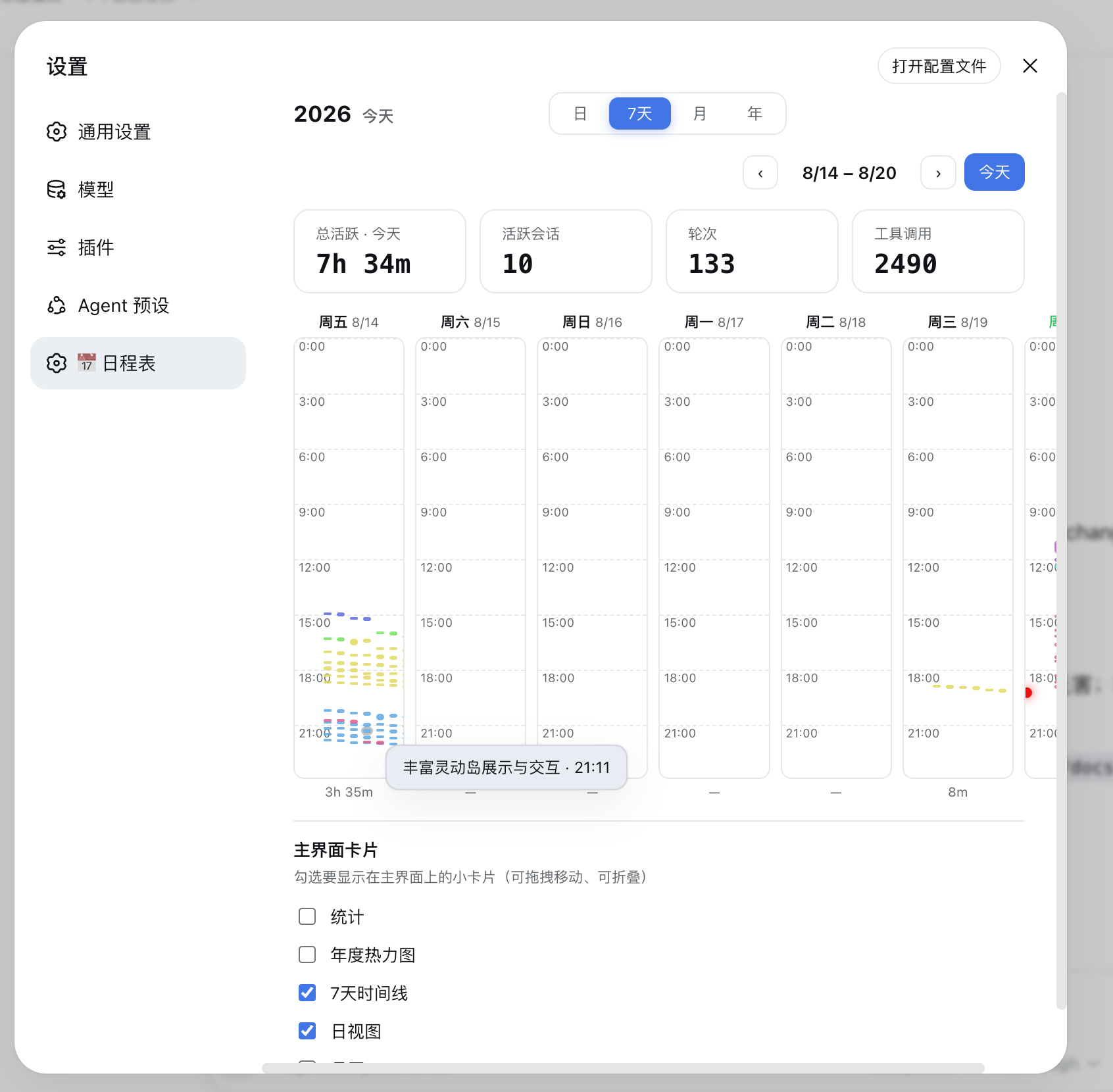
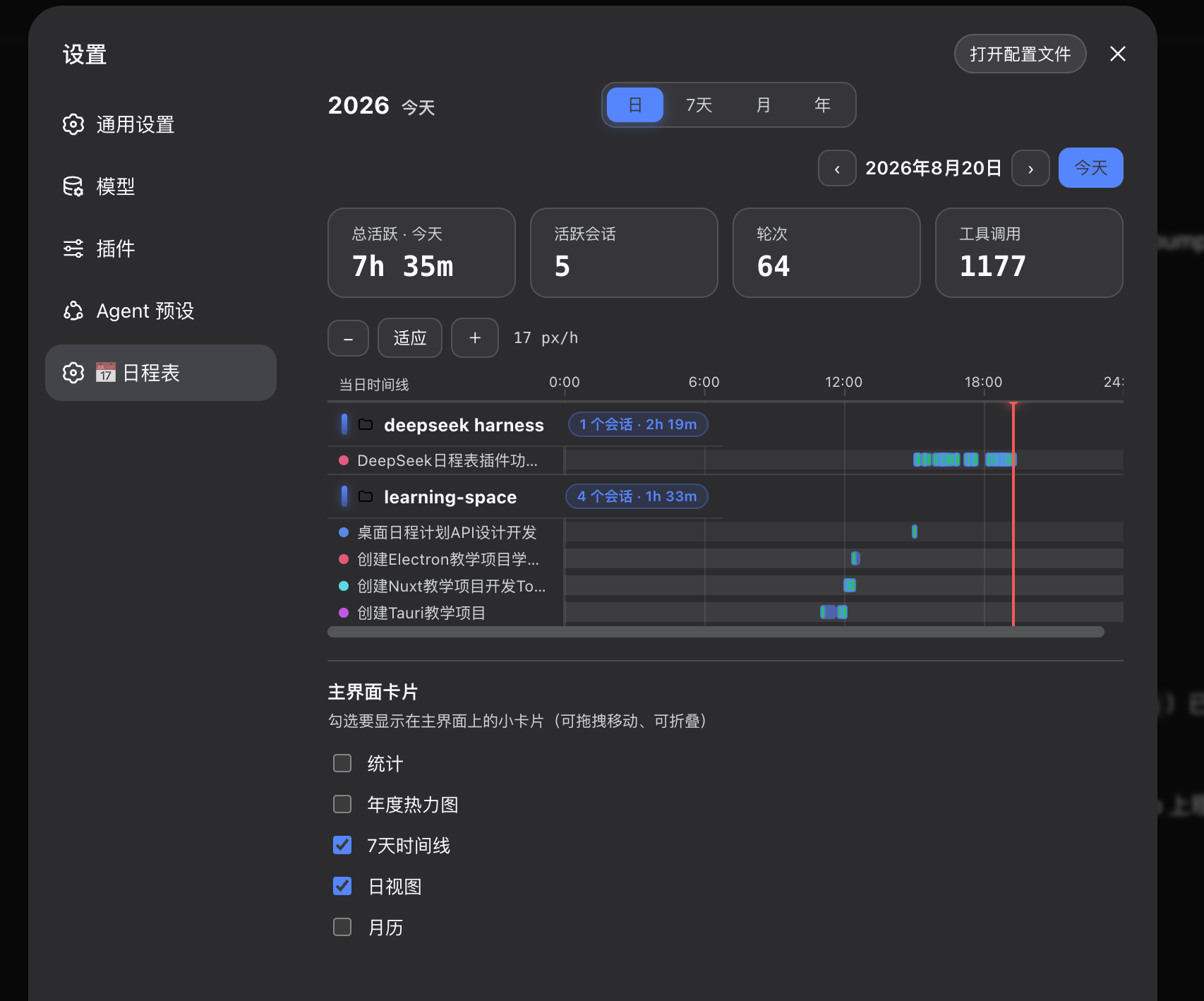
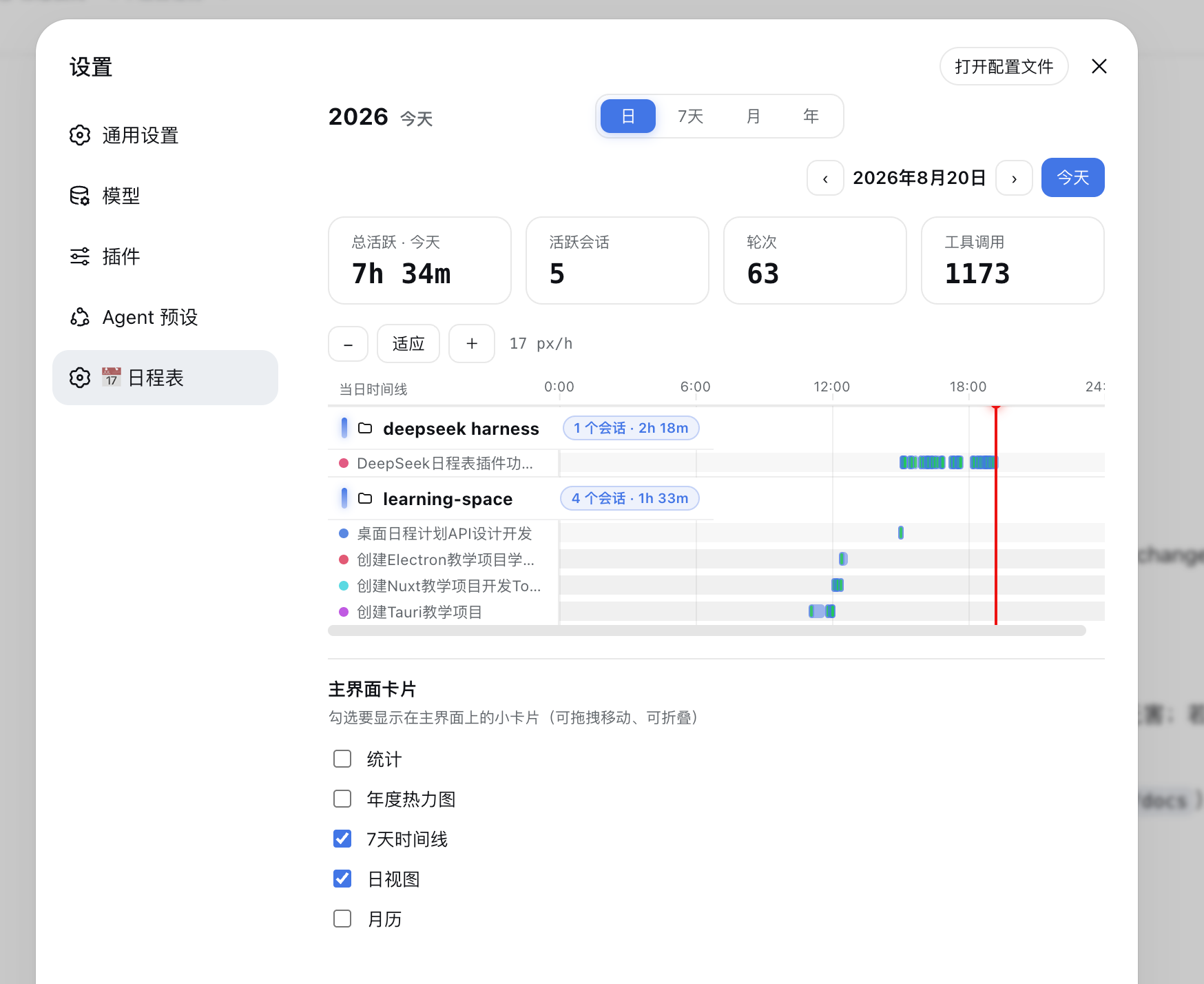
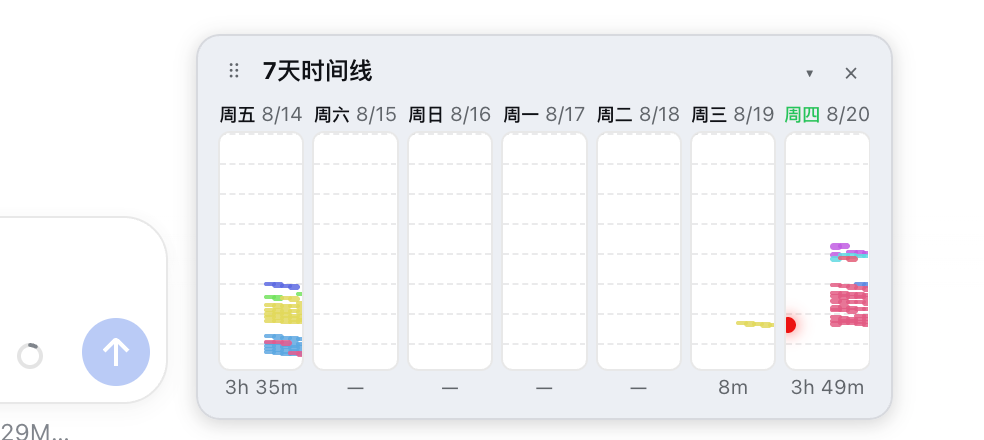
Use Cases
- View the distribution of project execution time on DeepSeek daily.
- Intuitively analyze annual work activity through a heatmap.
- Quickly locate and review specific conversation records by clicking the timeline.
Best For
- Developers who need to review DeepSeek workflow details.
- Product managers focusing on time management and efficiency improvement.
- Users who want to visualize and analyze AI usage habits.
Related Plugins
A service-oriented sidebar framework for DSH, offering a full workbench with file explorer, embedded browser, real terminal, Git panel, and extensible plugin services.

A beautiful, practical Claude Code-style TUI plugin with pixel whale top bar, flowing glow title, real-time status line, streaming thought expansion, time rewind, context progress bar and TPS gauge — zero core changes.

The plugin market for DeepSeek Harness: browse/search/one-click install community plugins and themes, with updates, backup/restore, hot disable, diagnostics, and AI fix.

A persistent whale widget on the DSH web UI that shows DeepSeek balance, today's usage, and per-turn cost, with drag-and-snap and sound effects.