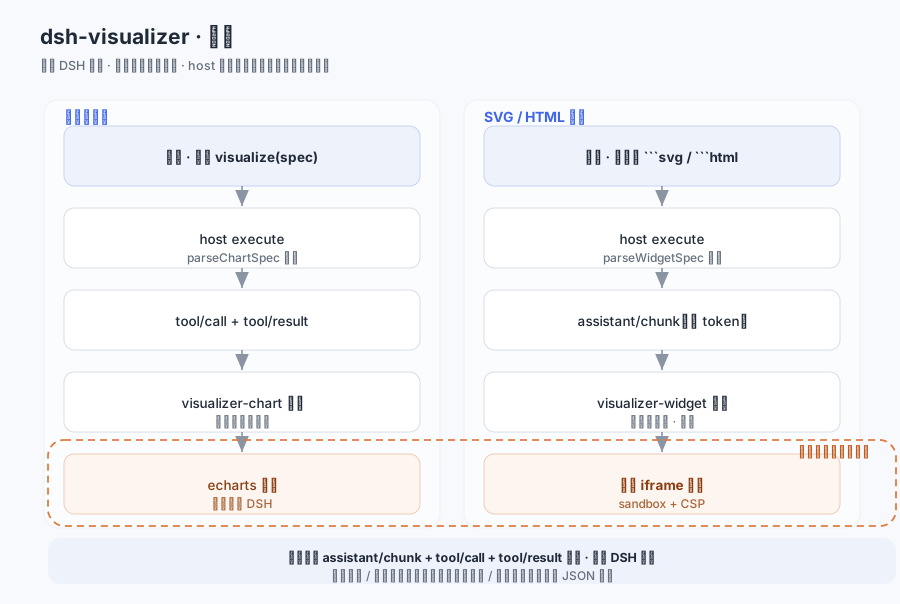
dsh-visualizer
Run the following command in DeepSeek Harness:
dsh plugin install Moses14159/dsh-visualizer
Paste the following prompt into your AI chat to install this plugin:
To install this plugin in DeepSeek Harness, use the command: dsh plugin install Moses14159/dsh-visualizer, with the full source code at https://github.com/Moses14159/dsh-visualizer.
About this plugin
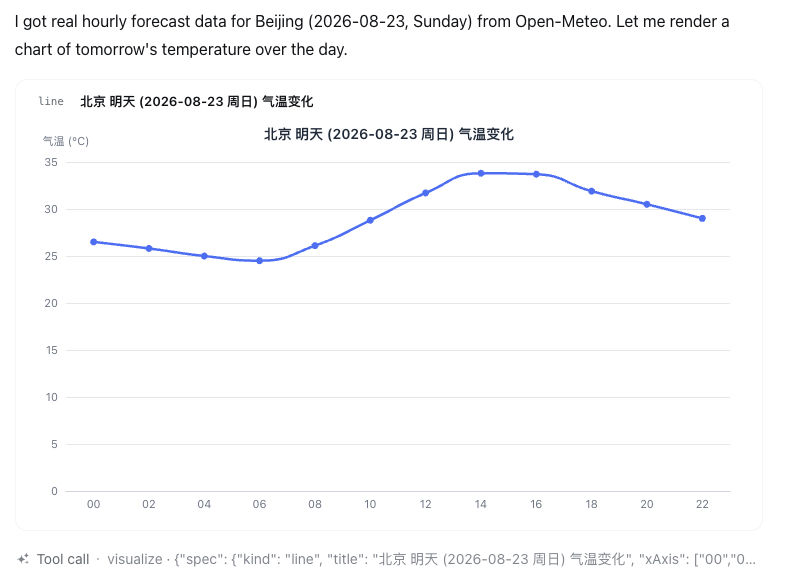
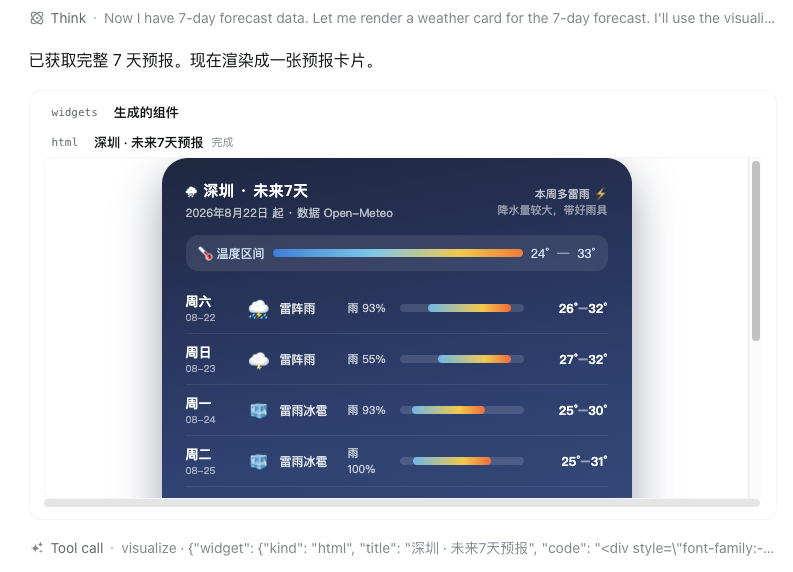
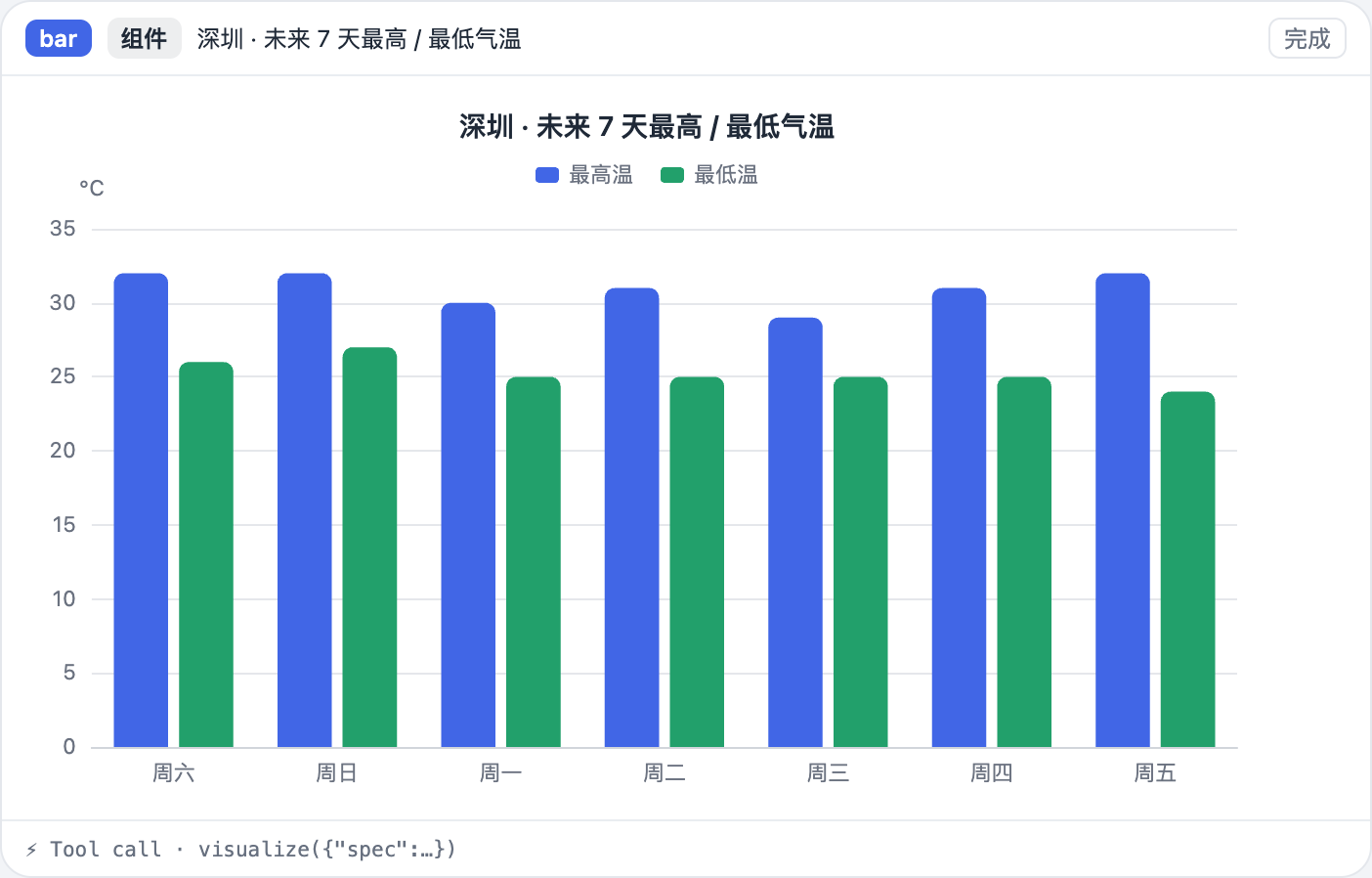
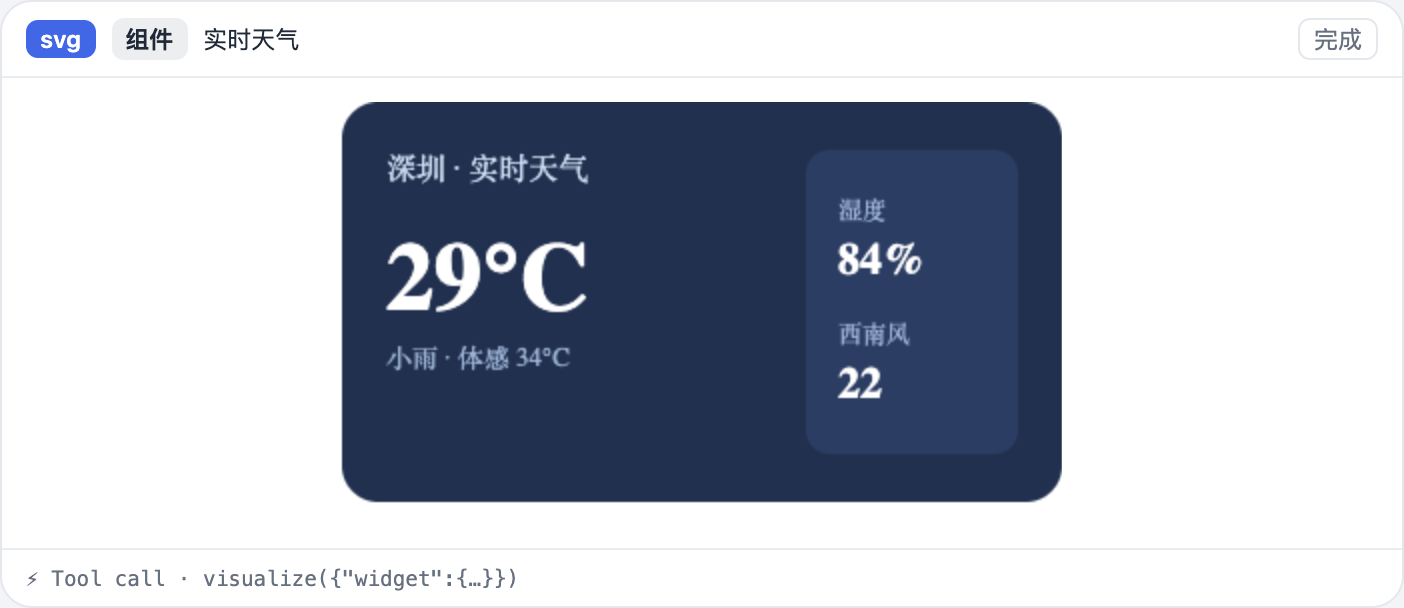
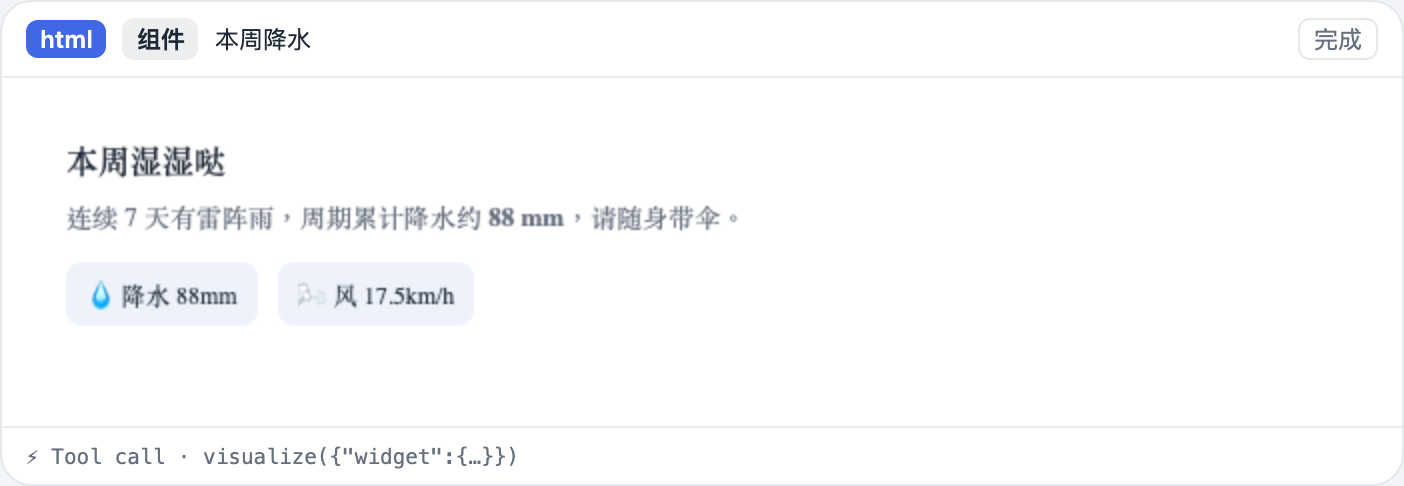
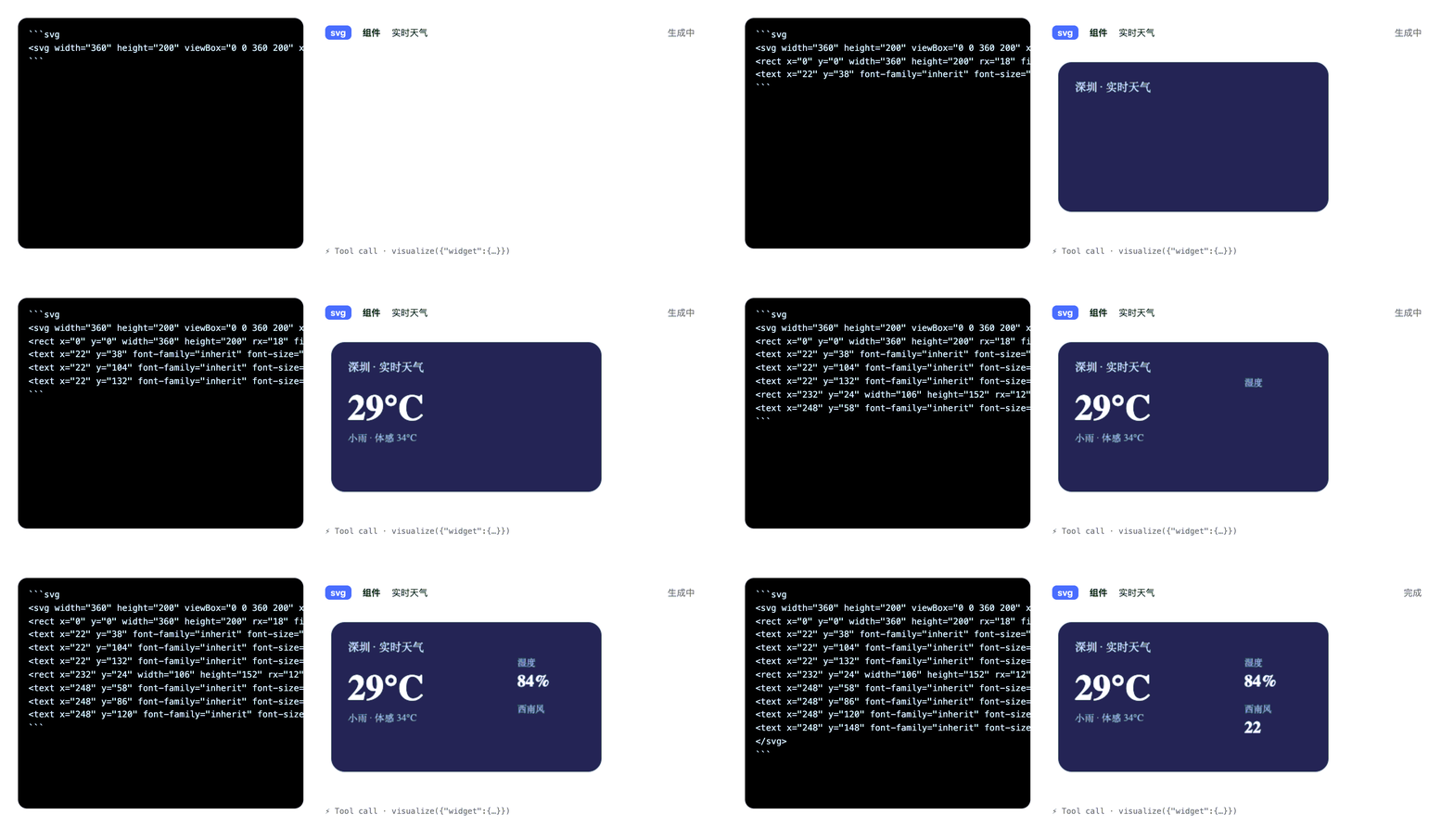
In DeepSeek Harness (DSH) conversations, visual content generated by models often cannot be rendered directly, forcing users to rely on external tools and disrupting the interaction flow. The dsh-visualizer plugin addresses this issue by acting as an external plugin that lets models generate and stream visual content in real-time without modifying the DSH source code. Its core capabilities include creating structured charts via the visualize tool (such as line, bar, area, pie, and scatter plots rendered with echarts), as well as directly outputting SVG or HTML widgets, which are streamed token-by-token into the chat interface with security isolation and graceful degradation. It is ideal for all DSH users, especially data analysts, developers, or anyone needing instant visualization of data, reports, or creative content, making AI conversations more intuitive and expressive.
Screenshots
Use Cases
- Generate weather cards or data report visualizations in conversations
- Draw line, bar, or pie charts for real-time data analysis
- Stream SVG or HTML widgets to enhance interactive experiences
Best For
- Data analysts needing quick data visualization integrated into AI conversations
- Developers extending visualization features while using DeepSeek Harness
- Designers creating interactive demos or reports to boost user engagement
Related Plugins
A service-oriented sidebar framework for DSH, offering a full workbench with file explorer, embedded browser, real terminal, Git panel, and extensible plugin services.

A beautiful, practical Claude Code-style TUI plugin with pixel whale top bar, flowing glow title, real-time status line, streaming thought expansion, time rewind, context progress bar and TPS gauge — zero core changes.

The plugin market for DeepSeek Harness: browse/search/one-click install community plugins and themes, with updates, backup/restore, hot disable, diagnostics, and AI fix.

A persistent whale widget on the DSH web UI that shows DeepSeek balance, today's usage, and per-turn cost, with drag-and-snap and sound effects.