
dsh-kimino-theme
Run the following command in DeepSeek Harness:
dsh plugin install niiang/dsh-kimino-theme
Paste the following prompt into your AI chat to install this plugin:
In DeepSeek Harness, install this plugin from the source repository https://github.com/niiang/dsh-kimino-theme.
About this plugin
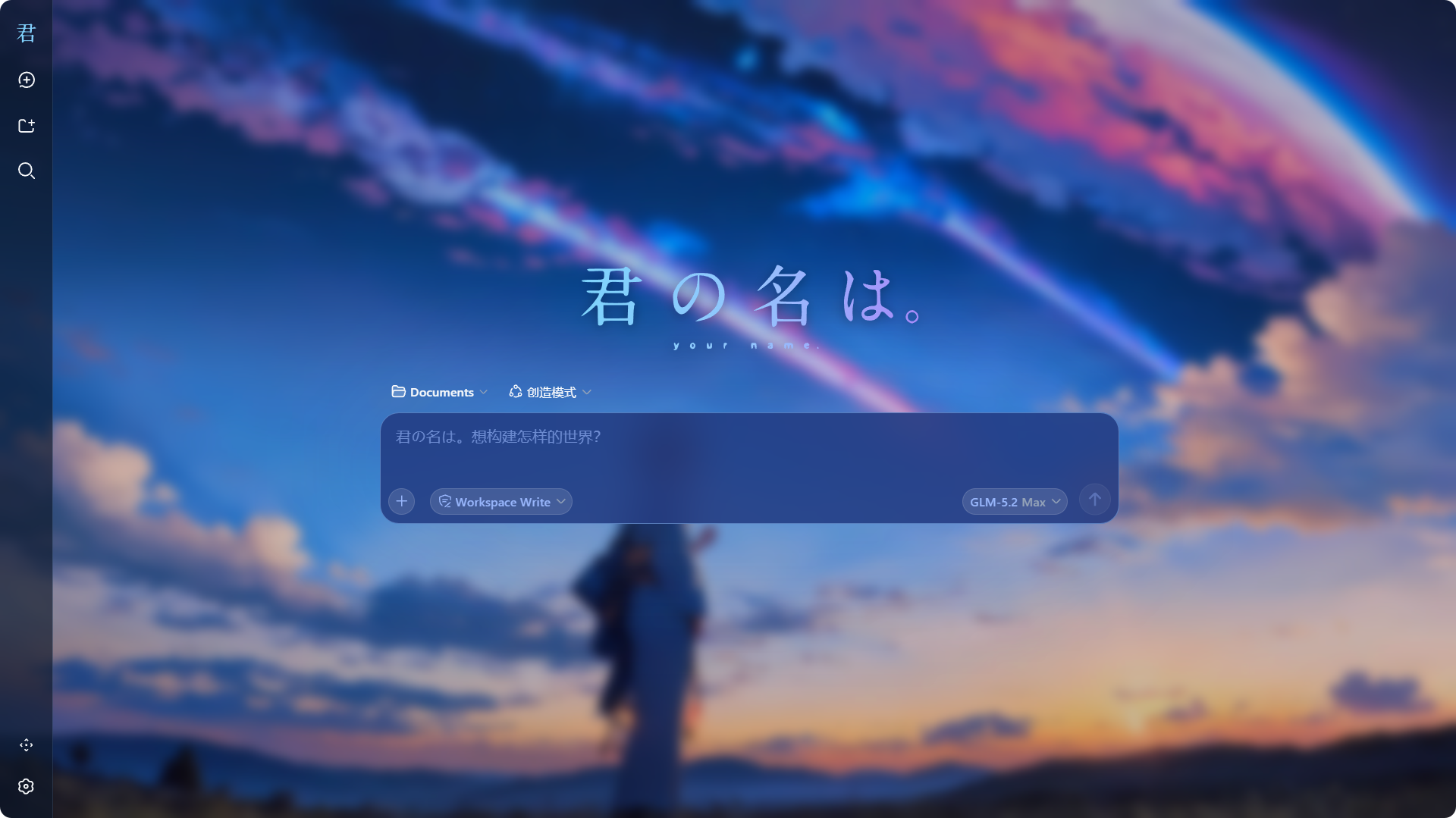
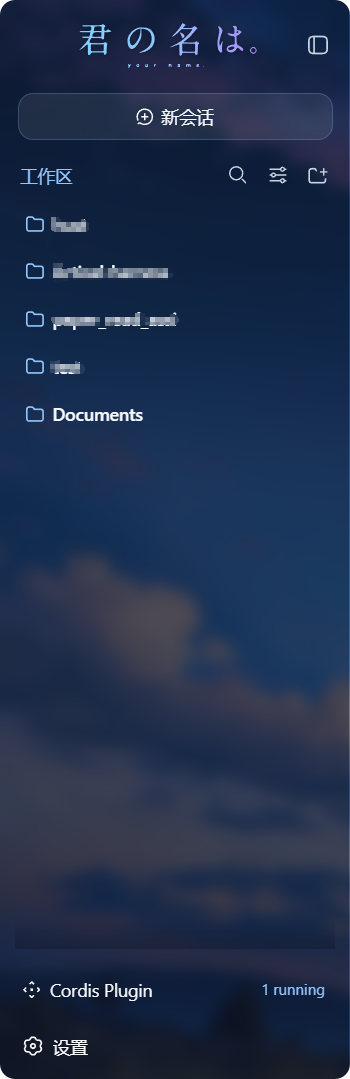
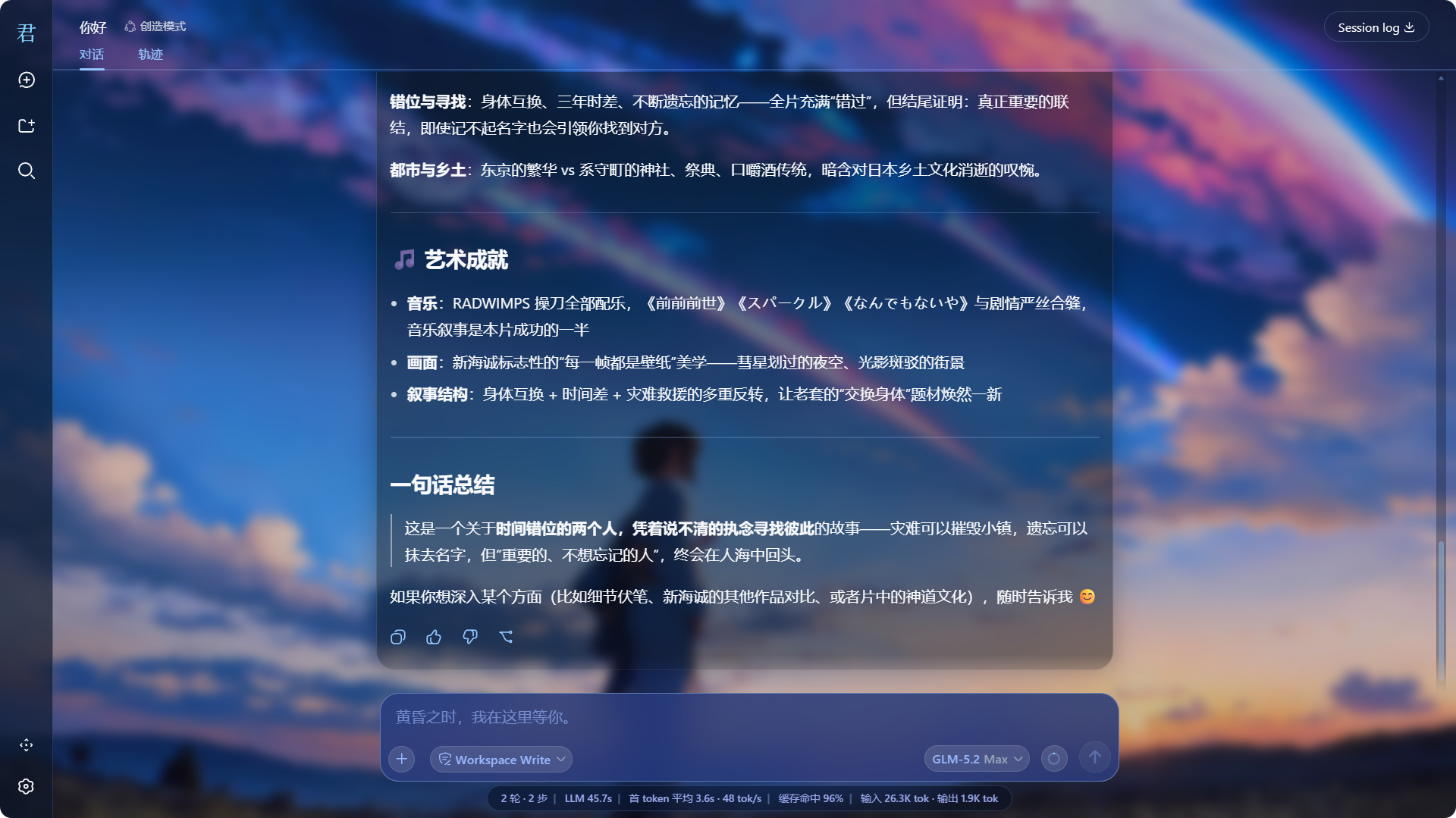
dsh-kimino-theme addresses the plain look of the DeepSeek Harness Web GUI by turning it into a Kimi no Na wa-inspired workspace. It places a movie wallpaper behind the interface, applies translucent frosted-glass surfaces, uses comet blue as the accent color, and replaces key branding elements with film-style logos.
Its core capabilities focus on visual transformation: wallpaper and dimming overlays, glassmorphism surfaces, a redesigned input card, themed placeholder text, unified scrollbars, and a smooth fade-out mask at the bottom of the message list. It works as a standard DSH plugin without modifying DSH source code, and removing it restores the original interface.
This theme is ideal for fans of Kimi no Na wa, lovers of Makoto Shinkai-style visuals, and users who want a complete reskin of the DSH Web GUI without touching the core code. Because it relies heavily on frosted glass, scrollbar styling, and CSS masks, it is best experienced in Chromium-based browsers such as Edge or Chrome.
Screenshots
Use Cases
- Give the DSH Web GUI a Kimi no Na wa look.
- Enhance the interface with movie wallpaper, comet blue accents, and frosted glass.
- Change themes as a plugin and restore the original UI when removed.
Best For
- Fans of Kimi no Na wa and Makoto Shinkai-style visuals.
- Users who want to personalize the DSH Web GUI.
- Chromium browser users who care about interface atmosphere.
Related Plugins

whale-girl is a desktop pet in the DSH Web GUI (bottom-right for instant companionship) — draggable, feedable, playable; completed tasks, sessions and companionship time accrue into seniority levels, titles, and memories.

Renders your local Wallpaper Engine wallpapers as the DSH web background, supporting video, web, and scene wallpapers with a liquid-glass effect and rich customization.

A WebGPU ocean skin for DeepSeek Harness with five-wave Gerstner waves, translucent theme, day/night cycle, and quick controls, installable as plugin or extension.

A Galgame-style conversation view and visual scene editor for DSH web sessions, with a real-time editing mode.