dsh-workspace-studio
Run the following command in DeepSeek Harness:
dsh plugin install yishengjun8/dsh-workspace-studio
Paste the following prompt into your AI chat to install this plugin:
Install this plugin in DeepSeek Harness using the command 'dsh plugin install yishengjun8/dsh-workspace-studio', with source code available at https://github.com/yishengjun8/dsh-workspace-studio.
About this plugin
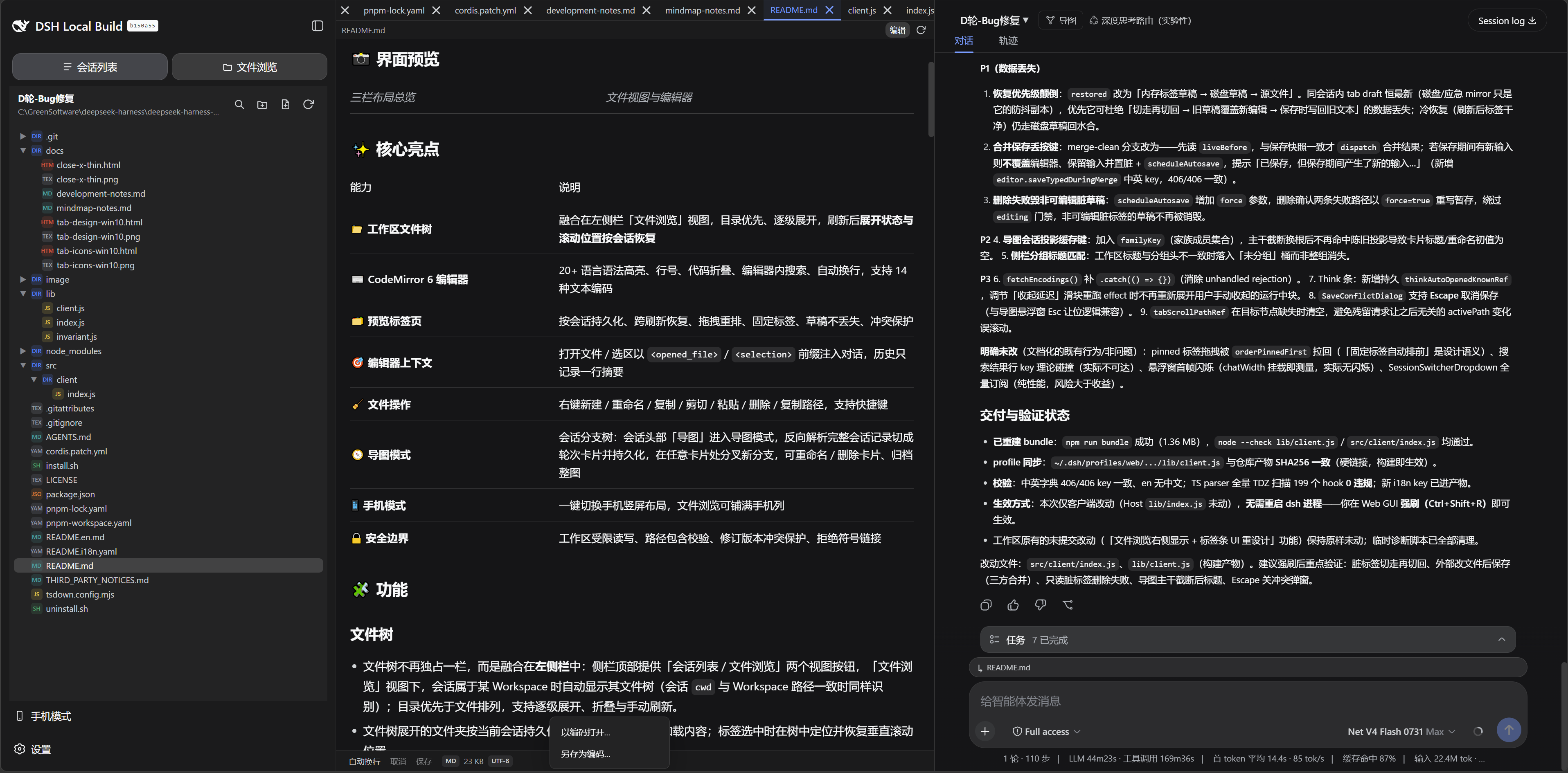
The default DeepSeek Harness interface may not adequately support developers who need to manage files and conversations simultaneously with efficiency. dsh-workspace-studio addresses this by introducing a left-center-right three-panel layout that integrates a file tree, code editing, and chat into a single view, eliminating frequent workspace switching and preserving context. Developers can browse files, edit code, and interact in conversations without navigating between disjoint panels.
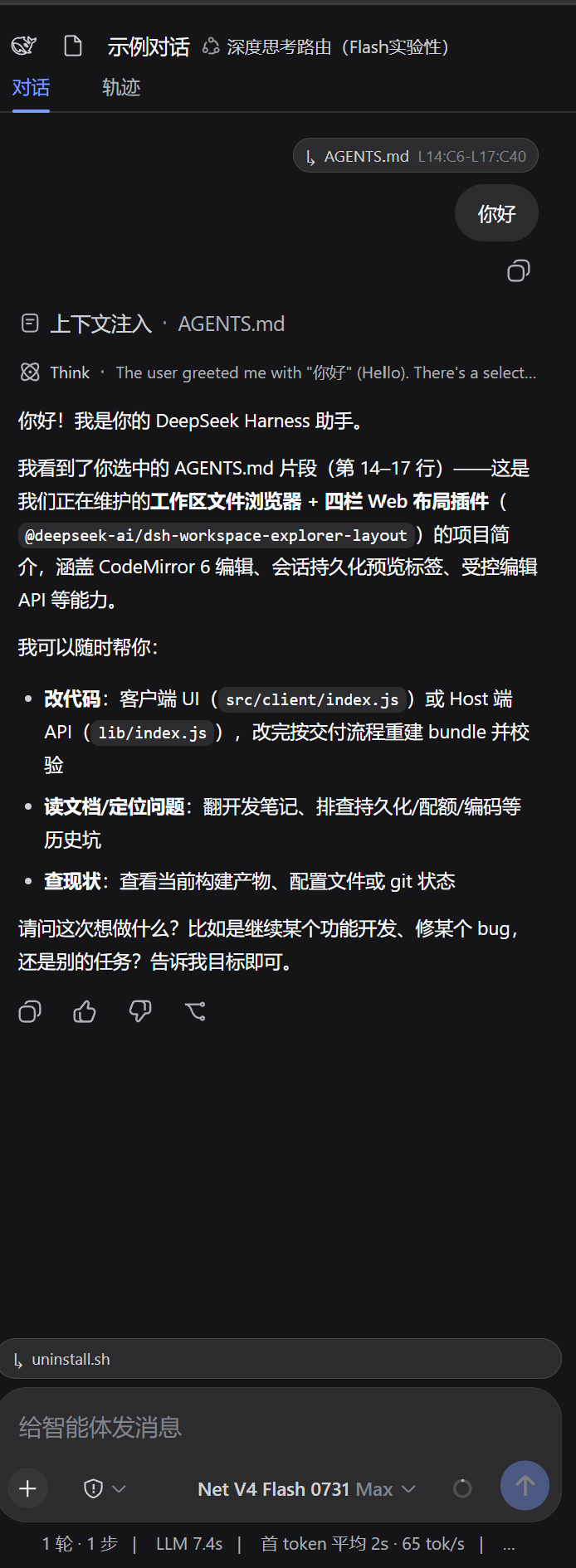
The plugin's core capabilities lie in its flexible layout and intelligent feature integration. The left panel allows seamless toggling between session lists and a file tree, while the center panel offers a CodeMirror 6-based editor with syntax highlighting for over 20 languages, automatic edit state recovery, and preview tab management; the right panel retains the chat interface. A standout feature is the mindmap mode, which transforms conversation histories into an interactive branch tree, enabling users to fork, archive, or visualize session flows on the fly. Additional utilities include a mobile mode, security boundary checks, and drag-and-drop layout adjustments, ensuring both productivity and file safety.
This plugin is ideal for developers who frequently use DeepSeek Harness for coding, session management, and multitasking. Whether you need quick file previews, real-time code editing, or a way to organize complex dialogues through mindmaps, dsh-workspace-studio provides a highly integrated and customizable workspace. It reduces tool-switching overhead and helps developers focus on creation and collaboration.
Screenshots
Use Cases
- Developers editing multiple code files while chatting with AI.
- Teams tracking and branching project discussions using mindmap mode.
- Users quickly accessing and editing workspace files on mobile devices.
Best For
- Developers who frequently use DeepSeek Harness for coding.
- Team members needing efficient management of project files and conversations.
- Users seeking to optimize workspace layout for improved productivity.
Related Plugins
A service-oriented sidebar framework for DSH, offering a full workbench with file explorer, embedded browser, real terminal, Git panel, and extensible plugin services.

A beautiful, practical Claude Code-style TUI plugin with pixel whale top bar, flowing glow title, real-time status line, streaming thought expansion, time rewind, context progress bar and TPS gauge — zero core changes.

The plugin market for DeepSeek Harness: browse/search/one-click install community plugins and themes, with updates, backup/restore, hot disable, diagnostics, and AI fix.

A persistent whale widget on the DSH web UI that shows DeepSeek balance, today's usage, and per-turn cost, with drag-and-snap and sound effects.