dsh-docking-layout
Run the following command in DeepSeek Harness:
dsh plugin install ai-eks/dsh-docking-layout
Paste the following prompt into your AI chat to install this plugin:
To install the plugin in DeepSeek Harness, run the command `dsh plugin install ai-eks/dsh-docking-layout` from https://github.com/ai-eks/dsh-docking-layout.
About this plugin
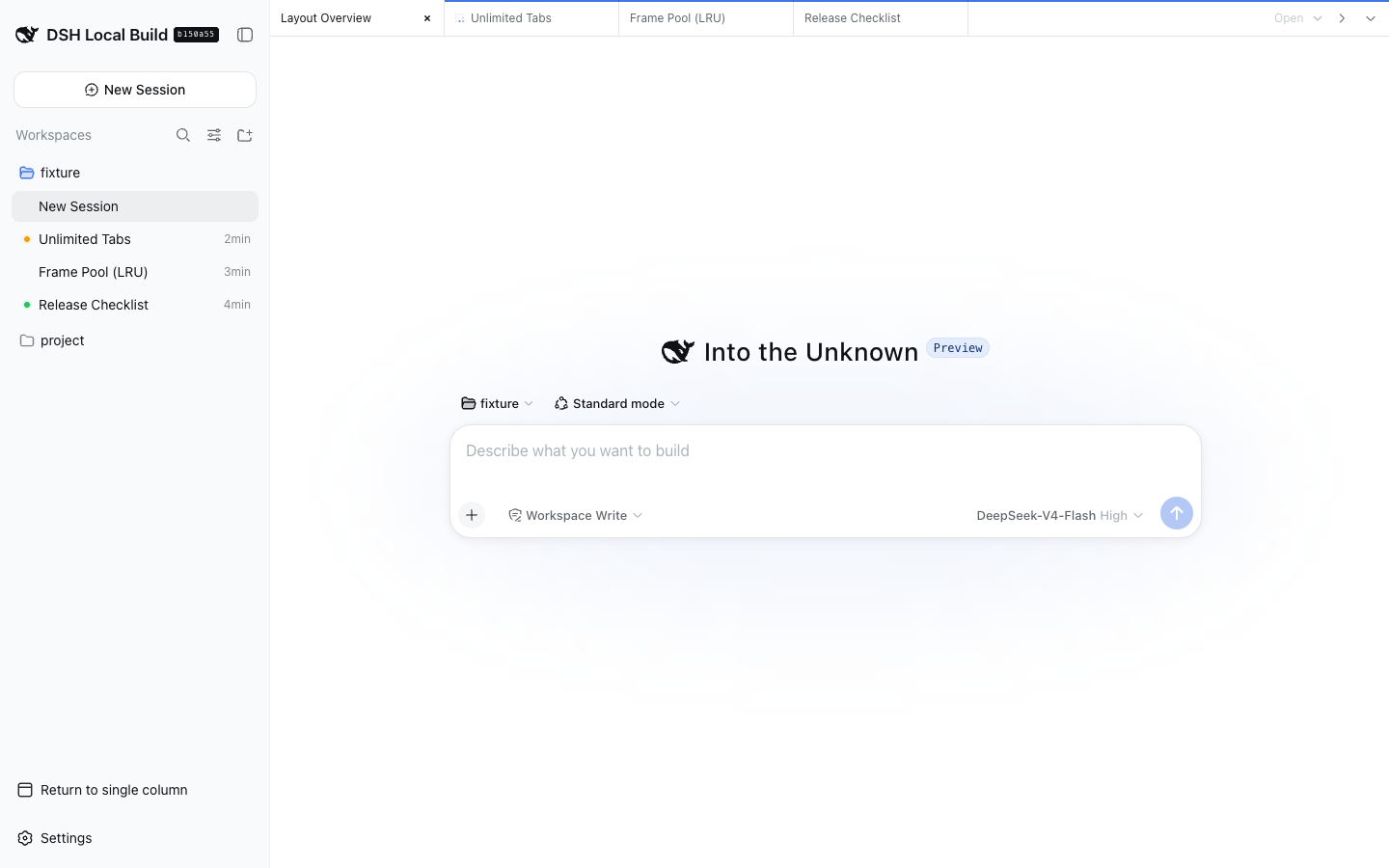
In the DeepSeek Harness Web UI, managing multiple conversation tabs can become chaotic, especially on devices with limited screen space. The dsh-docking-layout plugin addresses this by offering an editor-style organization system, allowing users to keep their conversations neatly arranged and easily accessible.
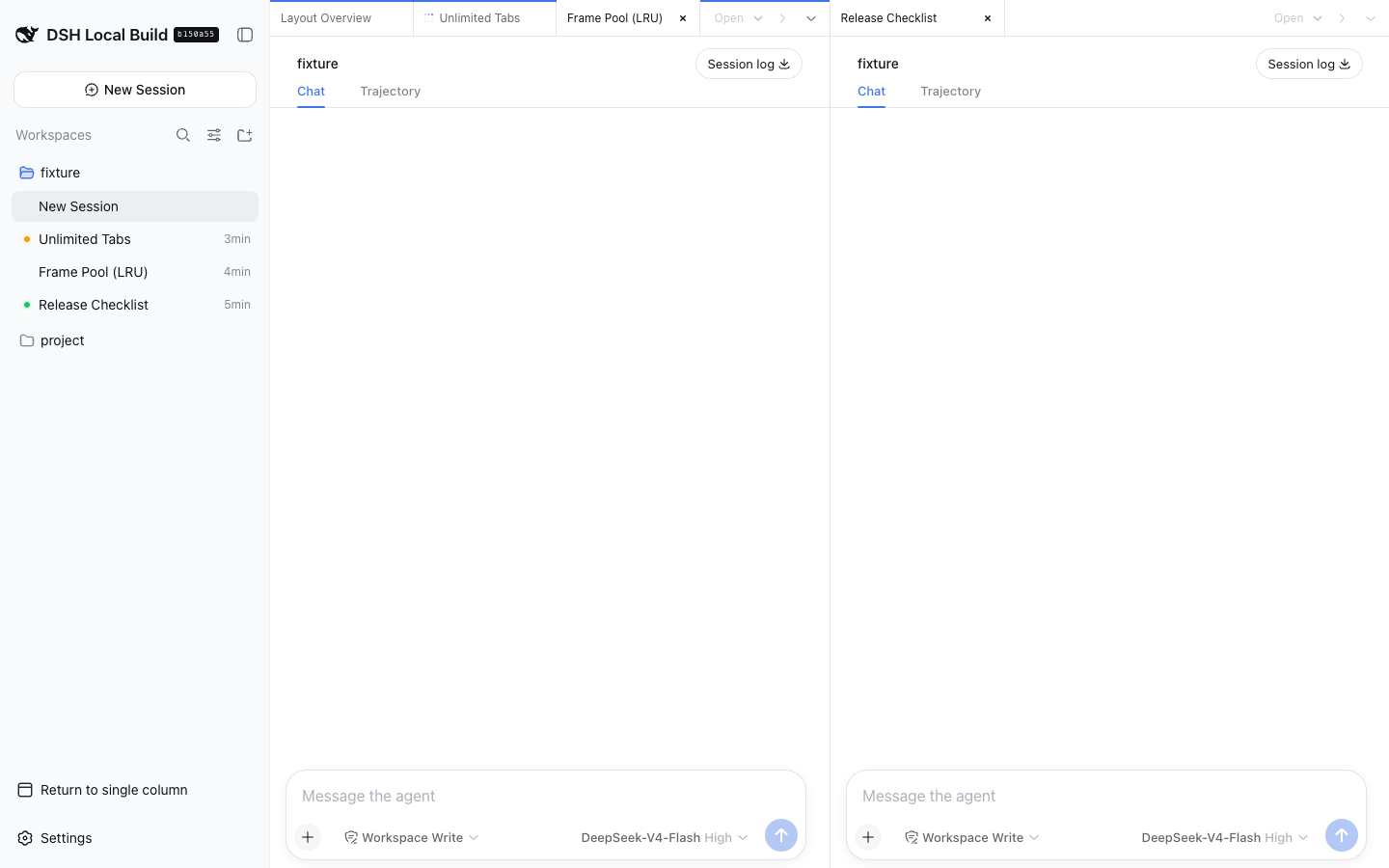
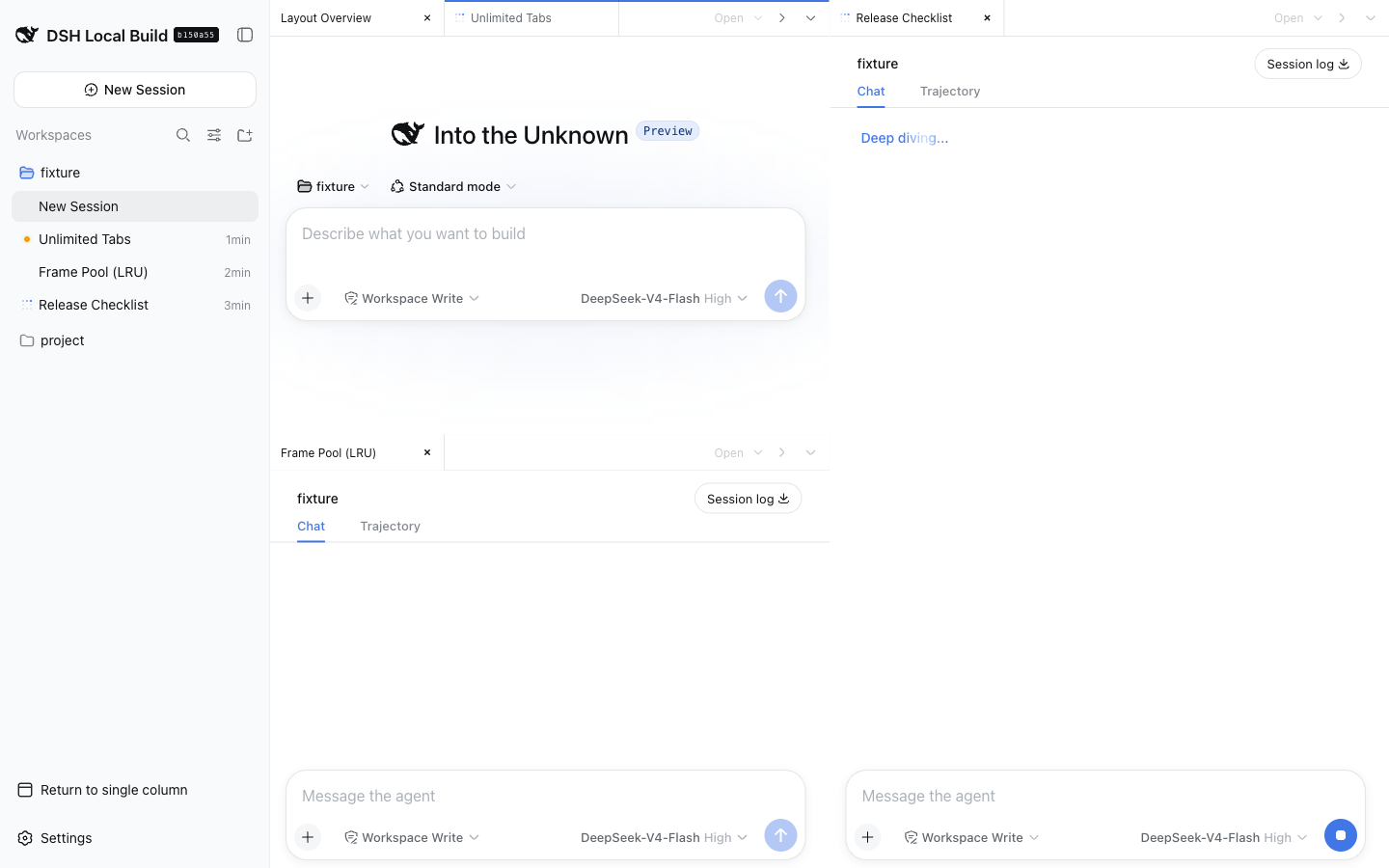
The plugin's core capabilities include unlimited tabs and groups with no fixed pane-size guard, free splitting and drag-and-drop movement of tabs, and narrow-screen adaptation with a group switcher for widths up to 760 pixels. Closing a tab only adjusts the browser layout without deleting its DSH session, preserving data integrity. Performance is optimized through an iframe pool that mounts only the active tab plus the two most recently used inactive tabs per group, balancing memory usage.
dsh-docking-layout is ideal for developers, researchers, or power users who need to juggle multiple conversations simultaneously. It enhances productivity while being compatible with recent DeepSeek Harness versions and companion plugins like dsh-better-sidebar. For anyone seeking a fluid multi-tasking experience, this plugin is an essential addition.
Screenshots
Use Cases
- Simultaneously handle multiple code debugging conversations during development.
- Organize and compare multiple literature discussions in research projects.
- Efficiently switch and arrange workflows on mobile devices.
Best For
- Software developers who need to switch between conversations frequently.
- Data scientists managing multiple literature sources or research notes.
- Power users seeking an efficient multitasking experience.
Related Plugins
A service-oriented sidebar framework for DSH, offering a full workbench with file explorer, embedded browser, real terminal, Git panel, and extensible plugin services.

A beautiful, practical Claude Code-style TUI plugin with pixel whale top bar, flowing glow title, real-time status line, streaming thought expansion, time rewind, context progress bar and TPS gauge — zero core changes.

The plugin market for DeepSeek Harness: browse/search/one-click install community plugins and themes, with updates, backup/restore, hot disable, diagnostics, and AI fix.

A persistent whale widget on the DSH web UI that shows DeepSeek balance, today's usage, and per-turn cost, with drag-and-snap and sound effects.