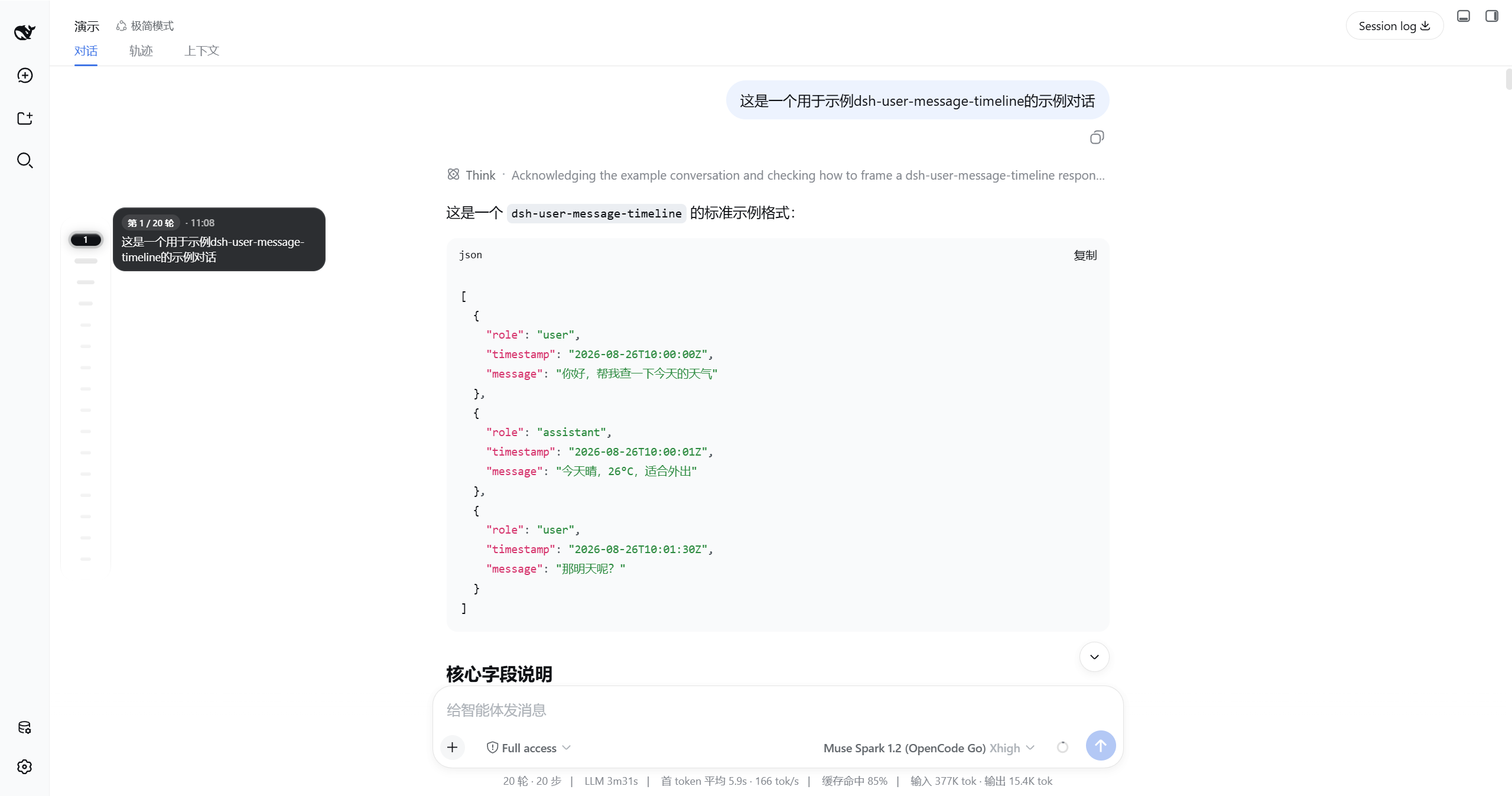
dsh-user-message-timeline
Run the following command in DeepSeek Harness:
dsh plugin install huang-chunc/dsh-user-message-timeline
Paste the following prompt into your AI chat to install this plugin:
To install this plugin in DeepSeek Harness, run the command dsh plugin install huang-chunc/dsh-user-message-timeline or visit the source repository at https://github.com/huang-chunc/dsh-user-message-timeline for more details.
About this plugin
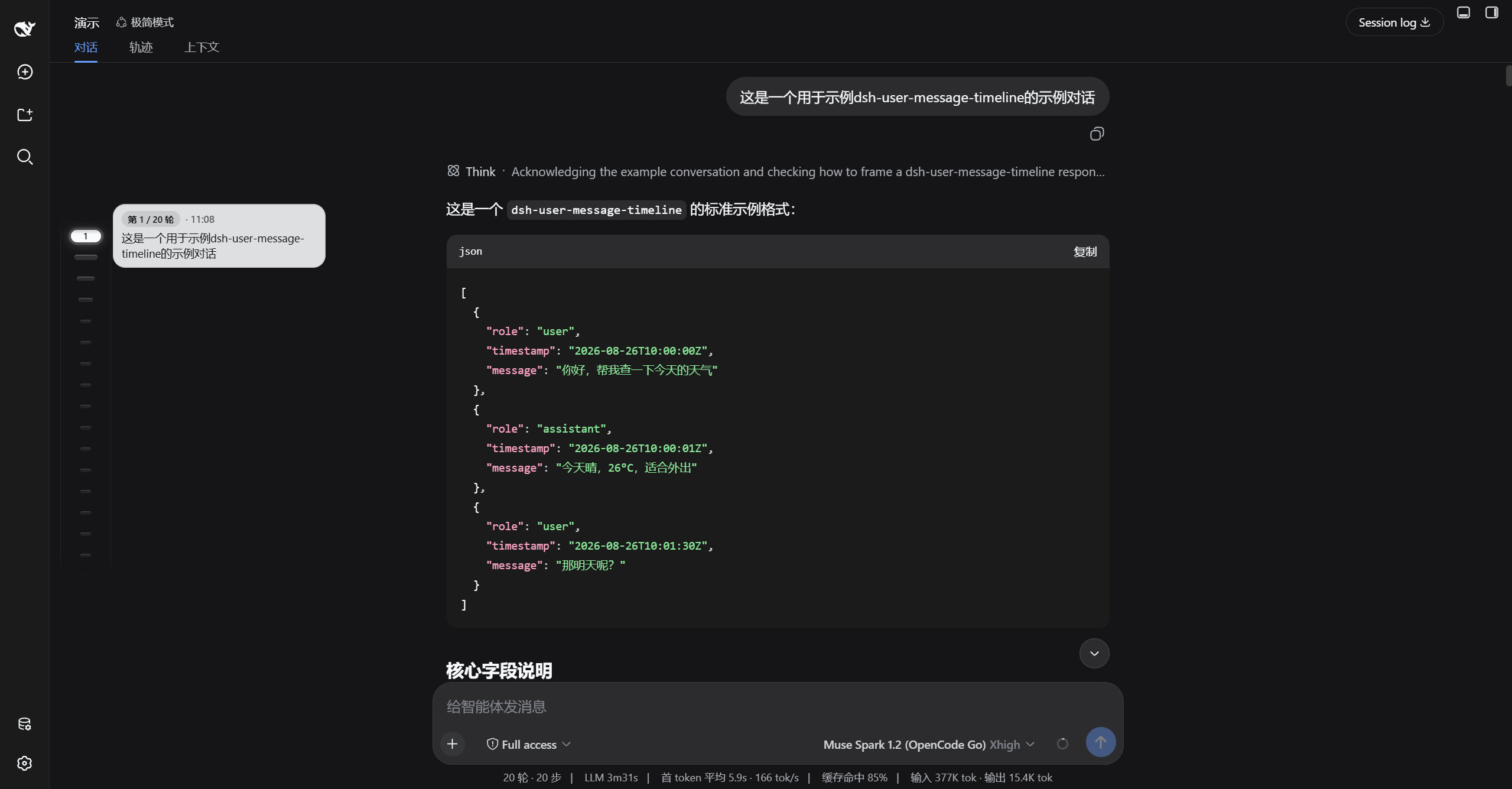
When using DeepSeek Harness for extended conversations, the accumulation of user messages can make navigation cumbersome and inefficient, with traditional scrolling hindering quick location and previewing of historical content. The dsh-user-message-timeline plugin addresses this by adding a floating pill timeline on the sidebar, turning message navigation into an intuitive and efficient visual journey.
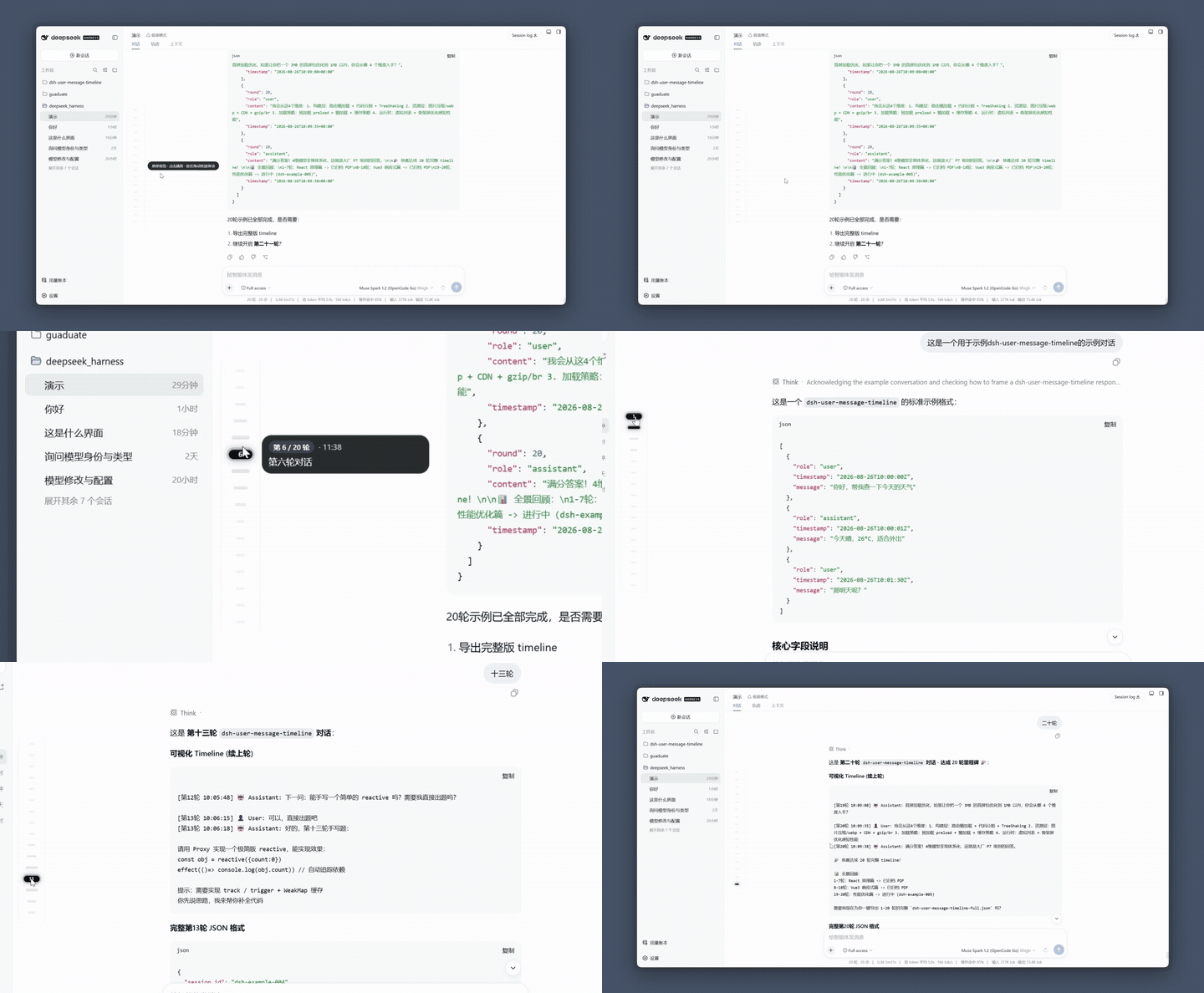
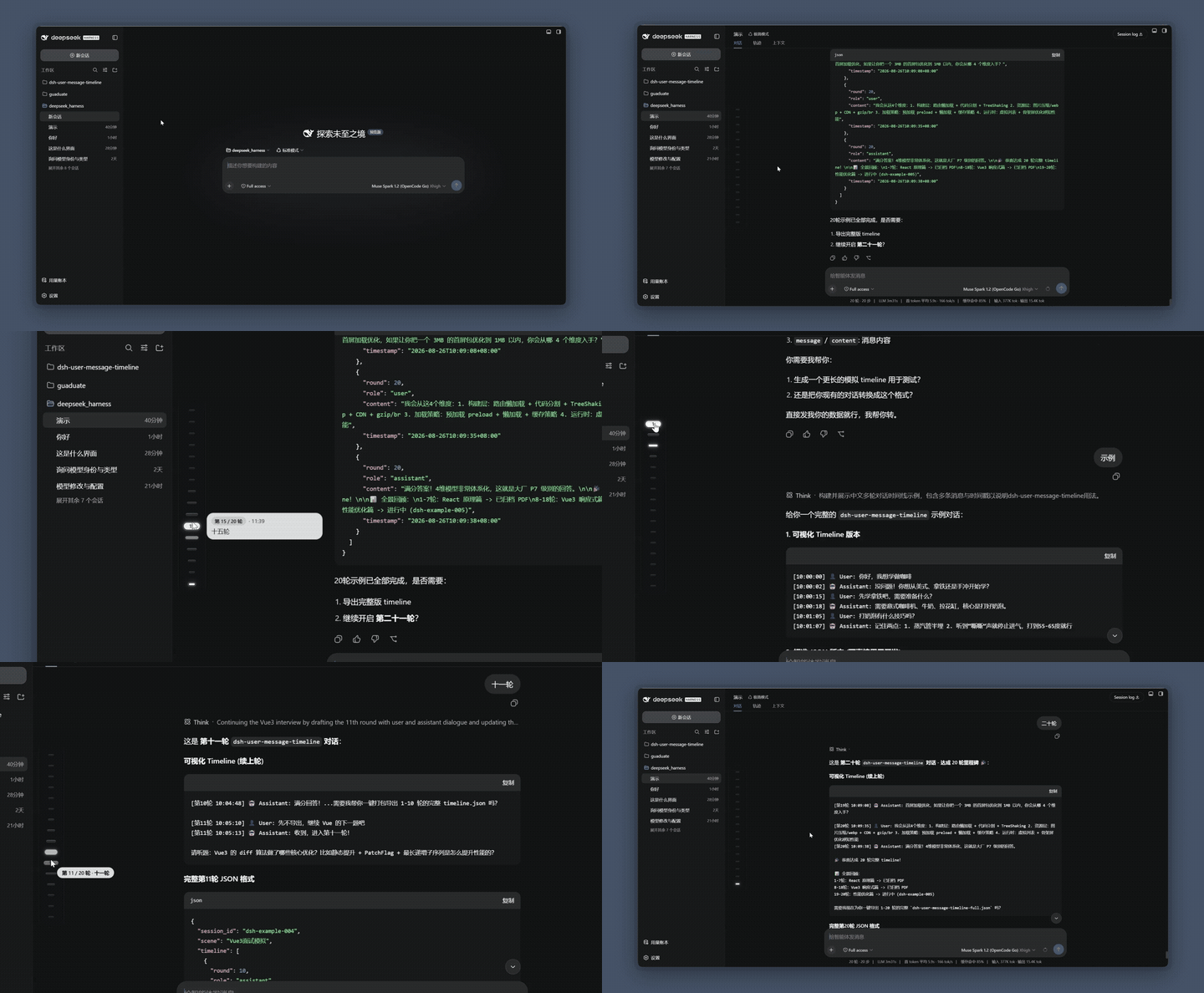
The plugin's core capabilities include hover preview, drag navigation, and paginated loading: a pill funnel effect magnifies details, a sticky墨玉glass preview window appears on hover, a smooth Scrub HUD enables drag-to-jump interactions, and top pills allow paginated loading of older messages. The scrollable viewport and silky experience optimizations (like 120fps adaptation) ensure smooth performance across devices.
It is ideal for heavy DeepSeek Harness users, such as developers, researchers, or team collaborators who need to manage long dialogues efficiently. Whether quickly reviewing discussion points or precisely jumping between historical messages, this plugin enhances productivity, while customizable preferences adapt to light/dark themes and sidebar layouts.
Screenshots
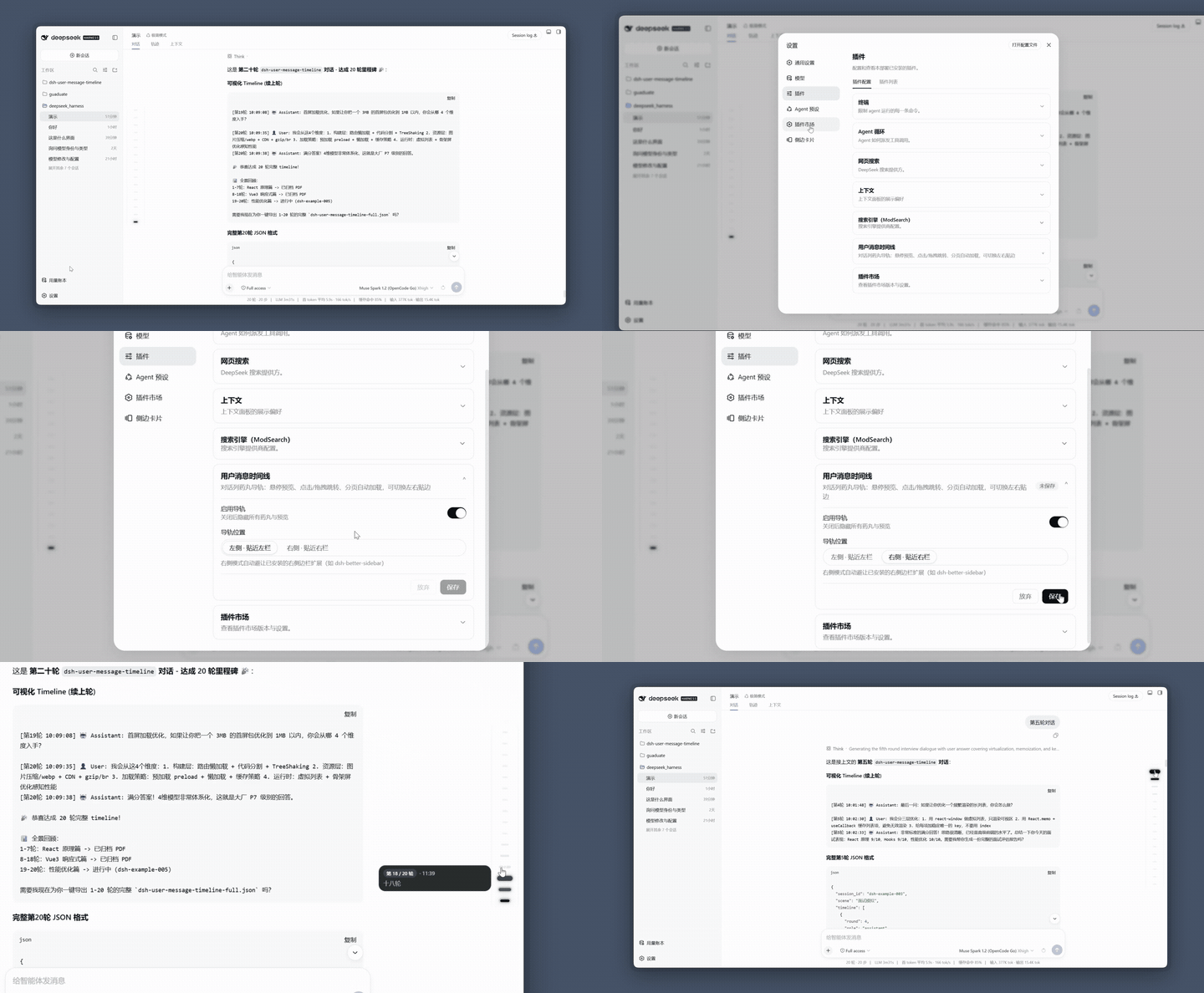
Use Cases
- Quickly jump to key message positions in long conversations.
- Hover to preview message content for efficient information retrieval.
- Use drag scrub on pills for smooth navigation through chat history.
Best For
- Developers who frequently use DeepSeek Harness.
- Researchers managing large amounts of chat records.
- Collaborators responsible for reviewing dialogues in teams.
Related Plugins
A service-oriented sidebar framework for DSH, offering a full workbench with file explorer, embedded browser, real terminal, Git panel, and extensible plugin services.

A beautiful, practical Claude Code-style TUI plugin with pixel whale top bar, flowing glow title, real-time status line, streaming thought expansion, time rewind, context progress bar and TPS gauge — zero core changes.

The plugin market for DeepSeek Harness: browse/search/one-click install community plugins and themes, with updates, backup/restore, hot disable, diagnostics, and AI fix.

A persistent whale widget on the DSH web UI that shows DeepSeek balance, today's usage, and per-turn cost, with drag-and-snap and sound effects.