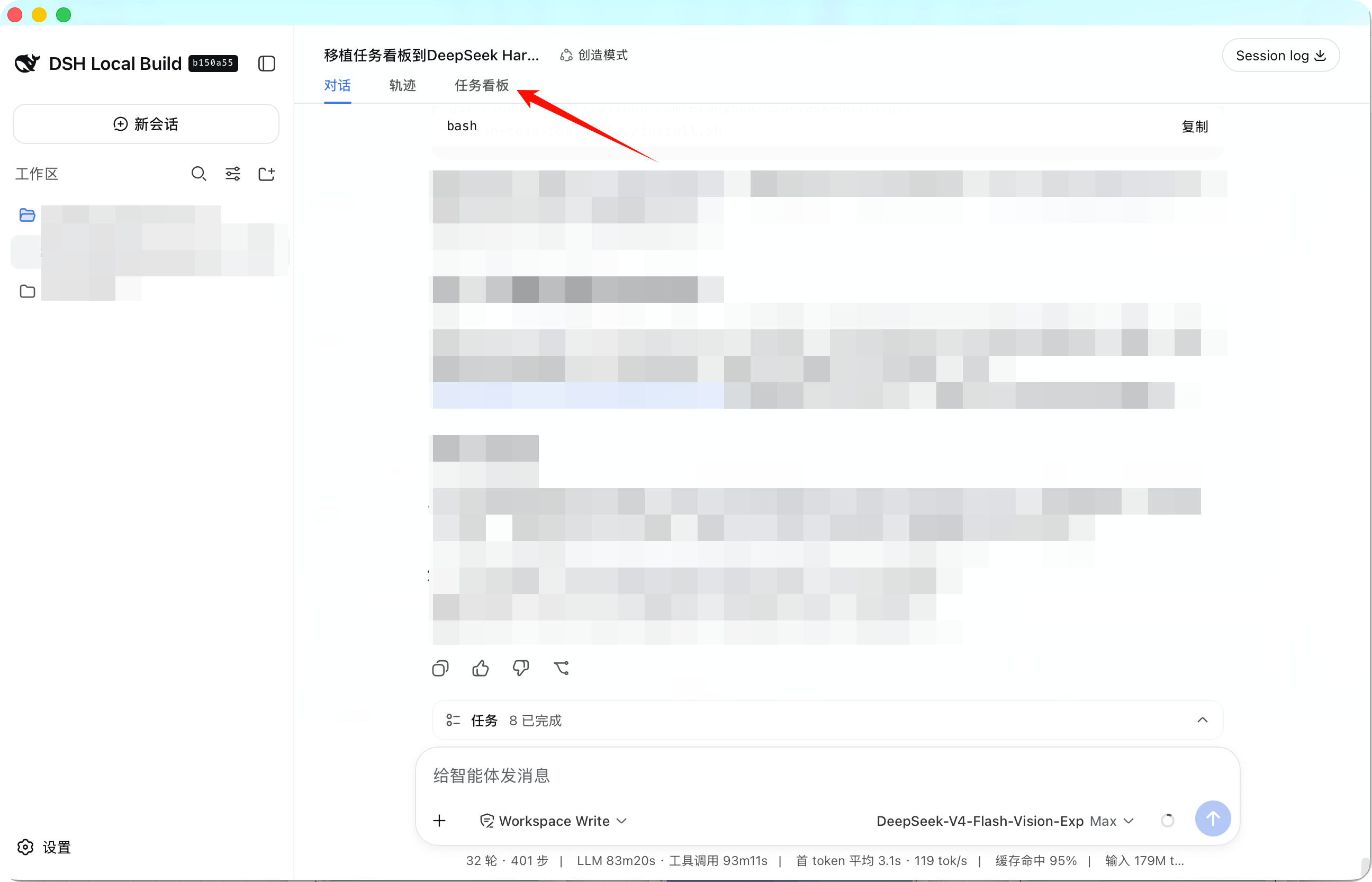
dsh-task-board
Run the following command in DeepSeek Harness:
dsh plugin install etony668/dsh-task-board
Paste the following prompt into your AI chat to install this plugin:
To install this plugin in DeepSeek Harness, run the command dsh plugin install etony668/dsh-task-board, or clone the source from the GitHub repository at https://github.com/etony668/dsh-task-board and run the installation script.
About this plugin
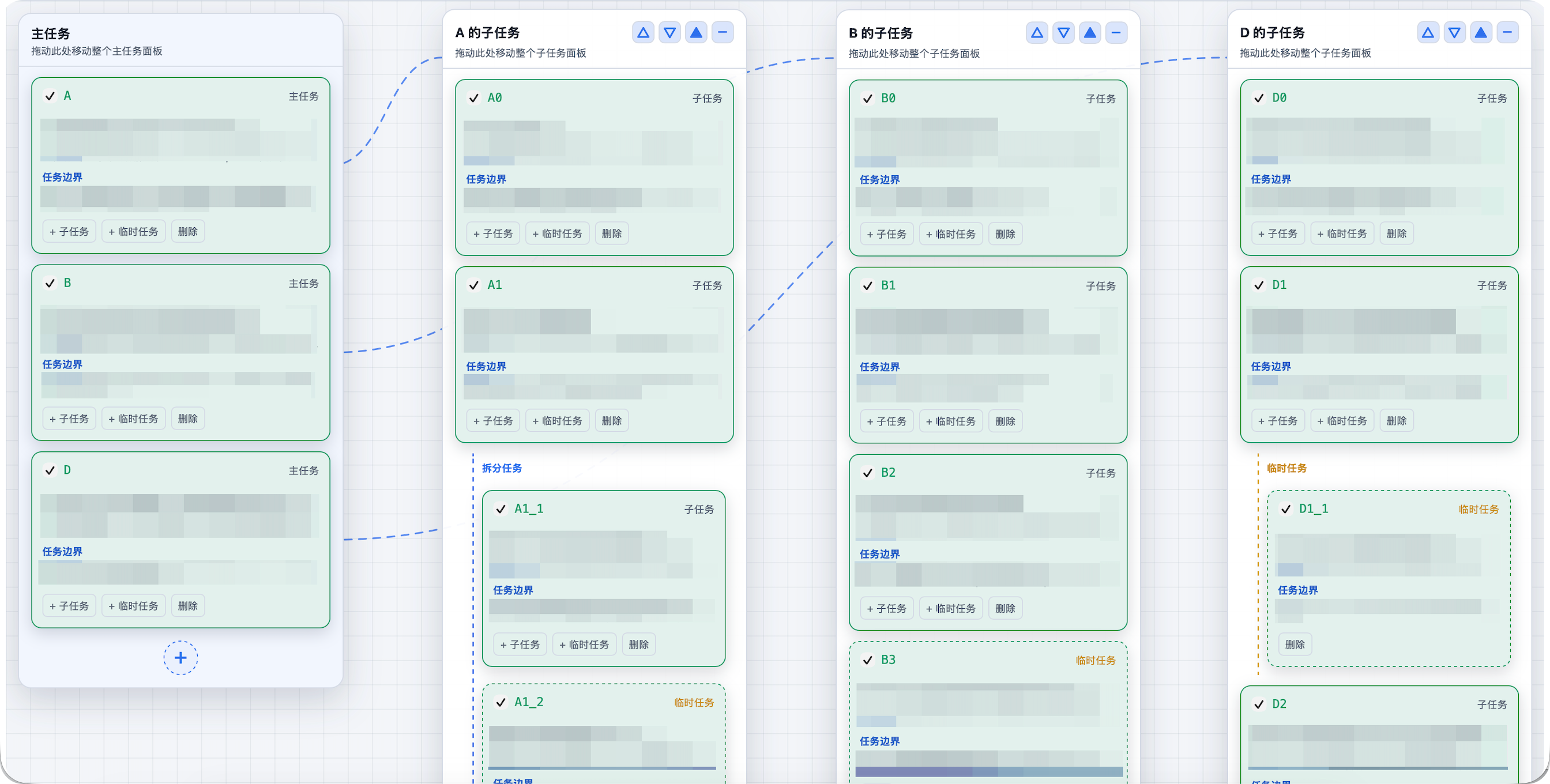
The DSH Task Board plugin solves the challenge of efficiently managing tasks within AI conversations for DeepSeek Harness users. It integrates a task board directly into the conversation view, enabling users to transform dialogue content into structured tasks without switching tools. Key capabilities include canvas-style draggable panels for task visualization, support for parent-child task hierarchies, automatic completion synchronization, and batch operations via agent tools. With local JSON storage, it ensures data security and eliminates reliance on external services. This plugin is ideal for developers, project managers, and researchers who use DeepSeek Harness for project development or daily task tracking, turning AI interactions into actionable plans.
Screenshots
Use Cases
- Track project progress in real-time within AI conversations
- Automatically decompose dialogue content into structured tasks
- Visualize task dependencies via draggable panels
Best For
- Developers using DeepSeek Harness for project development
- Researchers converting ideas into tasks
- Project managers preferring local storage and offline work
Related Plugins
A service-oriented sidebar framework for DSH, offering a full workbench with file explorer, embedded browser, real terminal, Git panel, and extensible plugin services.

A beautiful, practical Claude Code-style TUI plugin with pixel whale top bar, flowing glow title, real-time status line, streaming thought expansion, time rewind, context progress bar and TPS gauge — zero core changes.

The plugin market for DeepSeek Harness: browse/search/one-click install community plugins and themes, with updates, backup/restore, hot disable, diagnostics, and AI fix.

A persistent whale widget on the DSH web UI that shows DeepSeek balance, today's usage, and per-turn cost, with drag-and-snap and sound effects.