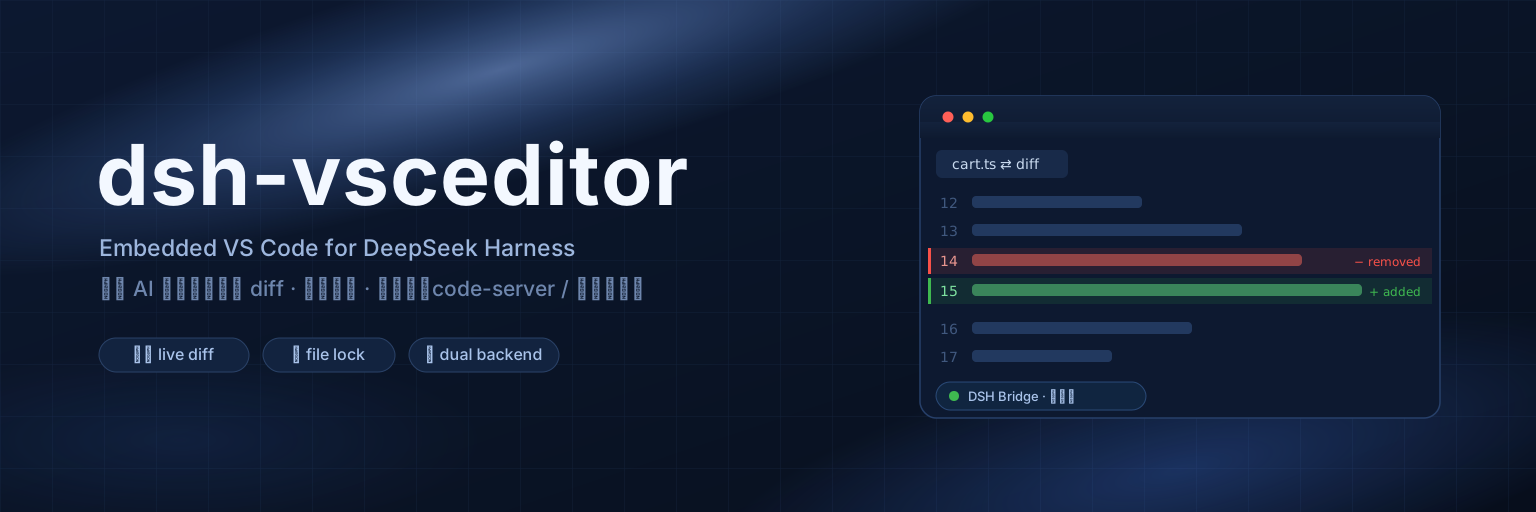
dsh-vsceditor
Run the following command in DeepSeek Harness:
dsh plugin install k-ying/dsh-vsceditor
Paste the following prompt into your AI chat to install this plugin:
In DeepSeek Harness, install the plugin with the command dsh plugin install k-ying/dsh-vsceditor, source code available at https://github.com/k-ying/dsh-vsceditor.
About this plugin
When using DeepSeek Harness for AI-assisted coding, developers often struggle to track real-time file modifications by AI, leading to disruptive context switching between terminals and editors. The dsh-vsceditor plugin addresses this by embedding a full VSCode editor (based on code-server) within the DSH web interface. It automatically opens a red-green diff view and scrolls to changed lines when AI modifies files, providing clear visual feedback. With dual backend support (embedded or local VSCode), along with features like file locking, workspace synchronization, and integrated settings, it ensures a smooth and secure coding experience. Ideal for all DeepSeek Harness users, this plugin particularly benefits developers and teams seeking enhanced visualization of AI programming to boost efficiency and maintain code quality.
Screenshots
Use Cases
- View file changes in real-time when AI writes or modifies code
- Monitor multi-file editing processes within DeepSeek Harness sessions
- Integrate a full IDE for collaborative coding in remote development environments
Best For
- Engineers using DeepSeek Harness for AI-assisted development
- Developers needing to visualize code changes to enhance review efficiency
- Users who prefer seamless VSCode integration in a web interface
Related Plugins
A service-oriented sidebar framework for DSH, offering a full workbench with file explorer, embedded browser, real terminal, Git panel, and extensible plugin services.

A beautiful, practical Claude Code-style TUI plugin with pixel whale top bar, flowing glow title, real-time status line, streaming thought expansion, time rewind, context progress bar and TPS gauge — zero core changes.

The plugin market for DeepSeek Harness: browse/search/one-click install community plugins and themes, with updates, backup/restore, hot disable, diagnostics, and AI fix.

A persistent whale widget on the DSH web UI that shows DeepSeek balance, today's usage, and per-turn cost, with drag-and-snap and sound effects.