dsh-conversation-map
Run the following command in DeepSeek Harness:
dsh plugin install afoxsss/dsh-conversation-map
Paste the following prompt into your AI chat to install this plugin:
In DeepSeek Harness, install the plugin by running the command dsh plugin install afoxsss/dsh-conversation-map, with the full source code available at https://github.com/afoxsss/dsh-conversation-map.
About this plugin
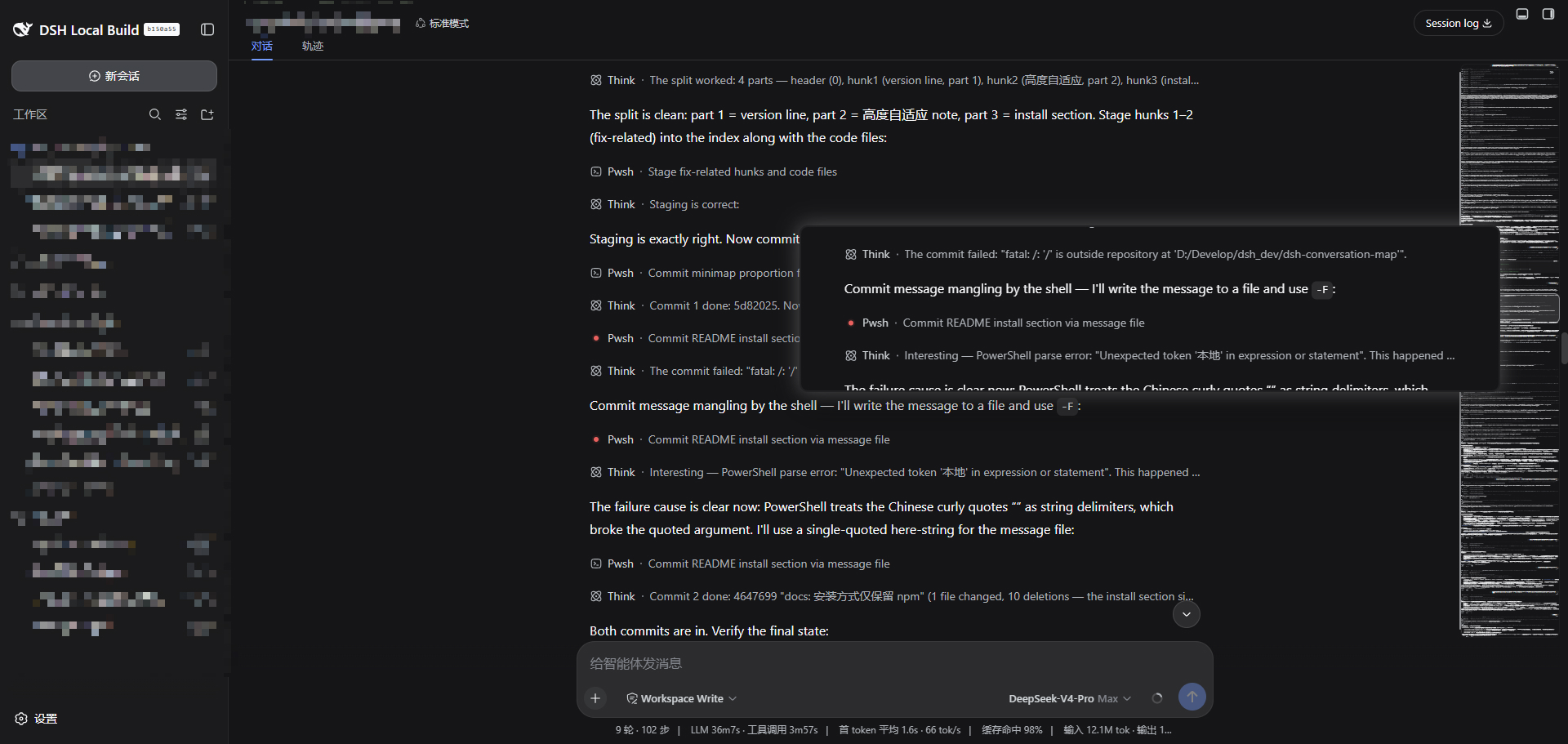
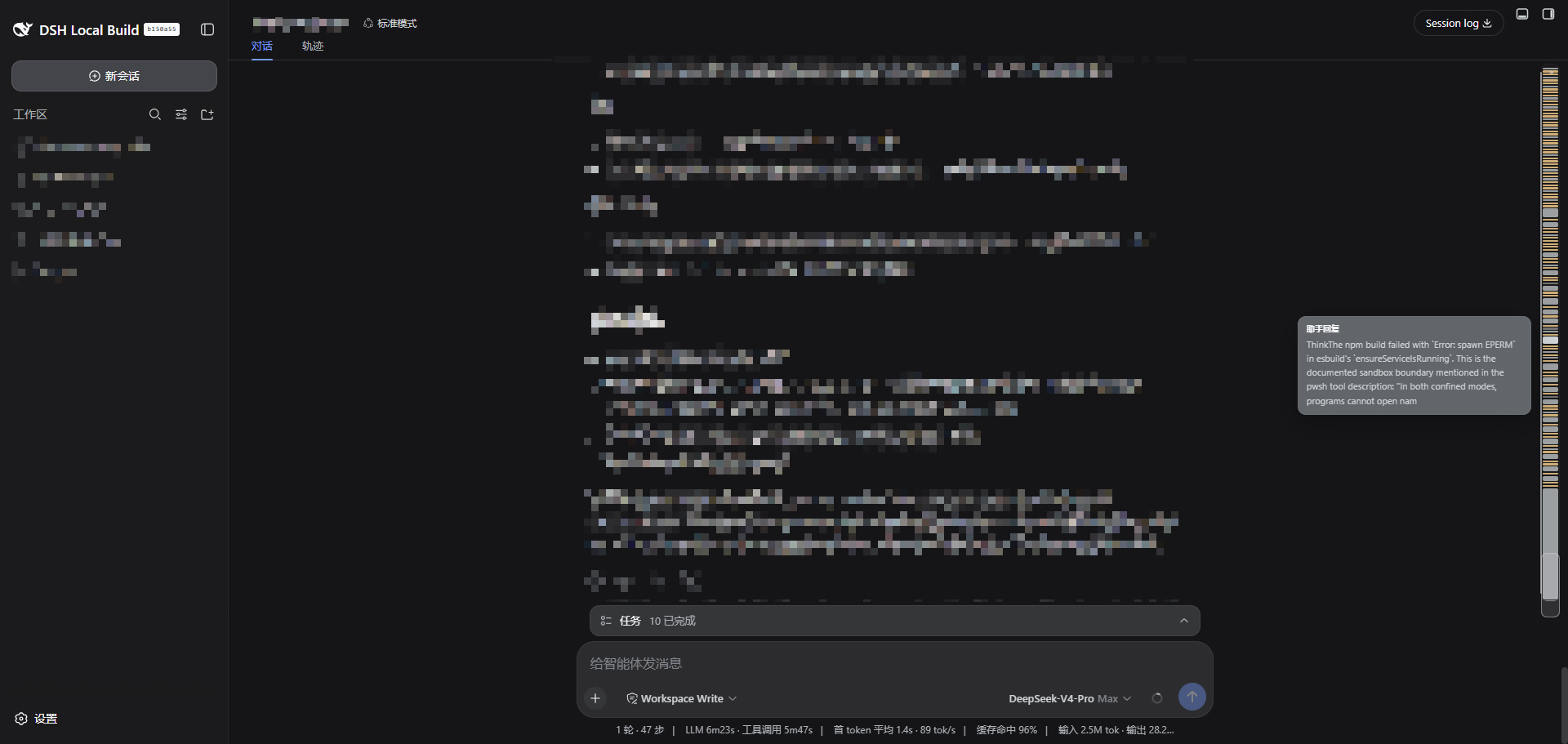
Managing long conversations in DeepSeek Harness can often lead to navigation challenges, where users struggle to efficiently locate or revisit specific parts of the dialogue. The dsh-conversation-map plugin addresses this issue by introducing a draggable conversation minimap that renders on the right side of the chat area. This minimap provides a visual overview of the entire conversation, allowing users to quickly scroll to any section by dragging the map, much like the minimap feature in code editors. Its core capability lies in enhancing browsing efficiency through intuitive preview and navigation, making it ideal for users who engage in lengthy dialogues—such as developers debugging interactions, researchers analyzing conversation flows, or content creators managing extensive text. By seamlessly integrating as a client-side enhancement, this plugin streamlines the workflow and saves time, focusing on improving the overall user experience within DeepSeek Harness.
Screenshots
Use Cases
- Quickly jump to key sections in long conversations.
- Preview the entire dialogue structure to aid content organization.
- Enhance conversation browsing efficiency in DeepSeek Harness.
Best For
- Developers managing long conversations.
- Researchers analyzing dialogue data.
- Content creators using DeepSeek Harness.
Related Plugins
A service-oriented sidebar framework for DSH, offering a full workbench with file explorer, embedded browser, real terminal, Git panel, and extensible plugin services.

A beautiful, practical Claude Code-style TUI plugin with pixel whale top bar, flowing glow title, real-time status line, streaming thought expansion, time rewind, context progress bar and TPS gauge — zero core changes.

The plugin market for DeepSeek Harness: browse/search/one-click install community plugins and themes, with updates, backup/restore, hot disable, diagnostics, and AI fix.

A persistent whale widget on the DSH web UI that shows DeepSeek balance, today's usage, and per-turn cost, with drag-and-snap and sound effects.