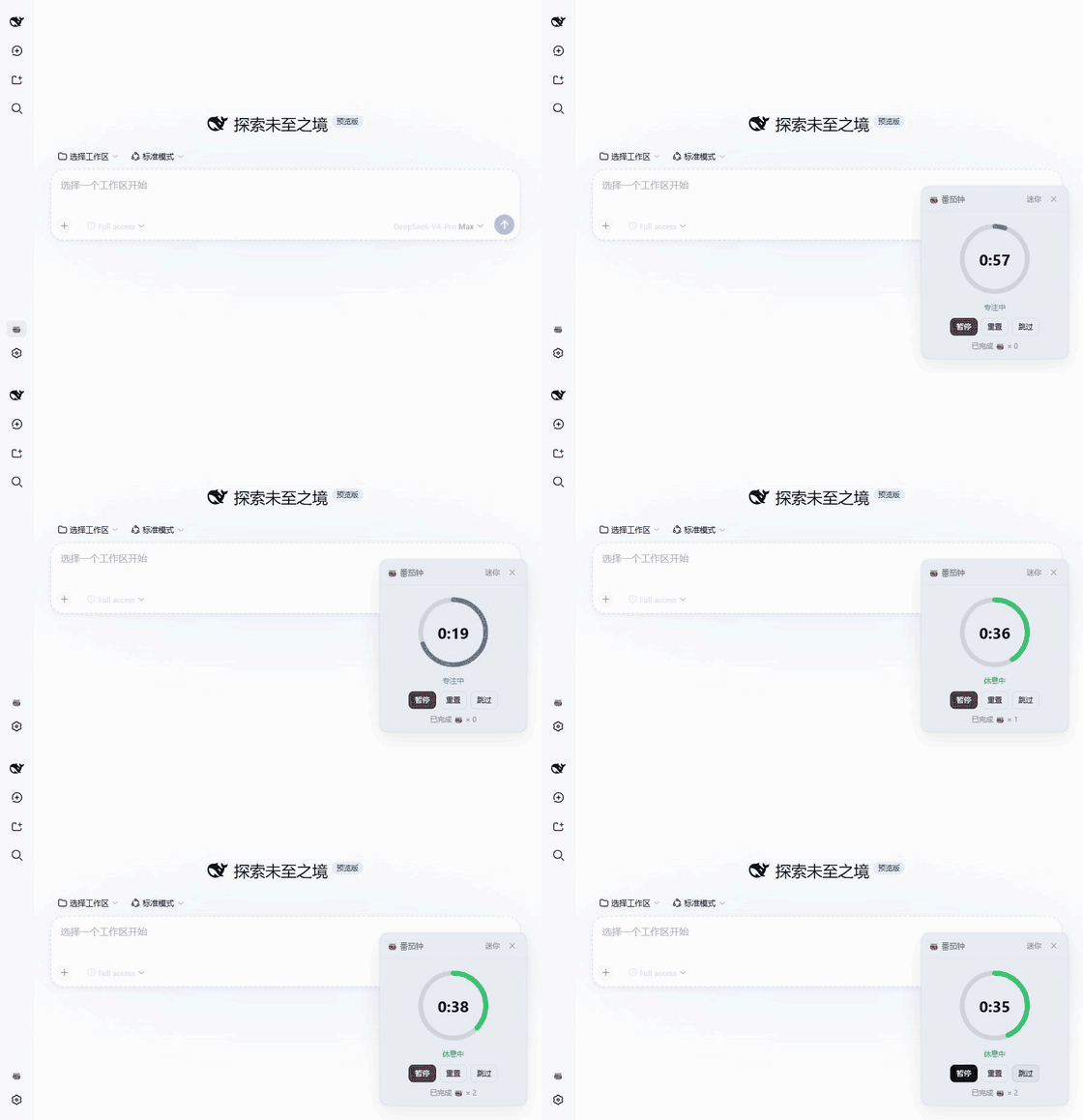
dsh-pomodoro
Run the following command in DeepSeek Harness:
dsh plugin install causebefore/dsh-pomodoro
Paste the following prompt into your AI chat to install this plugin:
To install the dsh-pomodoro plugin in DeepSeek Harness, run the command dsh plugin install causebefore/dsh-pomodoro, or visit https://github.com/causebefore/dsh-pomodoro for more details.
About this plugin
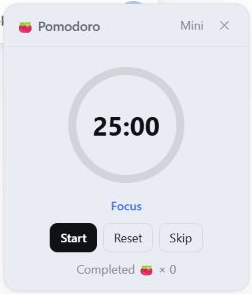
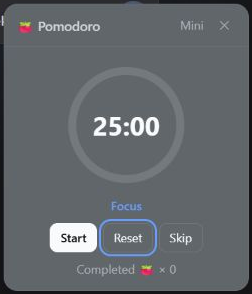
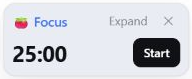
In today's fast-paced digital workspace, maintaining focus while managing breaks is a common struggle, especially when engaged in deep tasks using tools like DeepSeek Harness. Users often lose track of time, leading to burnout or reduced productivity. The dsh-pomodoro plugin addresses this by bringing the Pomodoro Technique directly into the DeepSeek Harness Web UI. It offers configurable focus and break cycles, cross-session recovery to resume timers even after browser restarts, and a low-distraction mini mode. Features like in-app reminders, sound alerts, and system notifications ensure users stay on track without disruption, while adapting to themes and languages for a seamless experience. Ideal for developers, researchers, writers, or anyone using DeepSeek Harness for extended work sessions, this plugin enhances time management and work-life balance. With easy setup, users can quickly adopt a structured workflow, turning chaotic work periods into productive, balanced cycles.
Screenshots
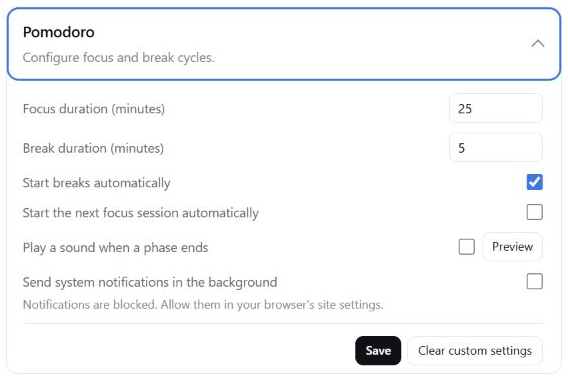
Use Cases
- Managing focus and break cycles during extended coding or research sessions in DeepSeek Harness.
- Maintaining an efficient work rhythm in remote work or study to avoid fatigue.
- Reducing distractions in multitasking environments with configurable reminders and mini mode.
Best For
- Developers, researchers, or data scientists using DeepSeek Harness.
- Remote workers or students seeking time management tools to boost productivity.
- Anyone aiming to balance focus and breaks during deep work sessions.
Related Plugins
A service-oriented sidebar framework for DSH, offering a full workbench with file explorer, embedded browser, real terminal, Git panel, and extensible plugin services.

A beautiful, practical Claude Code-style TUI plugin with pixel whale top bar, flowing glow title, real-time status line, streaming thought expansion, time rewind, context progress bar and TPS gauge — zero core changes.

The plugin market for DeepSeek Harness: browse/search/one-click install community plugins and themes, with updates, backup/restore, hot disable, diagnostics, and AI fix.

A persistent whale widget on the DSH web UI that shows DeepSeek balance, today's usage, and per-turn cost, with drag-and-snap and sound effects.