
dsh-sticky-disclosure
Run the following command in DeepSeek Harness:
dsh plugin install Han-1413141/dsh-sticky-disclosure
Paste the following prompt into your AI chat to install this plugin:
To install this plugin in DeepSeek Harness, run the command 'dsh plugin install Han-1413141/dsh-sticky-disclosure' or obtain the source code from the GitHub address https://github.com/Han-1413141/dsh-sticky-disclosure for manual installation.
About this plugin
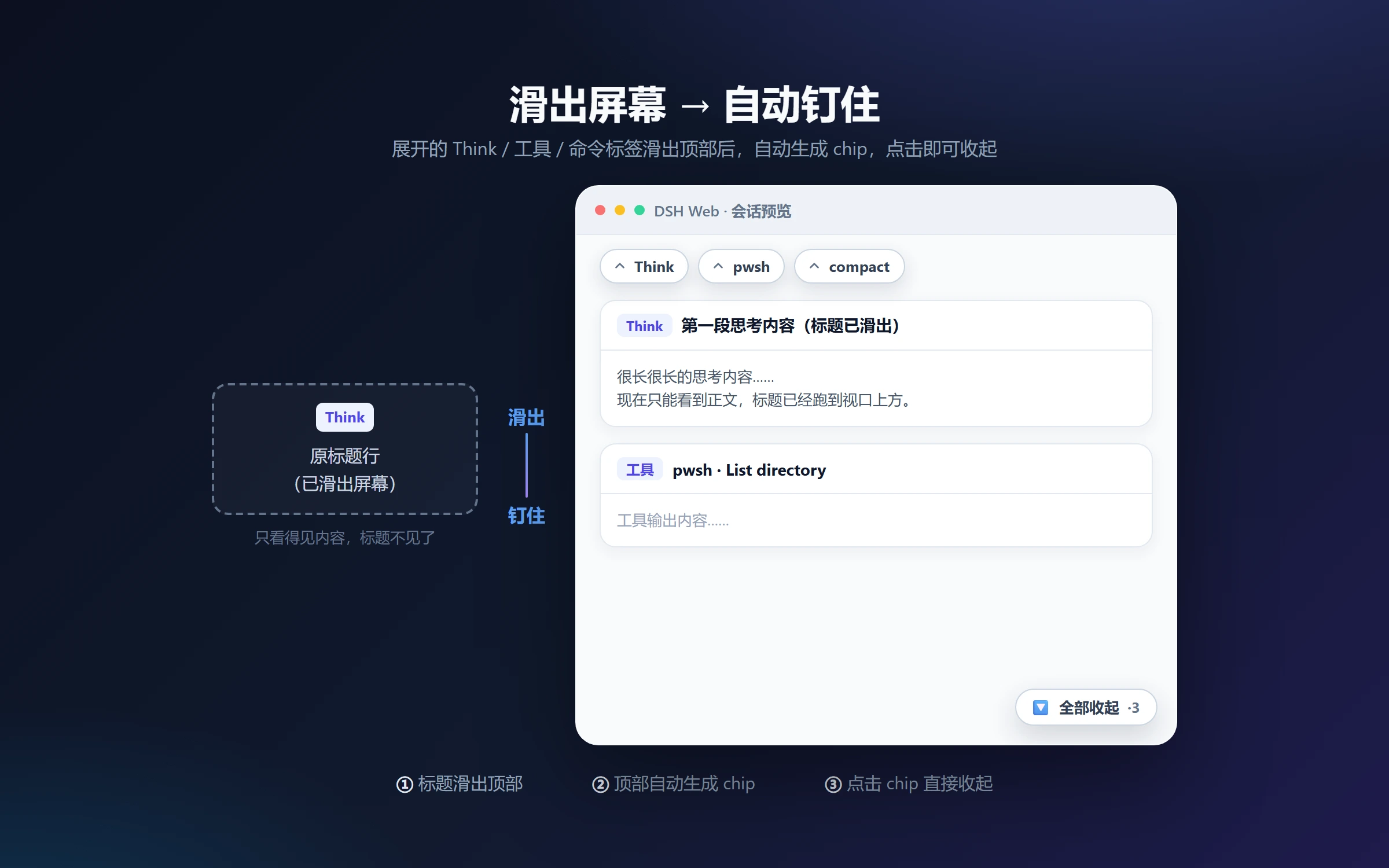
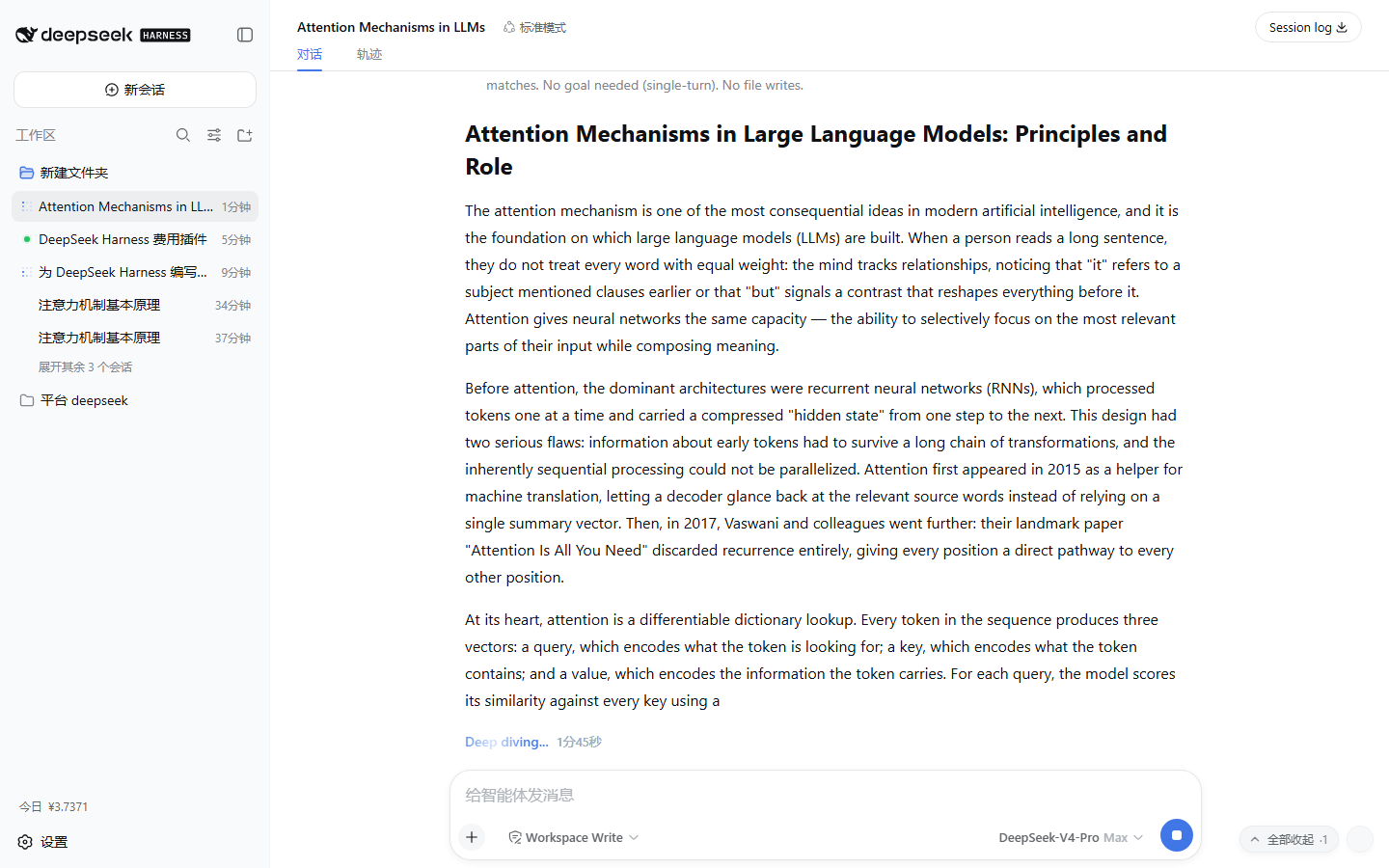
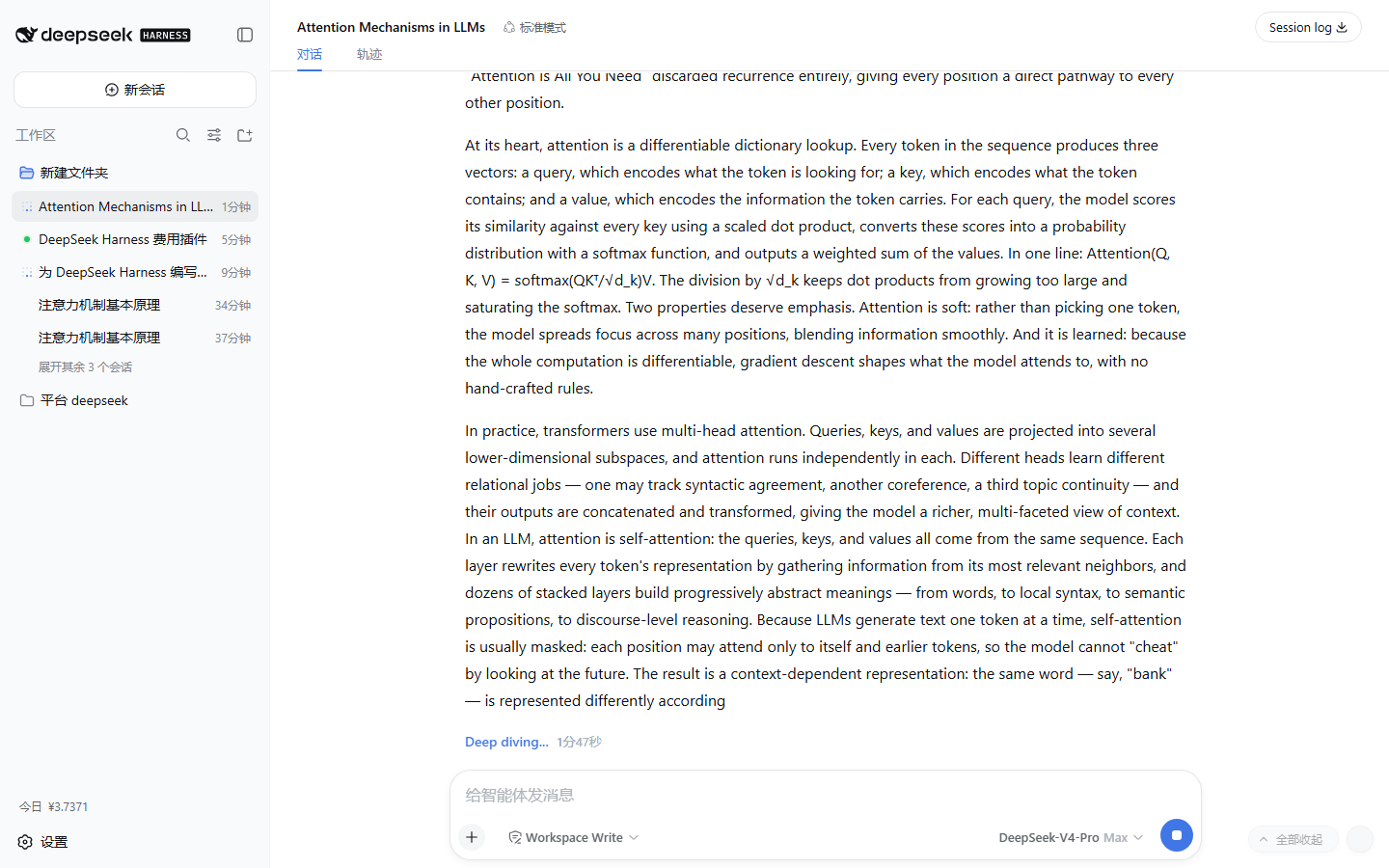
When engaging in deep conversations with the DSH Web client, expanded collapsible blocks like Think rows and tool cards can accumulate, requiring tedious manual clicks to collapse and often disappearing from view when scrolling. dsh-sticky-disclosure addresses this by providing a persistent 'collapse all' button with real-time counting and customizable hotkeys, allowing users to clean up cluttered expanded content with a single action, significantly enhancing efficiency in managing long dialogues.
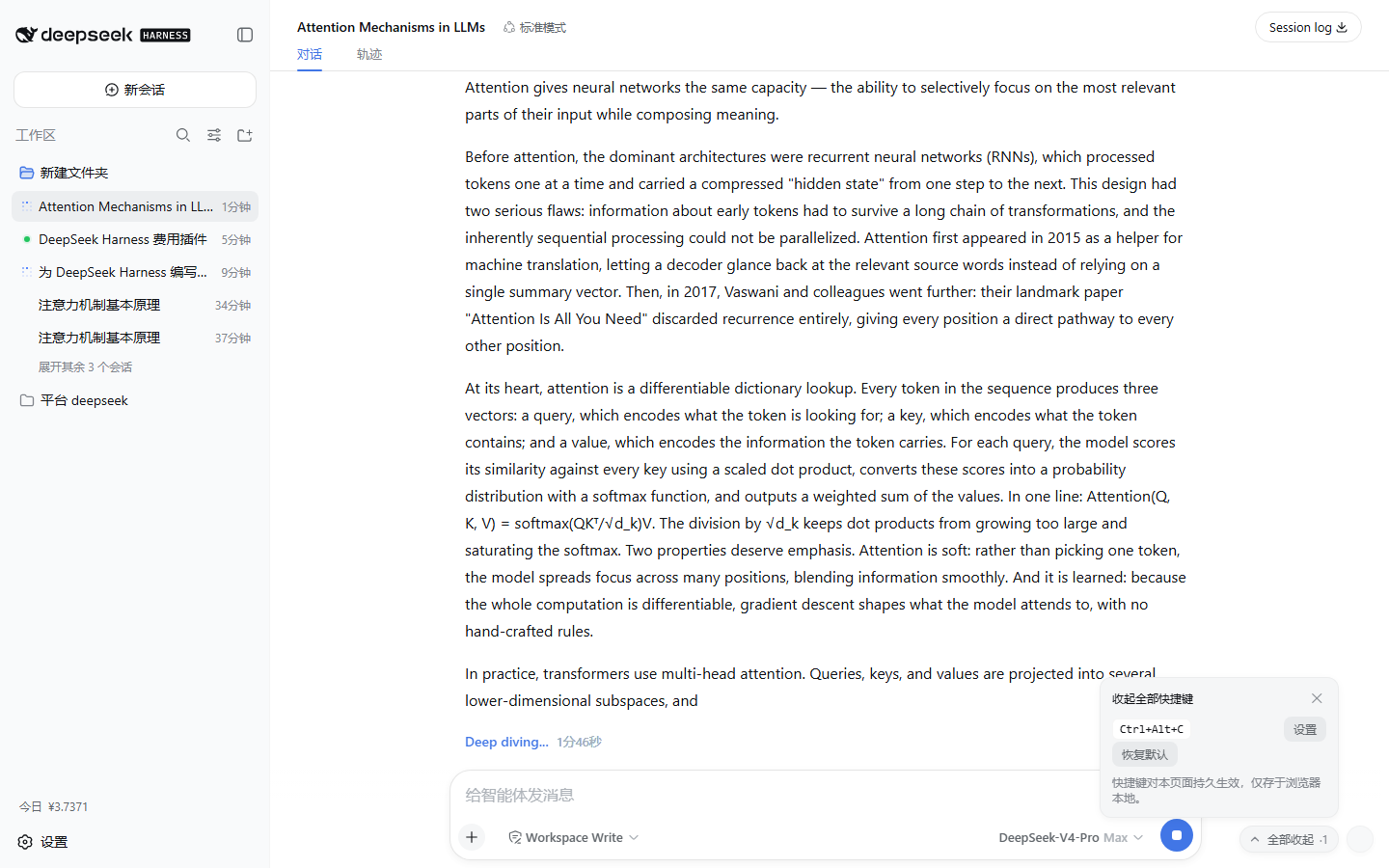
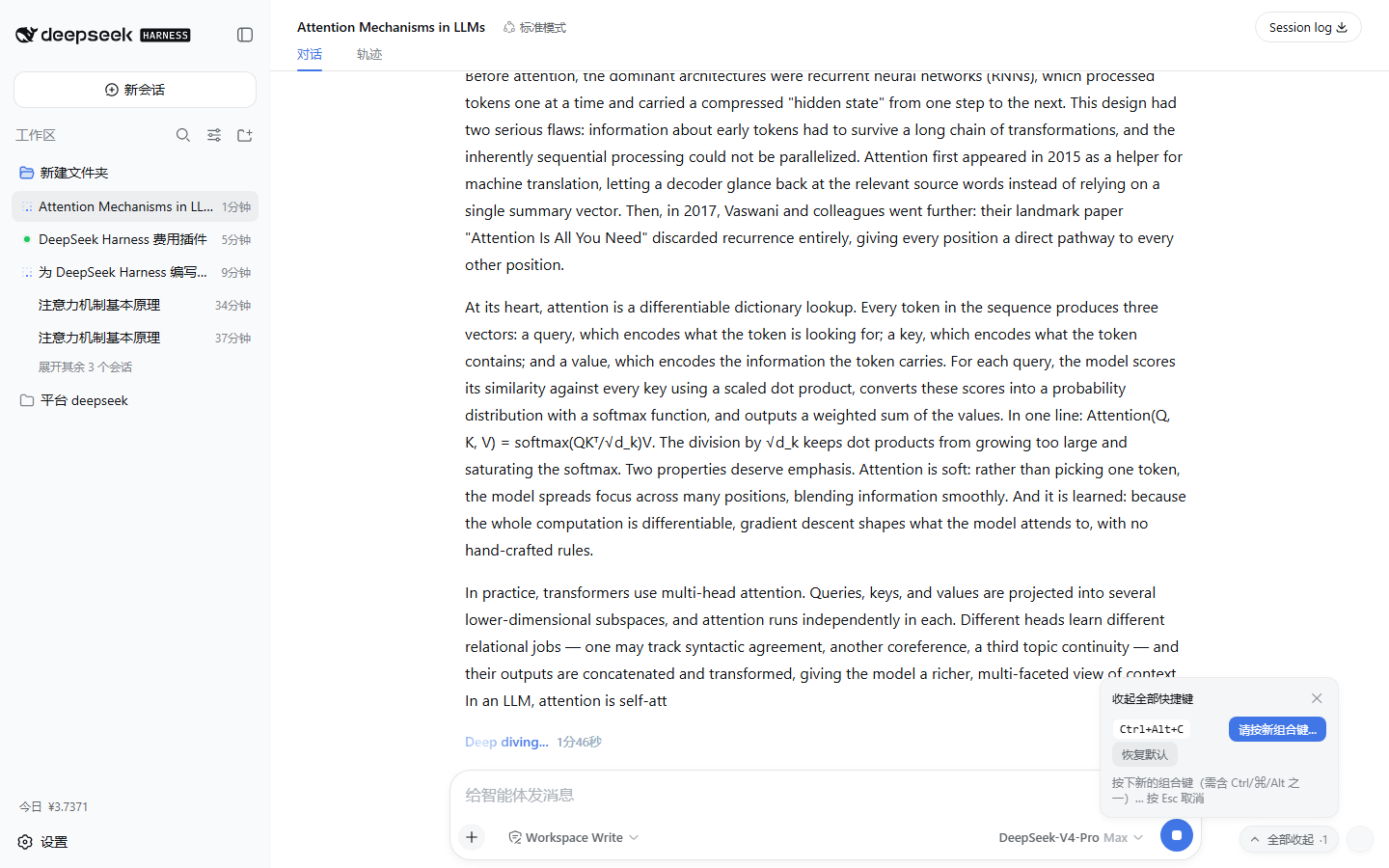
The plugin's core capabilities include one-click collapse of all expanded blocks, automatic pinning of titles to the top when they scroll out of view, fully customizable hotkey support, and seamless integration with DSH Web's native themes and design, ensuring no intrusive modifications. This means it won't interfere with the application's normal operation, and all functionality is fully reversible upon uninstallation.
This plugin is ideal for anyone who frequently uses the DSH Web client for complex tasks or generates lengthy dialogues, such as developers, researchers, or individuals needing to manage multi-layered thought processes efficiently. If you're tired of scrolling and clicking through expanded blocks and desire a cleaner interface experience, dsh-sticky-disclosure offers a lightweight yet powerful solution.
Screenshots
Use Cases
- Quickly collapse expanded Think rows and tool cards in long conversations
- Automatically pin titles when they scroll out of view for easy collapse
- Use customizable hotkeys to clean up expanded blocks with one click for efficiency
Best For
- Developers frequently using DSH Web for deep dialogues
- Researchers needing to efficiently manage long conversation interfaces
- General users seeking to enhance interface interaction experience
Related Plugins
A service-oriented sidebar framework for DSH, offering a full workbench with file explorer, embedded browser, real terminal, Git panel, and extensible plugin services.

A beautiful, practical Claude Code-style TUI plugin with pixel whale top bar, flowing glow title, real-time status line, streaming thought expansion, time rewind, context progress bar and TPS gauge — zero core changes.

The plugin market for DeepSeek Harness: browse/search/one-click install community plugins and themes, with updates, backup/restore, hot disable, diagnostics, and AI fix.

A persistent whale widget on the DSH web UI that shows DeepSeek balance, today's usage, and per-turn cost, with drag-and-snap and sound effects.