dsh-feishu
Run the following command in DeepSeek Harness:
dsh plugin install PGZXB/dsh-feishu
Paste the following prompt into your AI chat to install this plugin:
Install this Feishu plugin in DeepSeek Harness from the source repository at https://github.com/PGZXB/dsh-feishu.
About this plugin
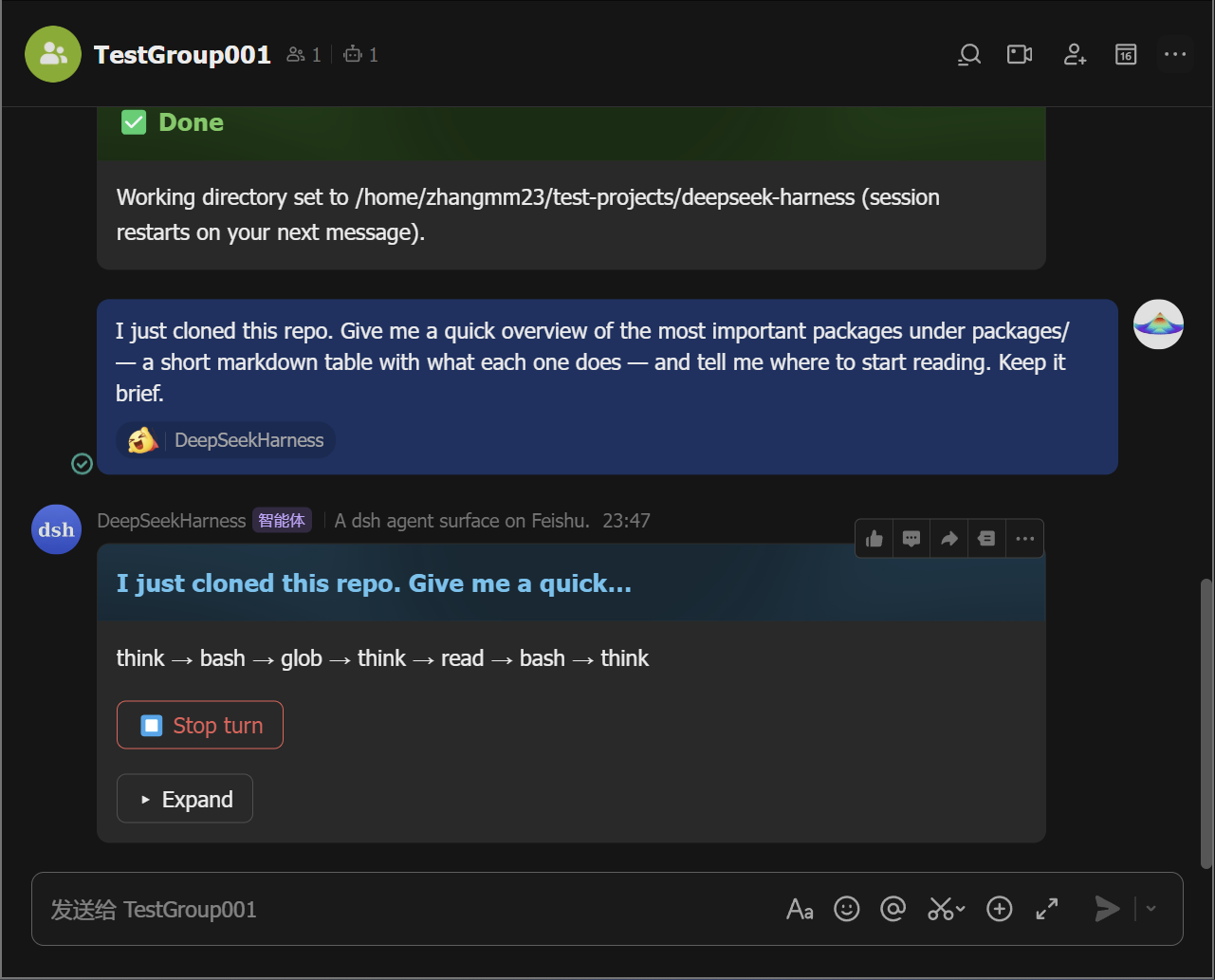
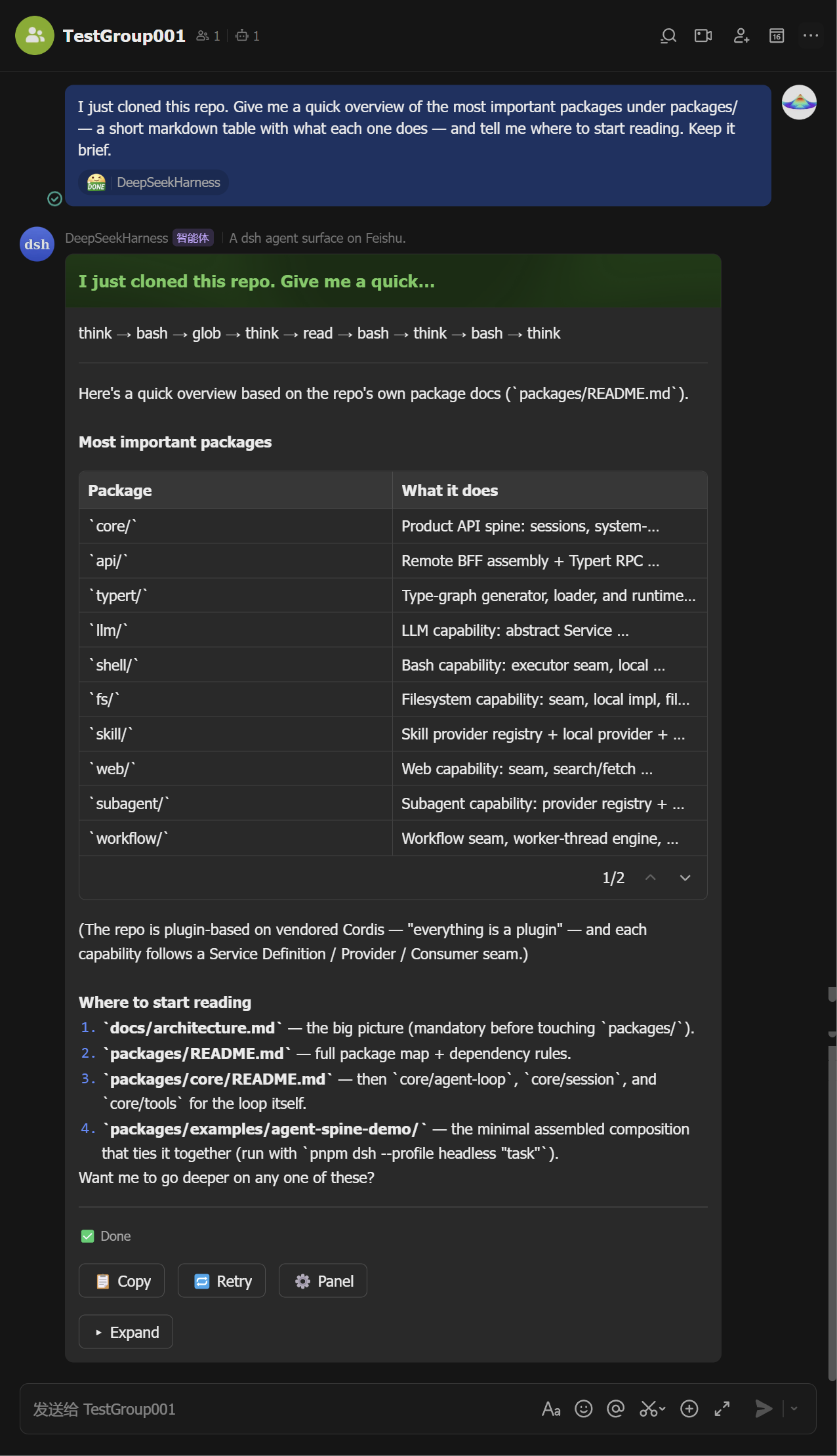
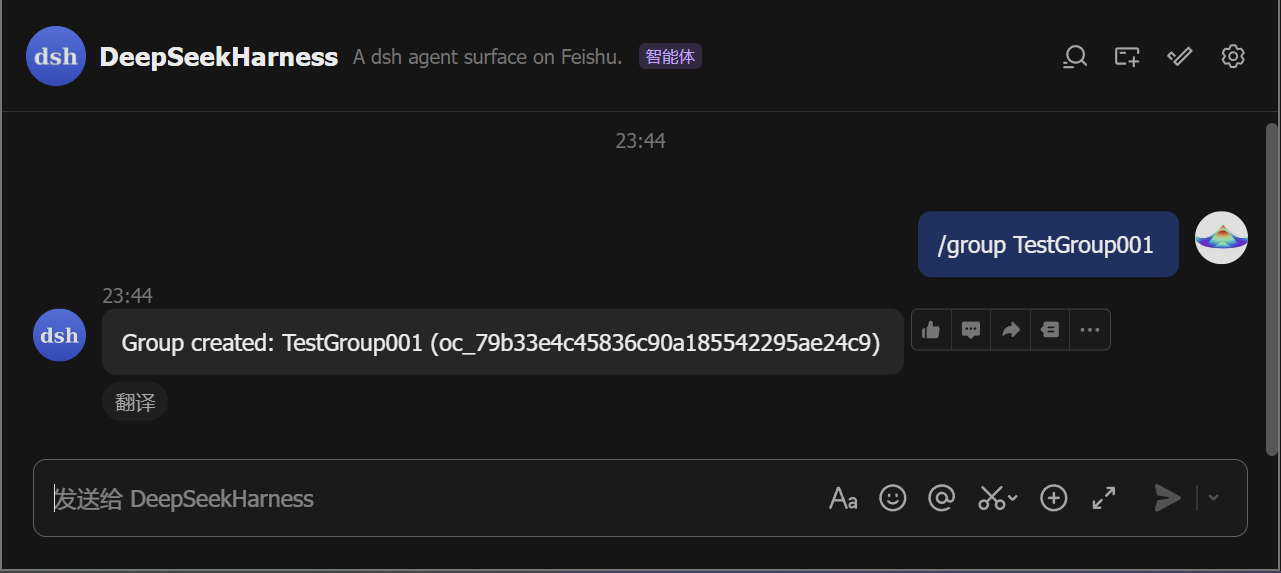
dsh-feishu brings DeepSeek Harness into Feishu by turning a chat into a dsh session. The bot acts as the agent's avatar, letting users start work in direct messages or groups, watch progress unfold, and respond when the agent needs input, without leaving the conversation.
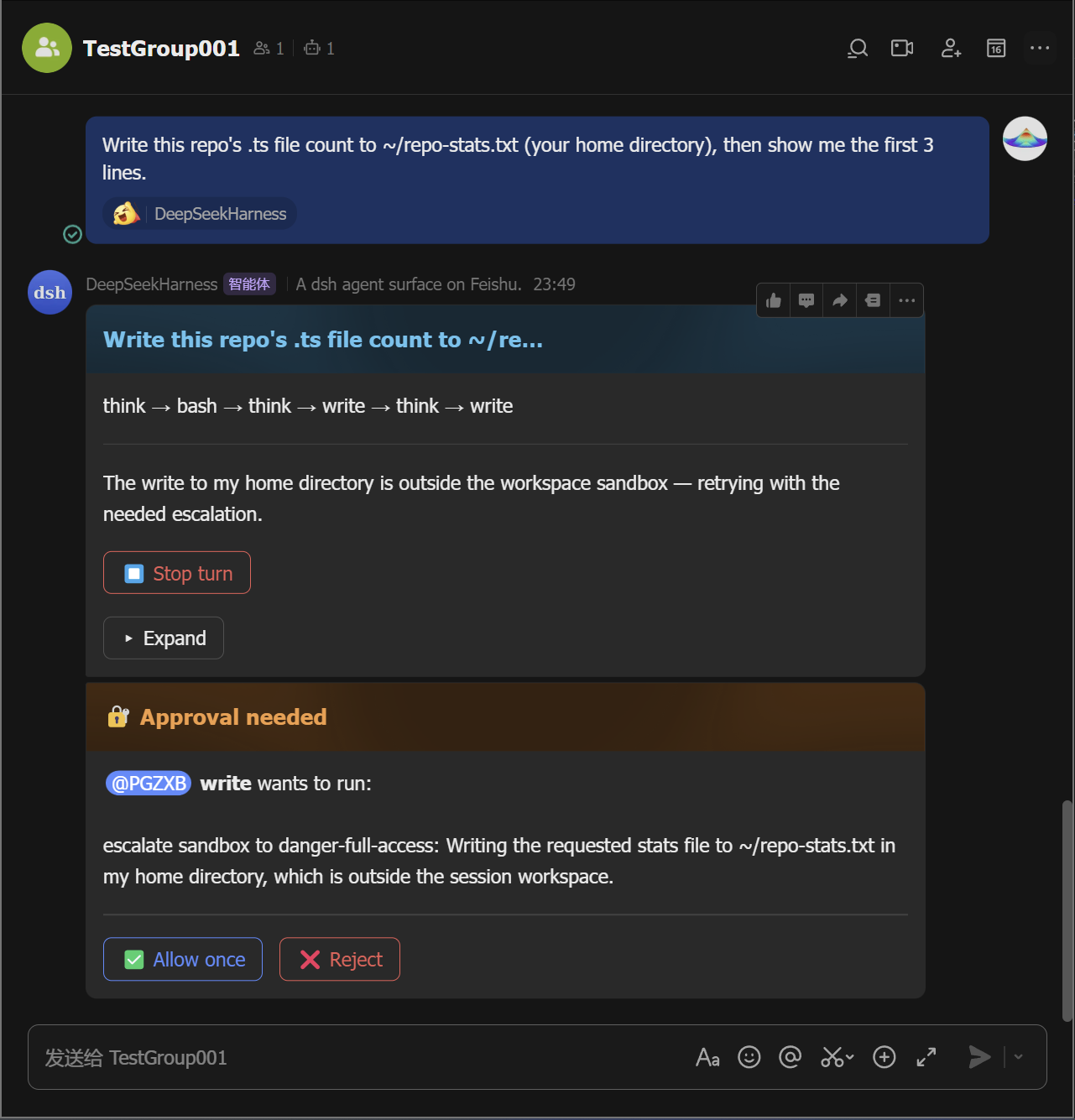
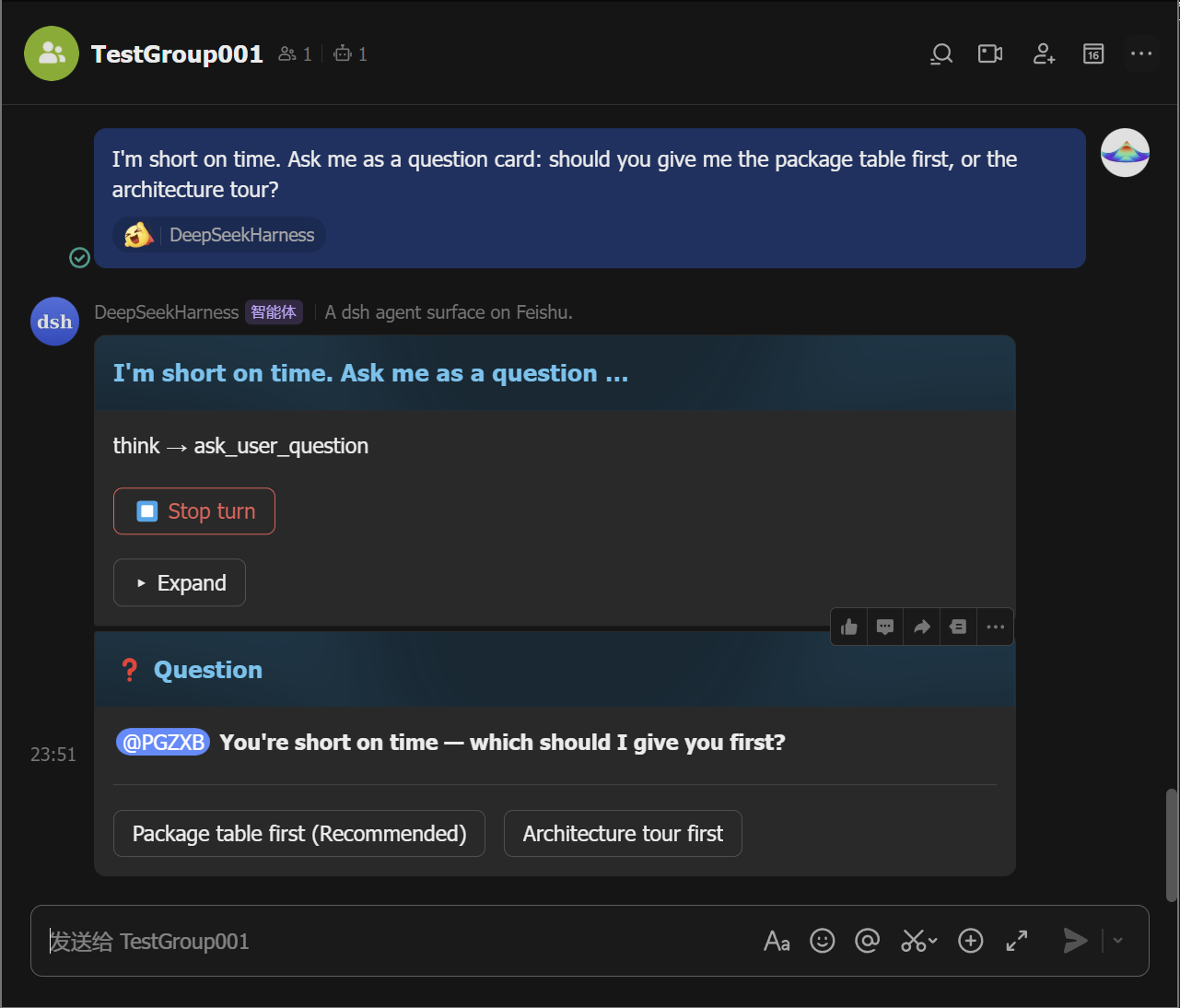
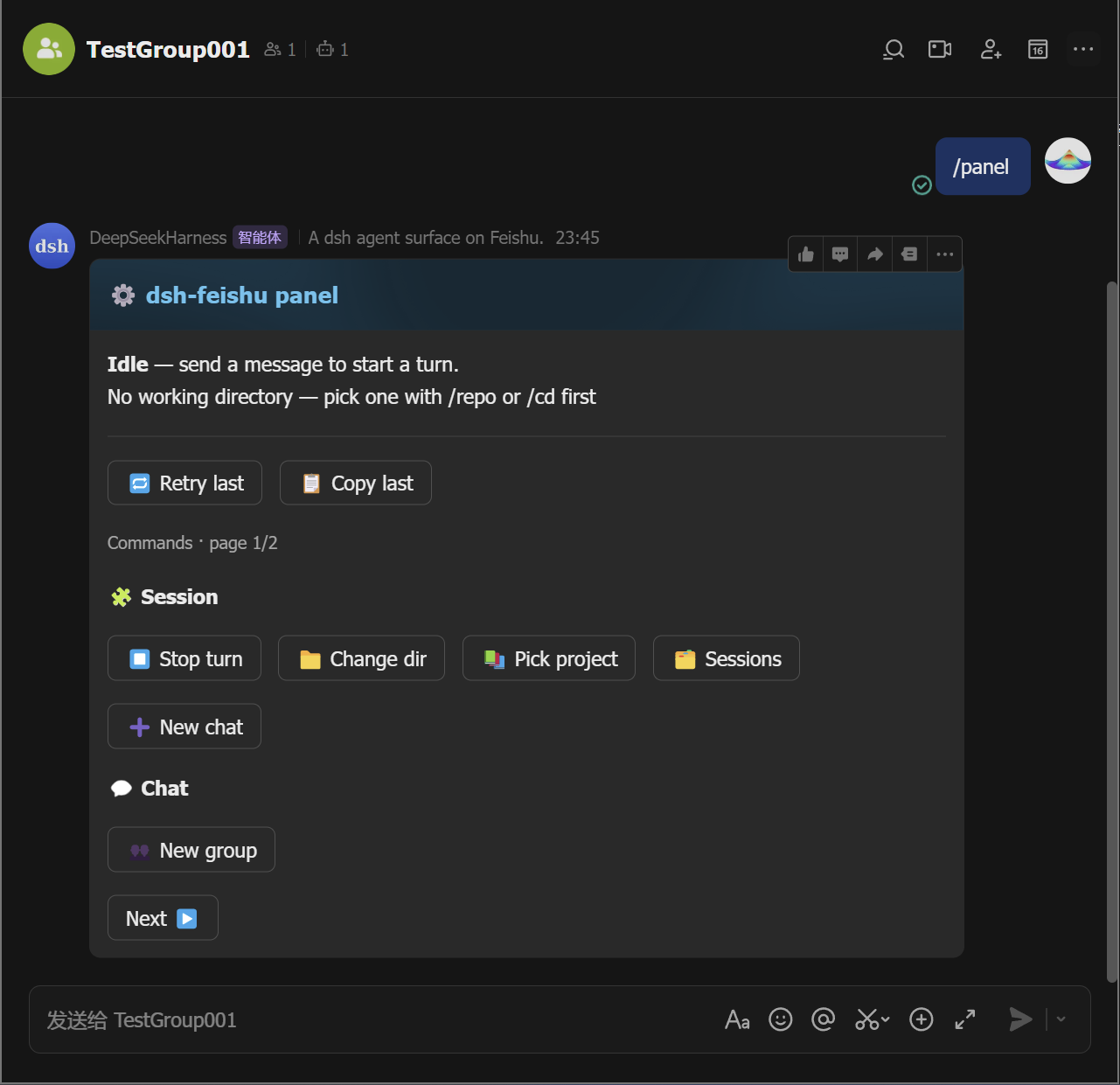
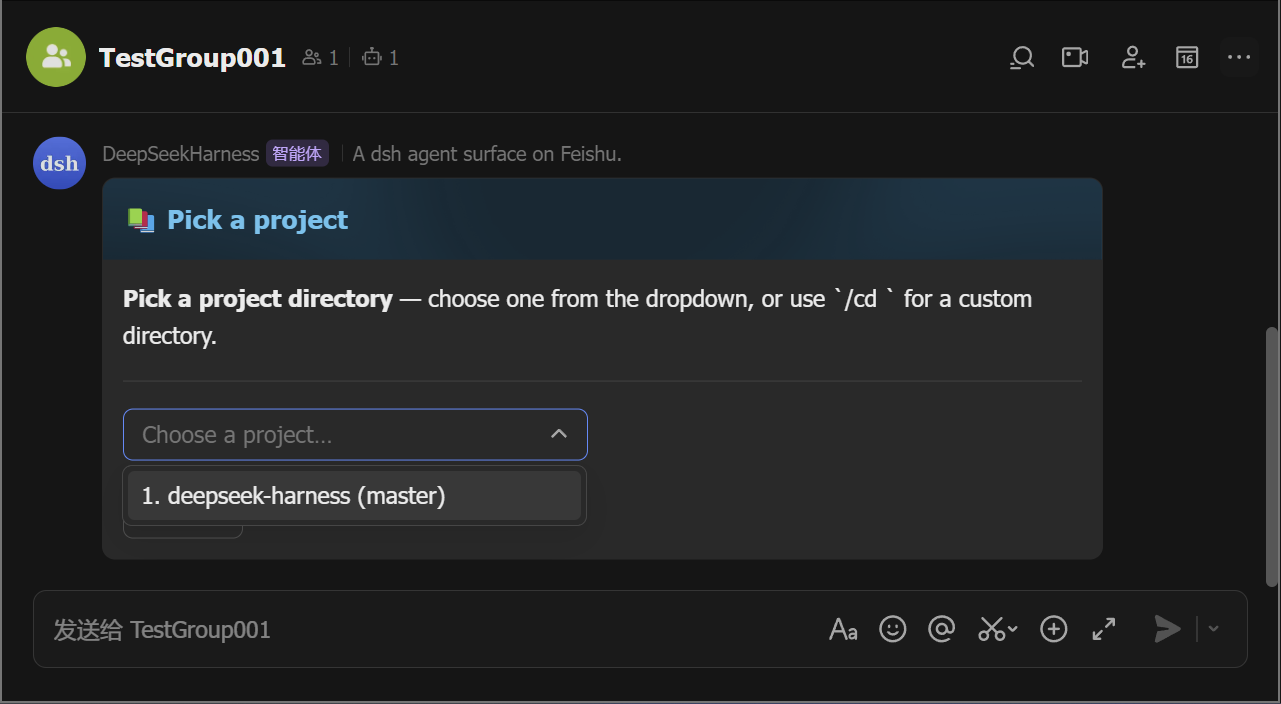
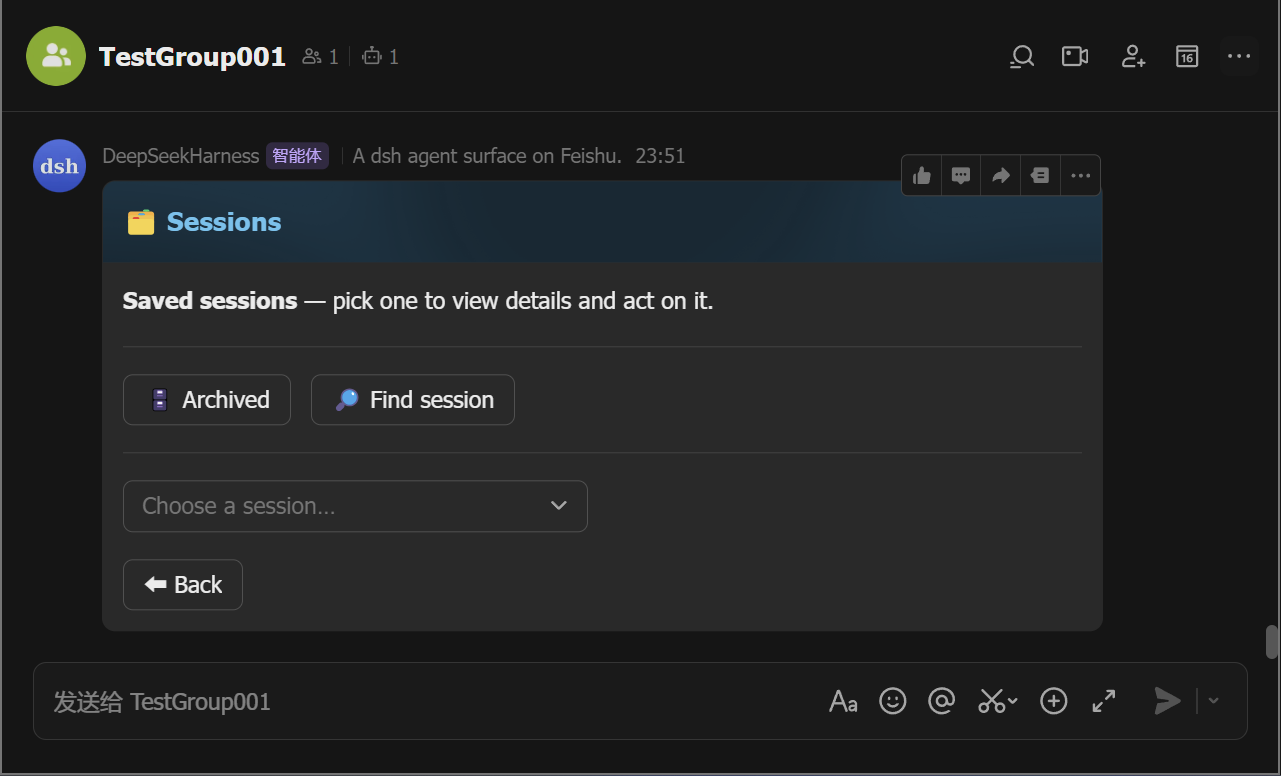
Its main strength is a panel-driven console. The control panel turns slash commands into buttons, so selecting a project directory, switching models, managing sessions, exporting logs, and checking status can be done from cards. Agent output streams into live cards that show tool calls, reasoning, Markdown, and tables, while permission escalations and questions can be approved or answered directly in chat.
This plugin is a good fit for individuals and teams who already collaborate in Feishu and want a more approachable way to operate dsh agents. It is especially useful for users who prefer visual controls over remembering command syntax, need to monitor or approve agent actions in group chats, and want sessions to be resumable and persistent.
Screenshots
Use Cases
- Mention the bot in a Feishu group to run tasks
- Use panel cards to switch projects and models
- Approve permissions or answer questions in chat cards
Best For
- Development teams collaborating in Feishu
- Users who prefer visual control of dsh
- Team members who need to approve agent actions
Related Plugins
A service-oriented sidebar framework for DSH, offering a full workbench with file explorer, embedded browser, real terminal, Git panel, and extensible plugin services.

A beautiful, practical Claude Code-style TUI plugin with pixel whale top bar, flowing glow title, real-time status line, streaming thought expansion, time rewind, context progress bar and TPS gauge — zero core changes.

The plugin market for DeepSeek Harness: browse/search/one-click install community plugins and themes, with updates, backup/restore, hot disable, diagnostics, and AI fix.

A persistent whale widget on the DSH web UI that shows DeepSeek balance, today's usage, and per-turn cost, with drag-and-snap and sound effects.