dsh-custom-workspace
Run the following command in DeepSeek Harness:
dsh plugin install JeremyGuo/dsh-custom-workspace
Paste the following prompt into your AI chat to install this plugin:
To install this plugin, run the command 'dsh plugin install JeremyGuo/dsh-custom-workspace' in DeepSeek Harness, and refer to the source code at https://github.com/JeremyGuo/dsh-custom-workspace for setup, then restart DSH.
About this plugin
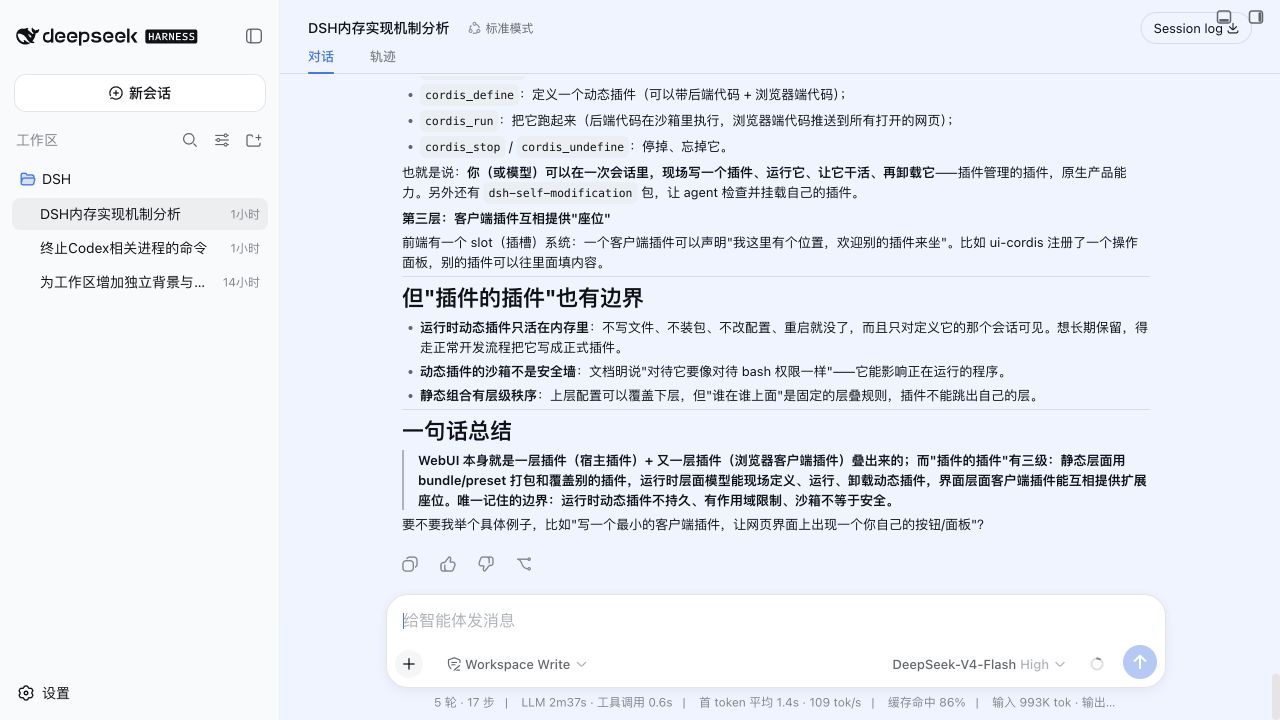
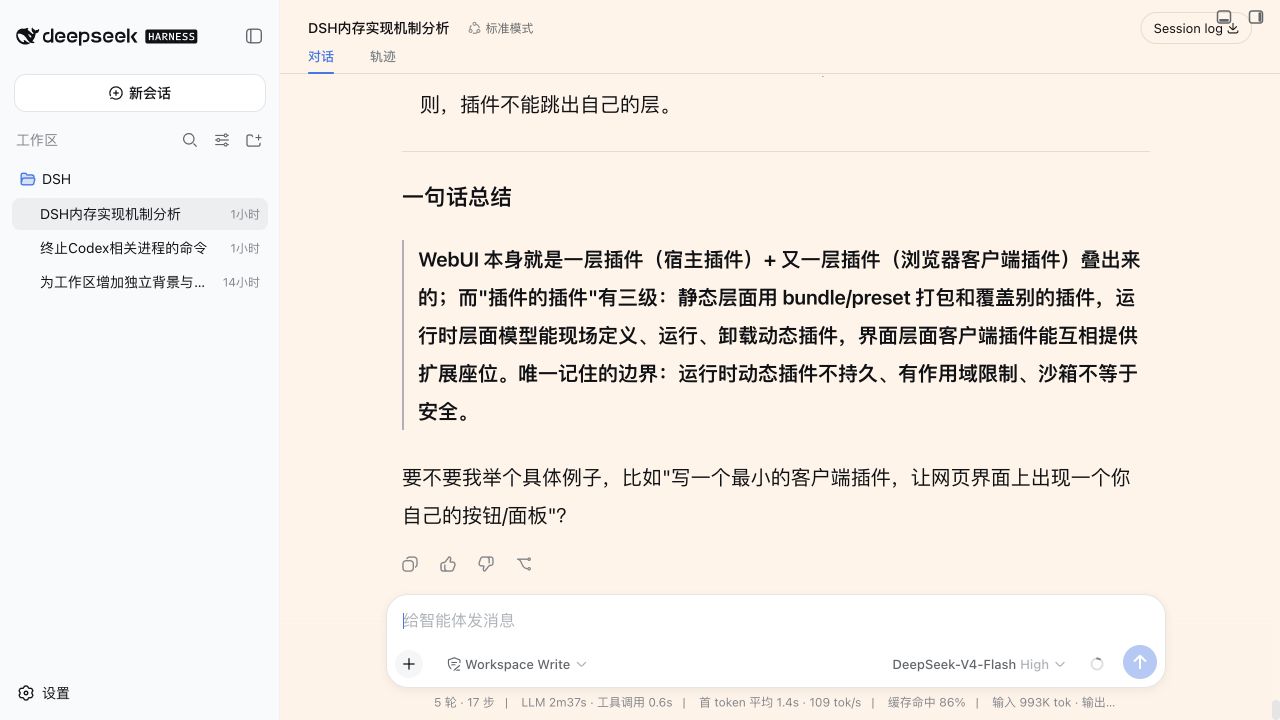
When using DeepSeek Harness for reading, writing, or coding, the default workspace appearance may not meet all users' personalization needs, such as a monotonous background, unsuitable font sizes, or awkward line spacing, which can affect comfort and efficiency during prolonged use. The dsh-custom-workspace plugin addresses this by offering flexible customization options, allowing users to set individual background colors or image URLs for each workspace, adjust the font size, line height, and spacing for Markdown elements like paragraphs, lists, and headings, and toggle font rendering preferences for optimal display on Retina screens.
In terms of core capabilities, the plugin persists settings to ensure each workspace's appearance configuration is saved and automatically switches with the current session, eliminating the need for repetitive adjustments. It not only enhances visual personalization but also prioritizes security and performance, such as accepting only local loopback requests to protect user data. This means users can focus on content creation without worrying about complex configurations or compatibility issues.
This plugin is particularly suitable for users who frequently engage in deep text work with DSH, such as writers, developers, researchers, and designers, who often have high demands for interface comfort and wish to tailor their work environment to personal habits. Whether pursuing a compact reading style to save space or preferring a spacious layout to reduce visual fatigue, the plugin provides a simple and effective solution to help improve the overall work experience.
Screenshots
Use Cases
- Adjust workspace background color to enhance reading comfort
- Customize font size and line height for extended coding sessions
- Set Markdown element spacing to optimize document layout
Best For
- Writers: Need personalized writing environments
- Developers: Read code for long periods, prioritize interface comfort
- Researchers: Handle extensive Markdown documents, optimize layout
Related Plugins

whale-girl is a desktop pet in the DSH Web GUI (bottom-right for instant companionship) — draggable, feedable, playable; completed tasks, sessions and companionship time accrue into seniority levels, titles, and memories.

Renders your local Wallpaper Engine wallpapers as the DSH web background, supporting video, web, and scene wallpapers with a liquid-glass effect and rich customization.

A WebGPU ocean skin for DeepSeek Harness with five-wave Gerstner waves, translucent theme, day/night cycle, and quick controls, installable as plugin or extension.

A Galgame-style conversation view and visual scene editor for DSH web sessions, with a real-time editing mode.