dsh-acp-enhanced
Run the following command in DeepSeek Harness:
dsh plugin install grunmin/dsh-acp-enhanced
Paste the following prompt into your AI chat to install this plugin:
To install the dsh-acp-enhanced plugin, run the following command in your terminal: dsh plugin install grunmin/dsh-acp-enhanced. Source: https://github.com/grunmin/dsh-acp-enhanced
About this plugin
dsh-acp-enhanced is an enhanced Agent Client Protocol server built for DeepSeek Harness, addressing the limitations of the official ACP bridge which only streams plain text. It brings the full capabilities of the Web GUI—such as real-time streaming, telemetry, model and permission control, and session management—seamlessly into ACP editors like Zed, offering developers a more cohesive and efficient AI-assisted coding experience.
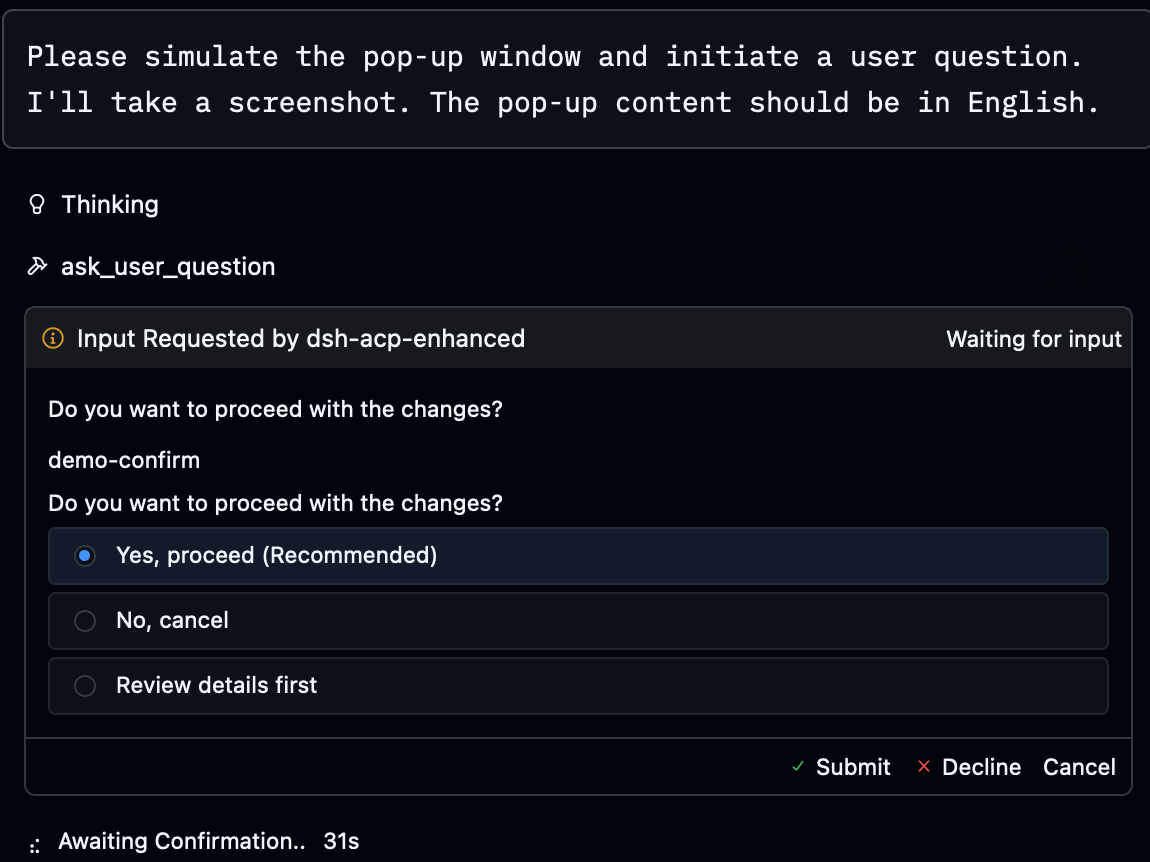
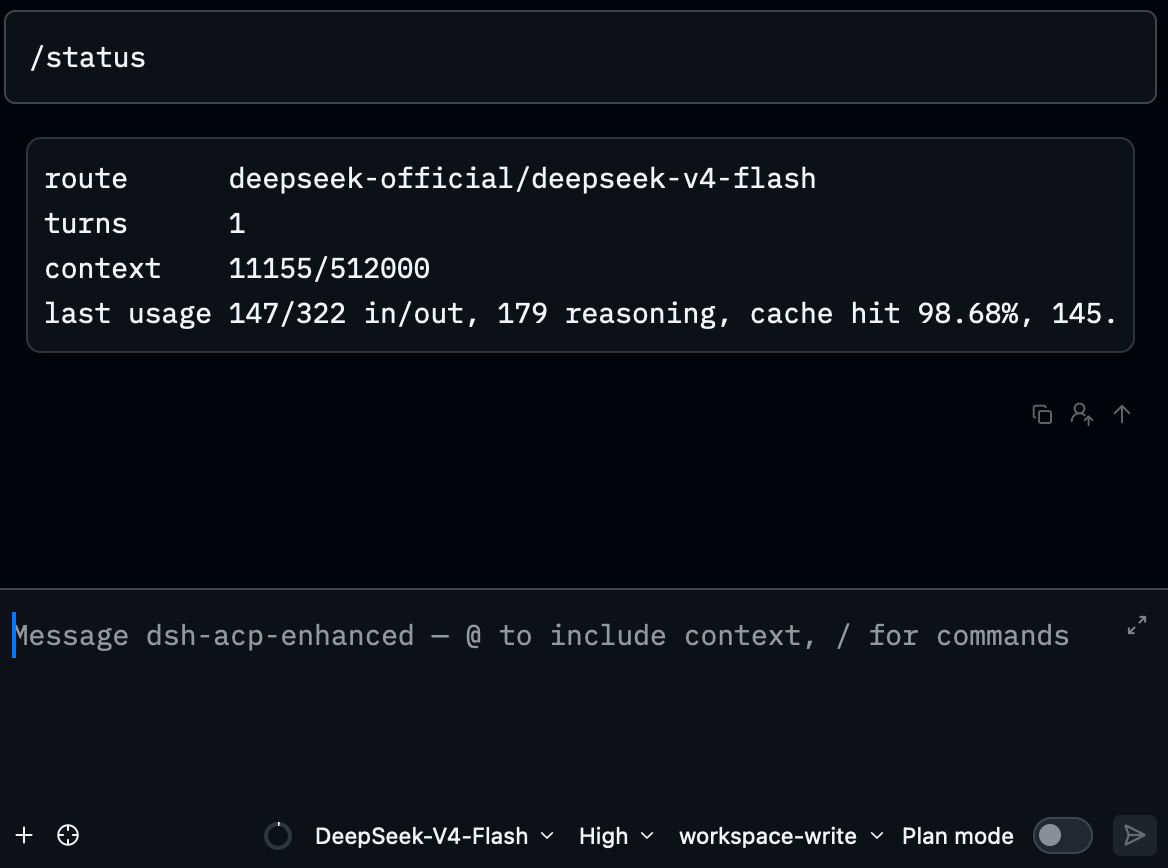
Core features include live block and reasoning streaming to ensure uninterrupted output, comprehensive telemetry like context usage and token statistics, and multimodal support for images. Model switching and reasoning effort adjustments are intuitive, complemented by permission presets and agent presets that adapt to various workflows. Deep integration with Zed stands out, with tool cards rendered as clear diffs or terminal panels, file edits directly entering Zed's edit area, and native forms and plan panels simplifying interaction.
This plugin is ideal for developers, AI engineers, or anyone using DeepSeek Harness for coding and planning tasks, especially within the Zed editor. Its enhanced session management and multi-root workspace support make it easy to resume historical conversations and manage multiple projects, boosting productivity. If you seek a comprehensive, well-integrated ACP solution, dsh-acp-enhanced can significantly optimize your AI-assisted workflow.
Screenshots
Use Cases
- When using AI-assisted coding in the Zed editor, receive live streaming model output and reasoning process.
- Manage multiple project sessions, easily resuming or archiving historical conversations.
- Adapt to different coding tasks' security and efficiency needs via model switching and permission presets.
Best For
- Developers and AI engineers using the Zed editor.
- Users relying on DeepSeek Harness for complex coding or planning tasks.
- Professionals needing enhanced session management, model control, and multimodal support.
Related Plugins
A service-oriented sidebar framework for DSH, offering a full workbench with file explorer, embedded browser, real terminal, Git panel, and extensible plugin services.

A beautiful, practical Claude Code-style TUI plugin with pixel whale top bar, flowing glow title, real-time status line, streaming thought expansion, time rewind, context progress bar and TPS gauge — zero core changes.

The plugin market for DeepSeek Harness: browse/search/one-click install community plugins and themes, with updates, backup/restore, hot disable, diagnostics, and AI fix.

A persistent whale widget on the DSH web UI that shows DeepSeek balance, today's usage, and per-turn cost, with drag-and-snap and sound effects.