dsh-billing
Run the following command in DeepSeek Harness:
dsh plugin install nianpangzhi233/dsh-billing
Paste the following prompt into your AI chat to install this plugin:
To install the dsh-billing plugin in DeepSeek Harness, run the command dsh plugin install nianpangzhi233/dsh-billing or visit https://github.com/nianpangzhi233/dsh-billing.
About this plugin
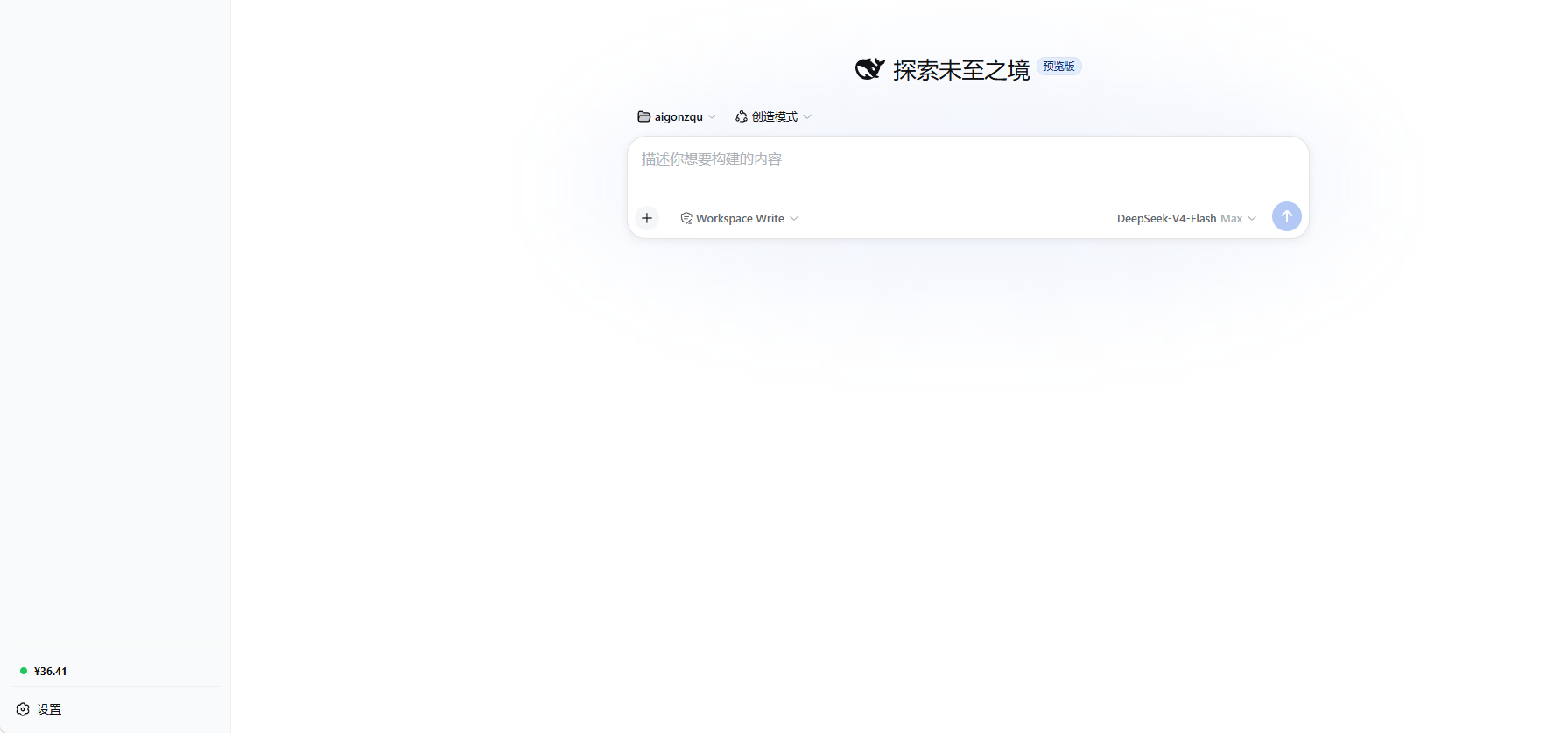
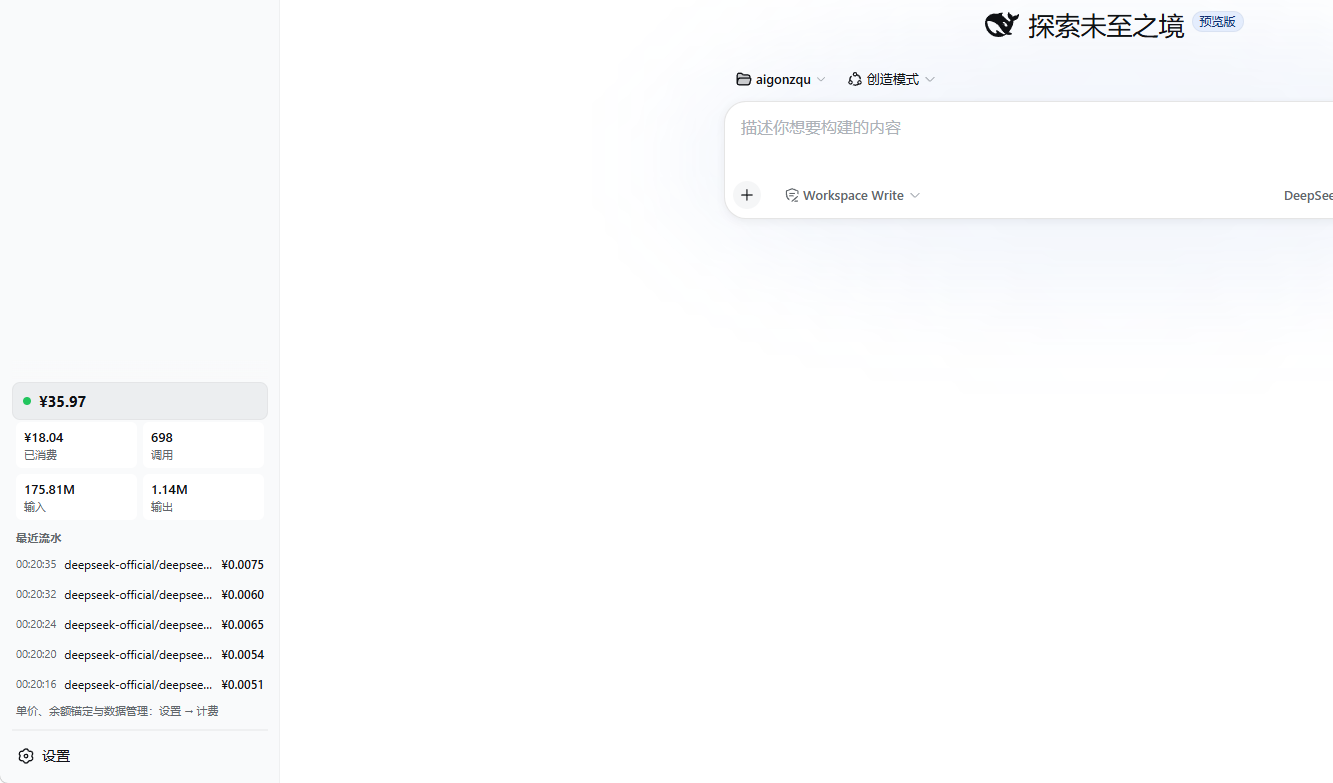
The dsh-billing plugin is designed for DeepSeek Harness (DSH) Web GUI users, addressing the pain point of real-time monitoring of model call expenses. When using models from providers like DeepSeek, costs can be hard to track in real-time, especially with complex pricing such as peak/off-peak rates. This plugin provides a real-time balance display in the sidebar, helping users keep track of spending and avoid unexpected overruns.
Core capabilities include smart billing matching that automatically calculates costs based on provider, model, and time intervals, along with one-click synchronization for official balance and unit prices. Ledger persistence ensures data security and automatic recovery after restarts. Users can customize thresholds and pricing in the settings page and query detailed breakdowns via Agent tools for seamless integration.
It is ideal for all DSH users, particularly developers, data scientists, or enterprise teams who need precise tracking of model call costs. Whether for daily development or production deployment, the plugin offers transparent and efficient expense management, enhancing the overall user experience.
Screenshots
Use Cases
- Real-time tracking of model call expenses in DSH Web GUI.
- Automatic synchronization of DeepSeek official balance and unit prices.
- Managing historical usage and costs via persistent ledger.
Best For
- DSH users, especially model developers.
- Enterprise teams requiring precise expense management.
- Data scientists focusing on DeepSeek model costs.
Related Plugins
A service-oriented sidebar framework for DSH, offering a full workbench with file explorer, embedded browser, real terminal, Git panel, and extensible plugin services.

A beautiful, practical Claude Code-style TUI plugin with pixel whale top bar, flowing glow title, real-time status line, streaming thought expansion, time rewind, context progress bar and TPS gauge — zero core changes.

The plugin market for DeepSeek Harness: browse/search/one-click install community plugins and themes, with updates, backup/restore, hot disable, diagnostics, and AI fix.

A persistent whale widget on the DSH web UI that shows DeepSeek balance, today's usage, and per-turn cost, with drag-and-snap and sound effects.