dsh-cyberpunk-theme
Run the following command in DeepSeek Harness:
dsh plugin install ai7603/dsh-cyberpunk-theme
Paste the following prompt into your AI chat to install this plugin:
To install this plugin in DeepSeek Harness, use the command 'dsh plugin install ai7603/dsh-cyberpunk-theme', with source code at https://github.com/ai7603/dsh-cyberpunk-theme.
About this plugin
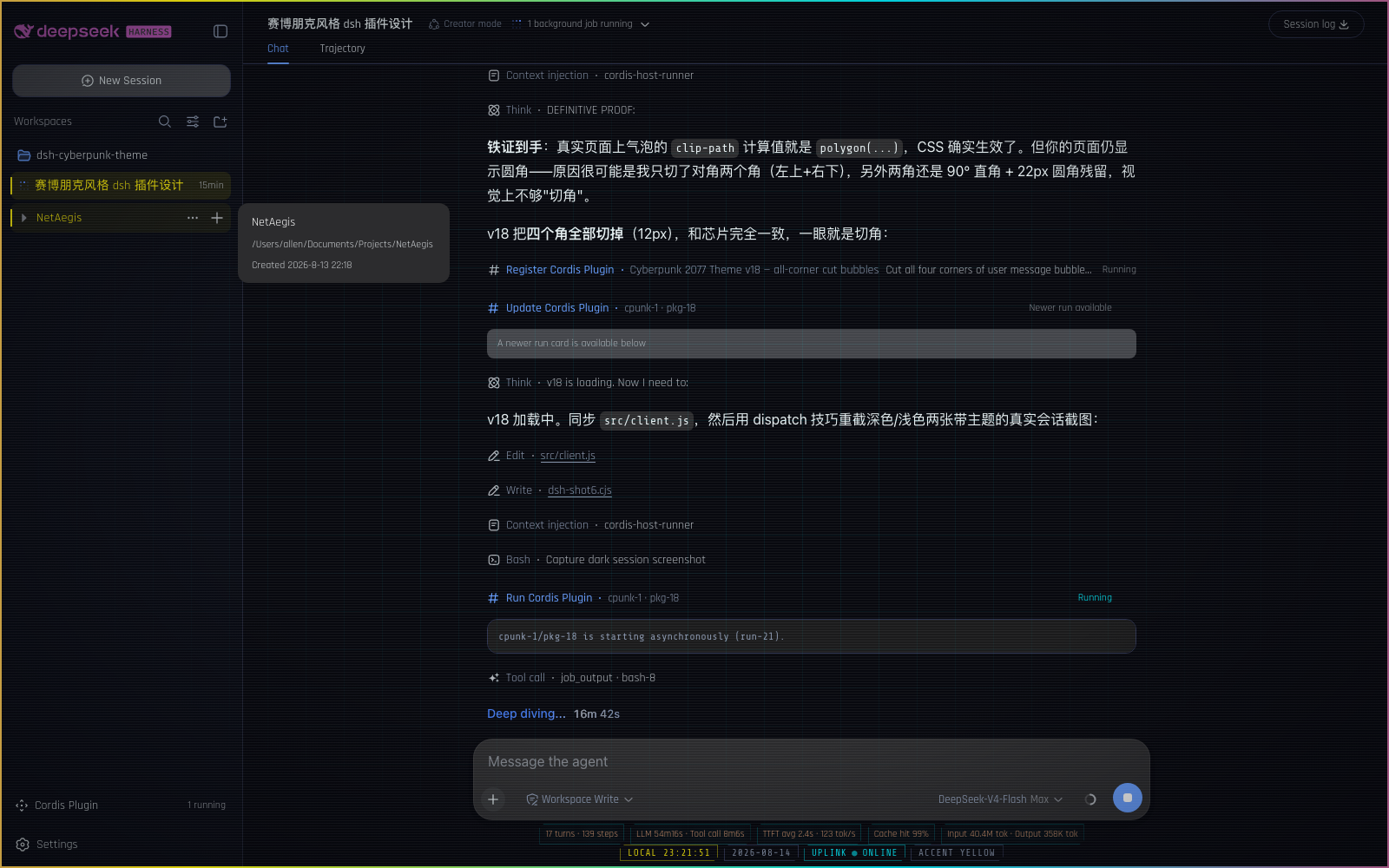
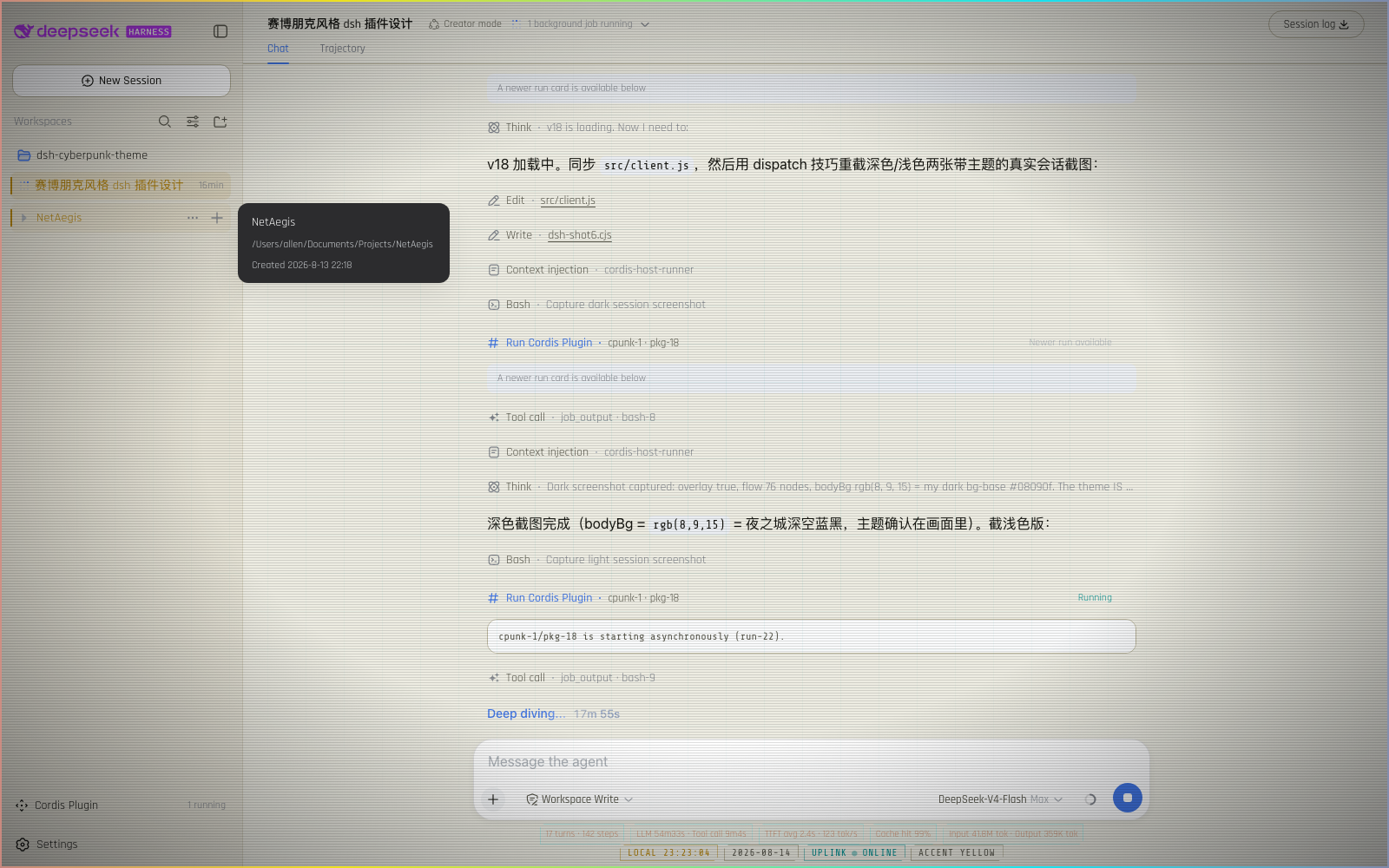
For DeepSeek Harness users seeking a personalized interface, this Cyberpunk 2077 theme plugin will transform your experience. It reimagines the standard DSH interface as a neon-drenched Night City style, using flowing ribbons, glitch effects, and diagonal UI cuts to create an immersive cyberpunk atmosphere, addressing the lack of visual flair in default setups.
The plugin's core strength lies in its deep customization: it offers dark and light color schemes, configurable atmospheric layers and status bars, and includes a theme toggle and performance presets for adjusting effect intensity. From neon cursors and input glows to cyberpunk-style diagonal cuts, every detail is meticulously designed for visual consistency.
This plugin is perfect for anyone who loves cyberpunk aesthetics, especially developers or enthusiasts looking to inject personality and creativity into DSH. It supports both temporary dynamic loading for quick previews and permanent installation for long-term use, making it accessible to a wide range of users with different preferences.
Screenshots
Use Cases
- Temporarily experience a cyberpunk-style interface
- Add personalized visual effects to DeepSeek Harness
- Enjoy neon color schemes in dark mode
Best For
- Users who love cyberpunk aesthetics
- Developers looking to customize the DSH interface
- DeepSeek Harness users seeking enhanced visual experiences
Related Plugins
A service-oriented sidebar framework for DSH, offering a full workbench with file explorer, embedded browser, real terminal, Git panel, and extensible plugin services.

A beautiful, practical Claude Code-style TUI plugin with pixel whale top bar, flowing glow title, real-time status line, streaming thought expansion, time rewind, context progress bar and TPS gauge — zero core changes.

The plugin market for DeepSeek Harness: browse/search/one-click install community plugins and themes, with updates, backup/restore, hot disable, diagnostics, and AI fix.

A persistent whale widget on the DSH web UI that shows DeepSeek balance, today's usage, and per-turn cost, with drag-and-snap and sound effects.