dsh-pixel-ui
Run the following command in DeepSeek Harness:
dsh plugin install zhang66633/dsh-pixel-ui
Paste the following prompt into your AI chat to install this plugin:
To install this plugin in DeepSeek Harness, run the command: dsh plugin install zhang66633/dsh-pixel-ui. Source: https://github.com/zhang66633/dsh-pixel-ui
About this plugin
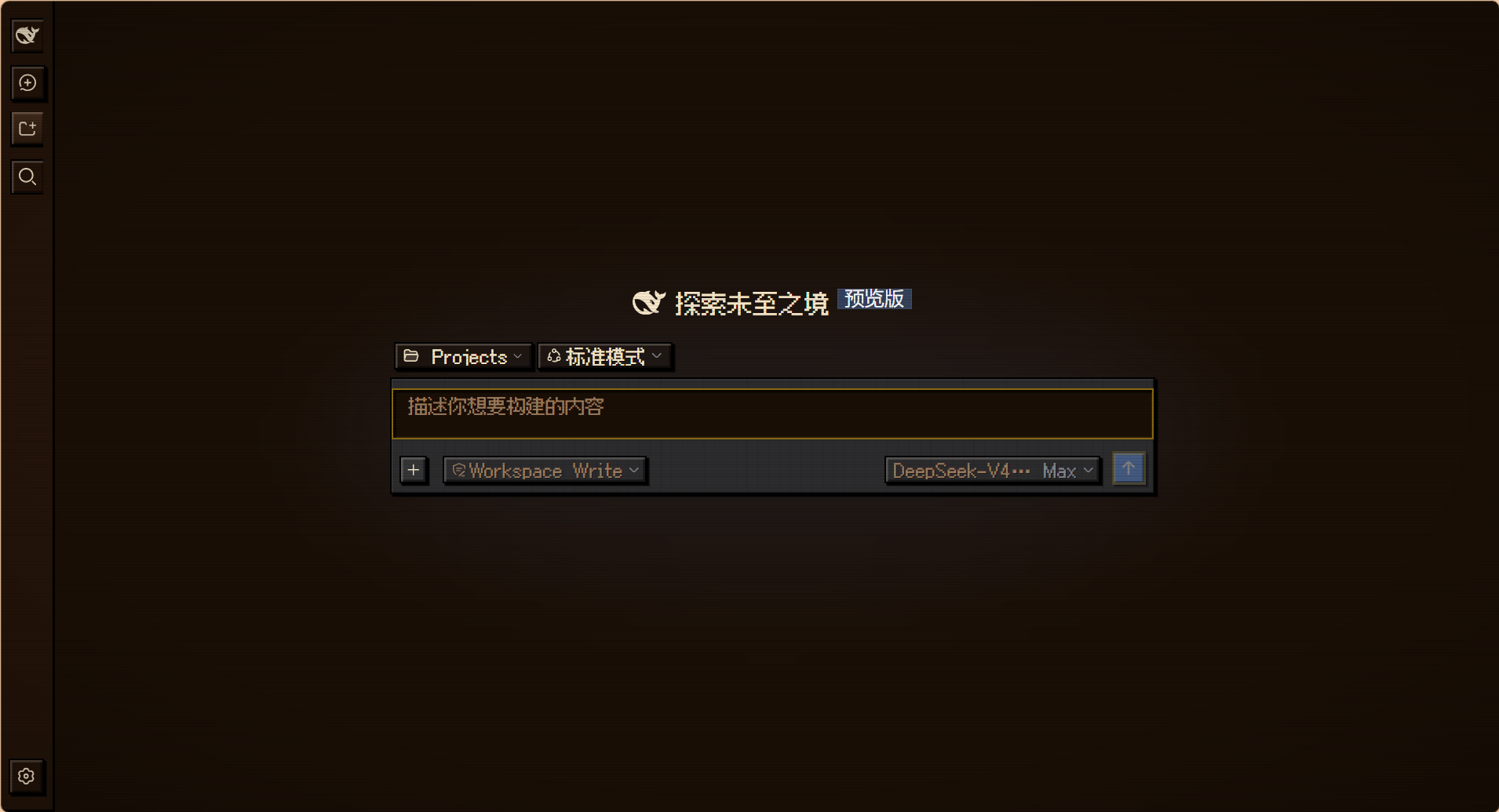
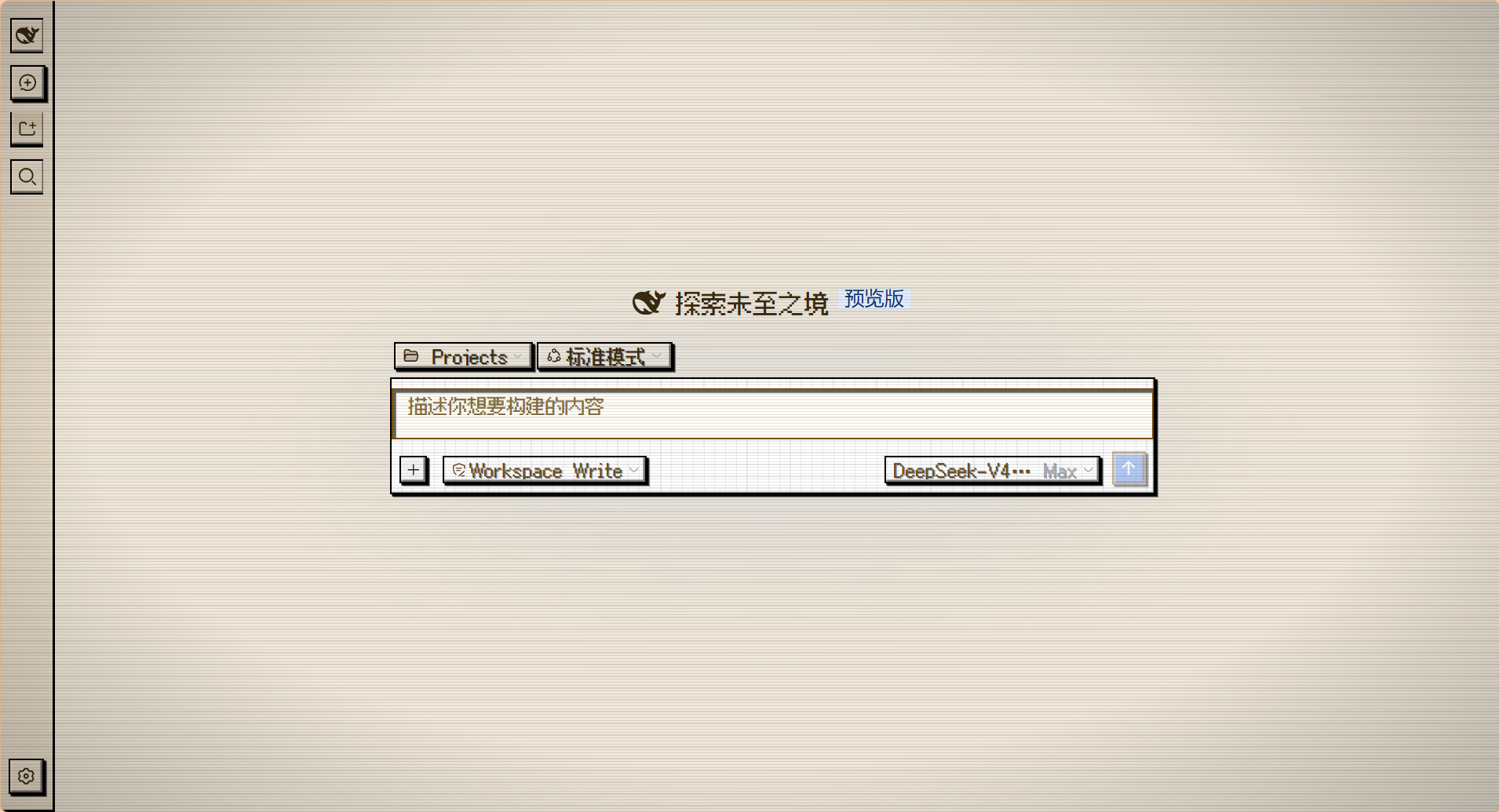
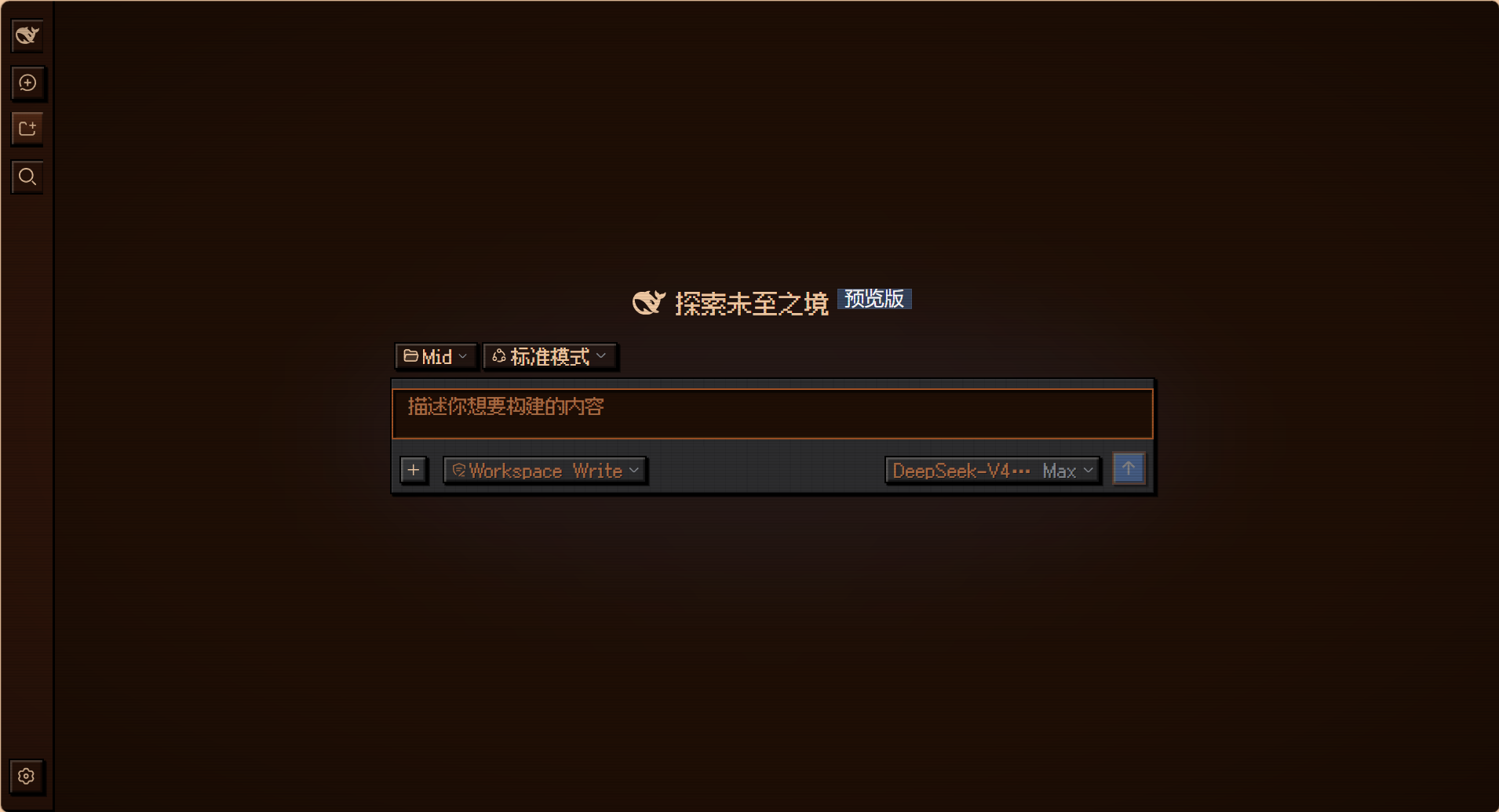
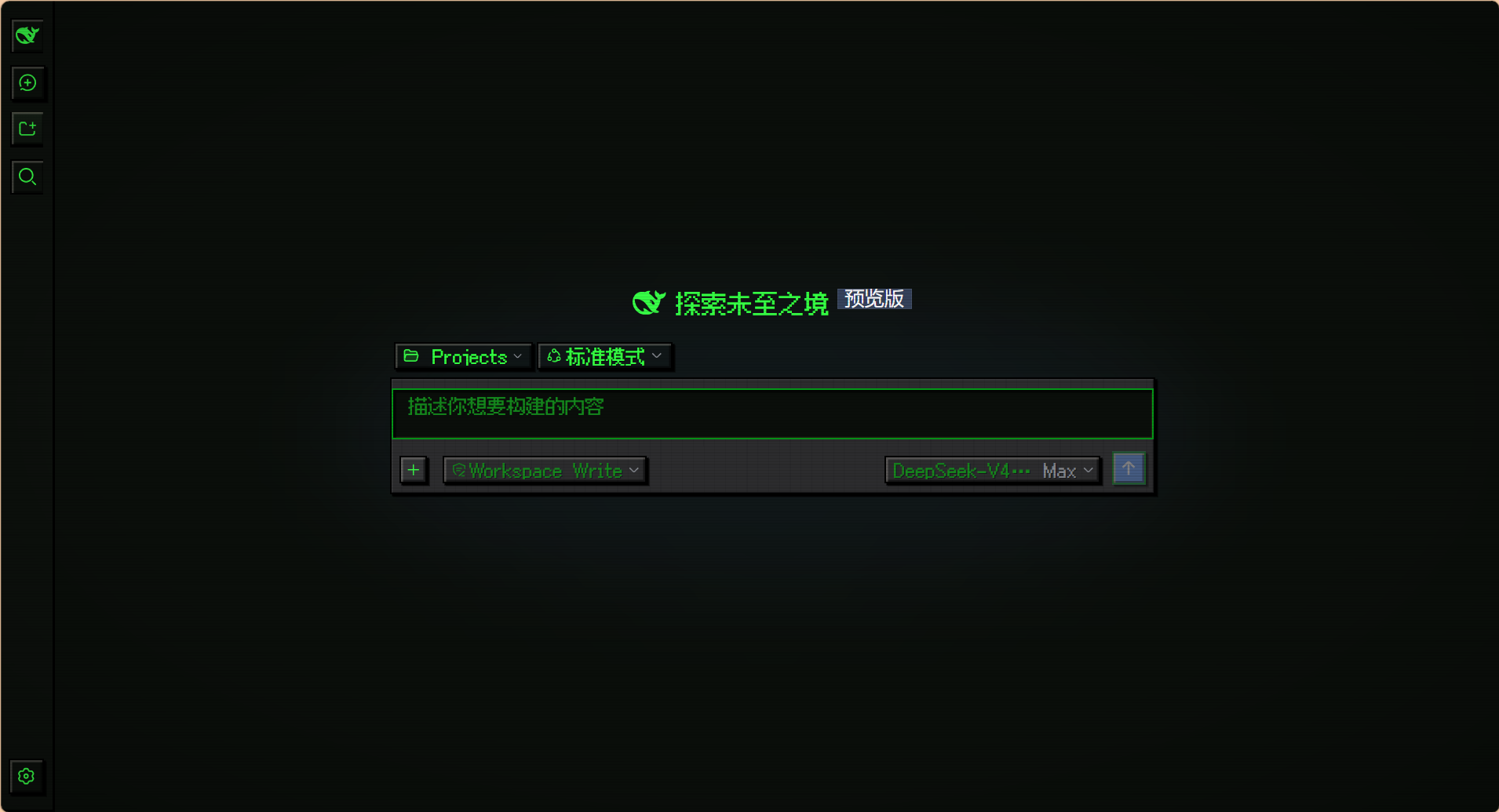
While DeepSeek Harness excels in functionality, many users also crave a touch of personalization and fun in their interface. The dsh-pixel-ui plugin addresses this by reskinning the standard Web GUI into a pixel art style, reminiscent of classic RPG games. It offers four thoughtfully crafted themes—ranging from cozy wood to retro terminal green—each blending pixel textures with harmonious colors to transform the daily AI chat environment. Through distinctive stepped shadows, 8-bit buttons, and pixel fonts, it not only solves the issue of a monotonous interface but also adds rich atmosphere to session screenshots and presentations. Ideal for users who love pixel art, Stardew Valley aesthetics, or retro terminal looks, this plugin makes it easy to create an immersive experience for both everyday use and content creation.
Screenshots
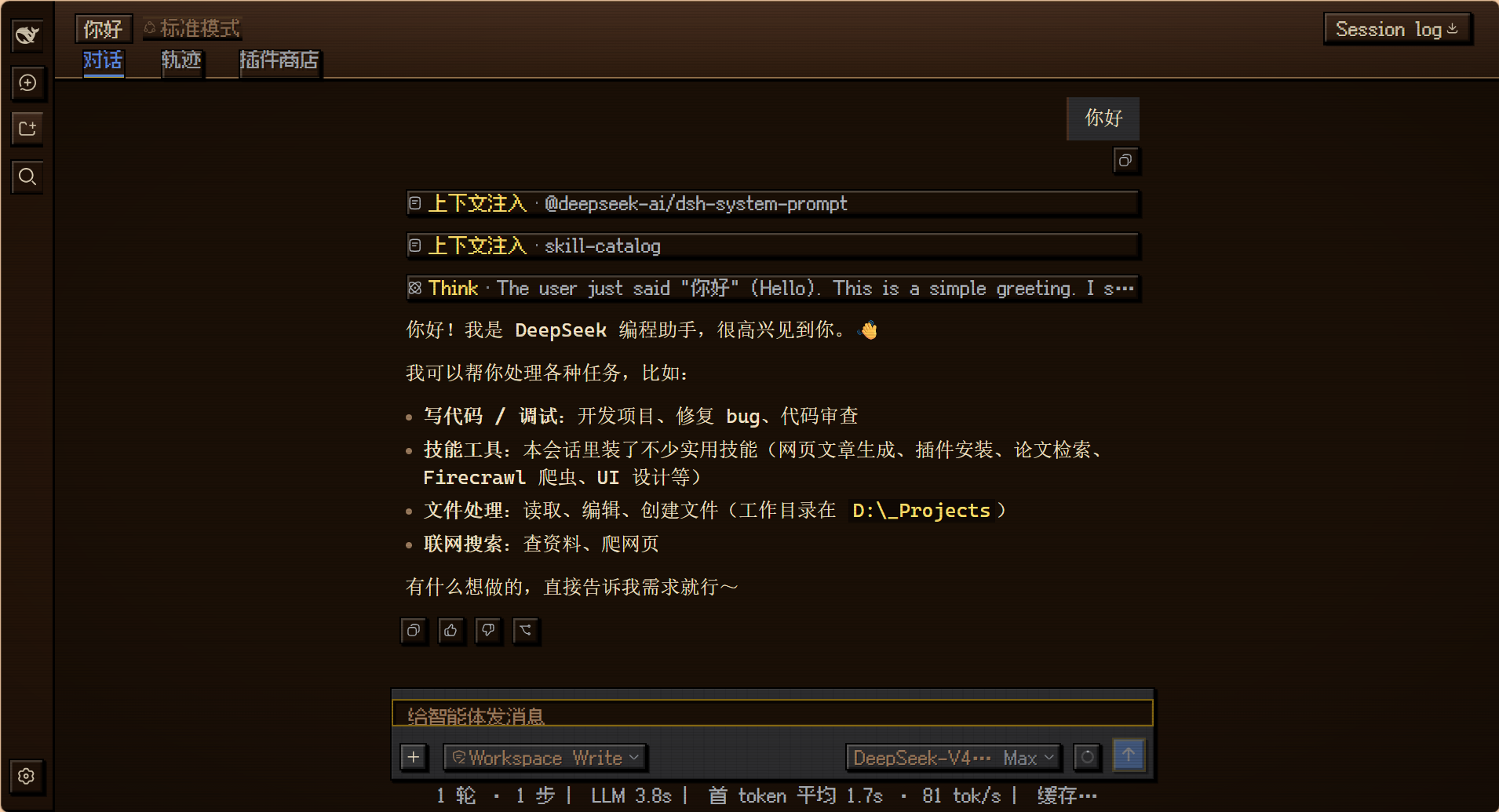
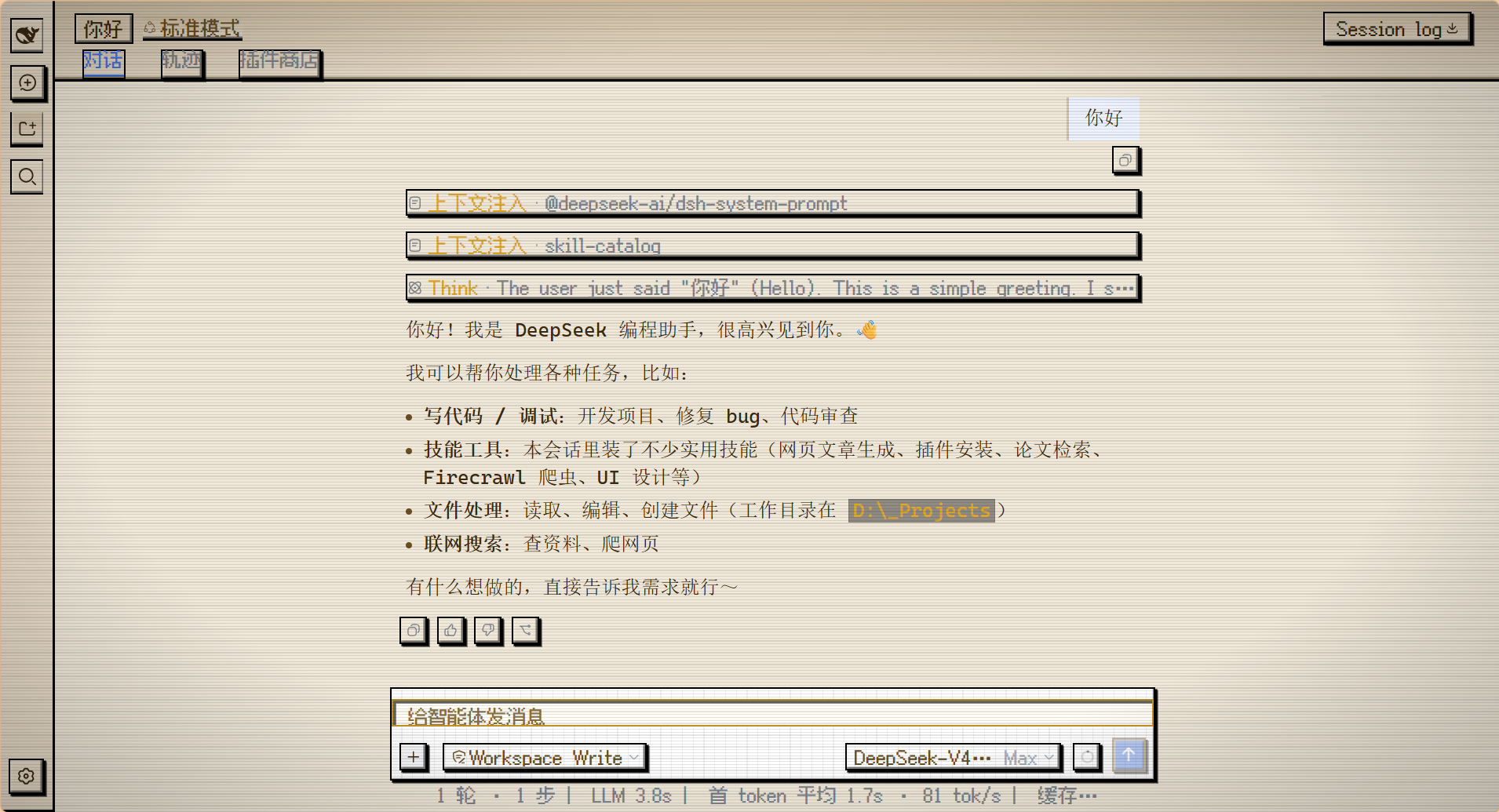
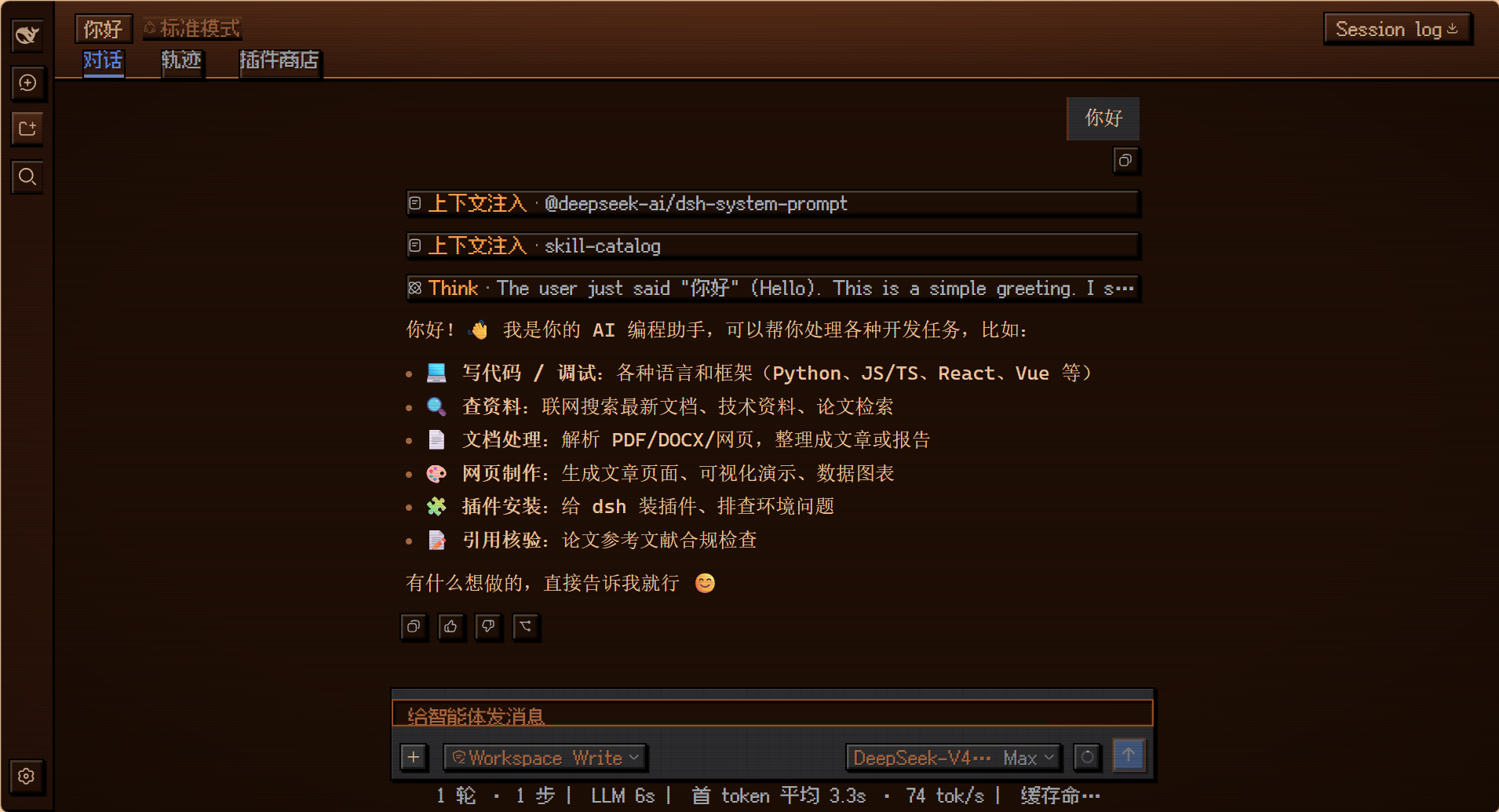
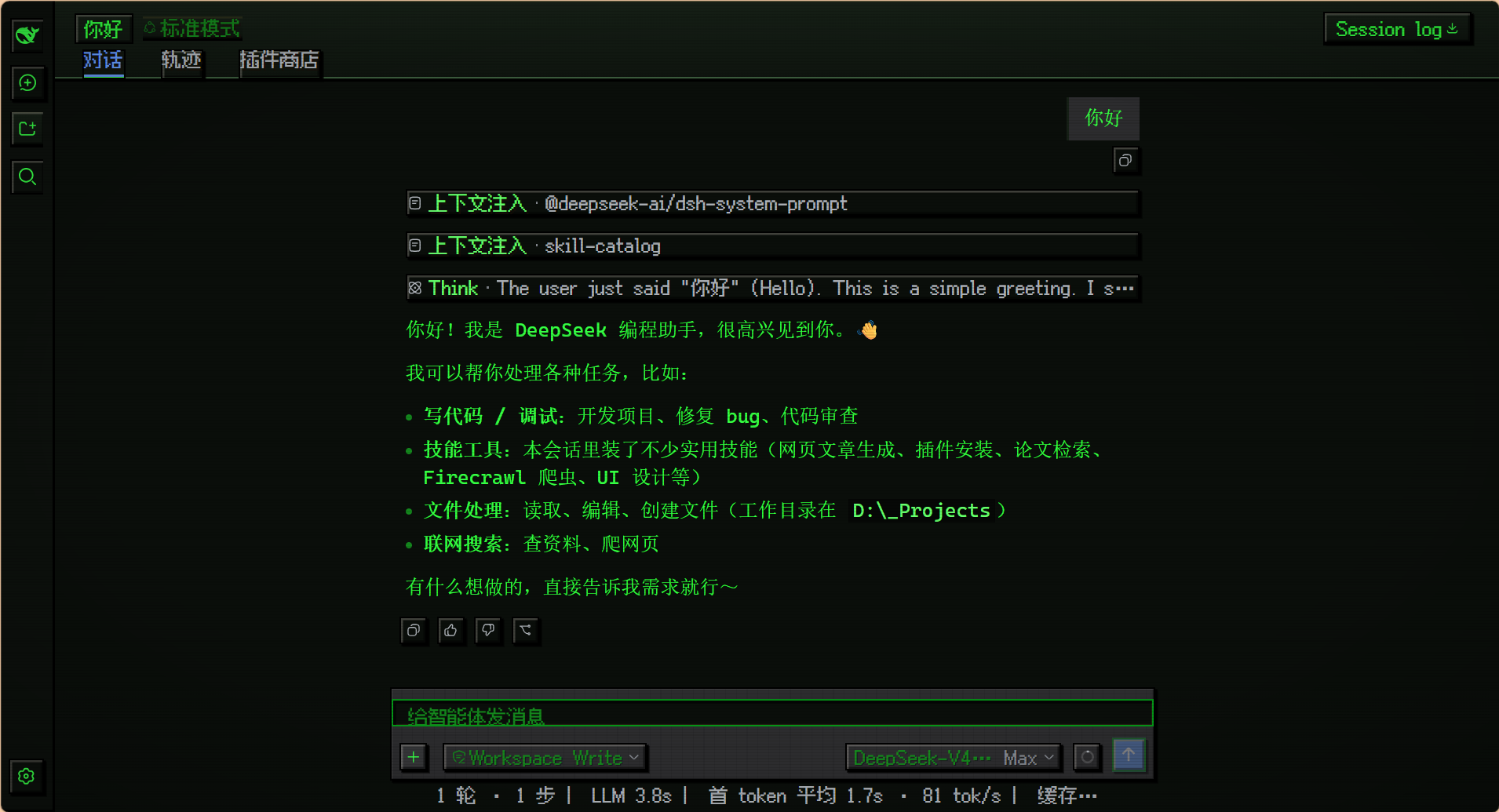
Use Cases
- Personalize the DeepSeek Harness interface appearance for visual fun.
- Add retro game atmosphere to session screenshots or demos to boost content appeal.
- Quickly switch between themes to suit different moods or work environments.
Best For
- DeepSeek Harness users who love pixel art or retro game aesthetics.
- Bloggers and developers seeking to personalize their AI interaction interface.
- General users pursuing fun dress-up and visual creativity.
Related Plugins

whale-girl is a desktop pet in the DSH Web GUI (bottom-right for instant companionship) — draggable, feedable, playable; completed tasks, sessions and companionship time accrue into seniority levels, titles, and memories.

Renders your local Wallpaper Engine wallpapers as the DSH web background, supporting video, web, and scene wallpapers with a liquid-glass effect and rich customization.

A WebGPU ocean skin for DeepSeek Harness with five-wave Gerstner waves, translucent theme, day/night cycle, and quick controls, installable as plugin or extension.

A Galgame-style conversation view and visual scene editor for DSH web sessions, with a real-time editing mode.