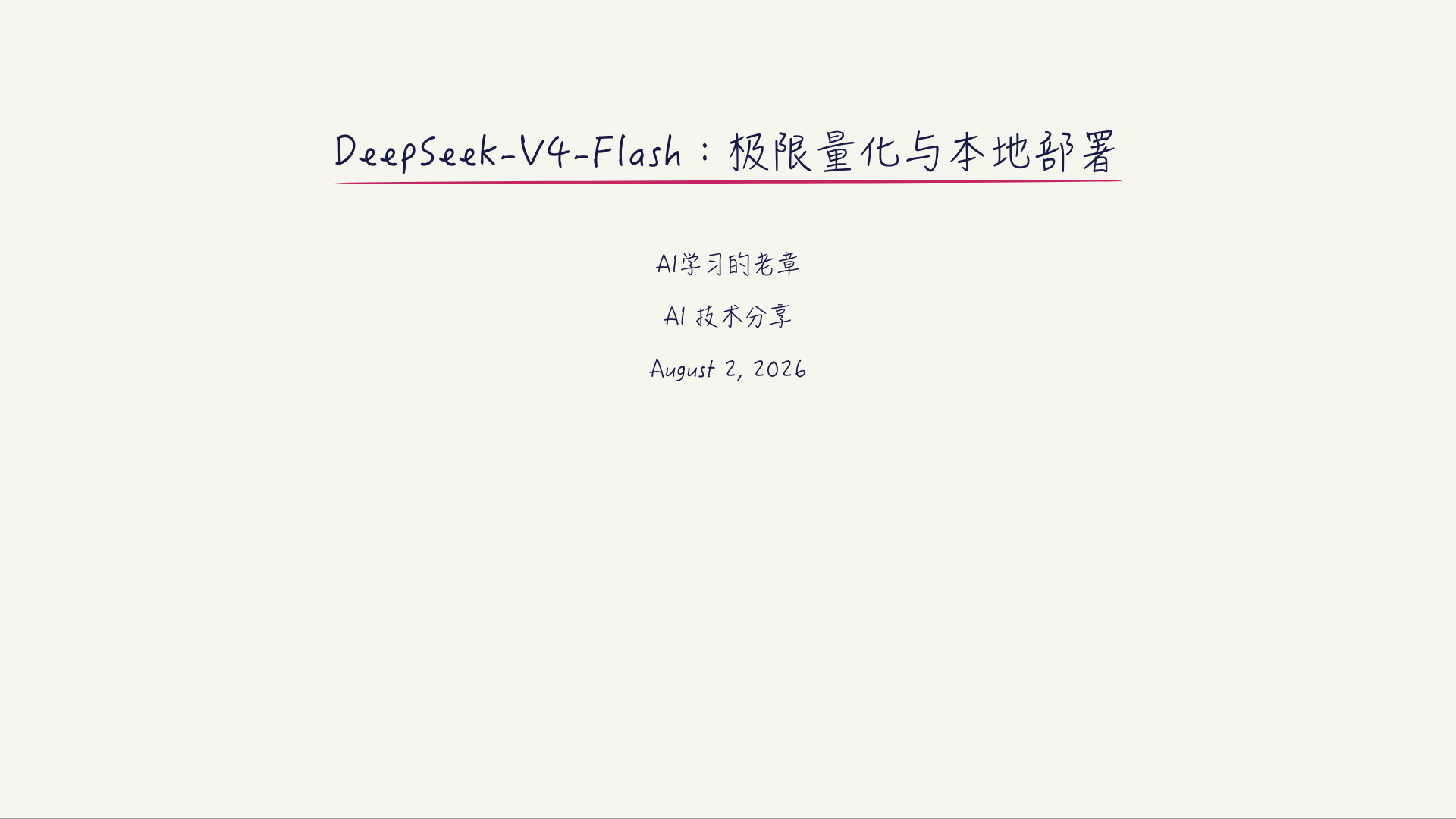
dsh-wanghong-handwritten-ppt
Run the following command in DeepSeek Harness:
dsh plugin install tjxj/dsh-wanghong-handwritten-ppt
Paste the following prompt into your AI chat to install this plugin:
To install this plugin in DeepSeek Harness, use the command 'dsh plugin install tjxj/dsh-wanghong-handwritten-ppt', with the full source code at https://github.com/tjxj/dsh-wanghong-handwritten-ppt.
About this plugin
Creating handwritten-style slides for academic presentations or educational sharing often requires significant effort to achieve a realistic look, while exporting high-quality images can be cumbersome. The dsh-wanghong-handwritten-ppt plugin addresses this by offering a packaged DeepSeek Harness skill that quickly generates 16:9 Notability-style handwritten HTML slide decks, making content more engaging and natural.
Its core capability lies in automating the creation of academic handwritten presentations: users can obtain a complete set of slides—including templates, styles, and script support—with simple commands. The plugin not only simulates realistic handwriting fonts (like macOS HanziPen SC) but also exports each slide as a 1920×1080 PNG image, enabling easy sharing across platforms or printing without additional design tools.
This plugin is ideal for students, teachers, and educators who need to create handwritten notes, classroom materials, or presentations to boost interactivity and visual appeal. It also suits creative enthusiasts or professionals seeking personalized displays, helping their slide decks stand out with minimal technical hassle.
In summary, dsh-wanghong-handwritten-ppt simplifies the process of crafting handwritten slides, blending aesthetics with practicality. It serves as a valuable assistant in academic and educational contexts, allowing users to focus on content rather than technical details.
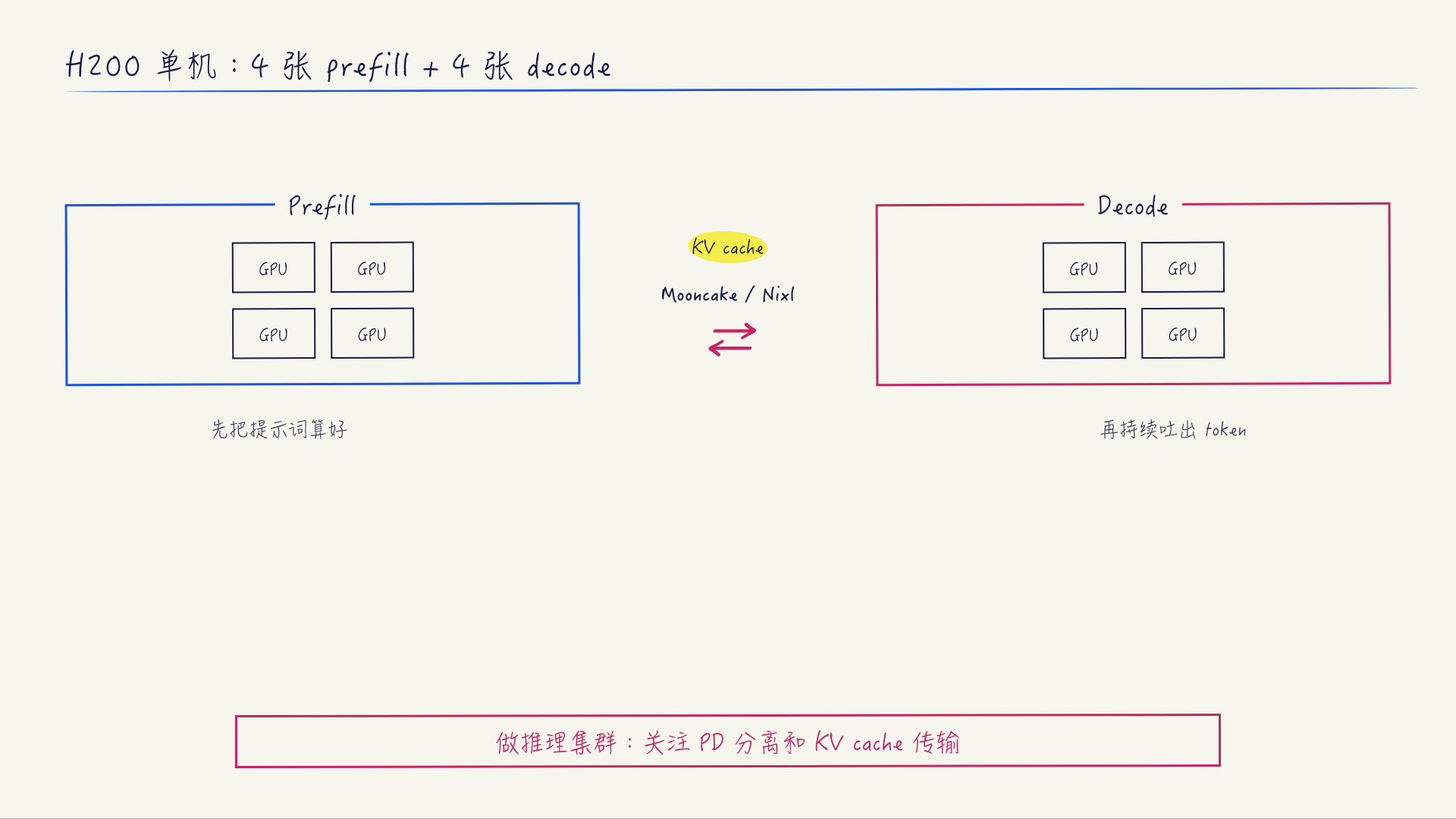
Screenshots
Use Cases
- Creating handwritten-style presentations for classroom or lecture use
- Generating visual aids for academic reports or papers
- Making handwritten note images for sharing on social media
Best For
- Students and teachers for teaching and learning activities
- Educators needing to create engaging presentation materials
- Creative enthusiasts or professionals seeking personalized visual displays
Related Plugins

whale-girl is a desktop pet in the DSH Web GUI (bottom-right for instant companionship) — draggable, feedable, playable; completed tasks, sessions and companionship time accrue into seniority levels, titles, and memories.

Renders your local Wallpaper Engine wallpapers as the DSH web background, supporting video, web, and scene wallpapers with a liquid-glass effect and rich customization.

A WebGPU ocean skin for DeepSeek Harness with five-wave Gerstner waves, translucent theme, day/night cycle, and quick controls, installable as plugin or extension.

A Galgame-style conversation view and visual scene editor for DSH web sessions, with a real-time editing mode.