dsh-mobile-css
Run the following command in DeepSeek Harness:
dsh plugin install ook826092-cloud/dsh-mobile-css
Paste the following prompt into your AI chat to install this plugin:
To install this plugin, run the command dsh plugin install ook826092-cloud/dsh-mobile-css, and the source repository is available at https://github.com/ook826092-cloud/dsh-mobile-css.
About this plugin
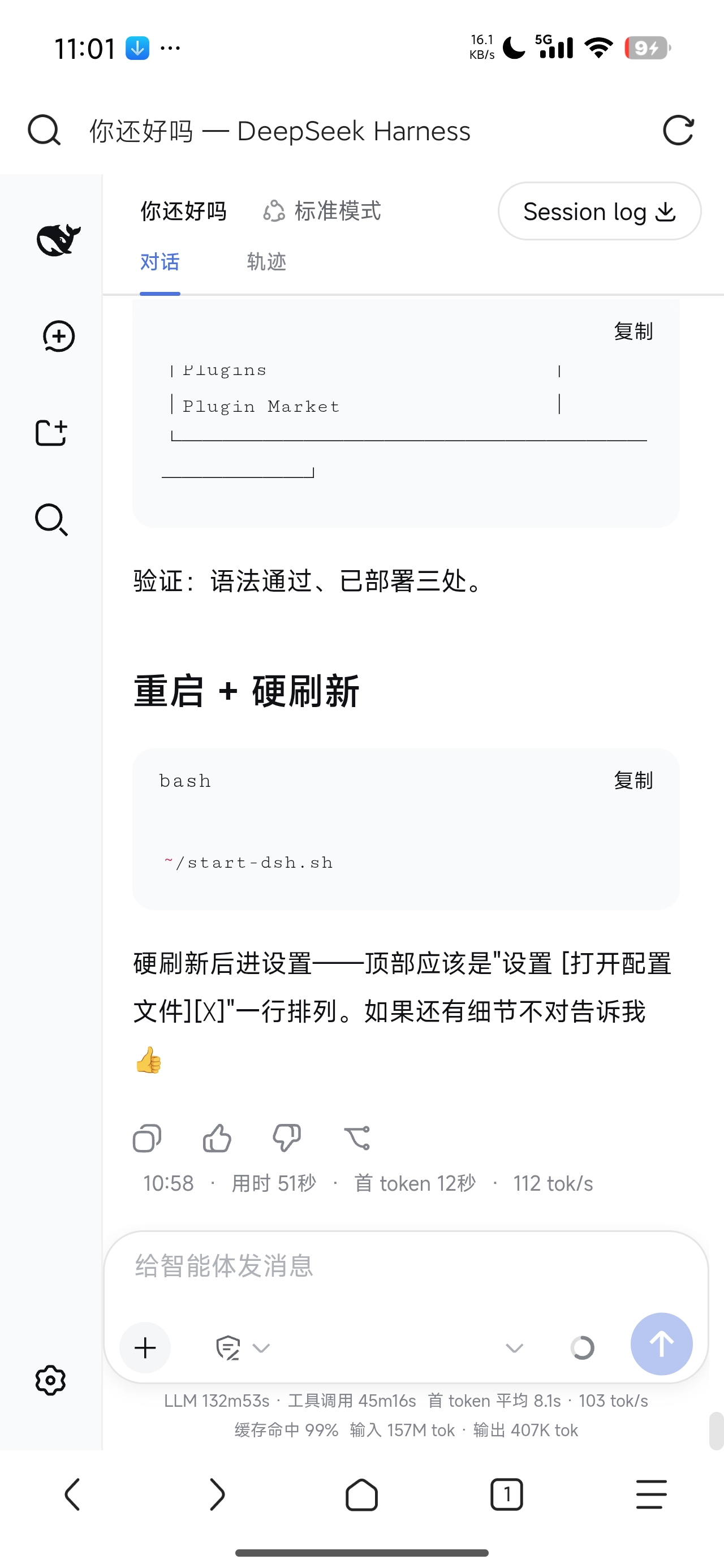
Using DeepSeek Harness Web UI on mobile devices can often feel clunky, with cramped layouts, accidental taps, and misaligned elements that disrupt the workflow. Designed primarily for desktop, the interface may not translate well to smaller screens, leading to a frustrating experience. dsh-mobile-css tackles these issues head-on by injecting pure CSS and lightweight scripts to adapt the UI specifically for mobile use.
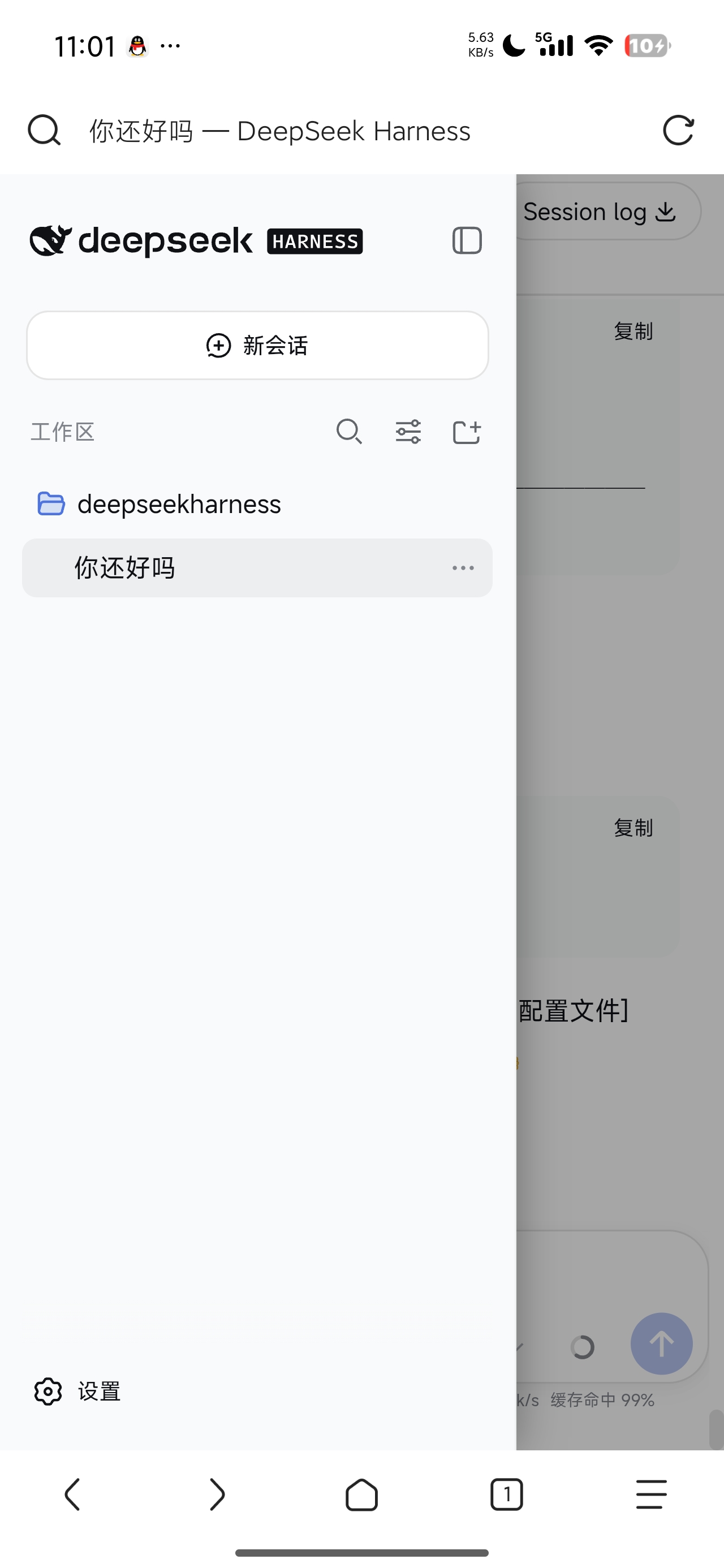
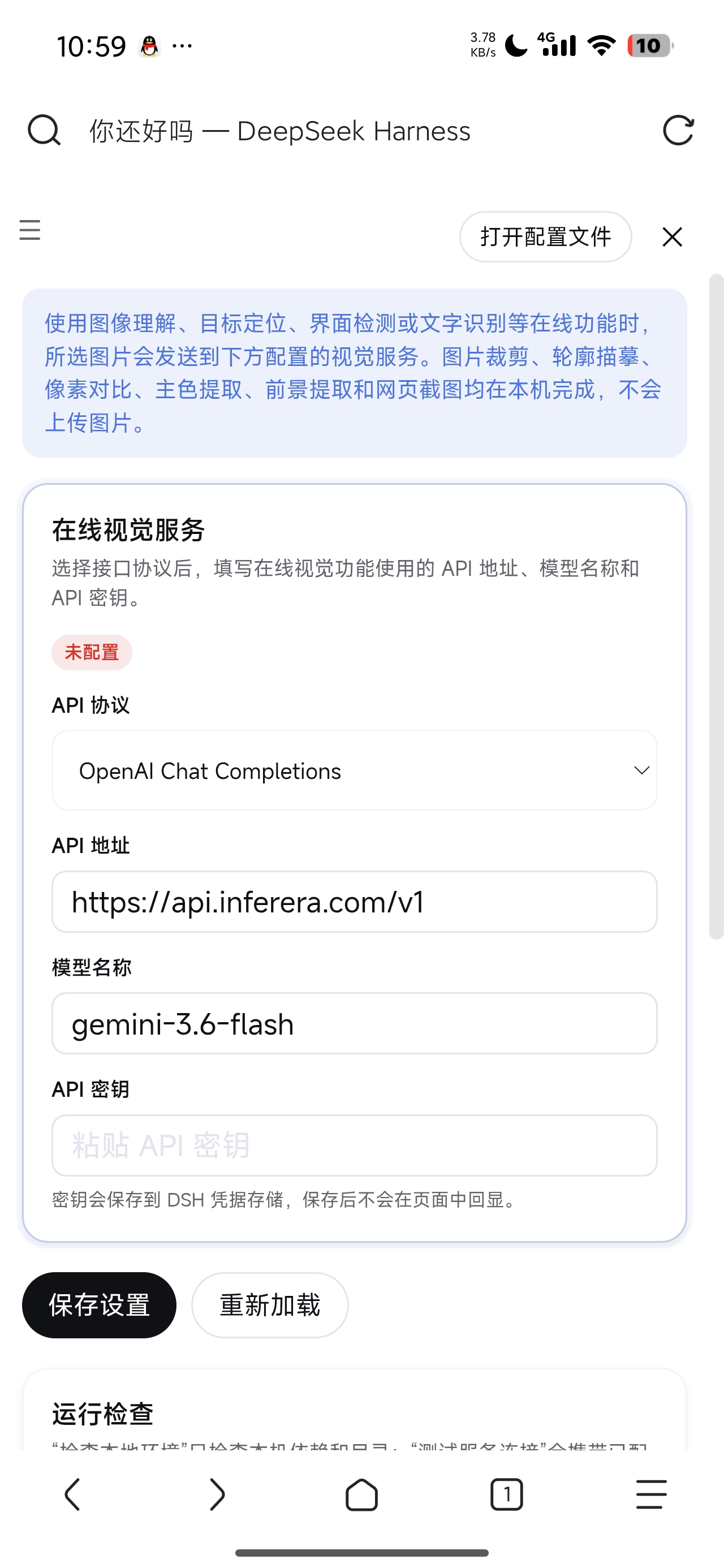
At its core, this plugin delivers comprehensive optimizations: adjusting font sizes for better readability, expanding touch targets to prevent misclicks, making the input area full-width, and transforming the sidebar into a drawer-style navigation for a more app-like feel. It also refines message bubbles, statistics, and markdown tables to fit neatly on mobile screens. All these changes are seamlessly applied without affecting the desktop version, and the plugin can be installed or uninstalled effortlessly with no residual effects.
Ideal for anyone who frequently accesses DSH Web UI on their phone—whether a developer, power user, or casual visitor—dsh-mobile-css ensures a smooth, intuitive experience. It focuses solely on enhancing mobile usability, requiring minimal setup: just install, refresh, and enjoy a refined interface that feels natural on any modern smartphone.
Screenshots

Use Cases
- When using DSH Web UI on mobile browsers
- When desktop UI appears misaligned or cramped on mobile devices
- When needing to improve mobile touch and navigation experience
Best For
- Users who frequently access DeepSeek Harness on mobile devices
- Developers or testers focused on mobile operation fluency
- DSH enthusiasts seeking seamless mobile experience optimization
Related Plugins
A service-oriented sidebar framework for DSH, offering a full workbench with file explorer, embedded browser, real terminal, Git panel, and extensible plugin services.

A beautiful, practical Claude Code-style TUI plugin with pixel whale top bar, flowing glow title, real-time status line, streaming thought expansion, time rewind, context progress bar and TPS gauge — zero core changes.

The plugin market for DeepSeek Harness: browse/search/one-click install community plugins and themes, with updates, backup/restore, hot disable, diagnostics, and AI fix.

A persistent whale widget on the DSH web UI that shows DeepSeek balance, today's usage, and per-turn cost, with drag-and-snap and sound effects.