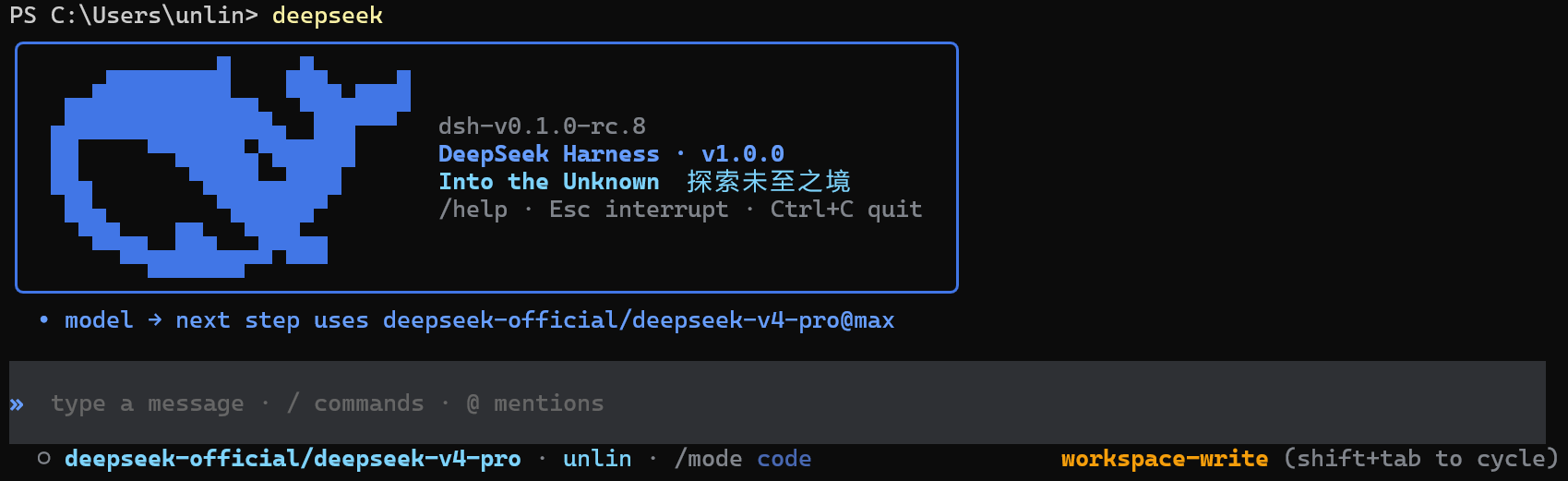
dsh-code
Run the following command in DeepSeek Harness:
dsh plugin install UNLINEARITY/dsh-code
Paste the following prompt into your AI chat to install this plugin:
Install this plugin in DeepSeek Harness from the source repository https://github.com/UNLINEARITY/dsh-code using the plugin install command.
About this plugin
dsh-code provides a terminal-focused coding interface for DeepSeek Harness, letting developers use Harness agents, models, tools, and persistent sessions without leaving the command line. It addresses the need to bring Harness’s plugin-based runtime, session recovery, and tool execution into a coding-oriented workflow, so model-assisted work can move continuously from prompting and editing to review.
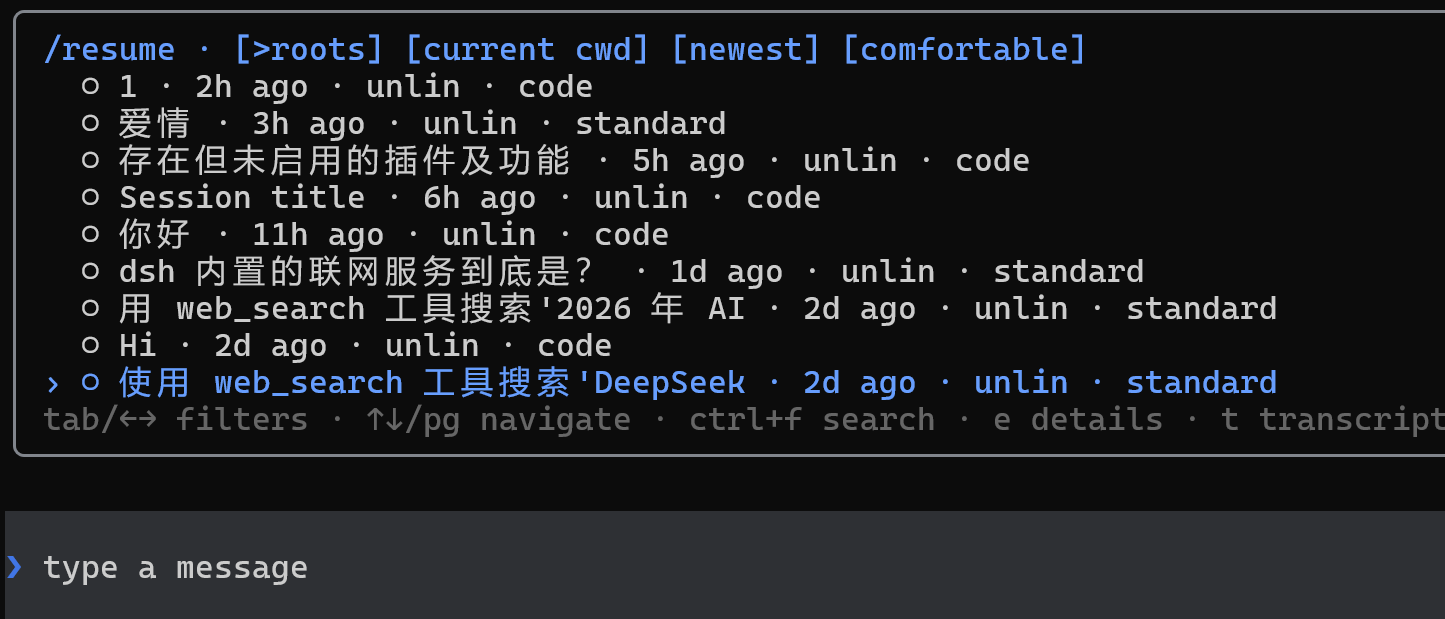
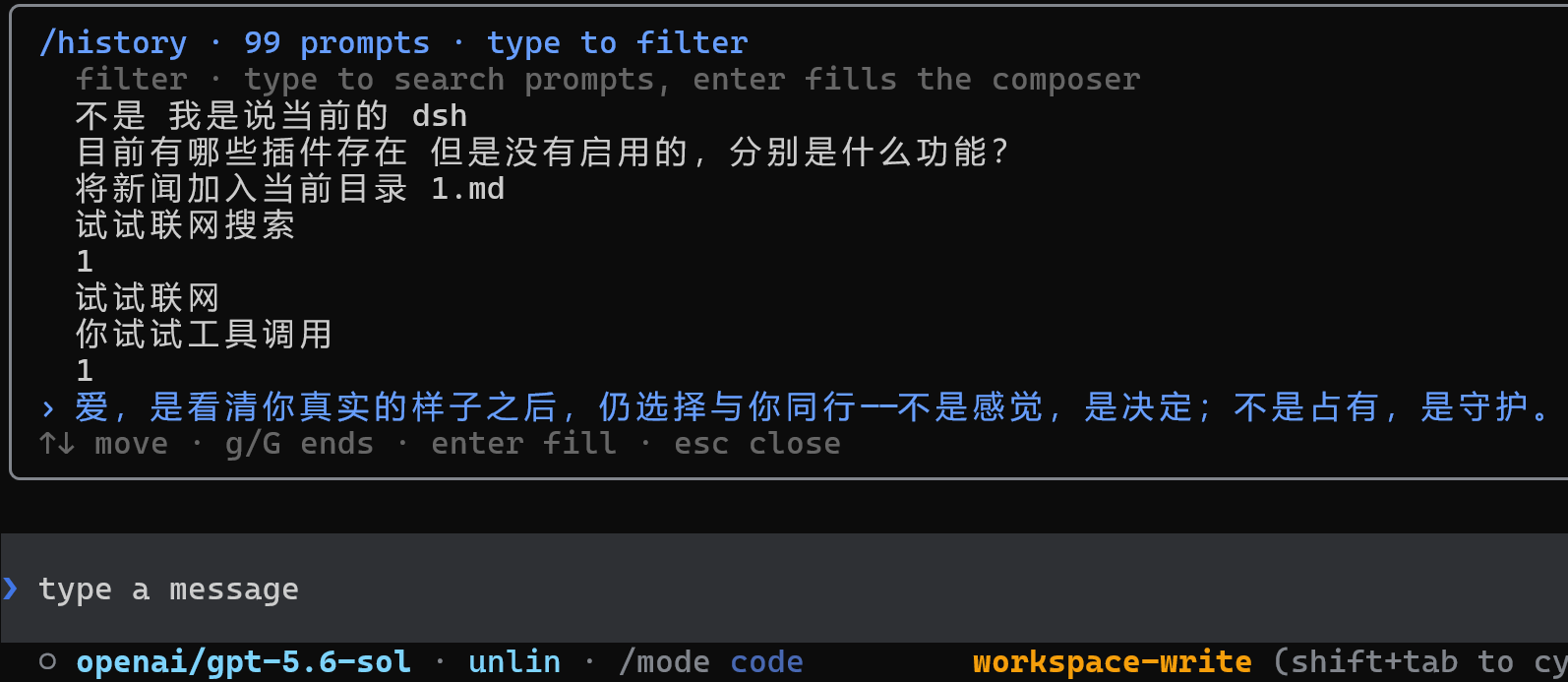
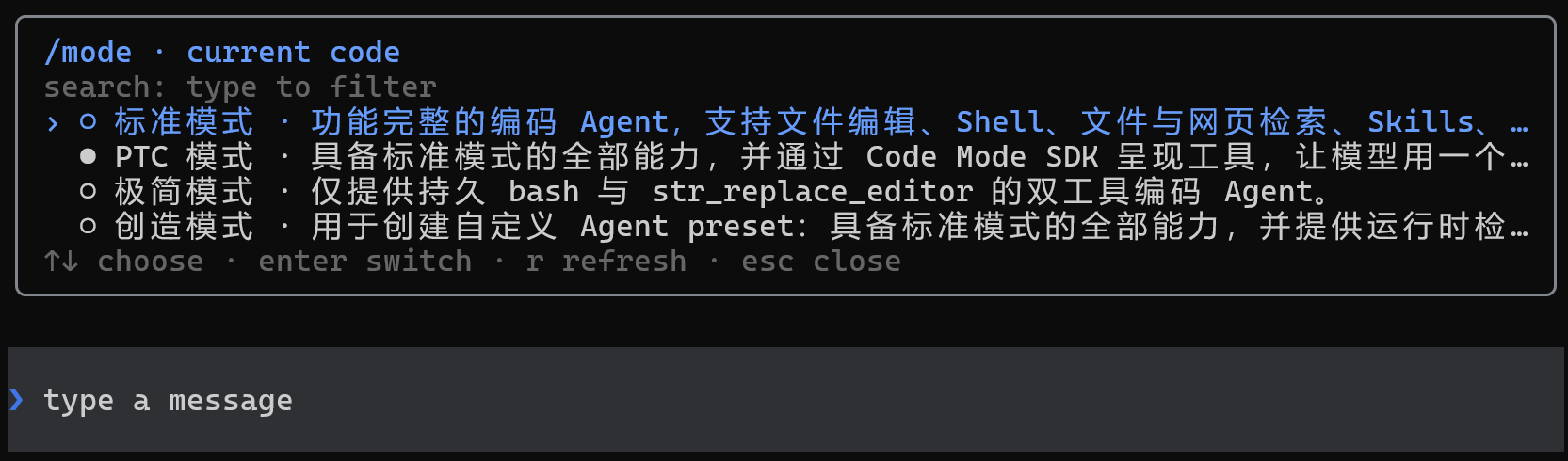
In terms of capabilities, dsh-code supports creating, resuming, forking, and searching sessions, with each session able to carry its own Agent Preset, model selection, and permission settings. Developers can reference workspace files or image attachments with @, inspect changes with /diff, launch read-only code review with /review, and manage providers, API keys, OAuth login, reasoning effort, subagents, background jobs, and tool approvals. Prompts, tool calls, model choices, and session state are persisted, making it easier to recover, export, and trace past work.
The plugin is a good fit for developers who prefer working in the terminal, especially those already using DeepSeek Harness and wanting agent-assisted coding, code review, and persistent sessions in one place. Whether for everyday coding, debugging, or running multi-step tasks under controlled permissions and sandbox policies, dsh-code offers a more developer-centric entry point.
Screenshots
Use Cases
- Start coding sessions in the terminal and let agents work with models and tools.
- Resume or fork past sessions to follow code changes and review results.
- Reference files and images with @ to generate code, inspect diffs, and run read-only reviews.
Best For
- Developers who prefer command-line workflows and want AI coding assistance in the terminal.
- Users of DeepSeek Harness who manage agents, models, tools, and sessions.
- Engineers who need persistent sessions, permission control, code review, and multi-step task collaboration.
Related Plugins
A service-oriented sidebar framework for DSH, offering a full workbench with file explorer, embedded browser, real terminal, Git panel, and extensible plugin services.

A beautiful, practical Claude Code-style TUI plugin with pixel whale top bar, flowing glow title, real-time status line, streaming thought expansion, time rewind, context progress bar and TPS gauge — zero core changes.

The plugin market for DeepSeek Harness: browse/search/one-click install community plugins and themes, with updates, backup/restore, hot disable, diagnostics, and AI fix.

A persistent whale widget on the DSH web UI that shows DeepSeek balance, today's usage, and per-turn cost, with drag-and-snap and sound effects.