
dsh-discord-bot
Run the following command in DeepSeek Harness:
dsh plugin install Oliver0804/dsh-discord-bot
Paste the following prompt into your AI chat to install this plugin:
In DeepSeek Harness, install the plugin with the command dsh plugin install Oliver0804/dsh-discord-bot; the full source address is https://github.com/Oliver0804/dsh-discord-bot.
About this plugin
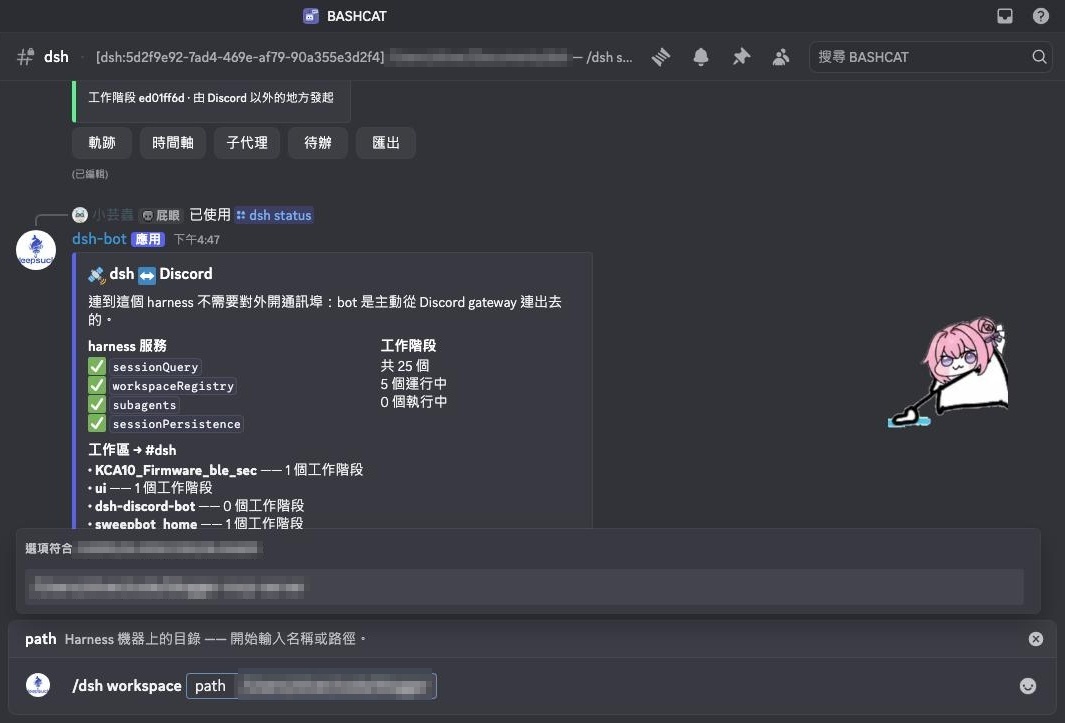
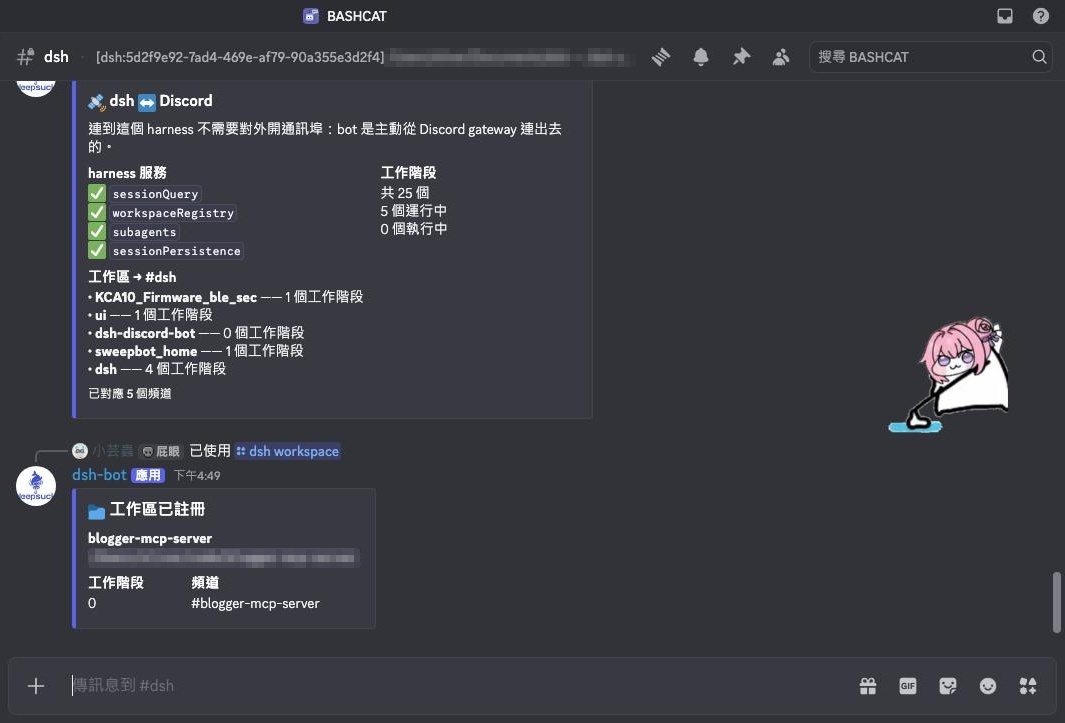
DeepSeek Harness is a powerful AI agent framework, but traditional access is often limited to local environments, making it inconvenient for use on mobile devices or in restricted network settings. The dsh-discord-bot plugin solves this by projecting the Harness onto a Discord server, allowing users to easily access and manage agent sessions from anywhere via Discord channels, without port forwarding or complex configurations.
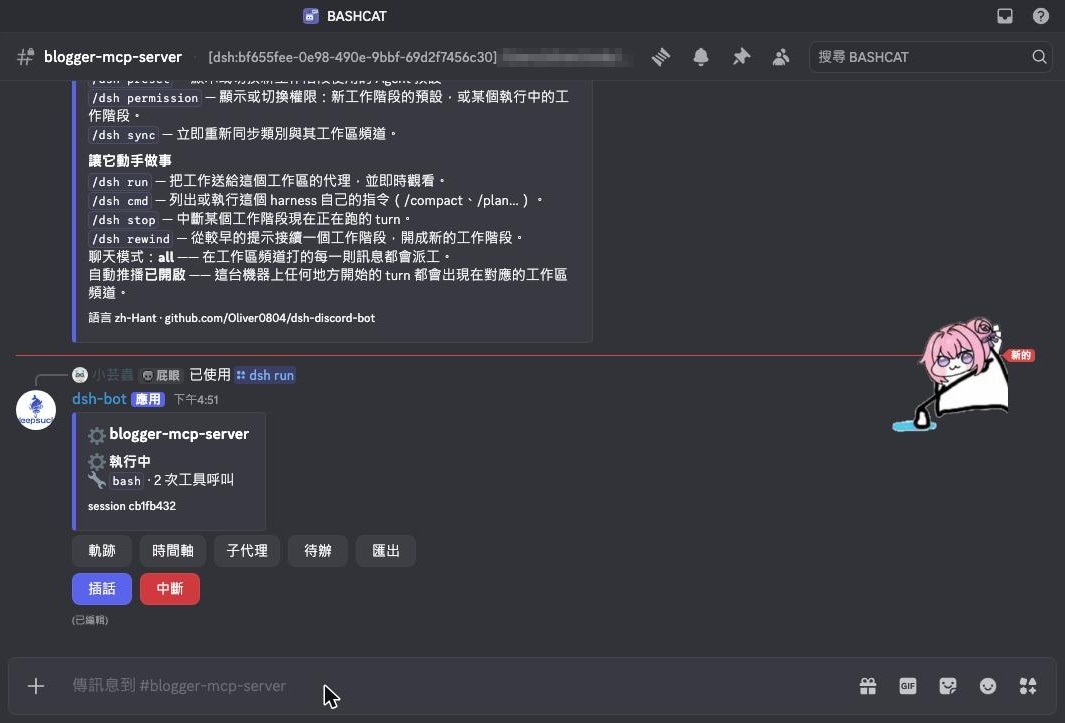
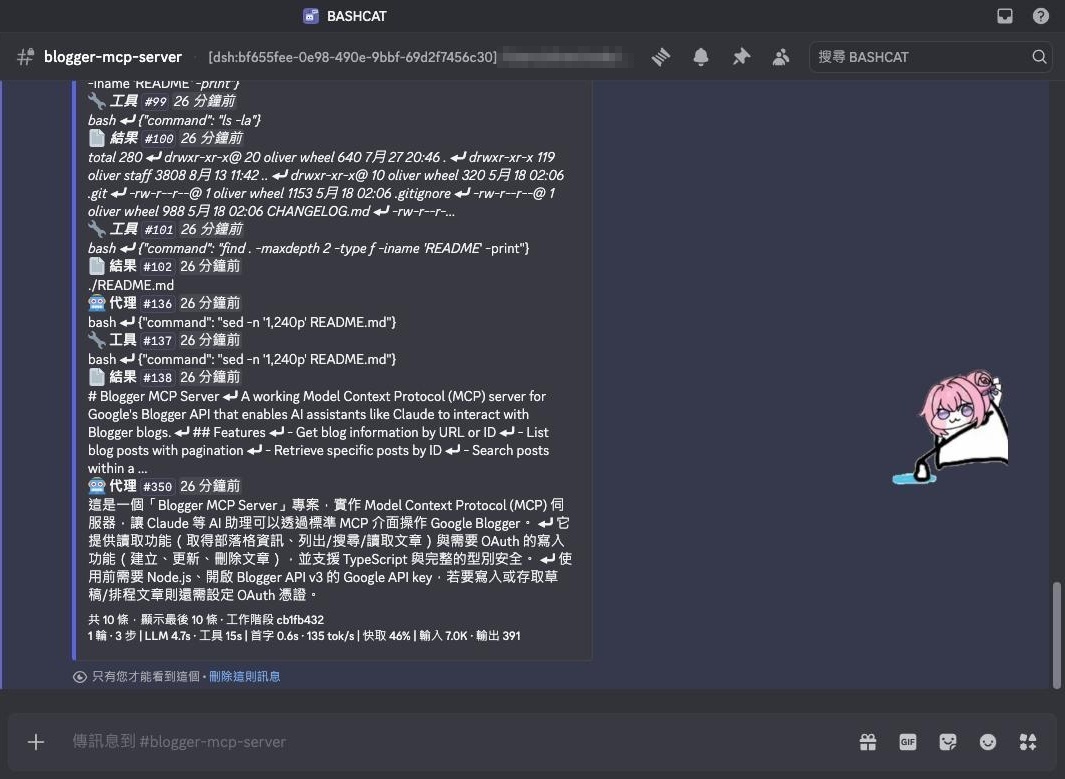
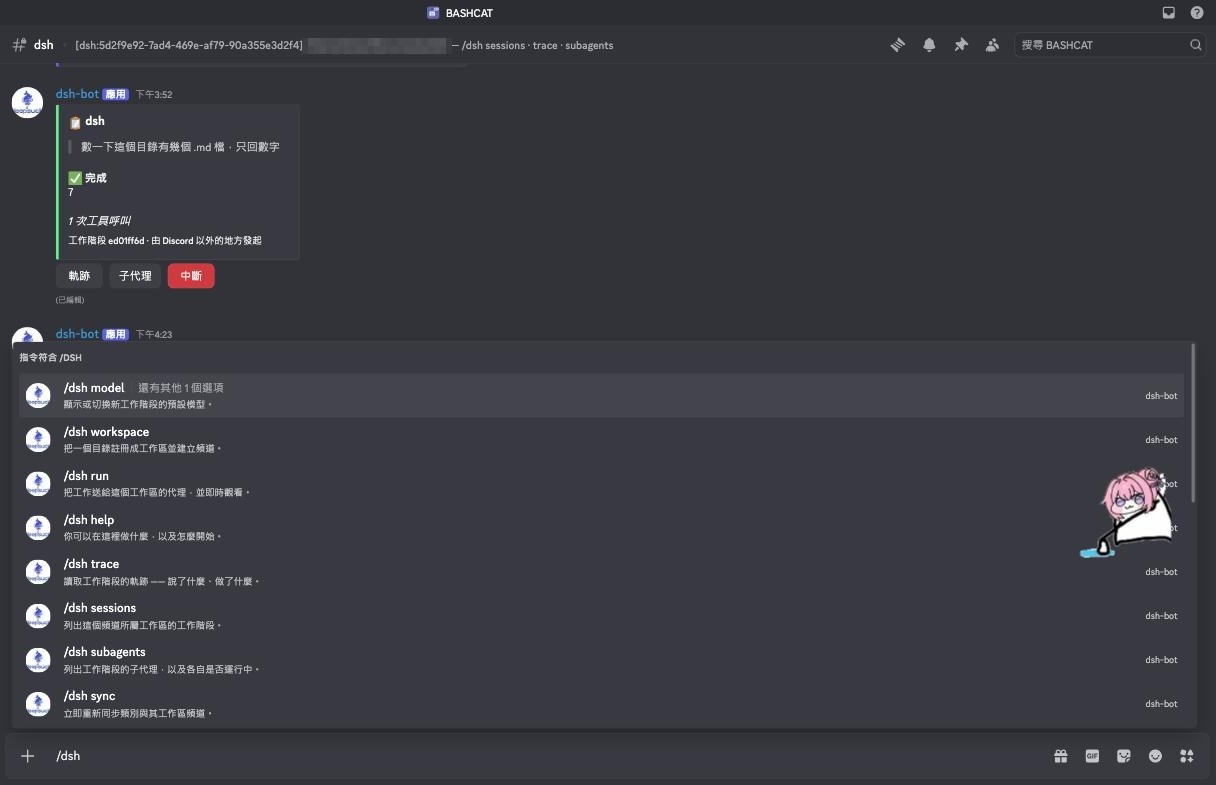
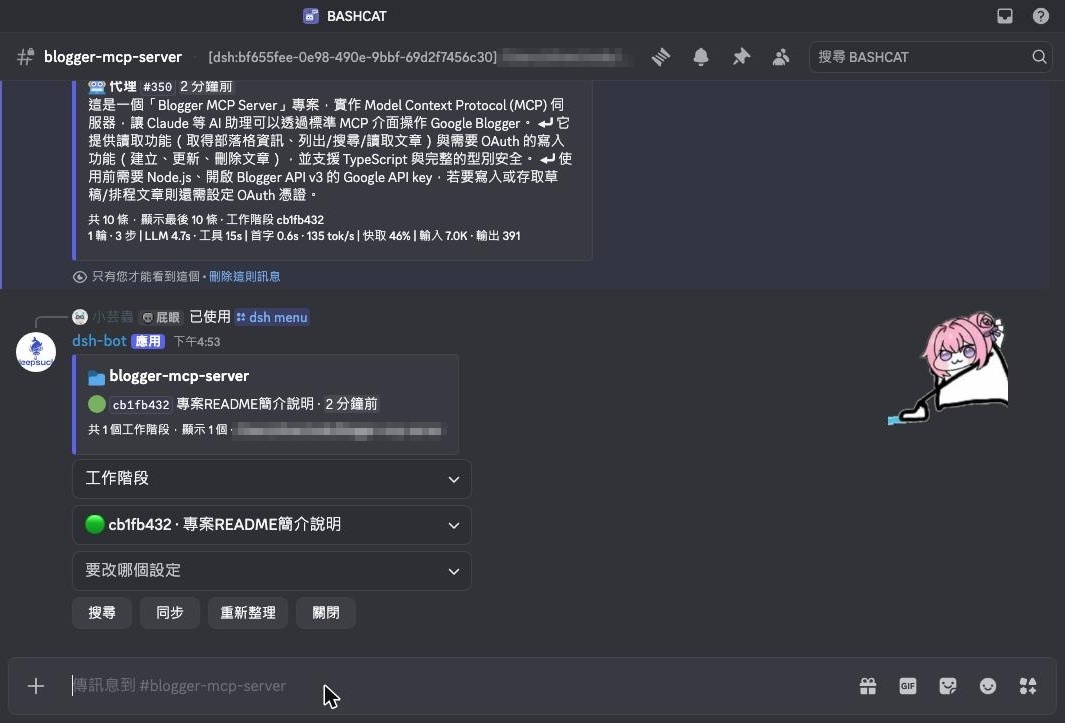
Core capabilities include providing private channels for privacy, reading session trajectories, monitoring activity in real-time, switching models and presets, and running work (disabled by default for safety). It automatically handles permission settings, ensuring only authorized users can access, while offering comprehensive session management through commands like /dsh for search, export, and subagent viewing.
This plugin is ideal for AI developers, researchers, and anyone needing to remotely manage AI agent sessions. Whether on the go, behind home networks, or corporate firewalls, it offers convenient access and team collaboration, making AI agent work more flexible and efficient.
Screenshots
Use Cases
- Manage AI agent sessions from mobile or remote devices via Discord.
- Collaborate with teams to review session trajectories and subagent activity.
- Safely run agent work in restricted network environments without port forwarding.
Best For
- AI developers and researchers needing remote access and management of agents.
- Teams using DeepSeek Harness seeking collaboration and convenient monitoring.
- Technical users working in mobile or network-restricted environments.
Related Plugins
A service-oriented sidebar framework for DSH, offering a full workbench with file explorer, embedded browser, real terminal, Git panel, and extensible plugin services.

A beautiful, practical Claude Code-style TUI plugin with pixel whale top bar, flowing glow title, real-time status line, streaming thought expansion, time rewind, context progress bar and TPS gauge — zero core changes.

The plugin market for DeepSeek Harness: browse/search/one-click install community plugins and themes, with updates, backup/restore, hot disable, diagnostics, and AI fix.

A persistent whale widget on the DSH web UI that shows DeepSeek balance, today's usage, and per-turn cost, with drag-and-snap and sound effects.