dsh-mermaid-image-preview
Run the following command in DeepSeek Harness:
dsh plugin install baconbao/dsh-mermaid-image-preview
Paste the following prompt into your AI chat to install this plugin:
Run the command dsh plugin install baconbao/dsh-mermaid-image-preview in DeepSeek Harness, or visit the GitHub repository at https://github.com/baconbao/dsh-mermaid-image-preview for installation details.
About this plugin
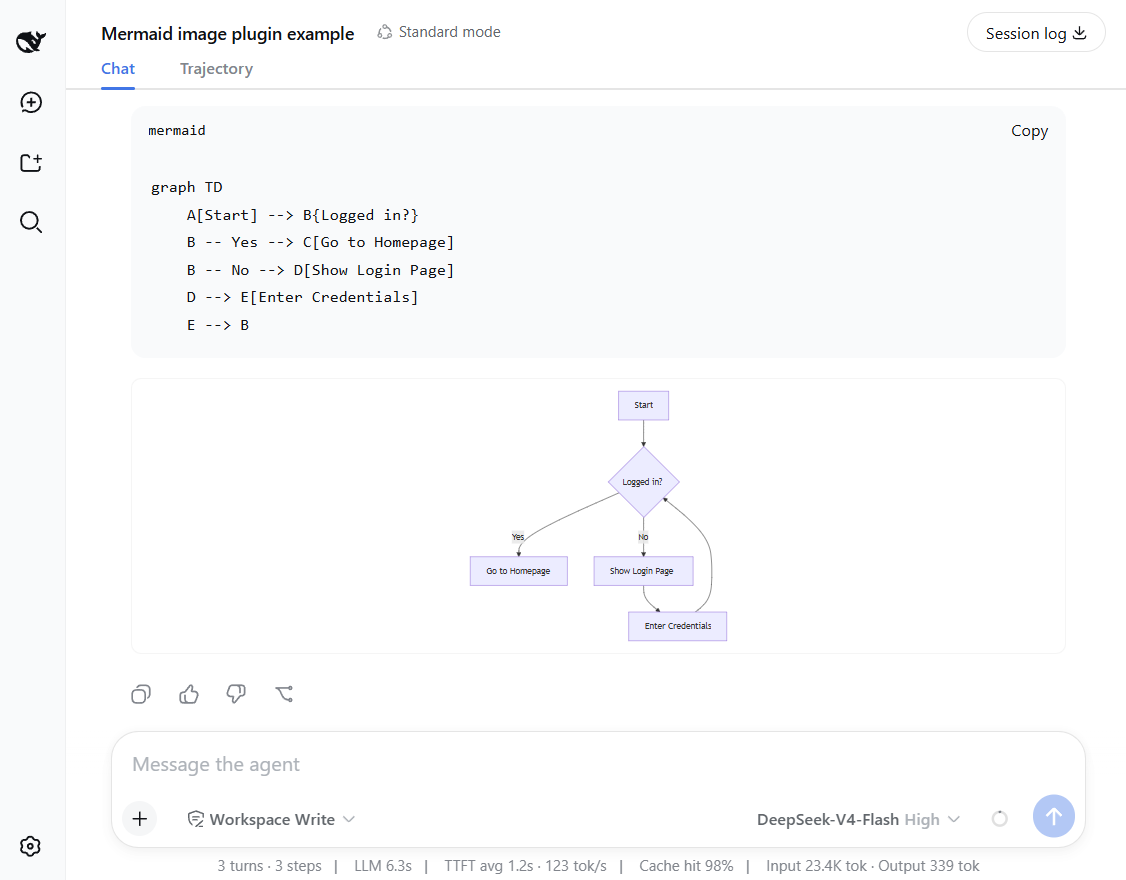
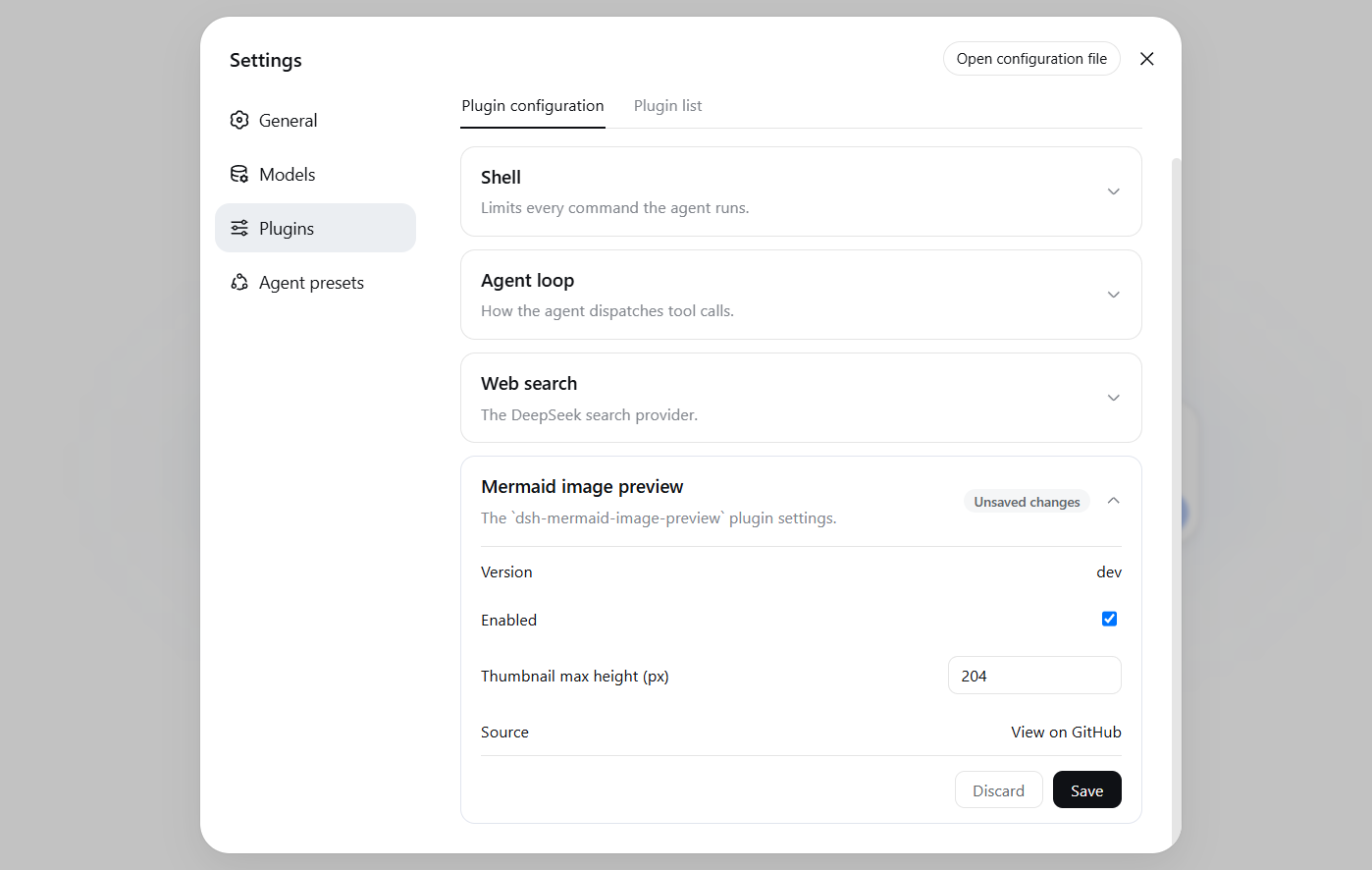
In the DeepSeek Harness web chat interface, Mermaid code blocks are often displayed as raw syntax text, making it hard to quickly grasp diagram content. The dsh-mermaid-image-preview plugin solves this by automatically rendering Mermaid syntax into images, allowing diagrams to be visualized directly within conversations for improved communication efficiency. Its core capabilities include a flexible rendering system: it defaults to local rendering for fast previews, and if that fails, it can fall back to an external rendering server like mermaid.ink with configuration. Users can adjust runtime settings on a settings card in real-time without restarting, and diagrams are shown as thumbnails—clicking enlarges them in place, and clicking again shrinks them back for easy interaction. It supports 14 common diagram types out of the box, with expandable options, and automatically adapts to light and dark themes. Whether you are a developer, data analyst, or anyone using Mermaid for documentation or presentations, this plugin can significantly boost your productivity in DeepSeek Harness, making it ideal for scenarios that require frequent visual communication with diagrams.
Screenshots
Use Cases
- Real-time visualization of Mermaid diagrams in DeepSeek Harness chats
- Quickly sharing flowcharts or sequence diagrams during team collaboration
- Validating Mermaid syntax effects while writing documentation or presentations
Best For
- Developers: for visualizing code architectures and system workflows
- Data analysts: creating ER diagrams and statistical charts
- Project managers: making Gantt charts and mind maps for project planning
Related Plugins
A service-oriented sidebar framework for DSH, offering a full workbench with file explorer, embedded browser, real terminal, Git panel, and extensible plugin services.

A beautiful, practical Claude Code-style TUI plugin with pixel whale top bar, flowing glow title, real-time status line, streaming thought expansion, time rewind, context progress bar and TPS gauge — zero core changes.

The plugin market for DeepSeek Harness: browse/search/one-click install community plugins and themes, with updates, backup/restore, hot disable, diagnostics, and AI fix.

A persistent whale widget on the DSH web UI that shows DeepSeek balance, today's usage, and per-turn cost, with drag-and-snap and sound effects.