dsh-power-button
Run the following command in DeepSeek Harness:
dsh plugin install keyiadiannao/dsh-power-button
Paste the following prompt into your AI chat to install this plugin:
In DeepSeek Harness, you can install this plugin by running the command `dsh plugin install keyiadiannao/dsh-power-button` or visiting its GitHub repository at https://github.com/keyiadiannao/dsh-power-button for more details.
About this plugin
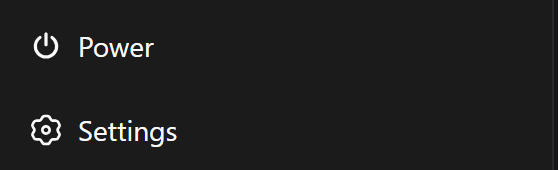
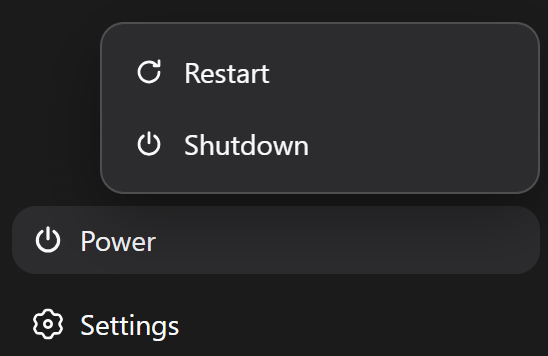
DeepSeek Harness users frequently face the challenge of restarting or shutting down the service, which can be cumbersome and error-prone with traditional command-line methods. The dsh-power-button plugin addresses this by offering a seamless solution through a sidebar power button, making lifecycle management intuitive and accessible for everyone.
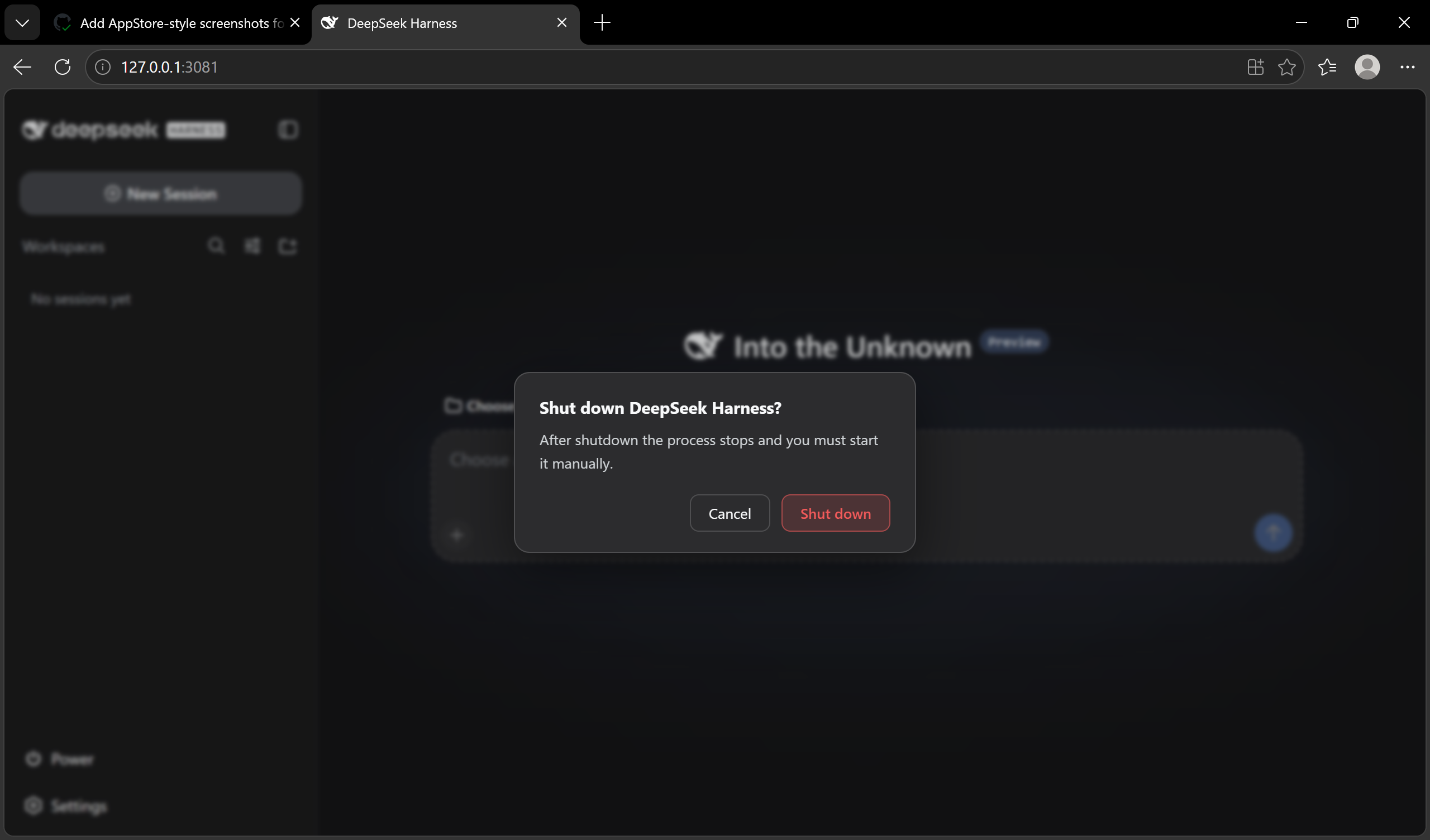
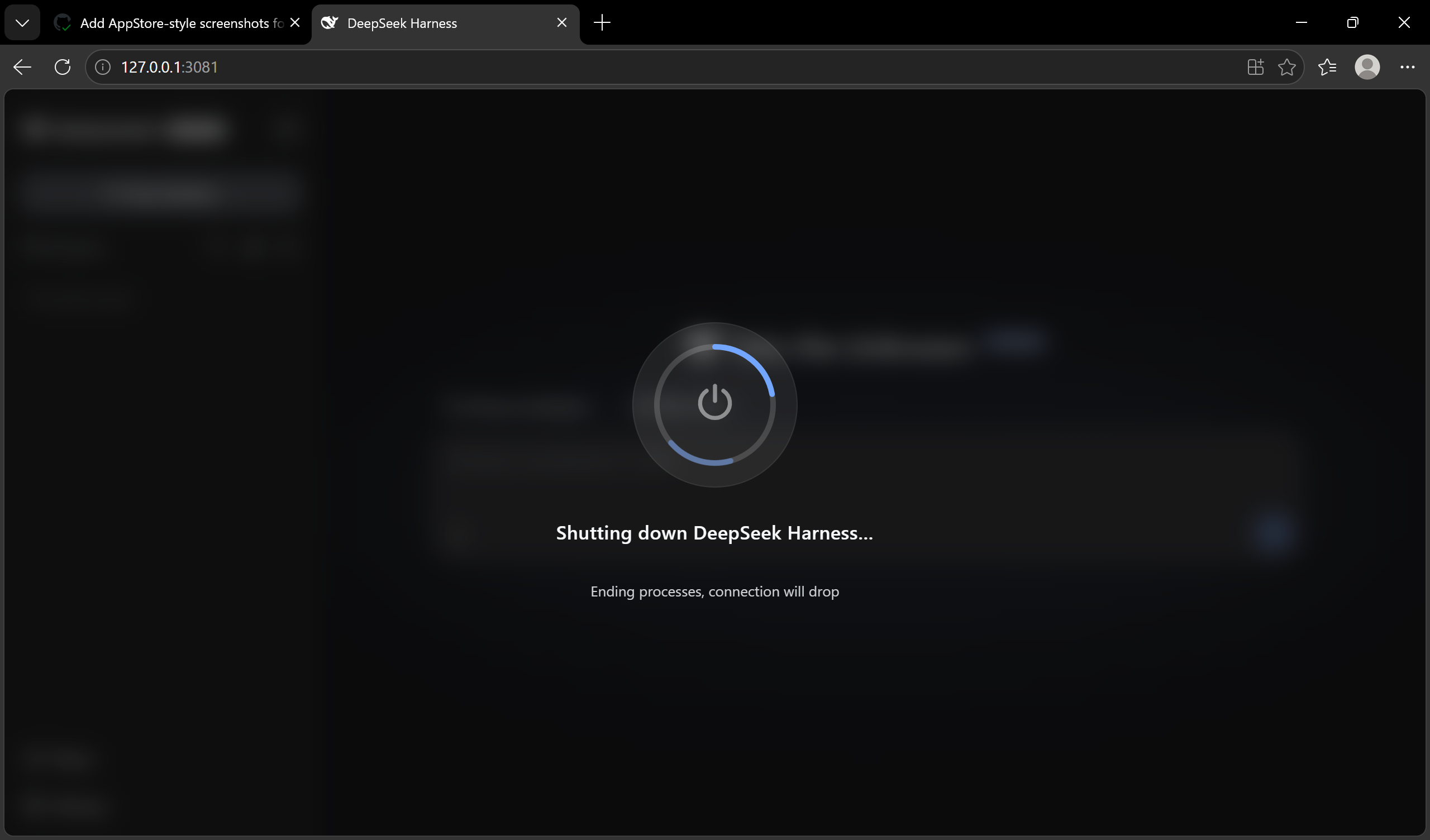
At its core, the plugin features a self-contained restart engine that operates without third-party dependencies like PowerShell, ensuring reliable and secure restart and shutdown operations. The sidebar button includes a restart/shutdown menu with a full-screen transition overlay, enhancing user interaction. It also supports localized interfaces (Chinese and English) and incorporates safety features such as CSRF protection and accidental operation confirmation to prevent risks.
This plugin is ideal for all DeepSeek Harness users, including developers and administrators seeking a more efficient and user-friendly way to manage the harness lifecycle. It is particularly beneficial for those who want to reduce manual errors, improve workflow automation, and enhance overall usability with features like startup cleanup and multilingual support.
Screenshots

Use Cases
- Quickly restart DeepSeek Harness service to apply updates
- Safely shutdown client process via sidebar button
- Manage restart and shutdown operations in graphical interface
Best For
- Daily users of DeepSeek Harness
- Developers seeking convenient lifecycle management
- System administrators prioritizing safety and efficiency
Related Plugins
A service-oriented sidebar framework for DSH, offering a full workbench with file explorer, embedded browser, real terminal, Git panel, and extensible plugin services.

A beautiful, practical Claude Code-style TUI plugin with pixel whale top bar, flowing glow title, real-time status line, streaming thought expansion, time rewind, context progress bar and TPS gauge — zero core changes.

The plugin market for DeepSeek Harness: browse/search/one-click install community plugins and themes, with updates, backup/restore, hot disable, diagnostics, and AI fix.

A persistent whale widget on the DSH web UI that shows DeepSeek balance, today's usage, and per-turn cost, with drag-and-snap and sound effects.