dsh-theme-kit
Run the following command in DeepSeek Harness:
dsh plugin install ink5897/dsh-theme-kit
Paste the following prompt into your AI chat to install this plugin:
To install the dsh-theme-kit plugin, run 'dsh plugin install ink5897/dsh-theme-kit' in the terminal, with full source code at https://github.com/ink5897/dsh-theme-kit.
About this plugin
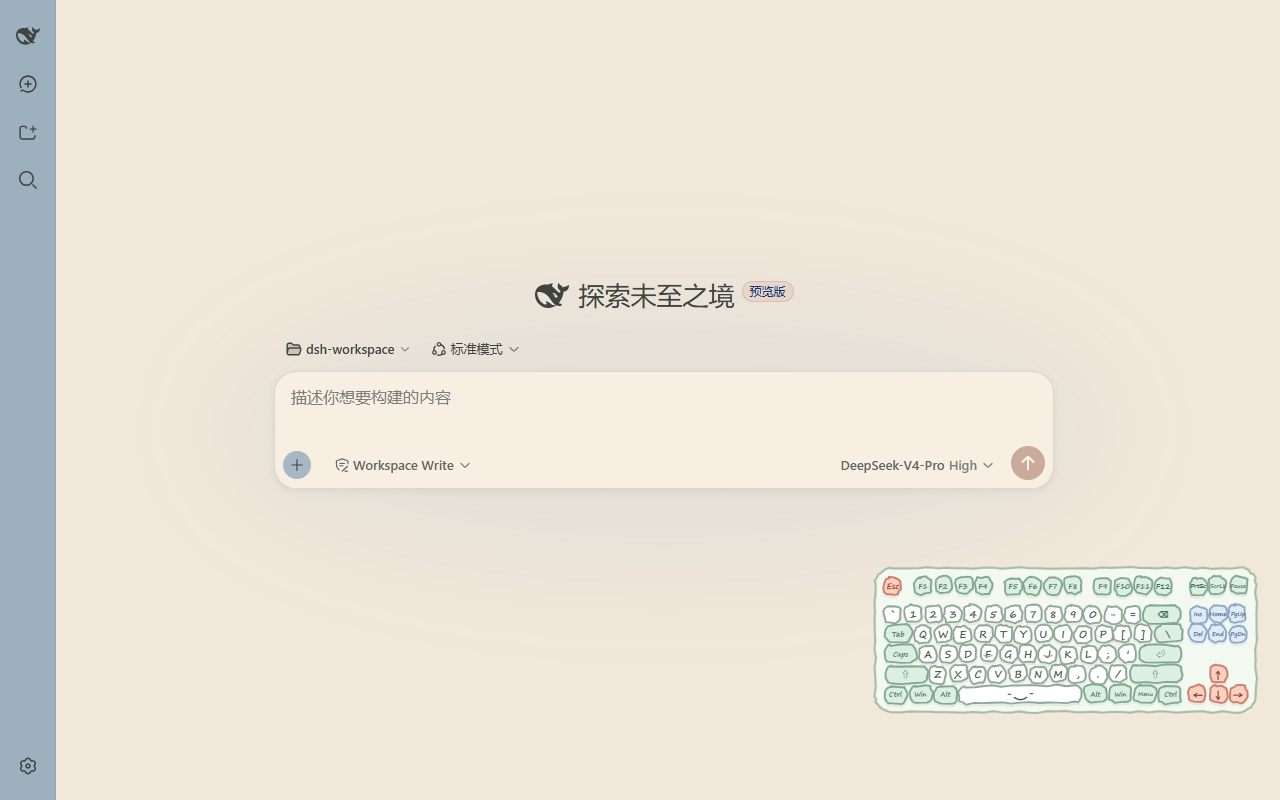
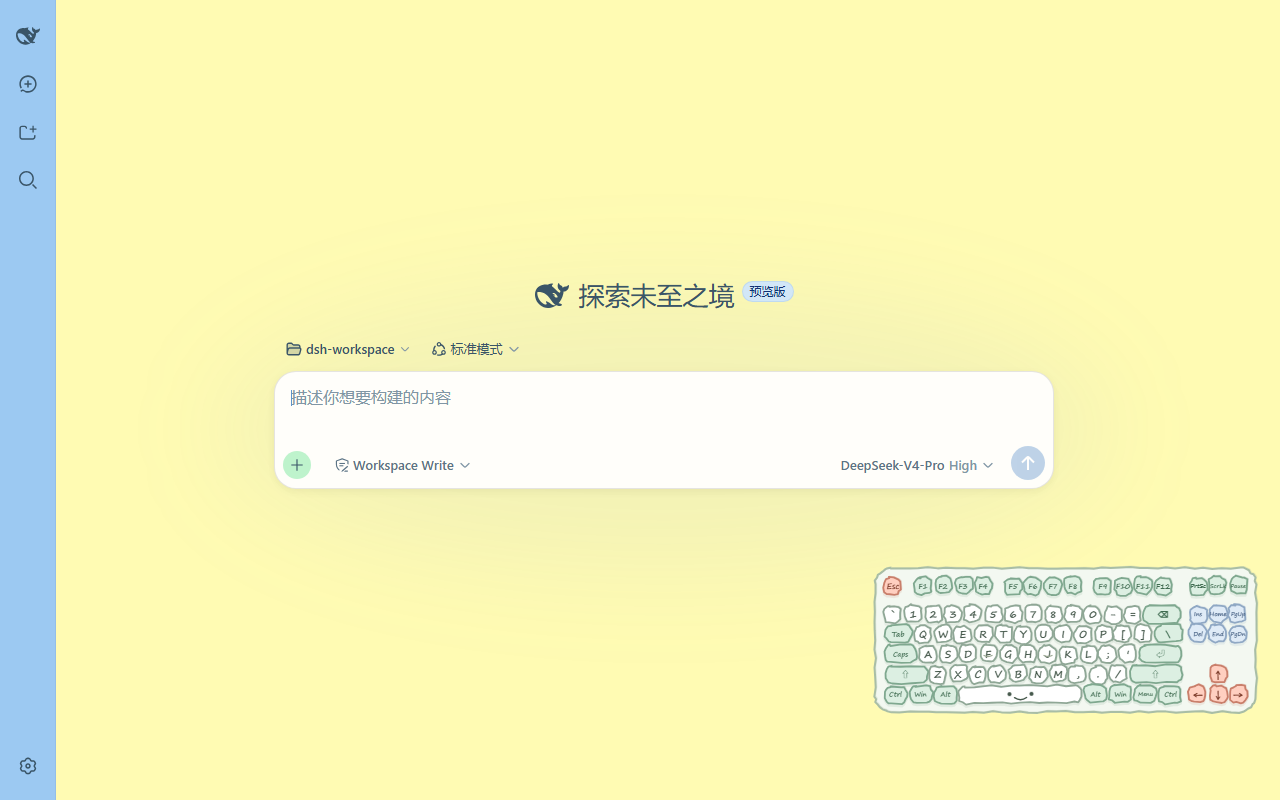
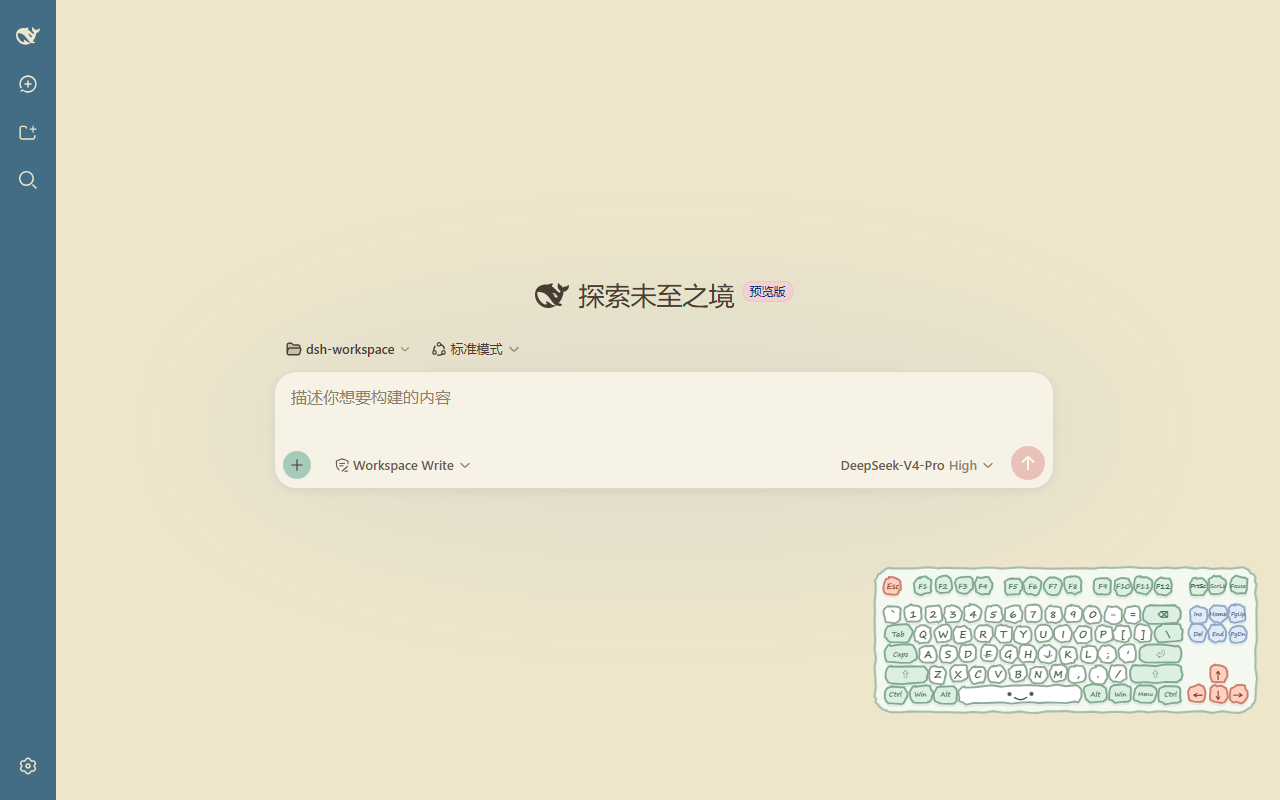
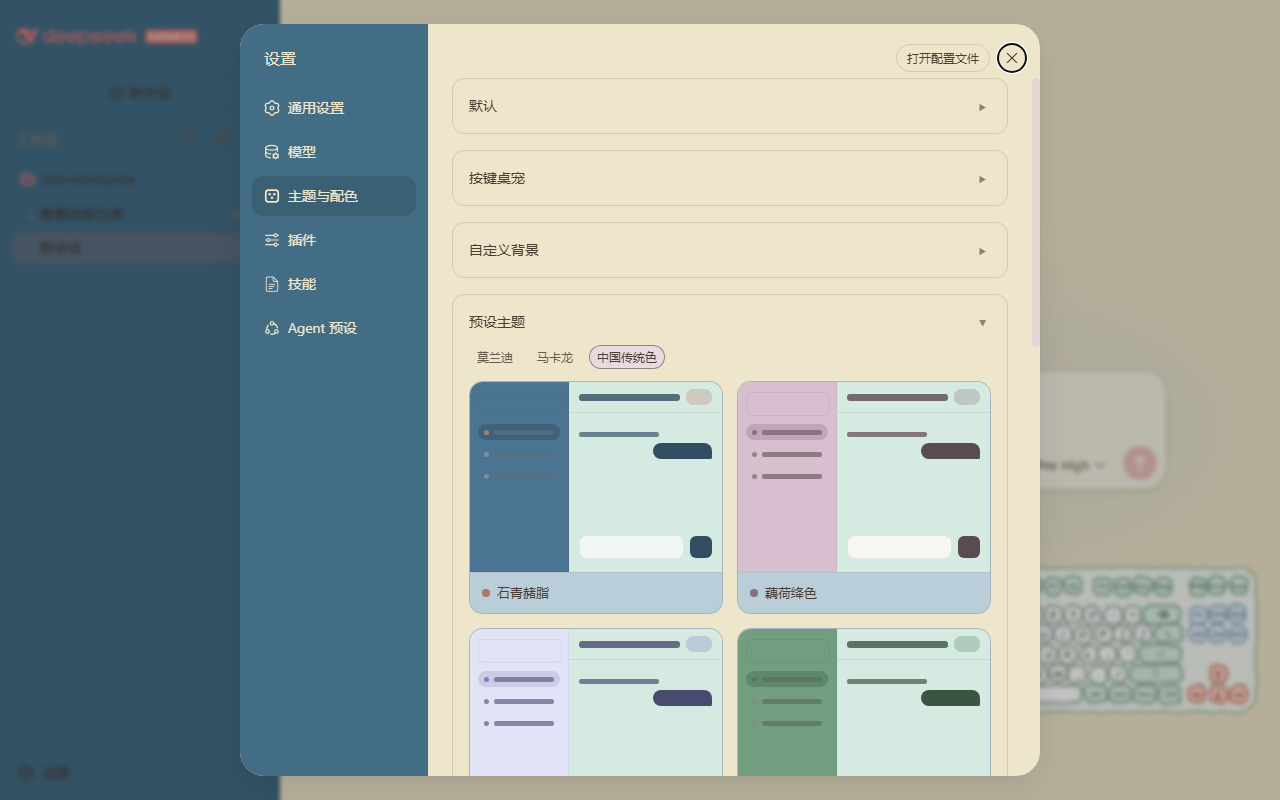
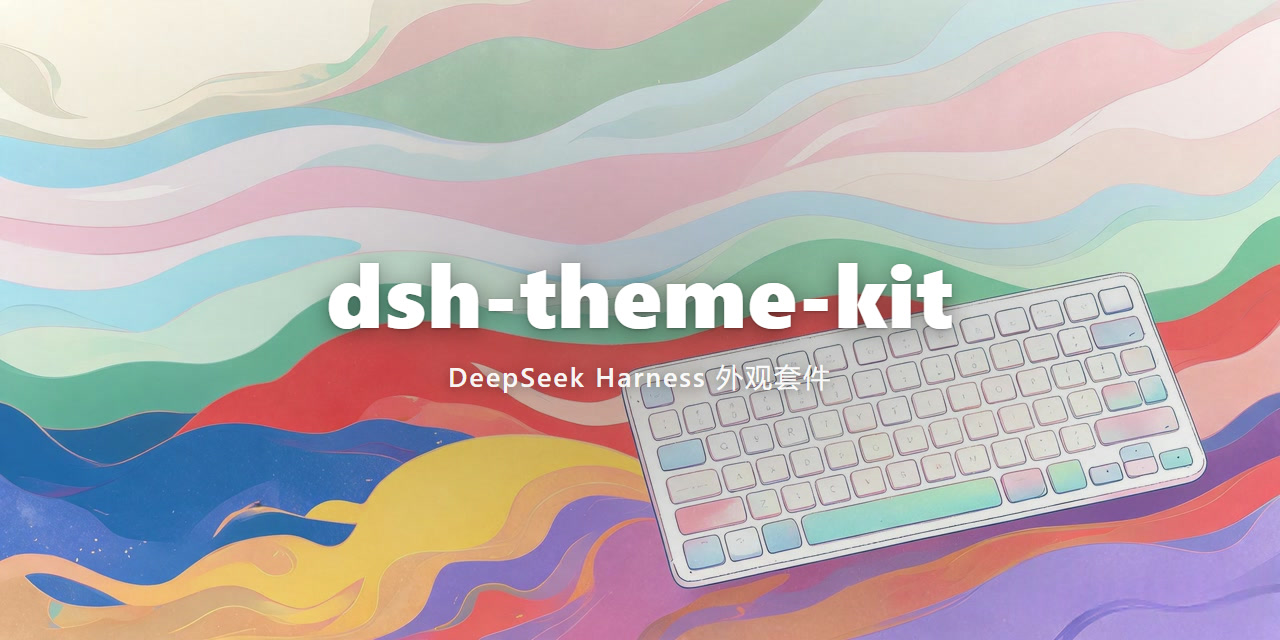
When using DeepSeek Harness, users might find the default web interface monotonous and seek a more personalized and visually appealing experience. The dsh-theme-kit plugin addresses this by transforming the interface with extensive customization options. Its core capabilities include 32 carefully designed color themes spanning Morandi, Macaron, and traditional Chinese color palettes; built-in dynamic and static wallpapers, oriental paper textures; adjustable transparency and text contrast for different sections; and a keyboard pet that follows keystrokes, adding interactive fun. Whether you're a daily user wanting to personalize your interface or a developer testing visual effects, dsh-theme-kit is suitable. It enhances the DeepSeek Harness interface, making it not only attractive but also adaptable to user preferences, ultimately elevating the overall user experience.
Screenshots
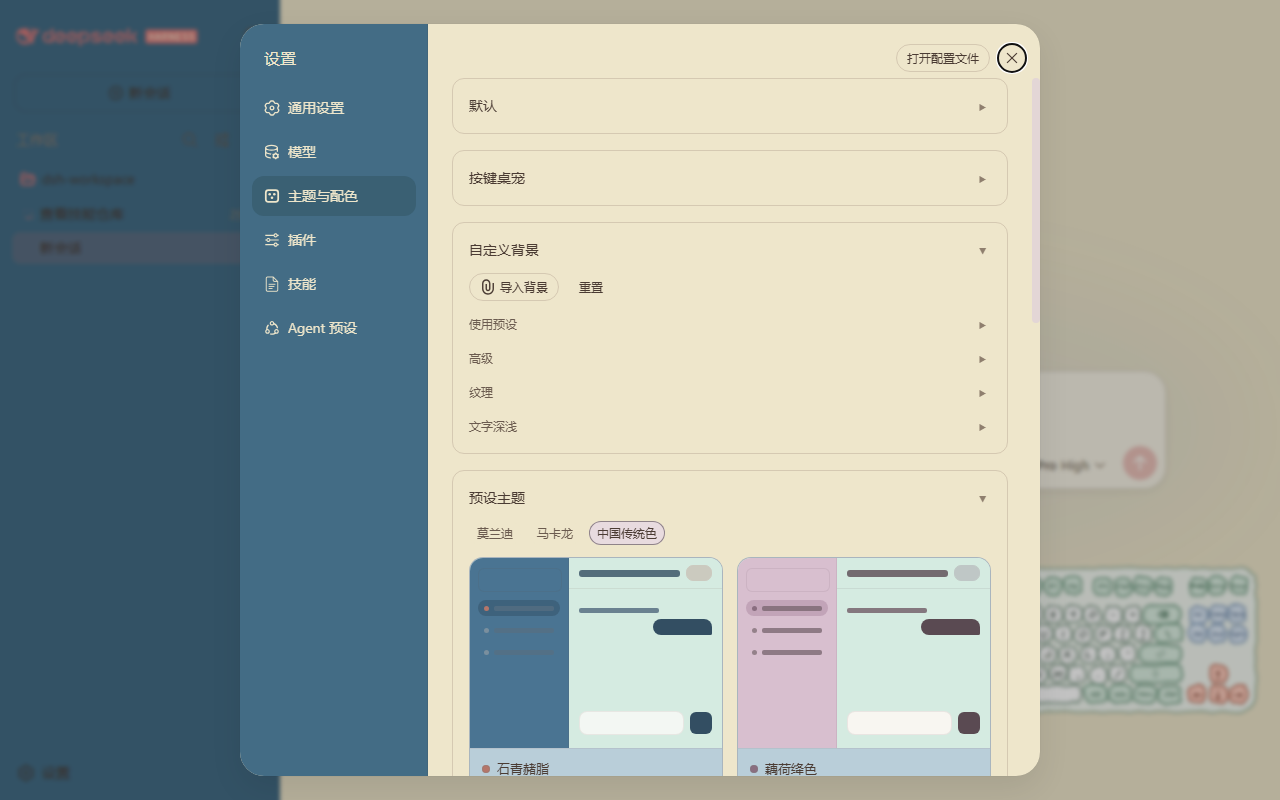
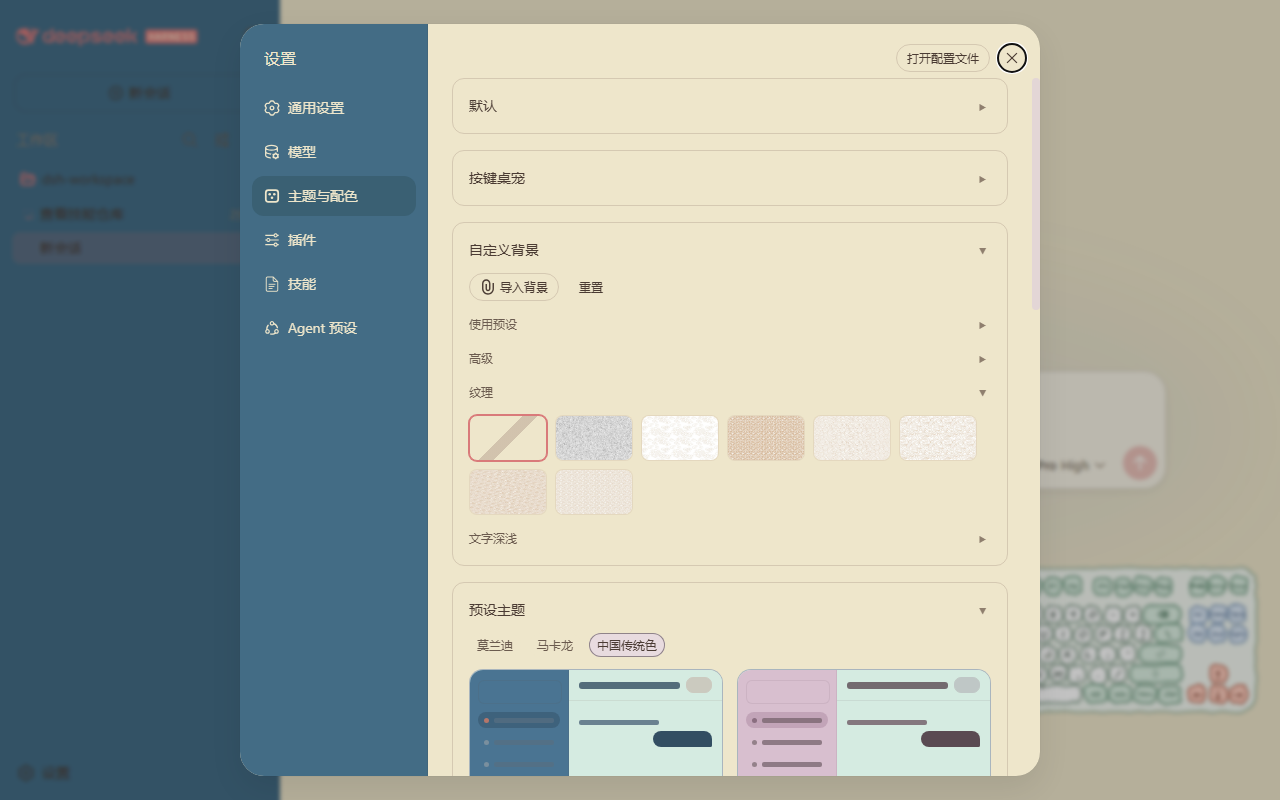
Use Cases
- Users want to personalize the DeepSeek Harness web interface to enhance visual experience.
- Developers testing layout and interaction effects under different themes.
- Adding fun and aesthetics to daily usage through wallpapers and textures.
Best For
- Daily users of DeepSeek Harness who enjoy personalizing interfaces.
- Interface design enthusiasts or frontend developers seeking visual inspiration.
- Tech-savvy users who enjoy customizing their workspace with plugins.
Related Plugins

whale-girl is a desktop pet in the DSH Web GUI (bottom-right for instant companionship) — draggable, feedable, playable; completed tasks, sessions and companionship time accrue into seniority levels, titles, and memories.

Renders your local Wallpaper Engine wallpapers as the DSH web background, supporting video, web, and scene wallpapers with a liquid-glass effect and rich customization.

A WebGPU ocean skin for DeepSeek Harness with five-wave Gerstner waves, translucent theme, day/night cycle, and quick controls, installable as plugin or extension.

A Galgame-style conversation view and visual scene editor for DSH web sessions, with a real-time editing mode.