dsh-tui-pro
Run the following command in DeepSeek Harness:
dsh plugin install lk251066/dsh-tui-pro
Paste the following prompt into your AI chat to install this plugin:
To install this plugin in DeepSeek Harness, run 'dsh plugin install lk251066/dsh-tui-pro'; the full source address is: https://github.com/lk251066/dsh-tui-pro.
About this plugin
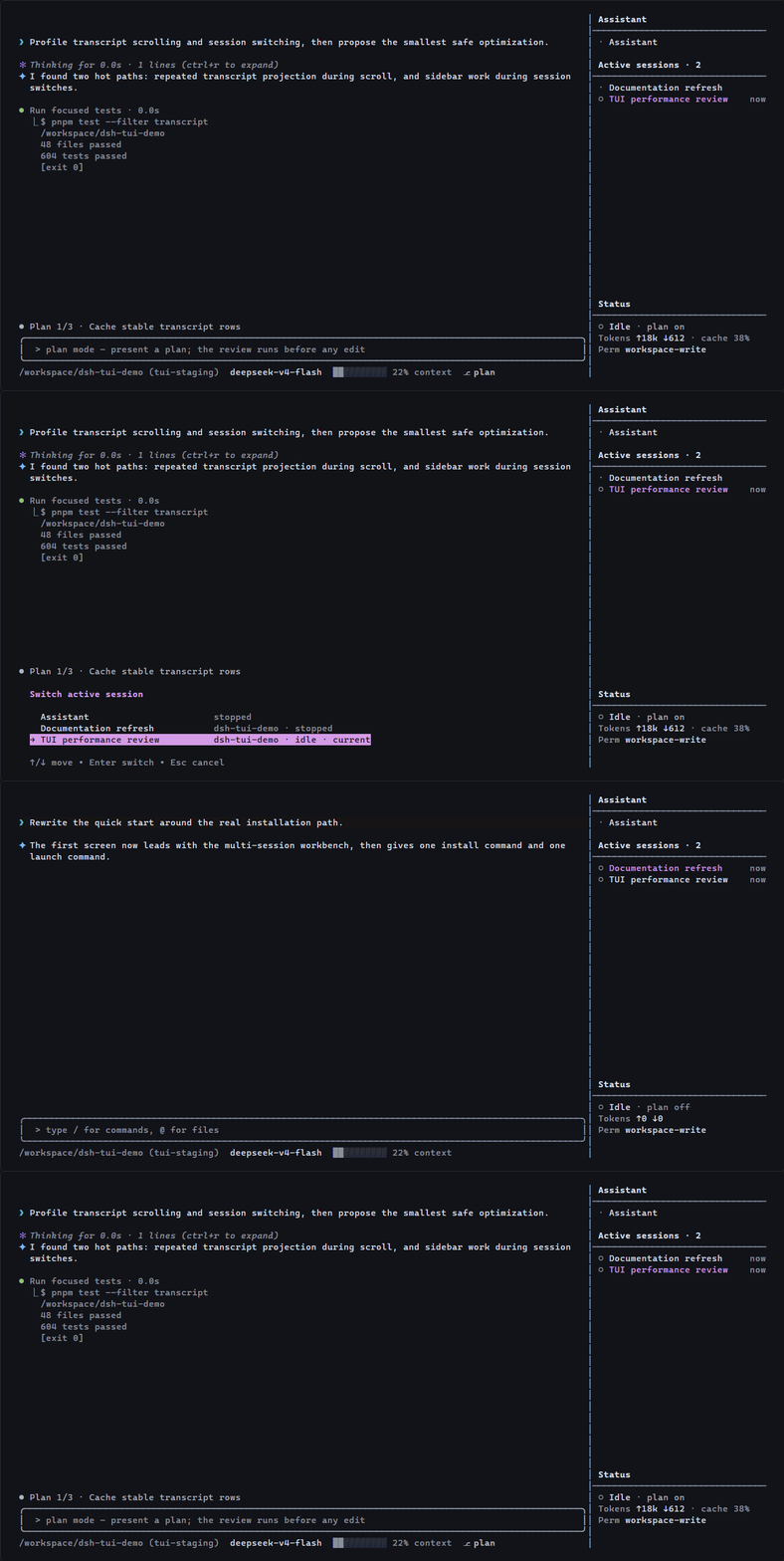
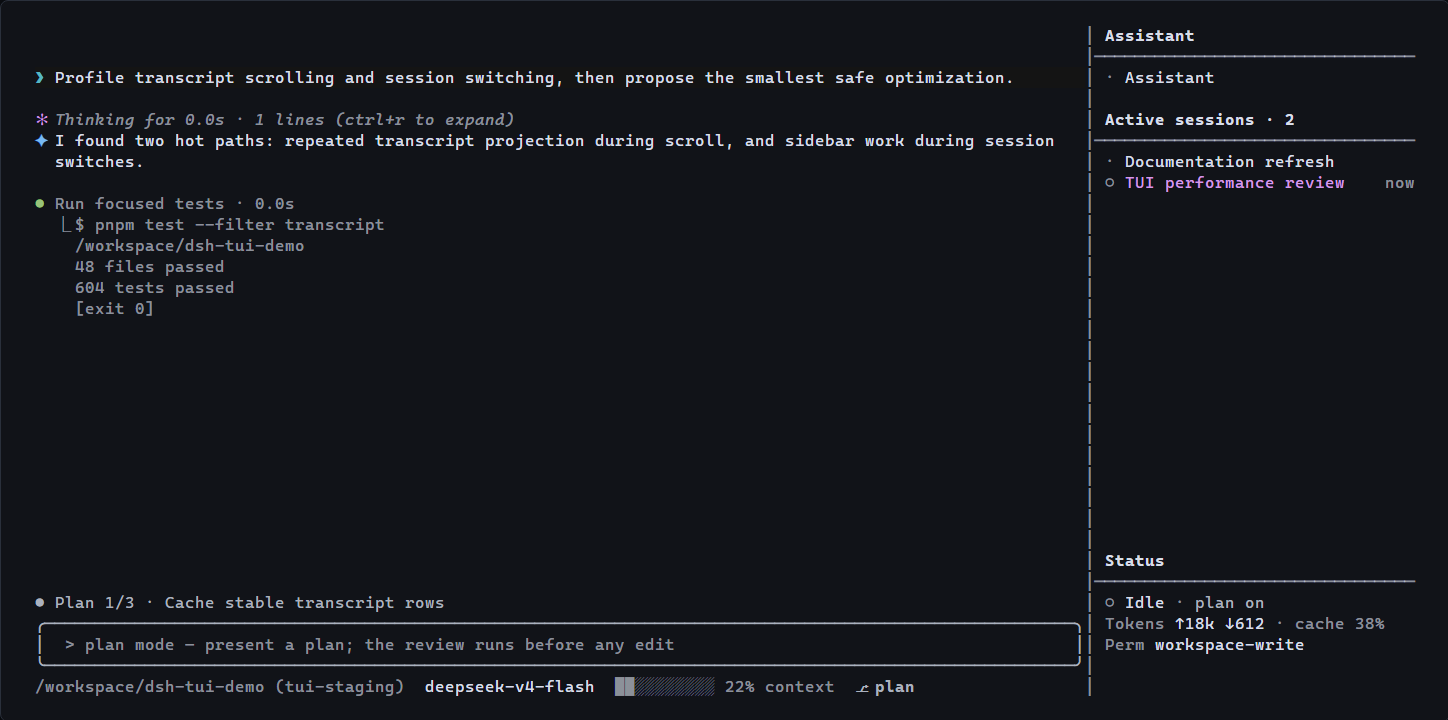
In the world of DeepSeek Harness, managing multiple concurrent sessions can quickly become a juggling act, leading to context switching overhead and lost focus. This plugin addresses that by offering a multi-session terminal workbench that consolidates your assistant and project sessions into a single full-screen TUI interface. At its core, dsh-tui-pro provides a persistent assistant session that remains separate from project-specific workspaces, ensuring continuity across launches. Project sessions are grouped by workspace in a sidebar, allowing for easy navigation and organization. The stable canvas keeps essential elements like editors and status indicators fixed while scrolling only the transcript, enhancing readability. With native integration into DeepSeek Harness, it leverages existing tools, skills, and models without being a fork. This tool is ideal for developers, researchers, and power users who frequently switch between multiple projects or tasks within DeepSeek Harness. If you need to maintain context across sessions without the hassle of constant setup, this plugin streamlines your workflow, making complex session management intuitive and efficient.
Screenshots
Use Cases
- Handle multiple project sessions simultaneously in a terminal.
- Keep assistant and project sessions separate for cross-launch continuity.
- Efficiently manage conversations and tasks with a full-screen TUI.
Best For
- Developers managing multiple sessions.
- Researchers using DeepSeek Harness.
- Advanced users comfortable with terminal operations.
Related Plugins
A service-oriented sidebar framework for DSH, offering a full workbench with file explorer, embedded browser, real terminal, Git panel, and extensible plugin services.

A beautiful, practical Claude Code-style TUI plugin with pixel whale top bar, flowing glow title, real-time status line, streaming thought expansion, time rewind, context progress bar and TPS gauge — zero core changes.

The plugin market for DeepSeek Harness: browse/search/one-click install community plugins and themes, with updates, backup/restore, hot disable, diagnostics, and AI fix.

A persistent whale widget on the DSH web UI that shows DeepSeek balance, today's usage, and per-turn cost, with drag-and-snap and sound effects.