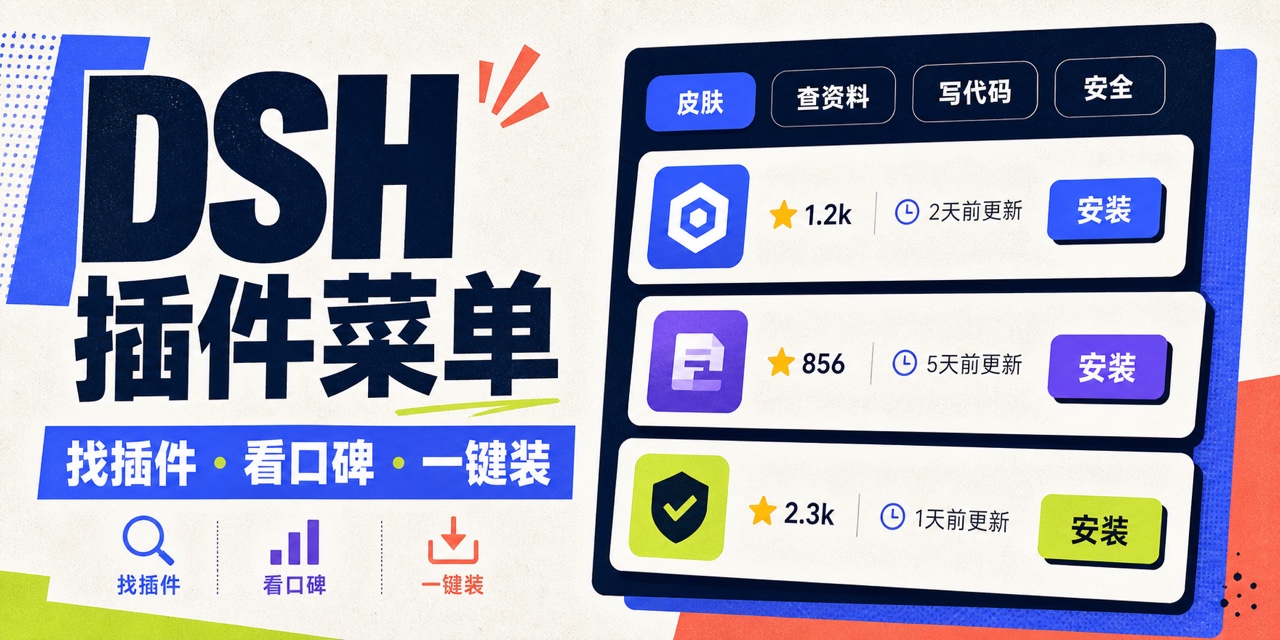
dsh-plain-plugin-menu
Run the following command in DeepSeek Harness:
dsh plugin install 4mForAI/dsh-plain-plugin-menu
Paste the following prompt into your AI chat to install this plugin:
In DeepSeek Harness, install this plugin using the command `dsh plugin install 4mForAI/dsh-plain-plugin-menu`, or visit the source code at https://github.com/4mForAI/dsh-plain-plugin-menu for more details.
About this plugin
Traditional plugin markets often use complex terminology that can deter new users of DeepSeek Harness. This plugin re-categorizes community plugins in plain language—such as "search info," "write code," or "manage files"—making discovery and management intuitive. Integrated into the Web UI's sidebar footer, it offers one-click search, filtering, comparison of public metrics like stars and maintenance time, and direct install/uninstall actions.
Key capabilities include a full online catalog with offline fallback, flexible sorting by stars or recency, and secure installation that calls DSH commands directly while tracking plugin states. The interface supports both Chinese and English, adapting to the system language.
It is ideal for Chinese-speaking users, especially DSH beginners, as well as developers or enthusiasts seeking a streamlined way to manage plugins. Whether you need quick tool installation or want to explore community offerings, this menu delivers an efficient and user-friendly experience.
Screenshots
Use Cases
- Quickly search for and install needed plugins.
- Browse the community plugin catalog and compare public metrics.
- Manage the running status of installed plugins.
Best For
- Chinese users, especially beginners new to DSH.
- Developers seeking simplified plugin management.
- Enthusiasts looking to explore and install community plugins.
Related Plugins
A service-oriented sidebar framework for DSH, offering a full workbench with file explorer, embedded browser, real terminal, Git panel, and extensible plugin services.

A beautiful, practical Claude Code-style TUI plugin with pixel whale top bar, flowing glow title, real-time status line, streaming thought expansion, time rewind, context progress bar and TPS gauge — zero core changes.

The plugin market for DeepSeek Harness: browse/search/one-click install community plugins and themes, with updates, backup/restore, hot disable, diagnostics, and AI fix.

A persistent whale widget on the DSH web UI that shows DeepSeek balance, today's usage, and per-turn cost, with drag-and-snap and sound effects.