DSH-Basic-Right-Sidebar
Run the following command in DeepSeek Harness:
dsh plugin install xinspark/DSH-Basic-Right-Sidebar
Paste the following prompt into your AI chat to install this plugin:
You can install this plugin by running `dsh plugin install xinspark/DSH-Basic-Right-Sidebar`, with the full source address at https://github.com/xinspark/DSH-Basic-Right-Sidebar.
About this plugin
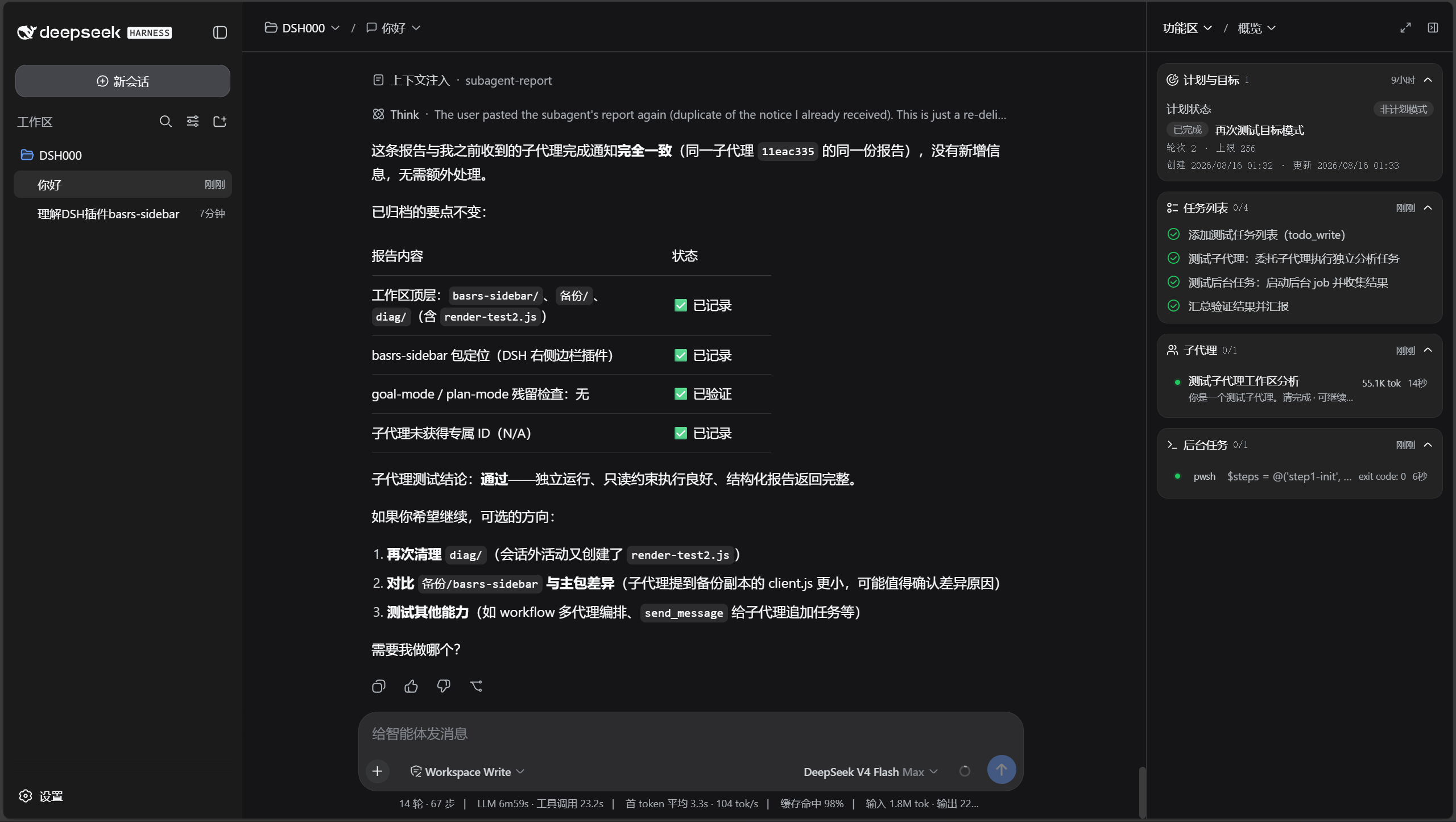
The native left sidebar of DSH is comprehensive, but when collapsed or when you prefer a right-side workflow, switching sessions, workspaces, and panels requires extra clicks, which subtly slows down your pace. The DSH-Basic-Right-Sidebar plugin is designed to solve this efficiency bottleneck by integrating core operations into the right sidebar through pure UI enhancement, allowing you to access all essential features quickly without relying on the left sidebar.
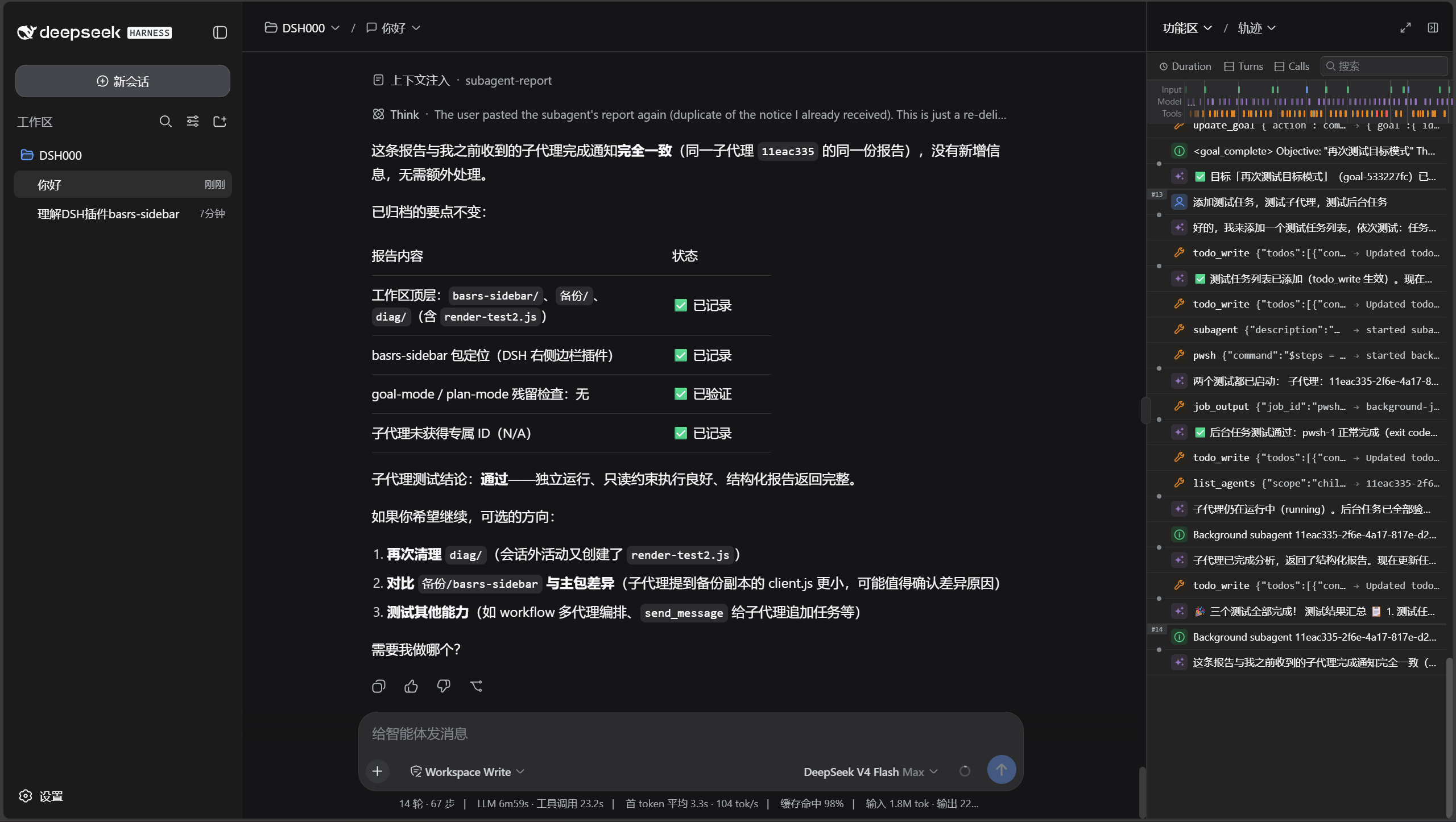
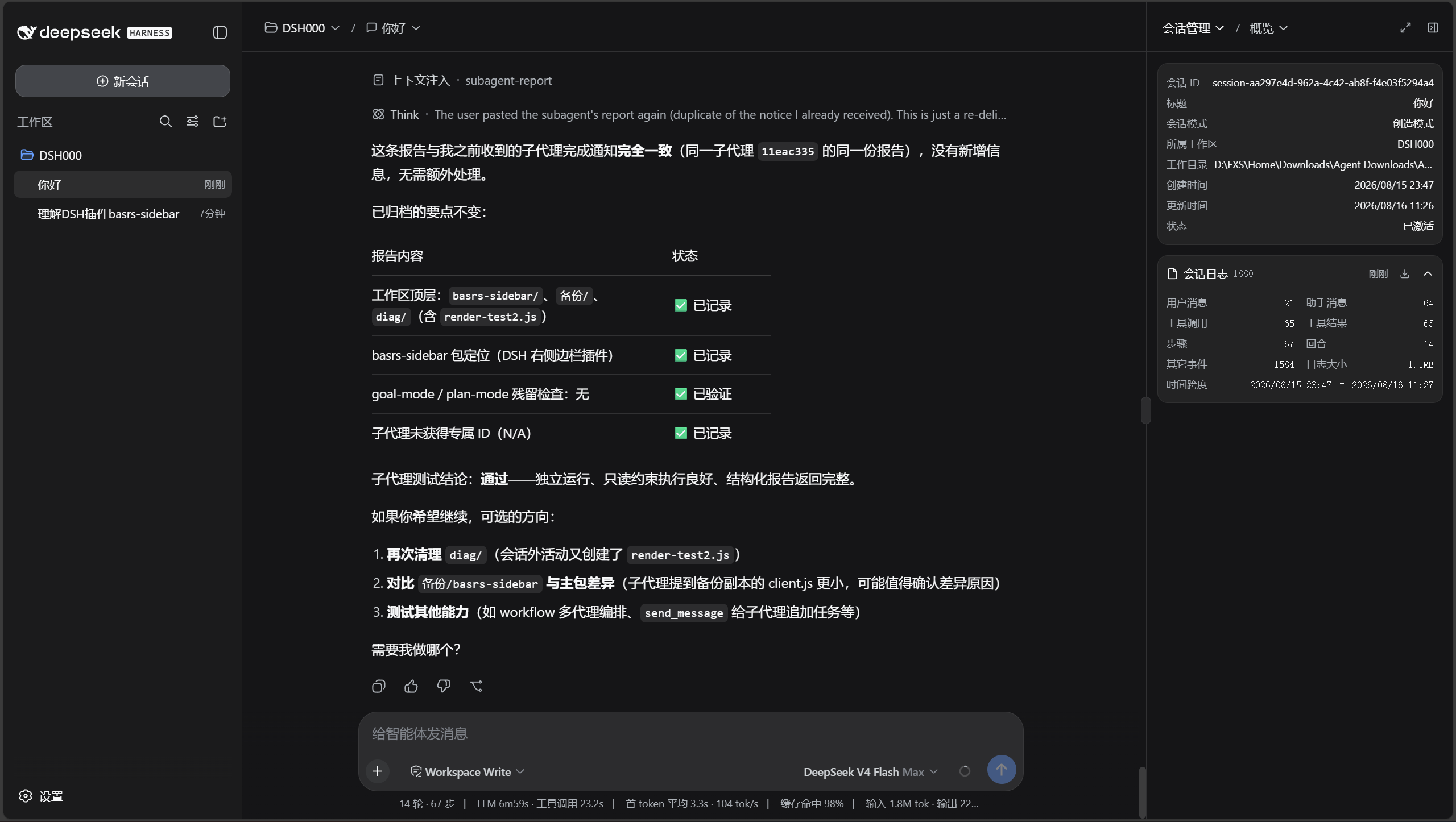
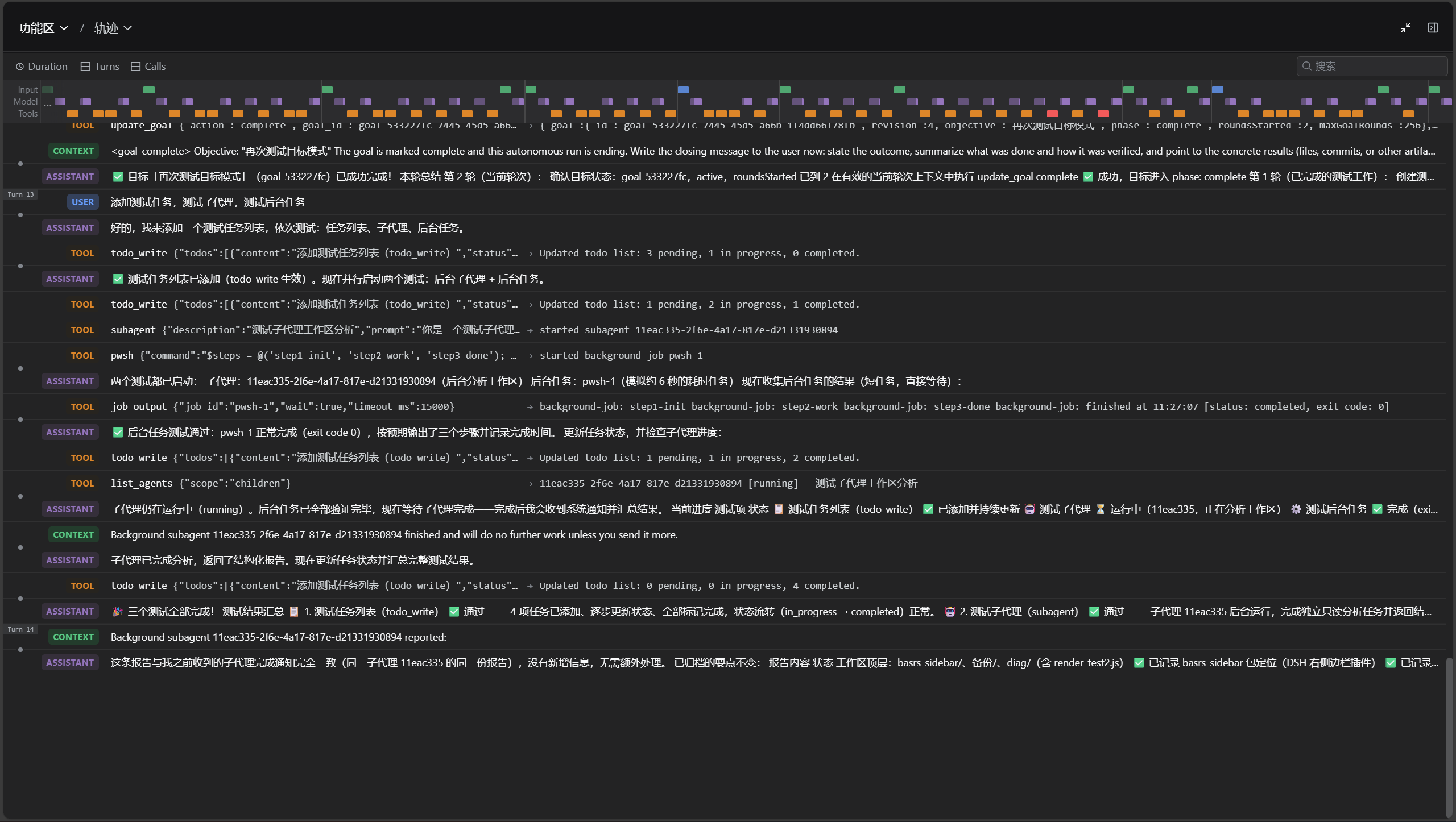
As a base plugin, it brings DSH's native capabilities—such as dual-column navigation, workspace/session breadcrumbs, session overview with log download, and native trace view—into the right sidebar, along with configurable top bar organization to hide redundant elements. All interfaces are accessible with a single click from the sidebar header, without modifying any system source code. Additionally, the plugin includes a built-in icon library and reusable component library, making future extensions straightforward—just write components without fighting the DOM.
This plugin is ideal for users who prefer a right-side workflow and seek efficient operations, as well as developers who need customizable interfaces or second-party development. As a foundation for all feature-enhancing right sidebar plugins, it can seamlessly combine with others to help you build a more intuitive workspace. If you're tired of the hassle of switching between sidebars and want DSH's native capabilities at your fingertips on the right, this plugin is worth a try.
Screenshots
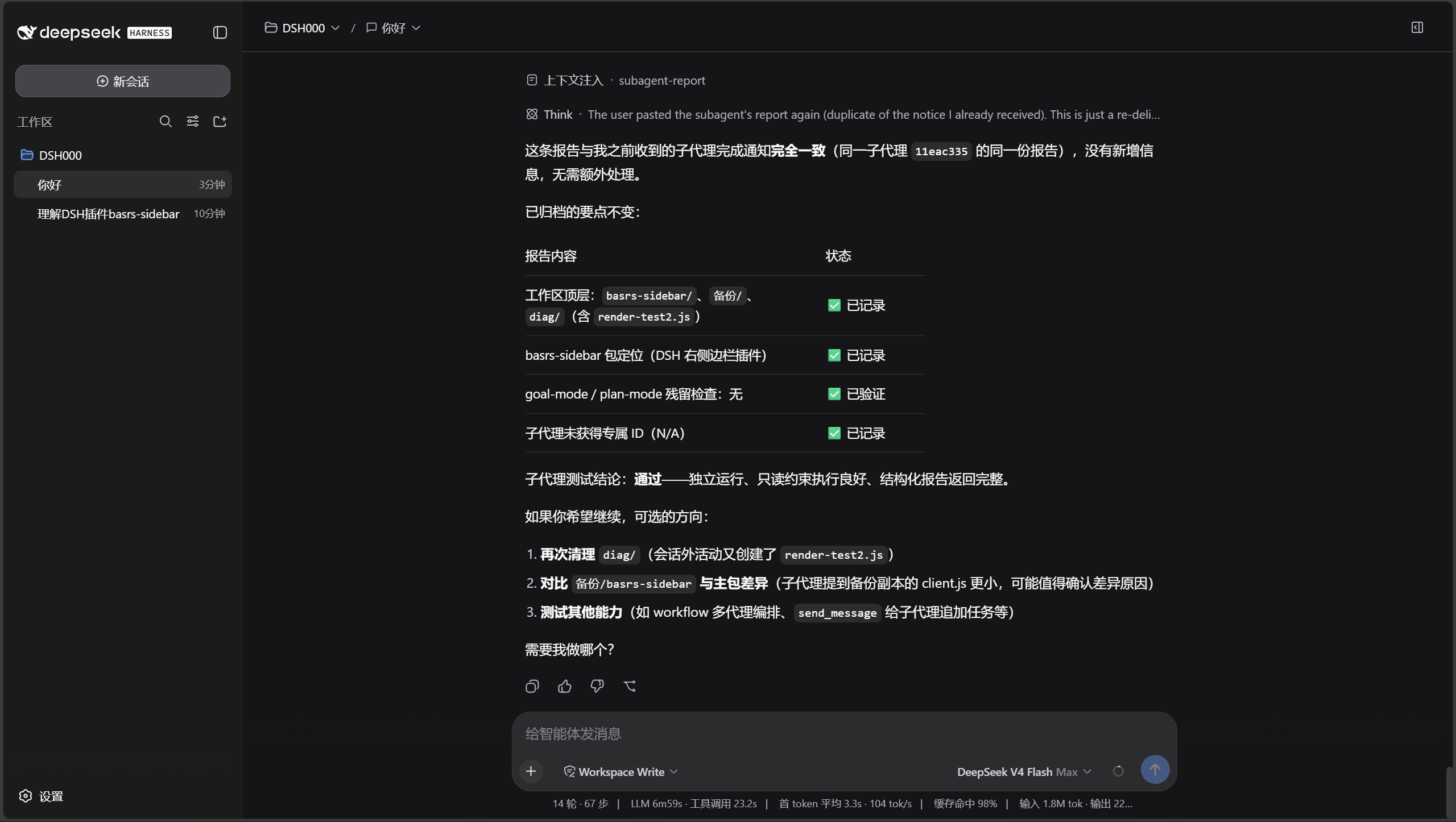
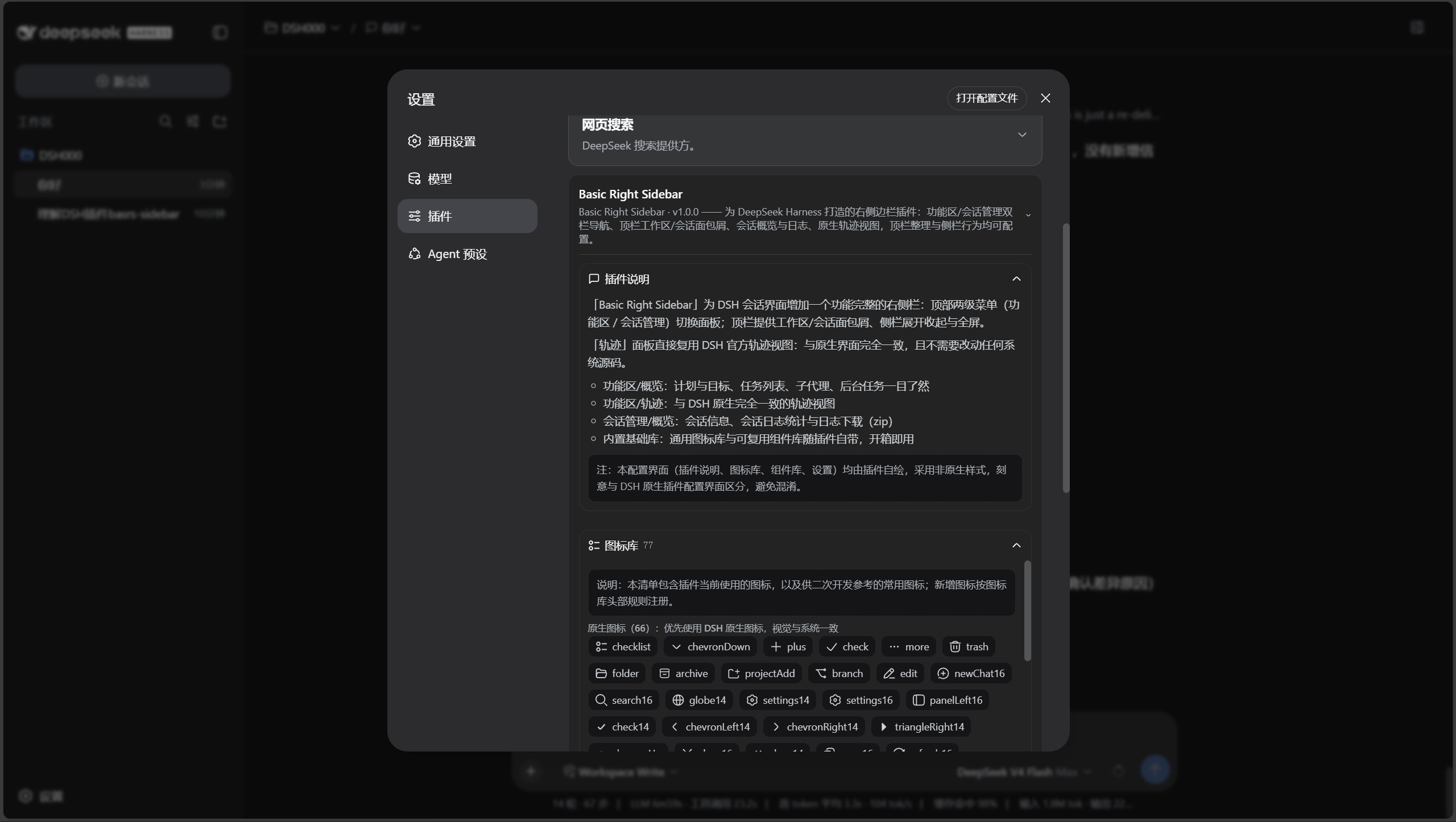
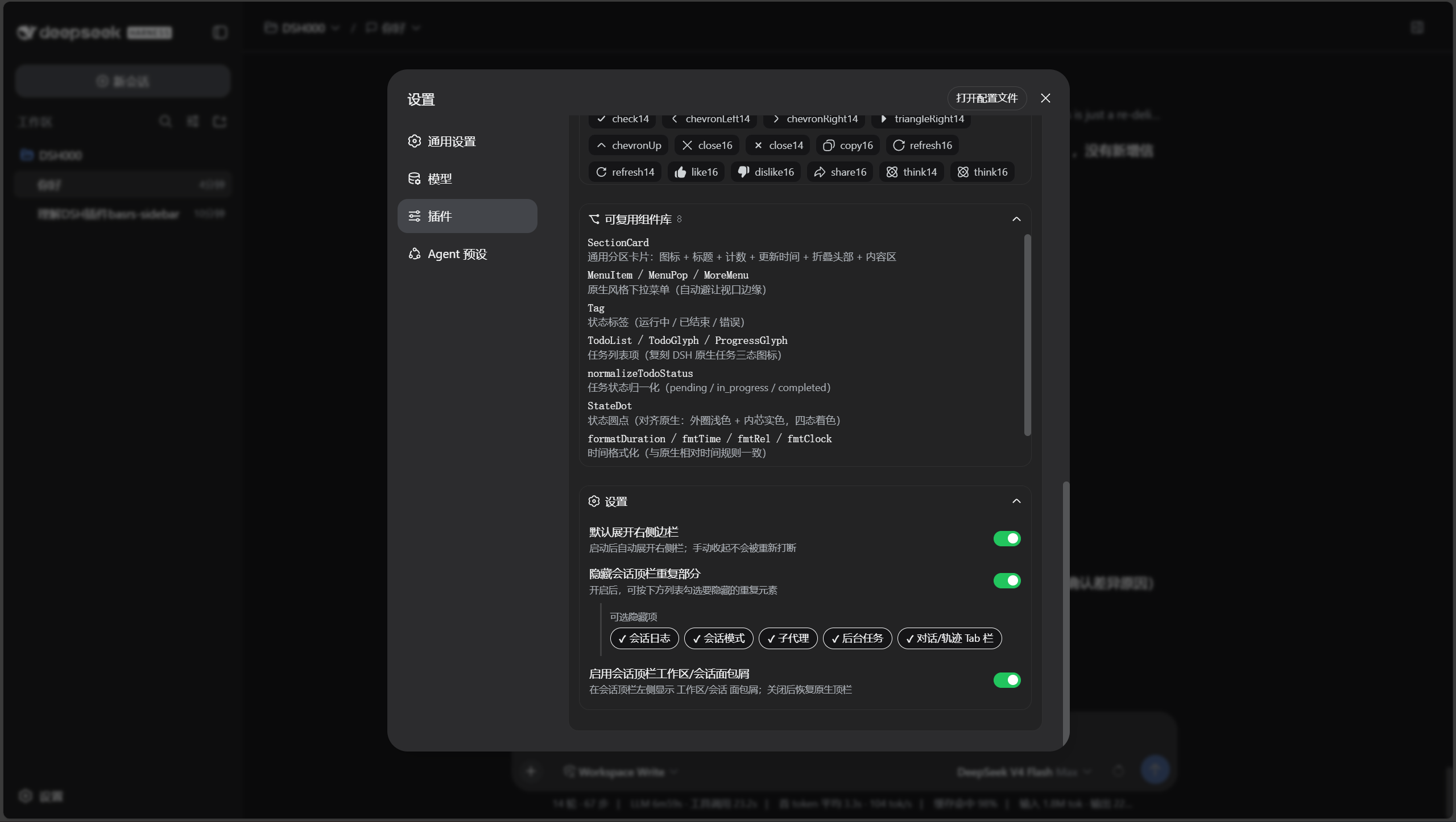
Use Cases
- Quickly switch sessions and panels when the left sidebar is collapsed.
- Efficiently manage workspaces and sessions in a right-side workflow.
- Customize the top bar layout by hiding redundant elements to boost focus.
Best For
- DeepSeek Harness users who prefer a right-side workflow.
- Developers or power users needing efficient session management.
- Plugin developers who want to customize interfaces and extend sidebar functionality.
Related Plugins
A service-oriented sidebar framework for DSH, offering a full workbench with file explorer, embedded browser, real terminal, Git panel, and extensible plugin services.

A beautiful, practical Claude Code-style TUI plugin with pixel whale top bar, flowing glow title, real-time status line, streaming thought expansion, time rewind, context progress bar and TPS gauge — zero core changes.

The plugin market for DeepSeek Harness: browse/search/one-click install community plugins and themes, with updates, backup/restore, hot disable, diagnostics, and AI fix.

A persistent whale widget on the DSH web UI that shows DeepSeek balance, today's usage, and per-turn cost, with drag-and-snap and sound effects.