dsh-chat-timeline
Run the following command in DeepSeek Harness:
dsh plugin install jjxjjjjiik-bot/dsh-chat-timeline
Paste the following prompt into your AI chat to install this plugin:
Install this plugin in DeepSeek Harness from the full source repository at https://github.com/jjxjjjjiik-bot/dsh-chat-timeline.
About this plugin
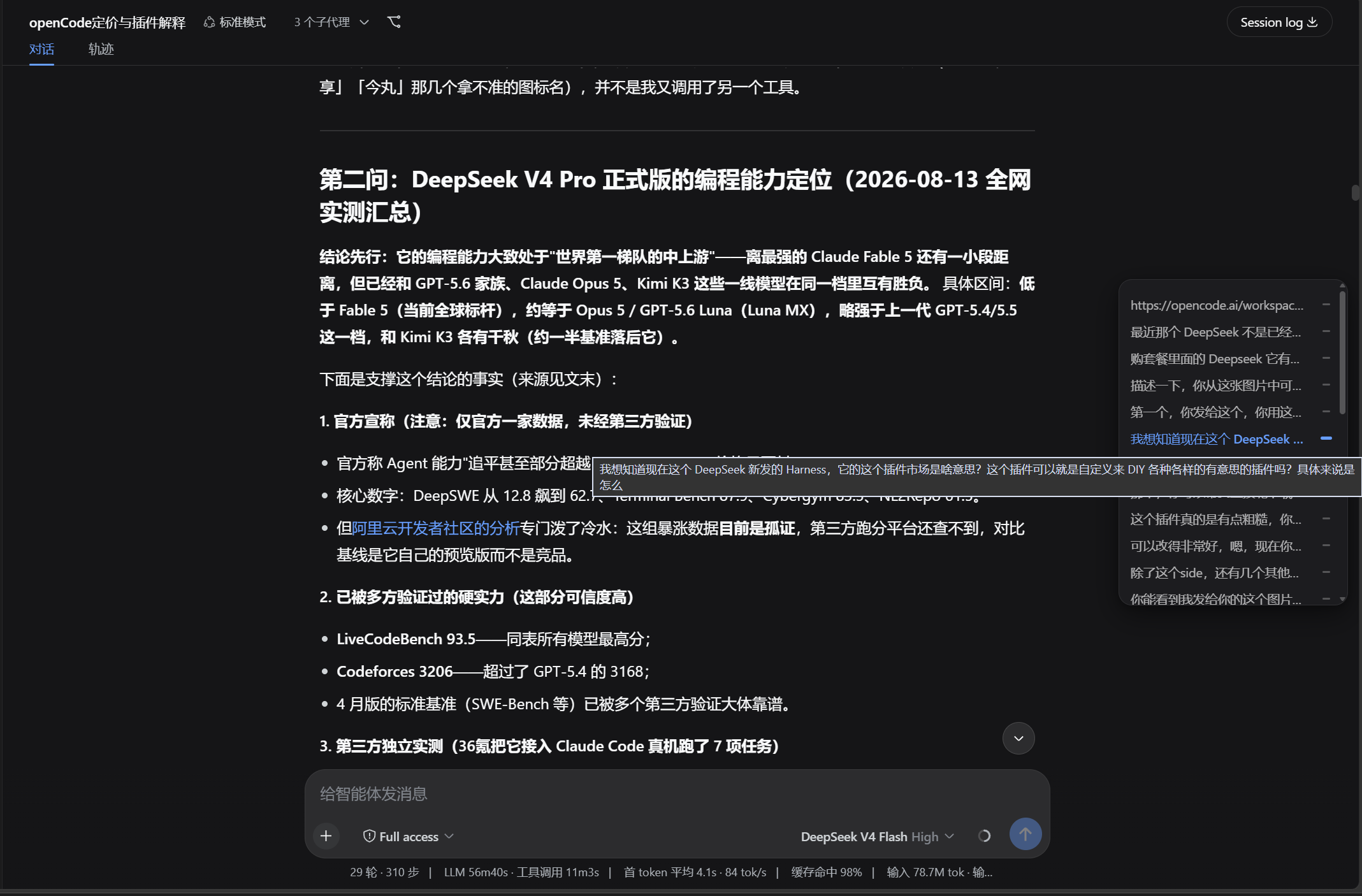
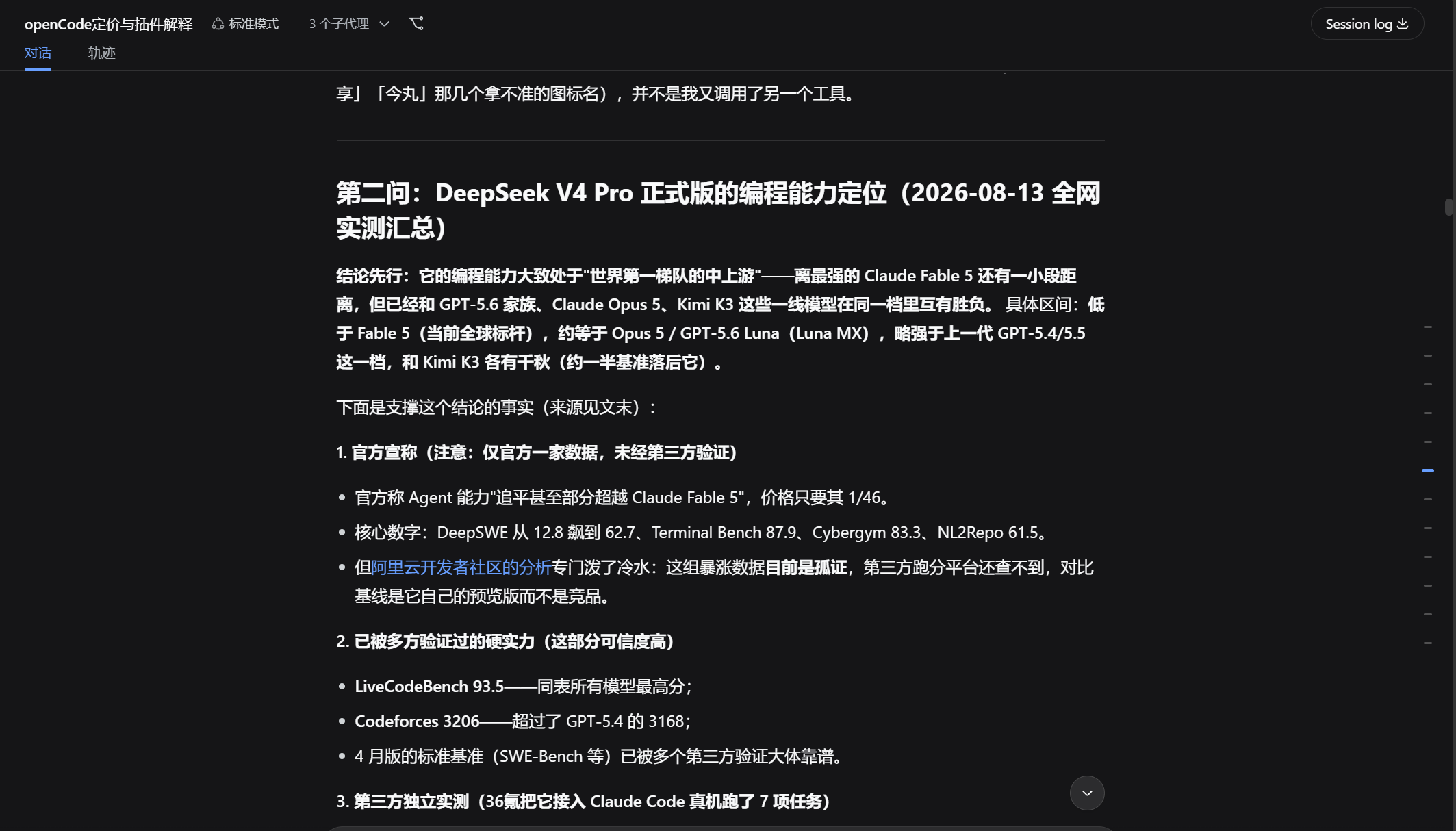
dsh-chat-timeline addresses the difficulty of navigating long conversations. It adds a slim timeline rail to the right side of the DSH Web chat interface, turning each user message into a visual marker so you can jump back to a specific question instead of scrolling through the entire session.
While reproducing the look and feel of the official website's navigation, it also adds bookmarks: you can star important exchanges, see highlighted markers in the collapsed rail, and filter only starred items with one click. Smooth jumping, light and dark theme support, automatic avoidance of right-side workspaces, and narrow-screen hiding keep the experience lightweight and practical.
This plugin is a good fit for users who frequently handle multi-turn discussions, review long sessions, or want a navigation experience closer to the DeepSeek website. It also works with rewind and revoke scenarios, removing affected messages from the timeline so navigation stays aligned with the current conversation.
Screenshots
Use Cases
- Quickly locate a user message in a long conversation
- Filter starred key Q&A nodes
- Keep the timeline synced after rewind or revoke
Best For
- Users who frequently work in DSH Web conversations
- People reviewing long multi-turn sessions
- Users who want a website-like chat timeline
Related Plugins

whale-girl is a desktop pet in the DSH Web GUI (bottom-right for instant companionship) — draggable, feedable, playable; completed tasks, sessions and companionship time accrue into seniority levels, titles, and memories.

Renders your local Wallpaper Engine wallpapers as the DSH web background, supporting video, web, and scene wallpapers with a liquid-glass effect and rich customization.

A WebGPU ocean skin for DeepSeek Harness with five-wave Gerstner waves, translucent theme, day/night cycle, and quick controls, installable as plugin or extension.

A Galgame-style conversation view and visual scene editor for DSH web sessions, with a real-time editing mode.