dsh-skill-manager
Run the following command in DeepSeek Harness:
dsh plugin install AKS1st/dsh-skill-manager
Paste the following prompt into your AI chat to install this plugin:
To install this plugin in DeepSeek Harness, use the command dsh plugin install AKS1st/dsh-skill-manager, or visit the full source address at https://github.com/AKS1st/dsh-skill-manager.
About this plugin
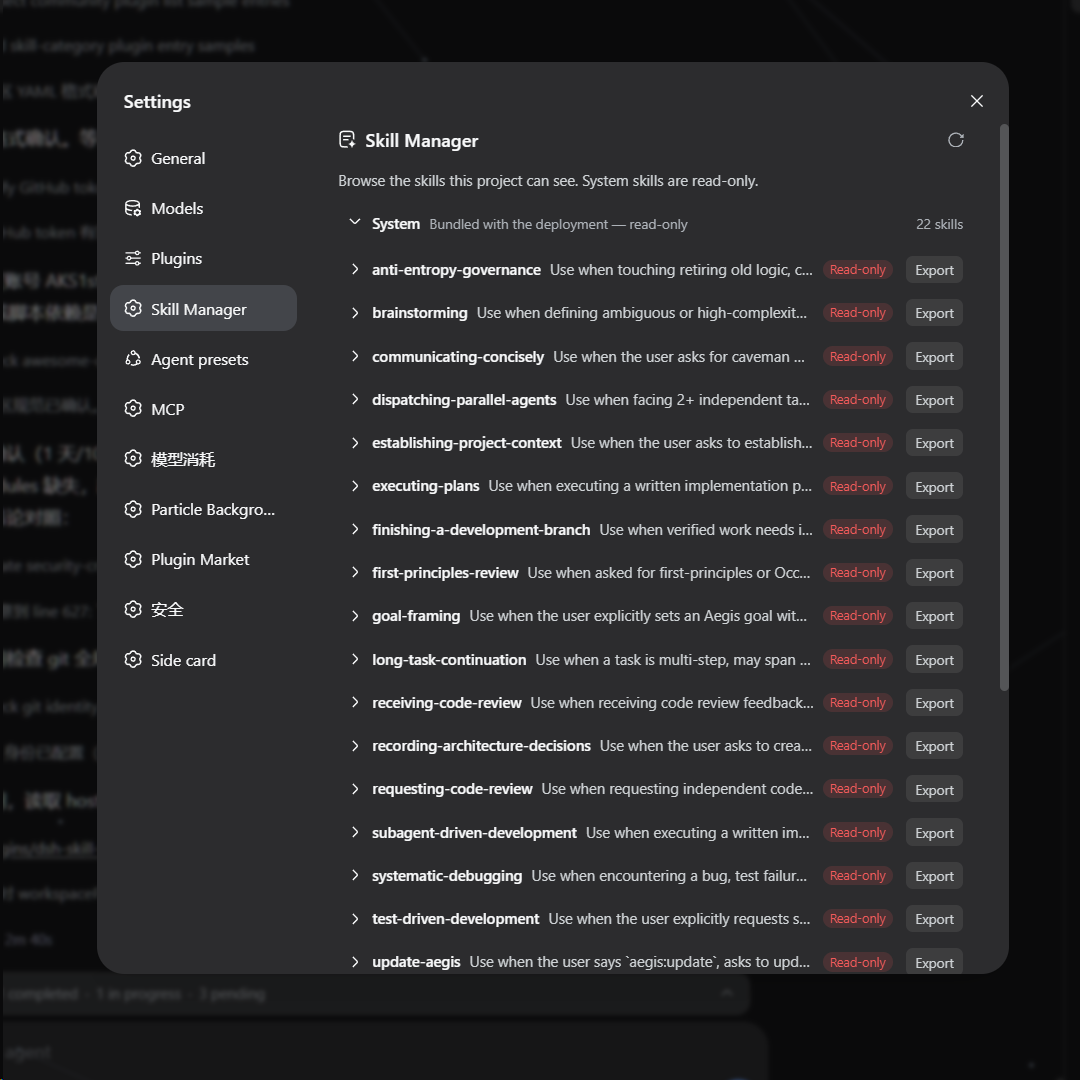
Managing skill files in DSH often involves manual filesystem operations, which can be tedious and error-prone. The dsh-skill-manager plugin transforms this workflow by integrating a clean graphical interface directly into the settings panel. Users can browse and manipulate all skill files safely without ever leaving the browser or entering a command.
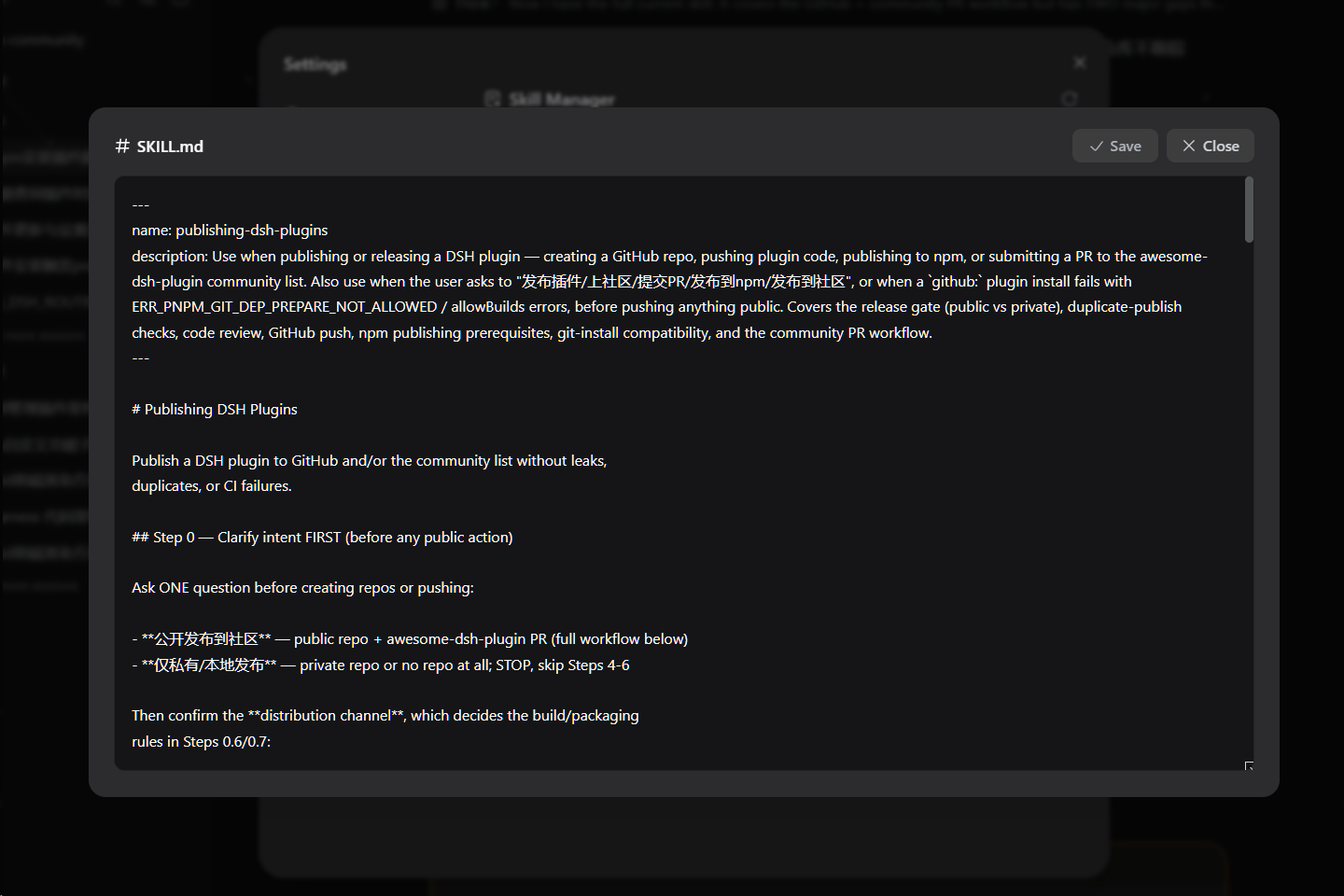
At its core, the plugin offers intuitive hierarchical organization and comprehensive file operations. Skills are automatically grouped into system, user, workspace, and preset tiers for clear visibility. You can expand any skill to view its file tree and click to edit file contents online. For writable skills (user and workspace tiers), full import (via zip upload), export, and delete functions are available, with delete requiring a two-step confirmation for safety. All styling leverages DSH's native theme tokens, ensuring seamless support for both light and dark modes.
This plugin is ideal for any DSH user looking to streamline skill management. It's perfect for casual users who want to quickly deploy and tweak skills, as well as advanced users who need to sync and manage skill collections across different workspaces. It turns what once required system knowledge and command-line skills into a simple, intuitive process akin to using a regular file manager.
Screenshots

Use Cases
- When needing to visually browse and edit skill file contents
- When importing or exporting skill packages for backup, migration, or sharing
- When managing skill sets uniformly across different workspaces
Best For
- DSH end-users who need to manage skills efficiently
- Skill developers responsible for developing, debugging, and distributing skills
- System administrators or team collaborators who need to batch operate and sync skills
Related Plugins
A service-oriented sidebar framework for DSH, offering a full workbench with file explorer, embedded browser, real terminal, Git panel, and extensible plugin services.

A beautiful, practical Claude Code-style TUI plugin with pixel whale top bar, flowing glow title, real-time status line, streaming thought expansion, time rewind, context progress bar and TPS gauge — zero core changes.

The plugin market for DeepSeek Harness: browse/search/one-click install community plugins and themes, with updates, backup/restore, hot disable, diagnostics, and AI fix.

A persistent whale widget on the DSH web UI that shows DeepSeek balance, today's usage, and per-turn cost, with drag-and-snap and sound effects.